How to See a Maven Project's Dependency Tree

A Maven project uses more libraries than its pom.xml lists, because each dependency brings in its own. mvn dependency:tree prints all of them as a tree, so you can see where each one comes from and which version Maven picked.
Syntax
mvn [-ntp] dependency:tree
| Part | What it does |
|---|---|
mvn | Runs Maven in the folder you're in, which needs a pom.xml. |
-ntp | Optional, short for --no-transfer-progress. Hides the lines Maven prints for every file it downloads. |
dependency:tree | Runs the tree goal of the Maven Dependency Plugin, which prints the project's dependencies and theirs. |
The Example
The example project depends on one library, Apache Commons Text 1.15.0, which has text utilities. The tree shows the second library that Commons Text brings with it.
Prerequisites
- A Java 25 JDK and Maven. This guide uses Maven 3.10.2.
Step 1: Write the Project
mkdir text-demo
cd text-demo
Create pom.xml with one dependency. How to Create a Maven Project with a pom.xml explains the rest of the file:
<?xml version="1.0" encoding="UTF-8"?>
<project xmlns="http://maven.apache.org/POM/4.0.0"
         xmlns:xsi="http://www.w3.org/2001/XMLSchema-instance"
         xsi:schemaLocation="http://maven.apache.org/POM/4.0.0 https://maven.apache.org/xsd/maven-4.0.0.xsd">
  <modelVersion>4.0.0</modelVersion>

  <groupId>com.example</groupId>
  <artifactId>text-demo</artifactId>
  <version>1.0.0</version>

  <properties>
    <maven.compiler.release>25</maven.compiler.release>
    <project.build.sourceEncoding>UTF-8</project.build.sourceEncoding>
  </properties>

  <dependencies>
    <dependency>
      <groupId>org.apache.commons</groupId>
      <artifactId>commons-text</artifactId>
      <version>1.15.0</version>
    </dependency>
  </dependencies>
</project>
Step 2: Print the Tree
mvn -ntp dependency:tree
[INFO] Scanning for projects...
[INFO] Loaded 24639 auto-discovered prefixes for remote repository central (prefixes-central.txt)
[INFO]
[INFO] -----------------------< com.example:text-demo >------------------------
[INFO] Building text-demo 1.0.0
[INFO]   from pom.xml
[INFO] --------------------------------[ jar ]---------------------------------
[INFO]
[INFO] --- dependency:3.11.0:tree (default-cli) @ text-demo ---
[INFO] com.example:text-demo:jar:1.0.0
[INFO] \- org.apache.commons:commons-text:jar:1.15.0:compile
[INFO]    \- org.apache.commons:commons-lang3:jar:3.20.0:compile
[INFO] ------------------------------------------------------------------------
[INFO] BUILD SUCCESS
[INFO] ------------------------------------------------------------------------
[INFO] Total time:  10.007 s
[INFO] Finished at: 2026-11-26T04:48:23Z
[INFO] ------------------------------------------------------------------------
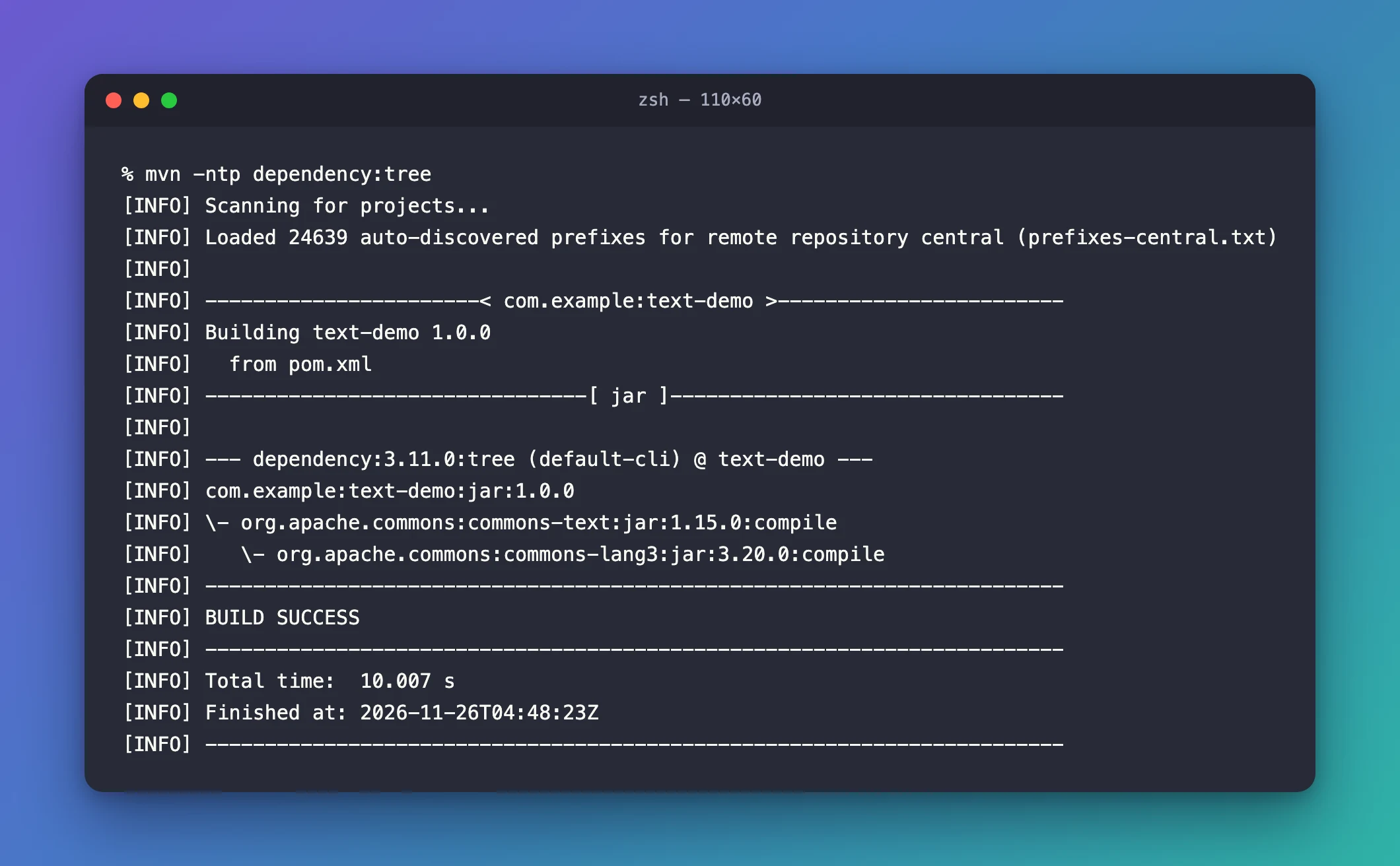
The command is the same in zsh, bash and PowerShell. The first run took ten seconds because Maven downloaded the plugin and the libraries. Without -ntp, the same first run printed a Downloading from central line for each file, 252 of them.
How to Read the Tree
The lines between dependency:3.11.0:tree and BUILD SUCCESS are the tree:
com.example:text-demo:jar:1.0.0
\- org.apache.commons:commons-text:jar:1.15.0:compile
   \- org.apache.commons:commons-lang3:jar:3.20.0:compile
- The first line is your project.
- Each indented line is a library that the line above it depends on.
+-starts a line that has more lines after it at the same level, and\-starts the last one. - Each line reads
groupId:artifactId:type:version:scope.commons-lang3:jar:3.20.0:compileis Commons Lang 3.20.0, packaged as ajarand needed from compile time on.
So the project asked for Commons Text, and Commons Text brought Commons Lang 3.20.0 with it. A library that arrives this way is a transitive dependency: you never listed it, but your program ships with it.
Common Mistakes
| Mistake | What happens | Do this instead |
|---|---|---|
Reading only pom.xml to see what the project uses | You miss every transitive dependency | Run mvn dependency:tree |
Assuming the version you see in a library's own pom.xml is the one you get | Maven may pick another one when several libraries ask for it | Check the version the tree shows |
Troubleshooting
| Symptom | Likely cause | Fix |
|---|---|---|
there is no POM in this directory | You're not in the project's folder | cd into the folder with pom.xml |
Hundreds of Downloading from central lines | -ntp was left out | Add -ntp |
FAQ
How do I use a newer version of a transitive dependency?
Tell Maven which version to use in a dependencyManagement section. How to Override a Transitive Dependency Version in Maven does it for the Commons Lang in this example.
Does dependency:tree change anything?
No. It only reads the project and prints the tree. It downloads what it needs to work the tree out, into the .m2 folder in your home folder.
Conclusion
mvn -ntp dependency:tree prints every library a project uses, the ones you listed and the ones they bring in, with the version and scope Maven chose for each. It's the first thing to run when you need to know where a library comes from.
Additional Resources
- dependency:tree, the goal and its options.
- Introduction to the dependency mechanism, on transitive dependencies and how Maven picks versions.
