How to Save and Load a scikit-learn Model with skops

A trained model lives in memory. To use it tomorrow, or on another computer, you save it to a file. Python's usual way, pickle, can run code hidden in the file while loading it. skops saves scikit-learn models in its own format and only builds objects it trusts when it loads them. This guide saves a model and loads it back, with real output from skops 0.16.0 and scikit-learn 1.9.1.
Syntax
import skops.io as sio

sio.dump(model, path)
model = sio.load(path, trusted=None)
| Part | What it means |
|---|---|
model | The trained scikit-learn model to save |
path | The file to write or read. .skops is the usual ending |
trusted | Extra types to trust when loading, besides the ones skops trusts by default. None trusts only those |
Prerequisites
- skops in your project:
uv add skops. It works alongside scikit-learn.
Step 1: Save a Model and Load It Back
The example trains a logistic regression on scikit-learn's iris flowers, saves it to iris.skops, loads it back and predicts with the loaded copy:
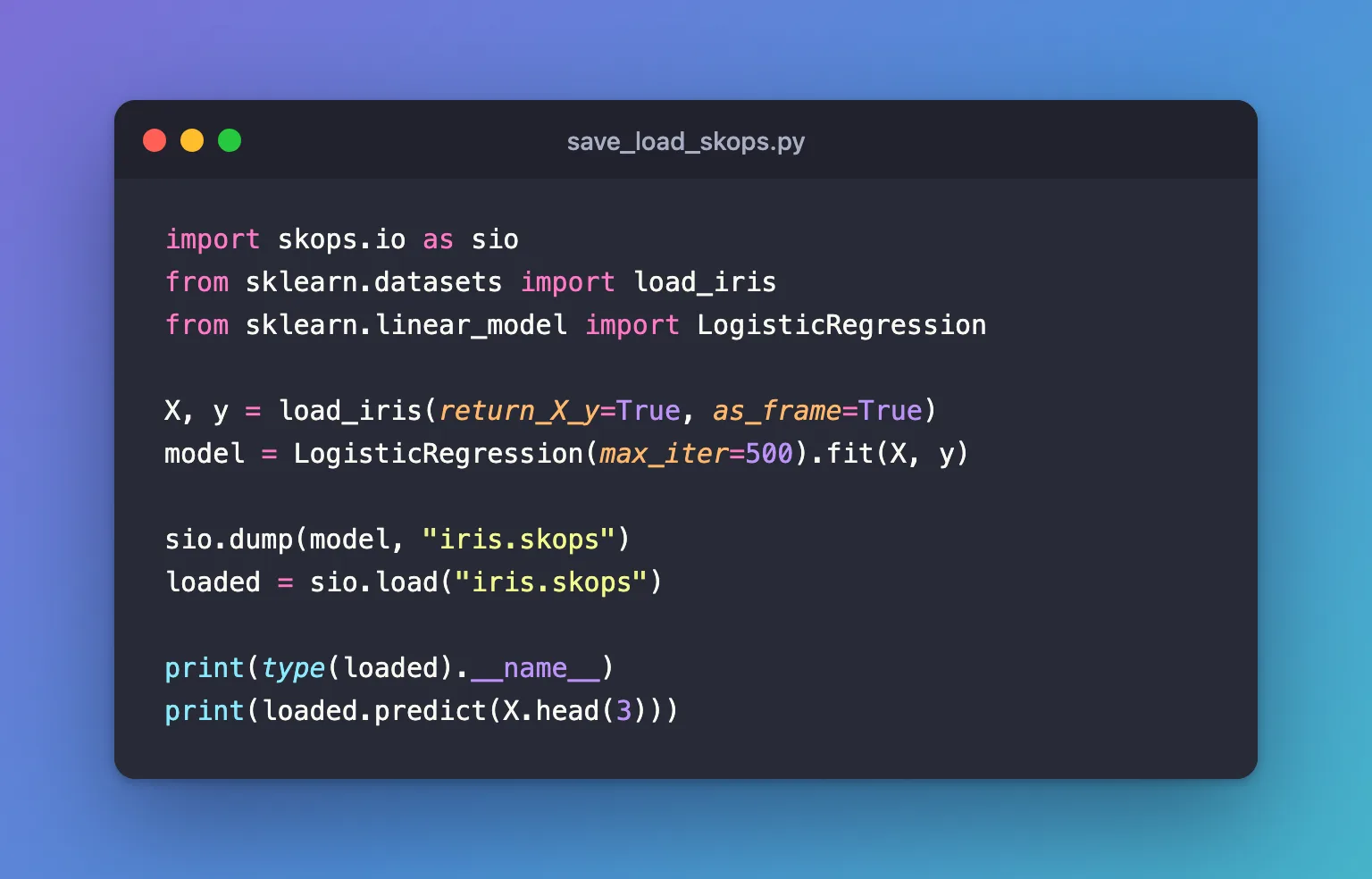
import skops.io as sio
from sklearn.datasets import load_iris
from sklearn.linear_model import LogisticRegression

X, y = load_iris(return_X_y=True, as_frame=True)
model = LogisticRegression(max_iter=500).fit(X, y)

sio.dump(model, "iris.skops")
loaded = sio.load("iris.skops")

print(type(loaded).__name__)
print(loaded.predict(X.head(3)))
uv run python save_load_skops.py
LogisticRegression
[0 0 0]
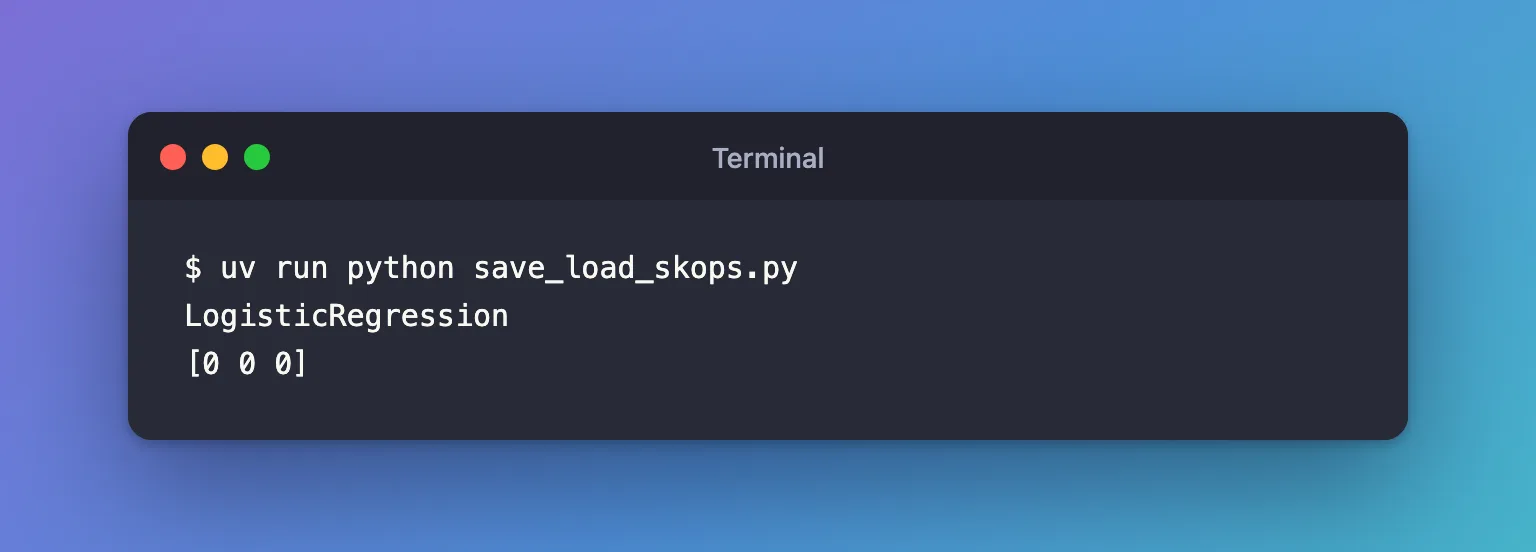
The loaded object is a LogisticRegression again, and it predicts. No trusted list was needed: every part of a logistic regression is a type skops trusts by default.
Step 2: Know What skops Checks
skops's guide describes what load does differently from pickle: it will "traverse the input, check for known and unknown types, and will only construct those objects if they are trusted, either by default or by the user". When a file holds a type it doesn't trust, load stops with UntrustedTypesFoundException instead of building it. Some scikit-learn models contain such a type: How to Find the Untrusted Types in a scikit-learn Model with skops shows one and how to decide about it.
Common Mistakes
| Mistake | What happens | Do this instead |
|---|---|---|
| Loading a pickle or joblib file someone sent you | Loading can run any code in the file | Ask for a skops file, and load only files from sources you trust |
Passing every type skops reports as trusted | The check no longer protects you | Review each type, then list only those you trust |
Troubleshooting
| Symptom | Likely cause | Fix |
|---|---|---|
skops.io.exceptions.UntrustedTypesFoundException: Untrusted types found in the file: [...] | The model holds a type skops doesn't trust by default | Find and review the untrusted types |
ModuleNotFoundError: No module named 'skops' | skops isn't installed | uv add skops |
FAQ
Is a skops file safe to load from anyone?
Safer than pickle, not blind trust: skops's own guide says "you should only load skops files from sources you trust", and to review the types it reports before loading.
Can I load the model without skops?
No. The file is in skops's format, so loading it needs skops.io.load, and scikit-learn installed.
Conclusion
sio.dump(model, "iris.skops") saved the logistic regression and sio.load("iris.skops") brought it back, predicting as before. skops checked every type on the way in, and all of them were trusted by default.
Additional Resources
- Secure persistence with skops — skops's guide to
dump,loadand trusted types. - Model persistence — scikit-learn's comparison of pickle, cloudpickle and skops.
