How to Save a pandas DataFrame to a Parquet File

Parquet is a file format for tables that stores each column's type with the data and compresses it well, which makes it a common choice for data that other tools read. pandas writes it with to_parquet. This guide saves a small table and reads it back, with real output from pandas 3.1.1 and pyarrow 26.0.1.
Syntax
<dataframe>.to_parquet("<file>.parquet")
<dataframe> = pd.read_parquet("<file>.parquet")
| Part | What it means |
|---|---|
to_parquet("<file>.parquet") | Writes the DataFrame, with its column types, to the file |
pd.read_parquet(...) | Reads it back into a DataFrame |
The pandas reference: "Write a DataFrame to the binary parquet format. This function writes the dataframe as a parquet file."
Prerequisites
- pandas and pyarrow in your project, for example with
uv add pandas pyarrow. pandas needs pyarrow (or fastparquet) to write Parquet. This guide uses pandas 3.1.1 and pyarrow 26.0.1 on Python 3.15.2.
Step 1: Write the Script
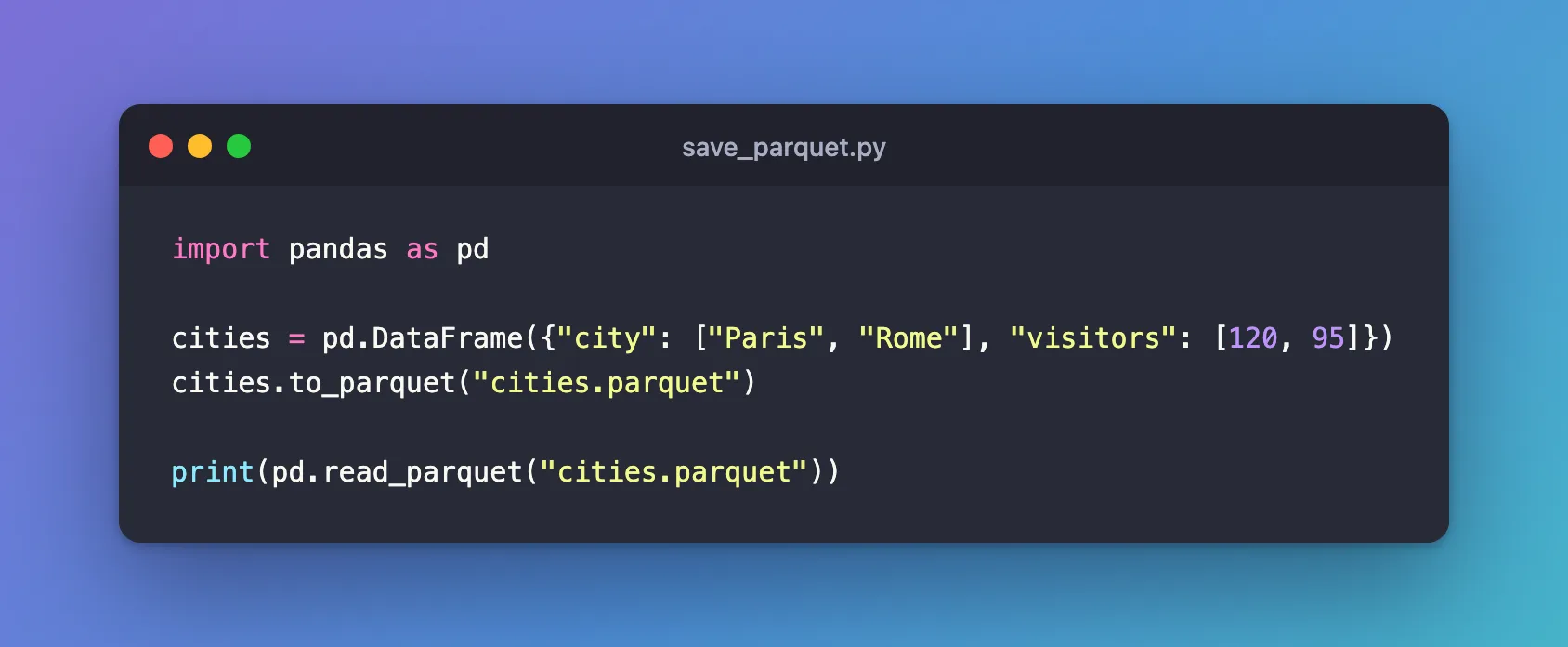
import pandas as pd

cities = pd.DataFrame({"city": ["Paris", "Rome"], "visitors": [120, 95]})
cities.to_parquet("cities.parquet")

print(pd.read_parquet("cities.parquet"))
Step 2: Run It
uv run python save_parquet.py
    city  visitors
0  Paris       120
1   Rome        95
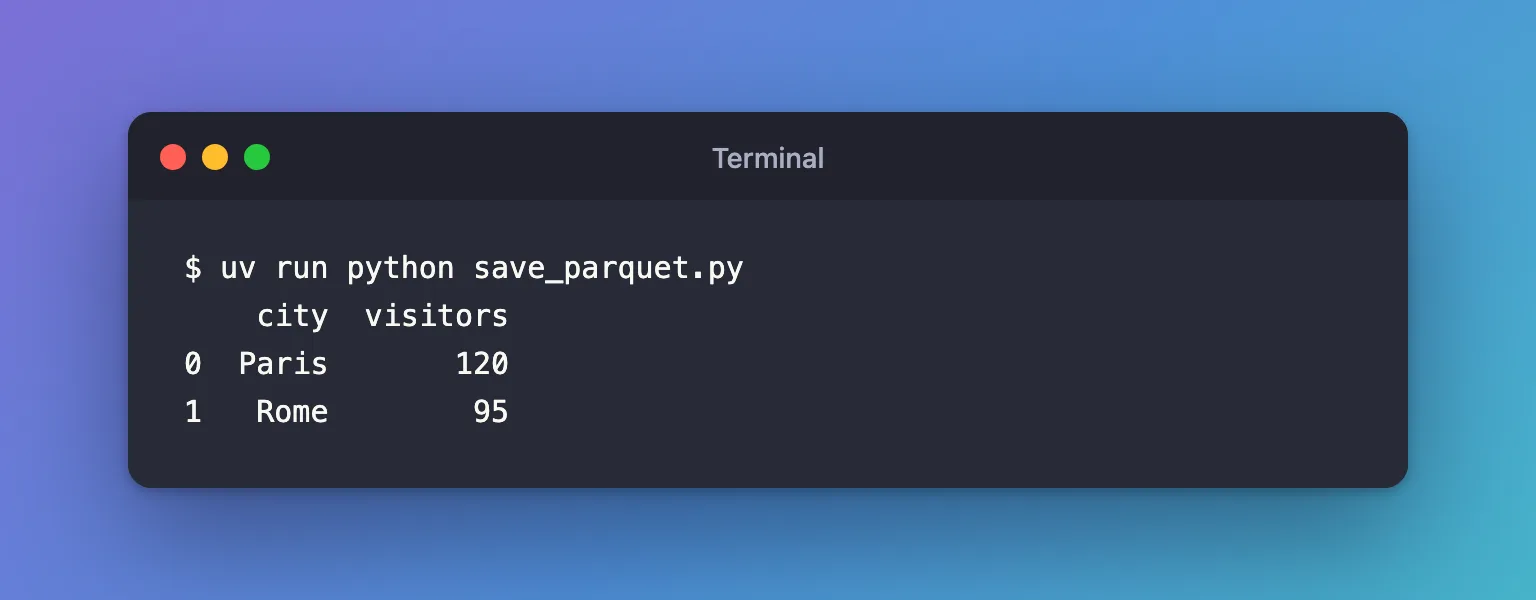
The script wrote cities.parquet next to itself, and the table came back from it unchanged.
Common Mistakes
| Mistake | What happens | Do this instead |
|---|---|---|
| No pyarrow in the project | ImportError: Unable to find a usable engine; tried using: 'pyarrow', 'fastparquet'. | uv add pyarrow |
| Using CSV where the types matter | A CSV keeps only text: read back, it also gained an Unnamed: 0 column from the saved index | Parquet kept city as str and visitors as int64, with no extra column |
Troubleshooting
| Symptom | Likely cause | Fix |
|---|---|---|
ImportError: Unable to find a usable engine | Neither pyarrow nor fastparquet is installed | Add pyarrow to the project |
FAQ
Can I open a Parquet file in a text editor?
No. It's a binary format; read it with pandas, or with another tool that supports Parquet.
Does to_parquet save the index?
By default, yes, compactly. The reference, for the default index=None: "the RangeIndex will be stored as a range in the metadata so it doesn't require much space and is faster." That's why read_parquet gave back the same table without an extra column.
Conclusion
cities.to_parquet("cities.parquet") saved the table and pd.read_parquet read it back with its types, as long as pyarrow is in the project.
Additional Resources
- DataFrame.to_parquet — the engines and options.
- pandas.read_parquet — reading Parquet back.
