How to Run Several Commands on One Line in bash and zsh

You don't have to press Enter after every command. Separating commands with ; runs them one after another on a single line. When a command should run only if the one before it worked, use && instead. This guide shows both, with real output from zsh 5.9 and bash 3.2.
Syntax
<command1>; <command2>; <command3>
<command1> && <command2>
| Part | What it means |
|---|---|
; | Runs the next command once the one before it has finished, whether it worked or not |
&& | Runs the next command only if the one before it worked |
The bash manual: "Commands separated by a ‘;’ are executed sequentially; the shell waits for each command to terminate in turn." And for &&: "command2 is executed if, and only if, command1 returns an exit status of zero (success)."
Prerequisites
- zsh or bash. This guide uses zsh 5.9, the default shell on macOS, and checks every command in bash 3.2 too.
Step 1: Create a Folder and Move into It
mkdir reports; cd reports; pwd
/Users/you/source/demo/reports

mkdir created the folder, cd moved into it, and pwd printed where you are now: three commands, one Enter.
Step 2: See What ; Does When a Command Fails
There's no folder named missing:
cd missing; echo "This still runs"
cd: no such file or directory: missing
This still runs
cd failed, and echo ran anyway: ; doesn't check.
Step 3: Stop on a Failure with &&
cd missing && echo "This runs only if cd worked"
cd: no such file or directory: missing
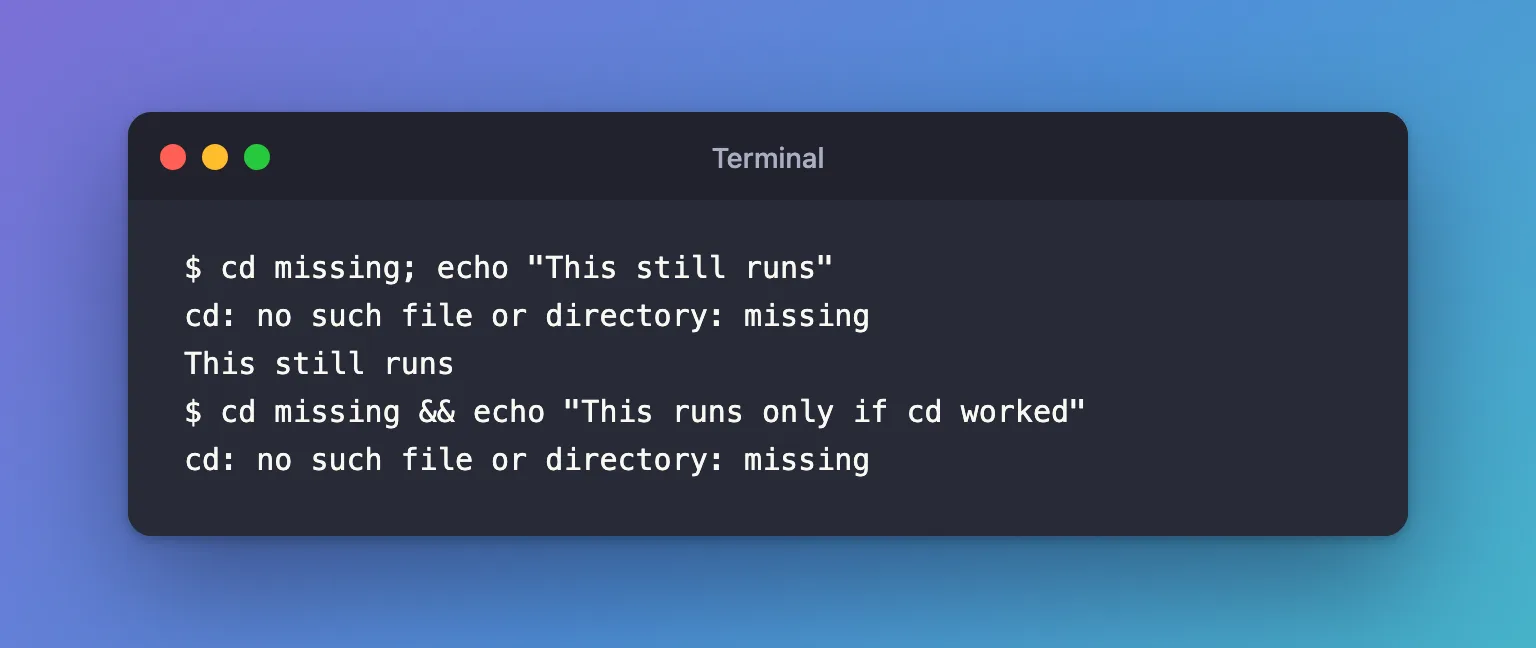
This time cd failed and echo didn't run.
Common Mistakes
| Mistake | What happens | Do this instead |
|---|---|---|
Using ; when the next command depends on the one before | It runs even after a failure, as echo did in Step 2 | Use && |
Troubleshooting
| Symptom | Likely cause | Fix |
|---|---|---|
| A command ran although the one before it failed | The commands were separated with ; | Separate them with && |
FAQ
Can a command run only when the one before it fails?
Yes, with ||. cd missing || echo "cd failed" printed the cd error and then cd failed. The bash manual: "command2 is executed if, and only if, command1 returns a non-zero exit status."
Is bash any different?
Only in its messages: bash printed bash: cd: missing: No such file or directory. ;, && and || behave the same.
Conclusion
mkdir reports; cd reports; pwd ran three commands from one line. Use ; when each command should run no matter what, and && when it should run only if the one before it worked.
Additional Resources
- Lists of Commands —
;,&&,||and&in the bash manual. - zsh: Shell Grammar — lists and sublists in zsh.
