How to Run Raw SQL in EF Core: FromSql, SqlQuery and ExecuteSql

LINQ covers most queries, and now and then you need SQL of your own: FOR UPDATE, SELECT VERSION(), or a query LINQ makes awkward. EF Core has three methods for that, and which one you use depends on what you want back.
Prerequisites
- A .NET C# project using EF Core. I used EF Core 10.0.14 and MySQL 9.7.4.
Step 1: Choose the Method
| Method | Returns | Use it for |
|---|---|---|
db.Products.FromSql(...) | Entities of that type | SQL that selects a table's columns |
db.Database.SqlQuery<T>(...) | Values, or a class of your own | Anything else that selects |
db.Database.ExecuteSqlAsync(...) | A row count | UPDATE, DELETE, INSERT |
Step 2: Get Entities with FromSql
g.MapGet("/raw/fromsql", async (int categoryId, InventoryDbContext db, CancellationToken cancellationToken) =>
{
    var products = await db.Products
        .FromSql($"SELECT * FROM products WHERE CategoryId = {categoryId}")
        .Where(p => !p.IsArchived)
        .OrderBy(p => p.Sku)
        .Select(p => p.Sku)
        .ToListAsync(cancellationToken);

    return Results.Ok(products);
});
[
  "CBL-HDMI-2M",
  "CBL-LTNG-1M",
  "CBL-USBC-1M",
  "CBL-USBC-2M"
]
LINQ after FromSql composes around your SQL, as MySQL's log shows:
+----------------------------------------------------------------------------------------------------------------------------------+
| statement                                                                                                                        |
+----------------------------------------------------------------------------------------------------------------------------------+
| SELECT `d`.`Sku` FROM (     SELECT * FROM products WHERE CategoryId = 1 ) AS `d` WHERE NOT (`d`.`IsArchived`) ORDER BY `d`.`Sku` |
+----------------------------------------------------------------------------------------------------------------------------------+
Step 3: Get Values with SqlQuery
For a single column, name it Value:
g.MapGet("/raw/sqlquery", async (InventoryDbContext db, CancellationToken cancellationToken) =>
{
    var version = await db.Database
        .SqlQuery<string>($"SELECT VERSION() AS Value")
        .FirstAsync(cancellationToken);

    var connectionId = await db.Database
        .SqlQuery<ulong>($"SELECT CONNECTION_ID() AS Value")
        .FirstAsync(cancellationToken);

    return Results.Ok(new { version, connectionId });
});
{
  "version": "9.7.4",
  "connectionId": 117
}
For several columns, use a class of your own, with properties named after the columns:
g.MapGet("/raw/sqlquery-dto", async (InventoryDbContext db, CancellationToken cancellationToken) =>
{
    var rows = await db.Database
        .SqlQuery<CategoryCount>($"SELECT c.Name, COUNT(p.Id) AS Products FROM categories c LEFT JOIN products p ON p.CategoryId = c.Id GROUP BY c.Name ORDER BY c.Name")
        .ToListAsync(cancellationToken);

    return Results.Ok(rows);
});
[
  {
    "name": "Adapters",
    "products": 2
  },
  {
    "name": "Cables",
    "products": 4
  },
  {
    "name": "Chargers",
    "products": 2
  },
  {
    "name": "Docks",
    "products": 13
  }
]
Step 4: Change Data with ExecuteSqlAsync
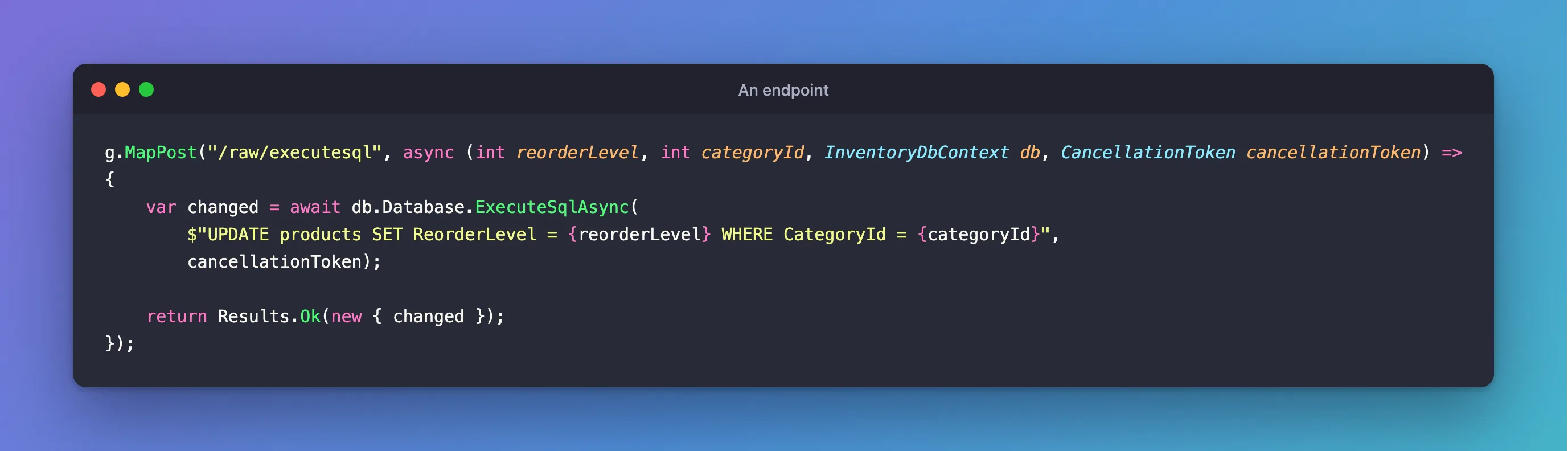
g.MapPost("/raw/executesql", async (int reorderLevel, int categoryId, InventoryDbContext db, CancellationToken cancellationToken) =>
{
    var changed = await db.Database.ExecuteSqlAsync(
        $"UPDATE products SET ReorderLevel = {reorderLevel} WHERE CategoryId = {categoryId}",
        cancellationToken);

    return Results.Ok(new { changed });
});
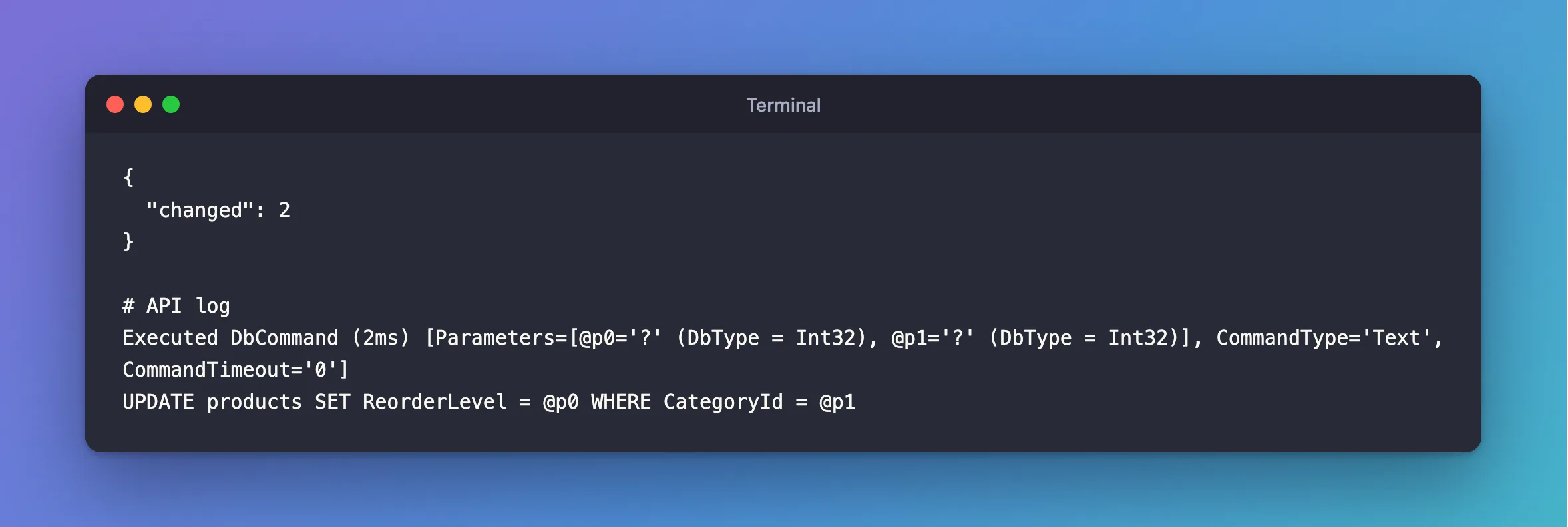
{
  "changed": 2
}
Executed DbCommand (2ms) [Parameters=[@p0='?' (DbType = Int32), @p1='?' (DbType = Int32)], CommandType='Text', CommandTimeout='0']
UPDATE products SET ReorderLevel = @p0 WHERE CategoryId = @p1
Step 5: Know Why the Interpolation Is Safe
These methods take a FormattableString, so {reorderLevel} doesn't get pasted into the SQL. EF Core turns it into a parameter: @p0 in the log above. The EF Core docs say: "the supplied value is wrapped in a DbParameter".
FromSqlRaw and ExecuteSqlRaw don't do that. They take a plain string, so an interpolated value goes straight into your SQL, and that's SQL injection if it came from a user. Use them only for SQL with no outside values in it.
Common Mistakes
| Mistake | What happens | Do this instead |
|---|---|---|
Interpolating into FromSqlRaw | SQL injection | Use FromSql |
| Using a parameter for a table or column name | Parameters only hold values | Pick the name from a fixed list in code |
FromSql with only some columns | The entity needs them all | Use SqlQuery with your own class |
Troubleshooting
| Symptom | Likely cause | Fix |
|---|---|---|
Unknown column 's.Value' | The column has no alias | The fix |
The tracked entity is old after ExecuteSqlAsync | It doesn't touch the tracker | The same fix as ExecuteUpdateAsync |
| MySQL's log shows the values in the SQL | That's how the text protocol looks there | The log above shows the parameters |
Conclusion
FromSql for entities, SqlQuery<T> for everything else that reads, and ExecuteSqlAsync for changes. All three turn interpolated values into parameters, and the Raw versions don't.
Additional Resources
- SQL Queries —
FromSqlandSqlQuery. - ExecuteSql — the method.
