How to Run Cleanup Code with try and finally in C#

Code in a finally block runs when the try block ends, however it ends: after a return, and also when an exception is thrown. That makes it the place for cleanup.
Microsoft's reference: In a try-finally statement, the finally block runs when control leaves the try block. Control can leave it normally, through a jump such as return, or through an exception. And: You can also use the finally block to clean up allocated resources used in the try block.
Syntax
try
{
    <statements>
}
finally
{
    <cleanup statements>
}
| Part | What it is |
|---|---|
try | The code that might return early or throw |
finally | The code that runs when control leaves the try block, however it leaves |
A try can also have catch blocks between the two. Then finally comes last.
The Example
A console app called TryFinally has a Divide method that returns from inside a try block and prints a line in finally. It divides 10 by 2, then 1 by 0, which throws.
Prerequisites
- The .NET 10 SDK.
dotnet --versionprints a version that starts with10.0.
Step 1: Create a Console App
dotnet new console -n TryFinally
cd TryFinally
The template "Console App" was created successfully.

Processing post-creation actions...
Restoring /Users/you/source/TryFinally/TryFinally.csproj:
  Determining projects to restore...
  Restored /Users/you/source/TryFinally/TryFinally.csproj (in 47 ms).
Restore succeeded.
dotnet new console -n TryFinally creates a folder named TryFinally with a project file and a Program.cs, and cd moves into it. Everything this example uses is part of .NET, so there's no package to add. Open the folder in VS Code, or TryFinally.csproj in Visual Studio.
Step 2: Write the Code
Replace everything in Program.cs. First the two calls:
Console.WriteLine(Divide(10, 2));

try
{
    Console.WriteLine(Divide(1, 0));
}
catch (DivideByZeroException exception)
{
    Console.WriteLine($"Caught: {exception.Message}");
}
The second call is inside its own try with a catch, so that the program can print the exception's message.
Then the method:
static int Divide(int a, int b)
{
    Console.WriteLine($"Start: {a} / {b}");
    try
    {
        return a / b;
    }
    finally
    {
        Console.WriteLine("Finally: cleaning up");
    }
}
return a / b; leaves the try block, and the finally block runs on the way out.
Step 3: Run It
Run it in VS Code's terminal, or press Ctrl+F5 in Visual Studio:
dotnet run
Start: 10 / 2
Finally: cleaning up
5
Start: 1 / 0
Finally: cleaning up
Caught: Attempted to divide by zero.
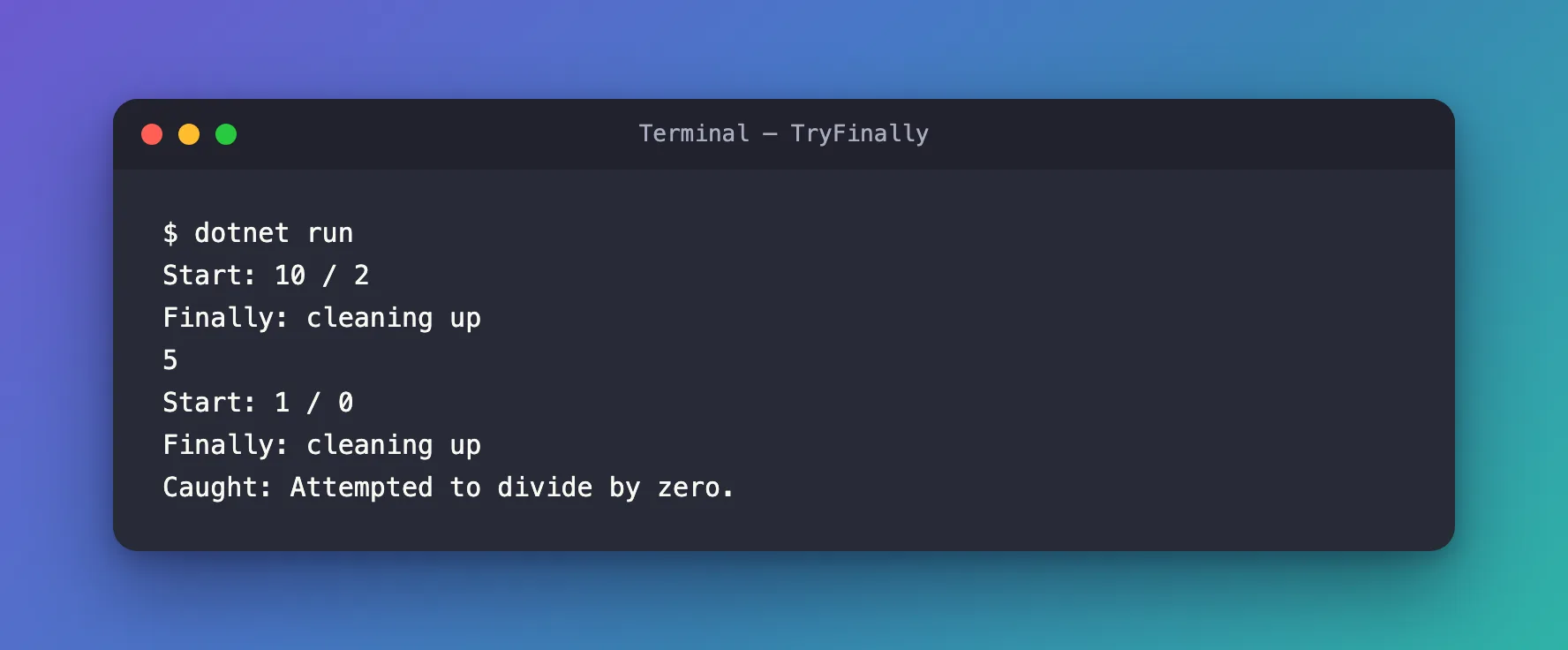
Both calls printed Finally: cleaning up. The first ran finally after its return, before the caller printed 5. The second ran it after 1 / 0 threw, before the catch outside the method printed the message.
The Complete File
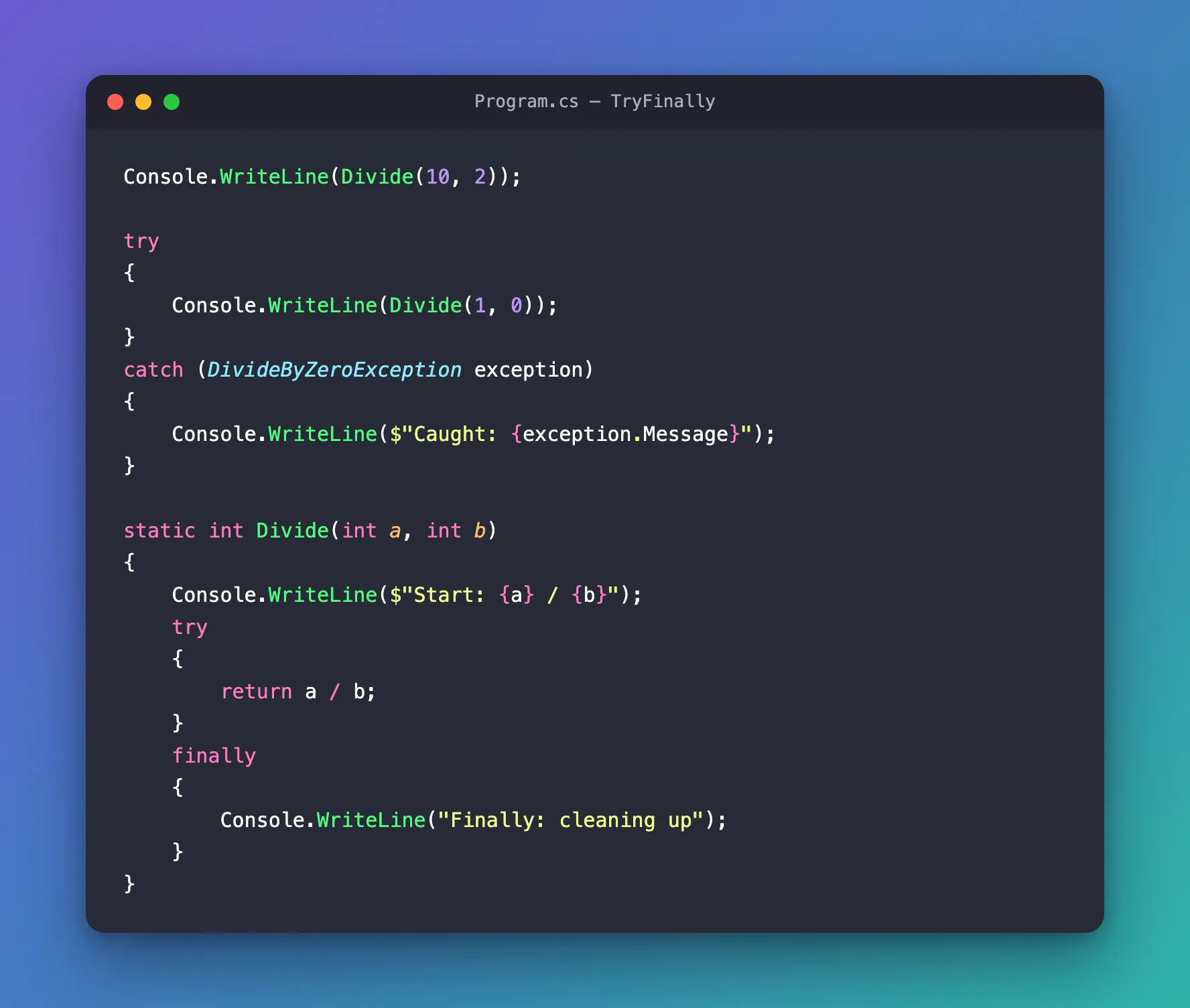
Console.WriteLine(Divide(10, 2));

try
{
    Console.WriteLine(Divide(1, 0));
}
catch (DivideByZeroException exception)
{
    Console.WriteLine($"Caught: {exception.Message}");
}

static int Divide(int a, int b)
{
    Console.WriteLine($"Start: {a} / {b}");
    try
    {
        return a / b;
    }
    finally
    {
        Console.WriteLine("Finally: cleaning up");
    }
}
Common Mistakes
| Mistake | What happens | Do this instead |
|---|---|---|
A return inside finally | error CS0157: Control cannot leave the body of a finally clause | Return from the try block, and only clean up in finally |
Calling Environment.Exit inside try | The program ended without running finally: only In try: calling Environment.Exit printed. The reference: If Exit is called from a try or catch block, the code in any finally block does not execute. | Return or throw instead, so that finally runs, and end the program after the cleanup |
FAQ
Can I have catch and finally together?
Yes: try, then catch, then finally. In a check that threw inside try, the output was Try, Catch: Something went wrong. and then Finally. The reference: When a catch block handles an exception, the finally block runs after the catch block finishes (even if another exception occurs during execution of the catch block).
Conclusion
Put cleanup code in finally: it runs when the try block finishes, returns or throws. Keep return statements out of it, and remember that Environment.Exit skips it.
Additional Resources
- Exception-handling statements — try, catch and finally.
- Environment.Exit — how it ends a program.
