How to Run a Rust Program with cargo run

cargo run builds a Rust program when its code has changed and then runs it, all in one command. A few options cover almost everything else: -q to hide Cargo's own messages, -- to pass arguments to your program, and --release for a fast, optimized build.
Syntax
cargo run [-q] [--release] [-- <arguments>]
| Part | What it does |
|---|---|
cargo run | Compiles the project in the folder you're in if anything changed, then runs it. |
-q | Optional. Hides Cargo's status lines, so only the program's output is left. |
--release | Optional. Builds an optimized program, slower to compile but faster to run. |
-- <arguments> | Optional. Everything after -- goes to your program instead of to Cargo. |
The Example
The example program greets the name it receives as an argument, or the whole world when it receives none.
Prerequisites
- Rust, installed with rustup, which comes with Cargo. This guide uses Cargo 1.100.0.
Step 1: Create the Program
cargo new hello-cargo
cd hello-cargo
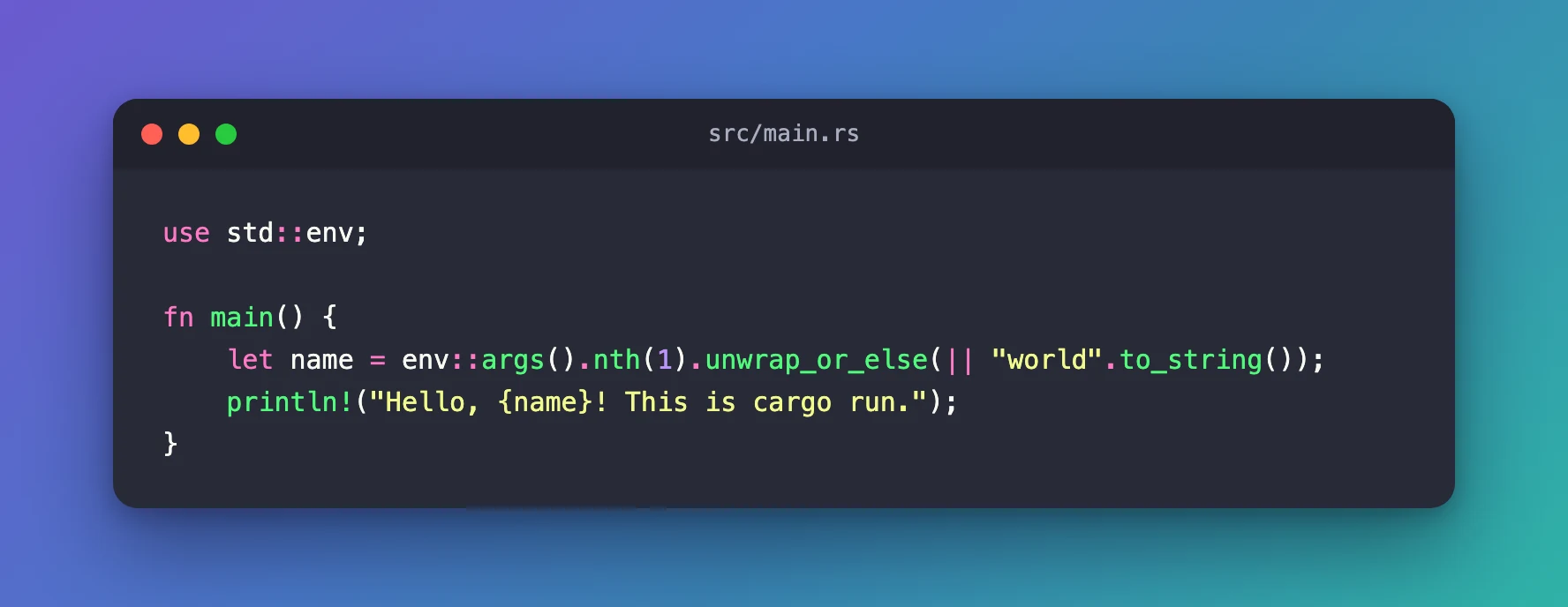
How to Create a Rust Project with cargo new explains the first command. Replace src/main.rs with:
use std::env;

fn main() {
    let name = env::args().nth(1).unwrap_or_else(|| "world".to_string());
    println!("Hello, {name}! This is cargo run.");
}
env::args() lists the command line, with the program's own path first, so .nth(1) is the first argument. unwrap_or_else uses "world" when there's none.
Step 2: Run It
cargo run
   Compiling hello-cargo v0.1.0 (/Users/Shared/you/hello-cargo)
    Finished `dev` profile [unoptimized + debuginfo] target(s) in 0.40s
     Running `target/debug/hello-cargo`
Hello, world! This is cargo run.
| Line | What it means |
|---|---|
Compiling | Cargo compiled the project, because its code is new. |
Finished `dev` profile [unoptimized + debuginfo] | It built with the dev profile: quick to compile, not optimized, with debugging information. |
Running `target/debug/hello-cargo` | The program Cargo started. It stays there, so you can run it again without Cargo. |
The last line is your program's output.
Step 3: Pass an Argument, Quietly
cargo run -q -- Ada
Hello, Ada! This is cargo run.
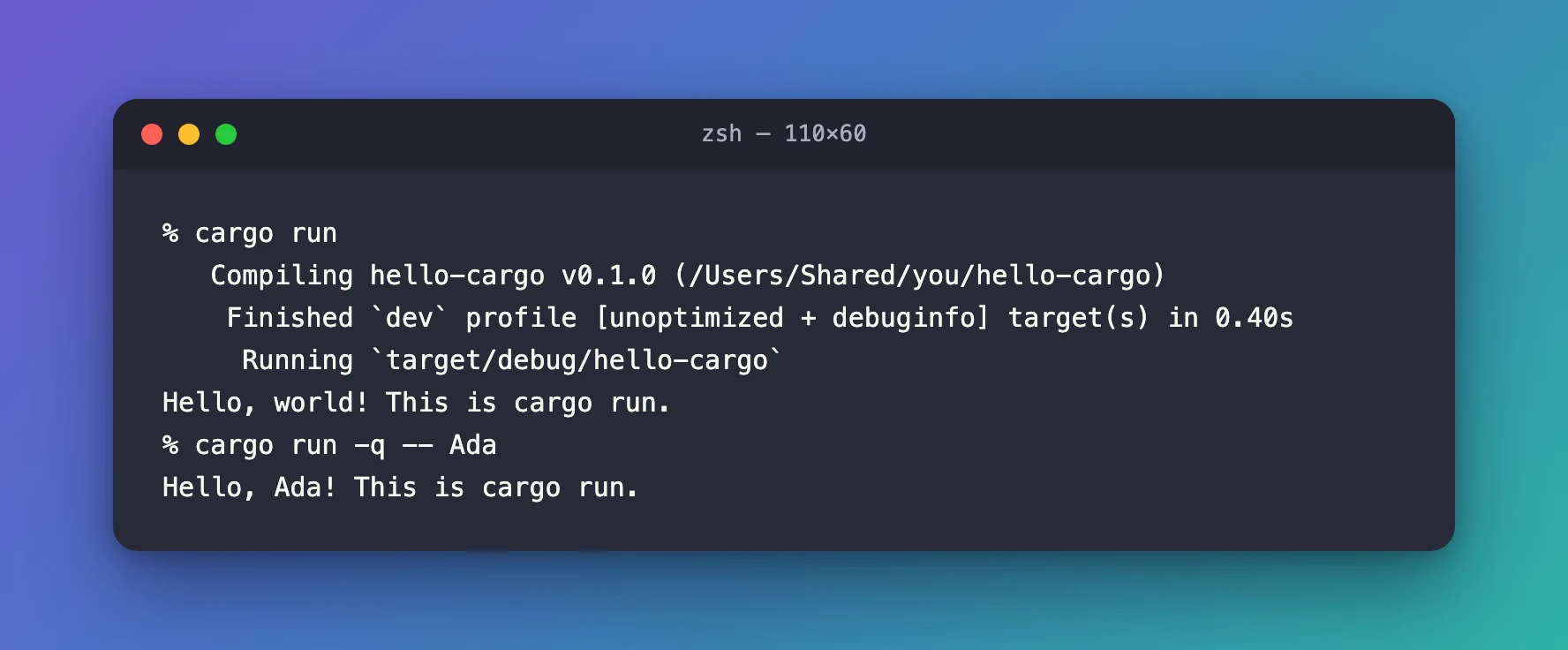
-q left only the program's own line, and the -- sent Ada to the program. The commands are the same in zsh, bash and PowerShell.
Common Mistakes
| Mistake | What happens | Do this instead |
|---|---|---|
Arguments without --, such as cargo run -q -v meant for your program | Cargo takes options it knows, such as -v, for itself | Put your program's arguments after -- |
Timing or benchmarking a cargo run build | The dev profile isn't optimized, so it's slower than it will be | Use cargo run --release |
Running cargo run outside the project | Cargo can't find Cargo.toml | cd into the project first |
Troubleshooting
| Symptom | Likely cause | Fix |
|---|---|---|
error: could not find `Cargo.toml` in `…` or any parent directory | You're not inside the project | cd into the folder with Cargo.toml |
| The first run takes a long time | Cargo compiles every crate the project uses once | Later runs reuse that work and start quickly |
FAQ
What's the difference between cargo run and cargo build?
cargo build only compiles, into target/debug. cargo run compiles when needed and then runs the program.
Where's the program after cargo run --release?
In target/release/<name>, next to the target/debug one.
Conclusion
cargo run builds and runs a Rust program in one step. Add -q to hide Cargo's lines, put your program's arguments after --, and use --release when speed matters.
