How to Run a PHP Script from the Terminal

PHP is best known for web pages, but it runs from the terminal too, with no web server at all. php <file> runs a script, and the words you type after the file's name reach the script as arguments.
Syntax
php <file> [<arguments>]
| Part | What it does |
|---|---|
php | Starts PHP's command-line program. |
<file> | The script to run, such as hello.php, or a path to it. |
<arguments> | Optional. Words passed to the script, which it reads from $argv. |
The Example
The example is a one-file script, hello.php, that greets whoever you name on the command line, or the whole world when you name nobody, and says which PHP version ran it.
Prerequisites
- PHP. Check it with
php --version. This guide uses PHP 8.6.0.
Step 1: Write the Script
mkdir hello-php
cd hello-php
Create hello.php:
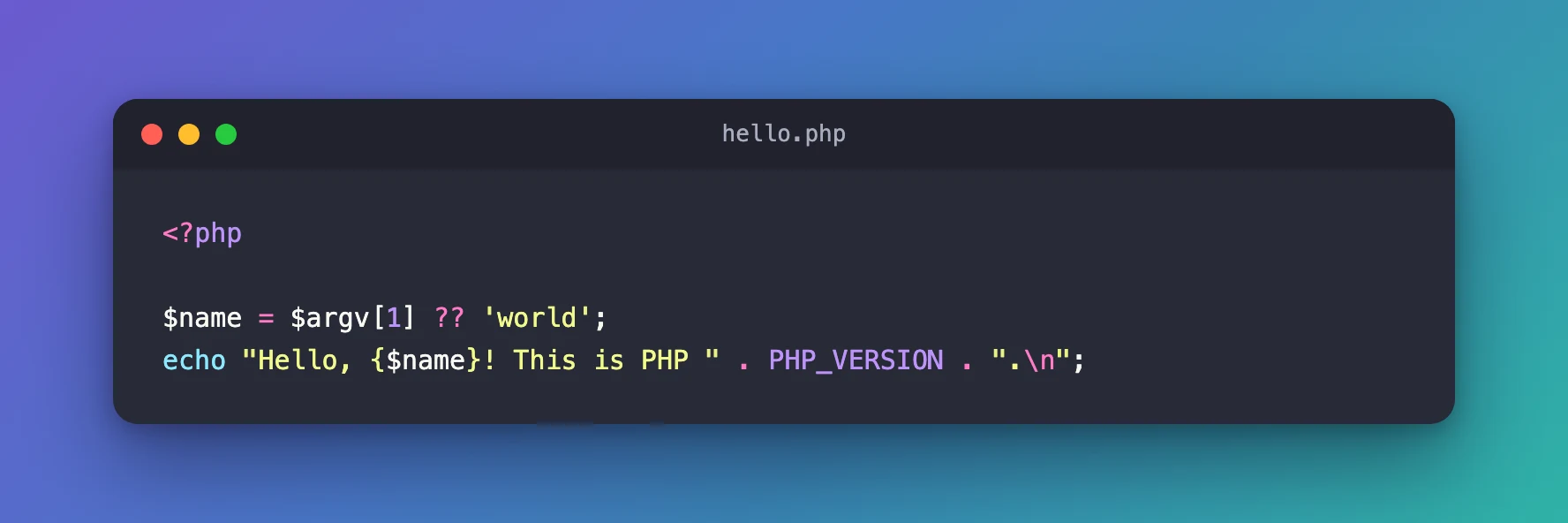
<?php

$name = $argv[1] ?? 'world';
echo "Hello, {$name}! This is PHP " . PHP_VERSION . ".\n";
$argv lists the command line: the script's name first, then the arguments, so $argv[1] is the first argument. ?? 'world' uses world when there is none, and PHP_VERSION holds the version of PHP that's running.
Step 2: Run It
php hello.php
Hello, world! This is PHP 8.6.0.
Step 3: Pass an Argument
php hello.php Ada
Hello, Ada! This is PHP 8.6.0.
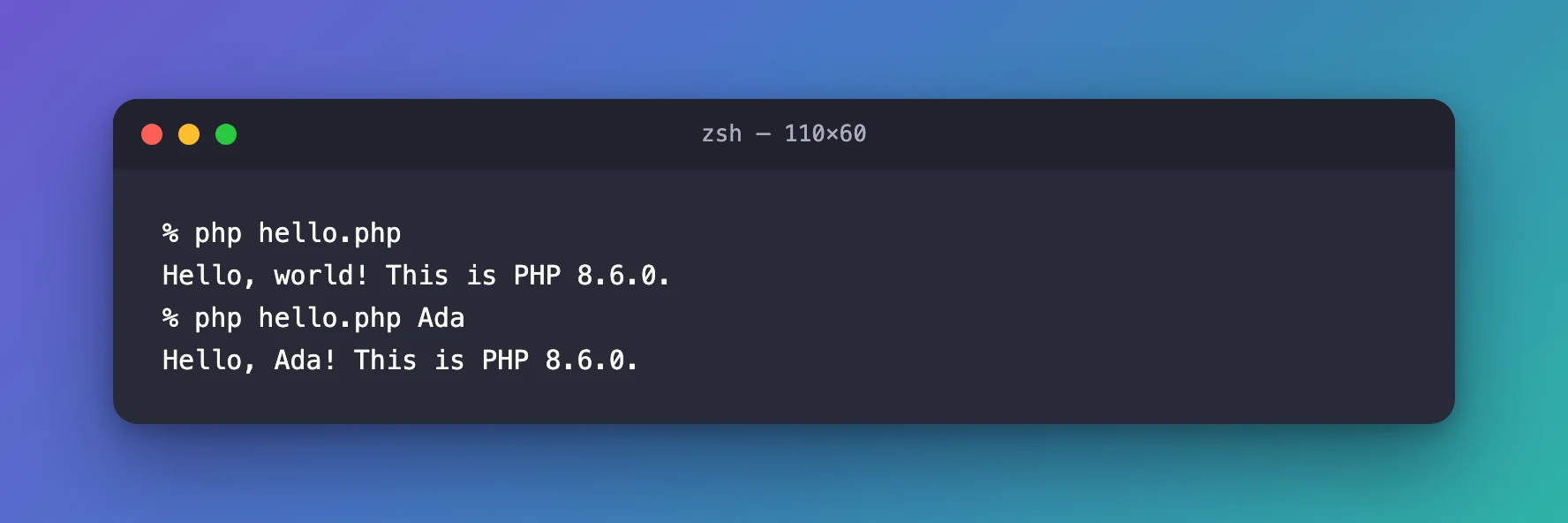
The commands and the output are the same in zsh, bash and PowerShell.
Common Mistakes
| Mistake | What happens | Do this instead |
|---|---|---|
Leaving out <?php at the top | PHP prints the file's text instead of running it | Start the file with <?php |
Forgetting \n at the end of the text | The next prompt appears on the same line | End printed lines with \n |
| Running the script from another folder | PHP can't open it | cd into its folder, or give its path |
Troubleshooting
| Symptom | Likely cause | Fix |
|---|---|---|
Could not open input file: hello.php | You're not in the script's folder | Check with pwd, then cd into it |
command not found: php | PHP isn't installed, or isn't on your PATH | Install PHP and open a new terminal |
FAQ
Can I run PHP code without a file?
Yes. php -r 'echo 1 + 1, "\n";' runs the code in the quotes. Leave out the <?php there.
Does the command line use the same settings as a web server?
Not always. The command-line program can read a different php.ini, and it has no time limit by default. php --ini shows which files it reads.
Conclusion
php <file> runs a PHP script from the terminal, and $argv holds the words after the file's name, starting at $argv[1].
Additional Resources
- Executing PHP files, in the PHP manual's command-line section.
- $argv, the array of arguments.
