How to Run a Command Inside a Running Docker Container with docker exec

Sometimes you need to look inside a running container: check a version, list a folder, test a setting. docker exec runs a command in it without stopping it, and with -it gives you a shell. This guide does both in a web-server container, with real output from Docker 29.9.3.
Syntax
docker exec CONTAINER COMMAND
docker exec -it CONTAINER sh
| Part | What it means |
|---|---|
CONTAINER | The running container's name or ID |
COMMAND | The command to run inside it, with its arguments |
-it | -i keeps input open and -t gives it a terminal, together an interactive shell |
The reference describes docker exec as "Execute a command in a running container"; -i as "Keep STDIN open even if not attached" and -t as "Allocate a pseudo-TTY". The same commands work in PowerShell.
Prerequisites
- Docker: Docker Desktop on Mac or Windows, running.
- A running container, such as one started with
docker run -d --name web nginx:alpine.
Step 1: Run One Command
Ask the nginx inside the container for its version, and list the folder it serves pages from:
docker exec web nginx -v
docker exec web ls /usr/share/nginx/html
nginx version: nginx/1.31.10
50x.html
index.html
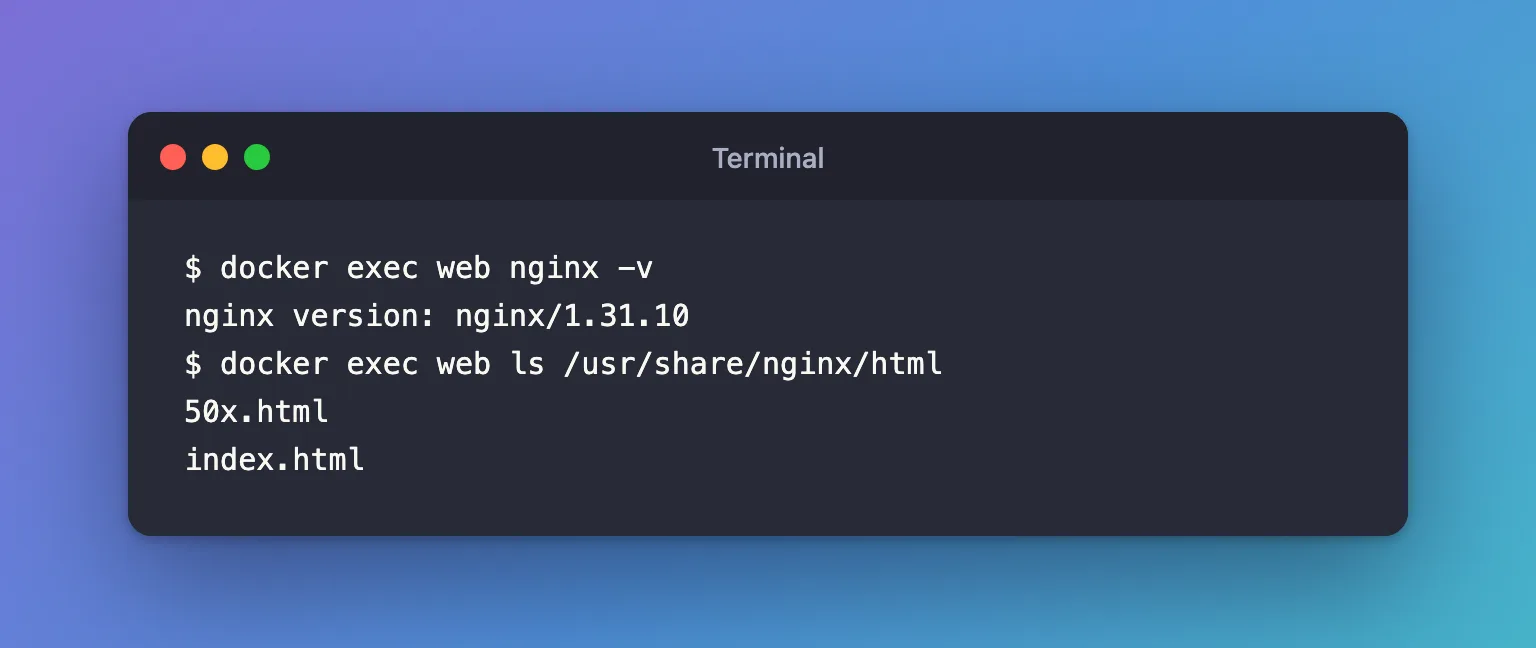
Each command ran inside the container and printed its result here; the container kept running.
Step 2: Open a Shell
docker exec -it web sh
At the container's prompt, / #, type commands as on any Linux shell, then exit to leave:
/ # pwd
/
/ # exit
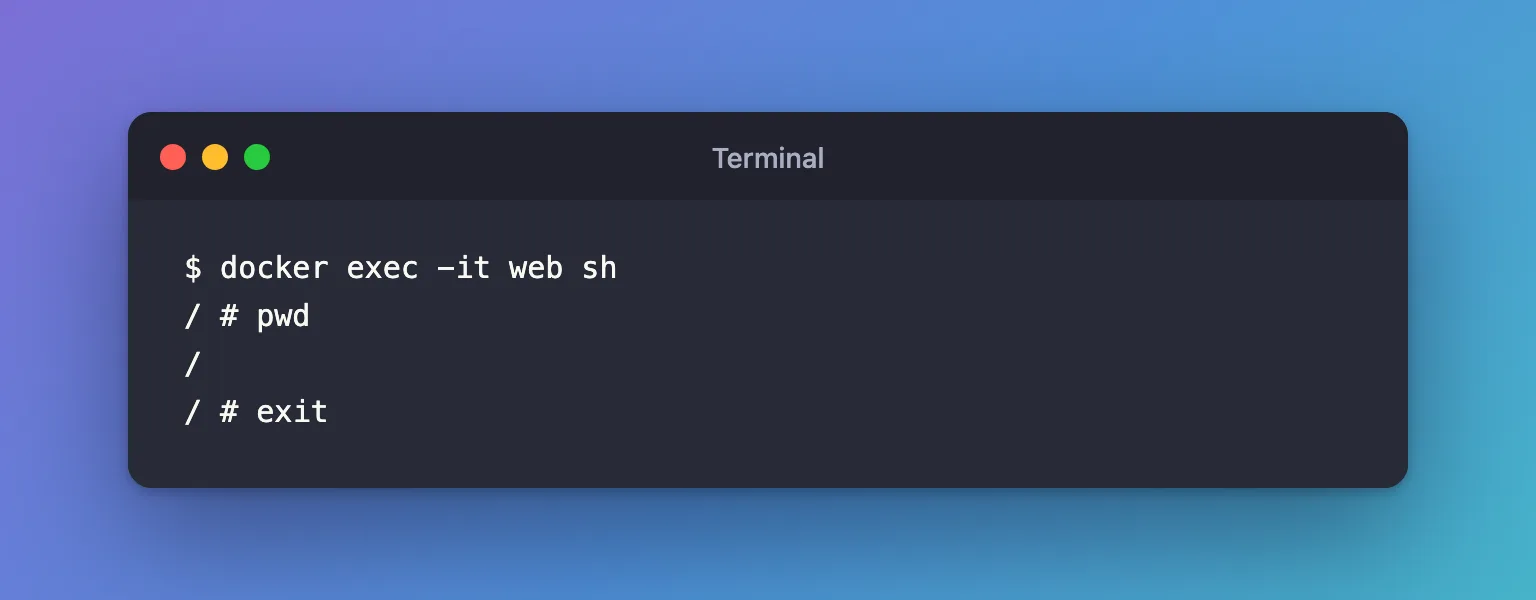
exit ended the shell, not the container. This Alpine-based image has sh, so the shell is sh.
Common Mistakes
| Mistake | What happens | Do this instead |
|---|---|---|
| A name that doesn't exist | Error response from daemon: No such container: nosuch | Check the name with docker ps |
| A stopped container | Error response from daemon: container df06ddb56bd9faa7192f2cf33862c4795559e7e85acfb745cd32912d99f781ea is not running | Start it with docker start web, then run the command |
Troubleshooting
| Symptom | Likely cause | Fix |
|---|---|---|
docker exec web sh ends at once and prints nothing | Without -it, the shell gets no input to read, so it exits | Run docker exec -it web sh |
FAQ
Does exec start a new container?
No. The reference: "The docker exec command runs a new command in a running container. The command you specify with docker exec only runs while the container's primary process (PID 1) is running".
How is this different from docker compose exec?
docker compose exec does the same for a service of a Compose project, addressed by its service name: How to Run a Command Inside a Running Docker Compose Container.
Conclusion
docker exec web nginx -v printed nginx version: nginx/1.31.10 from inside the running container, and docker exec -it web sh opened a shell in it.
Additional Resources
- docker container exec — every option.
