How to Return Early from a Method in C#

A method often has a case where it has nothing to do: no name to print, no item to save. In C#, return; ends the method right there. Checking those cases first and returning early keeps the method's real work out of nested if and else blocks.
Syntax
void <Name>(<parameters>)
{
    if (<nothingToDo>)
    {
        return;
    }

    <the method's main work>
}
| Part | What it does |
|---|---|
if (<nothingToDo>) | Spots the case where the method should stop. |
return; | Ends the method immediately. In a method that returns a value, write return <value>;. |
<the method's main work> | Runs only when the early return didn't happen. |
Microsoft's jump statements reference: "The return statement terminates execution of the function where it appears. It returns control and the function's result, if any, to the caller." And: "typically use the return statement without an expression to terminate a function member early."
The Example
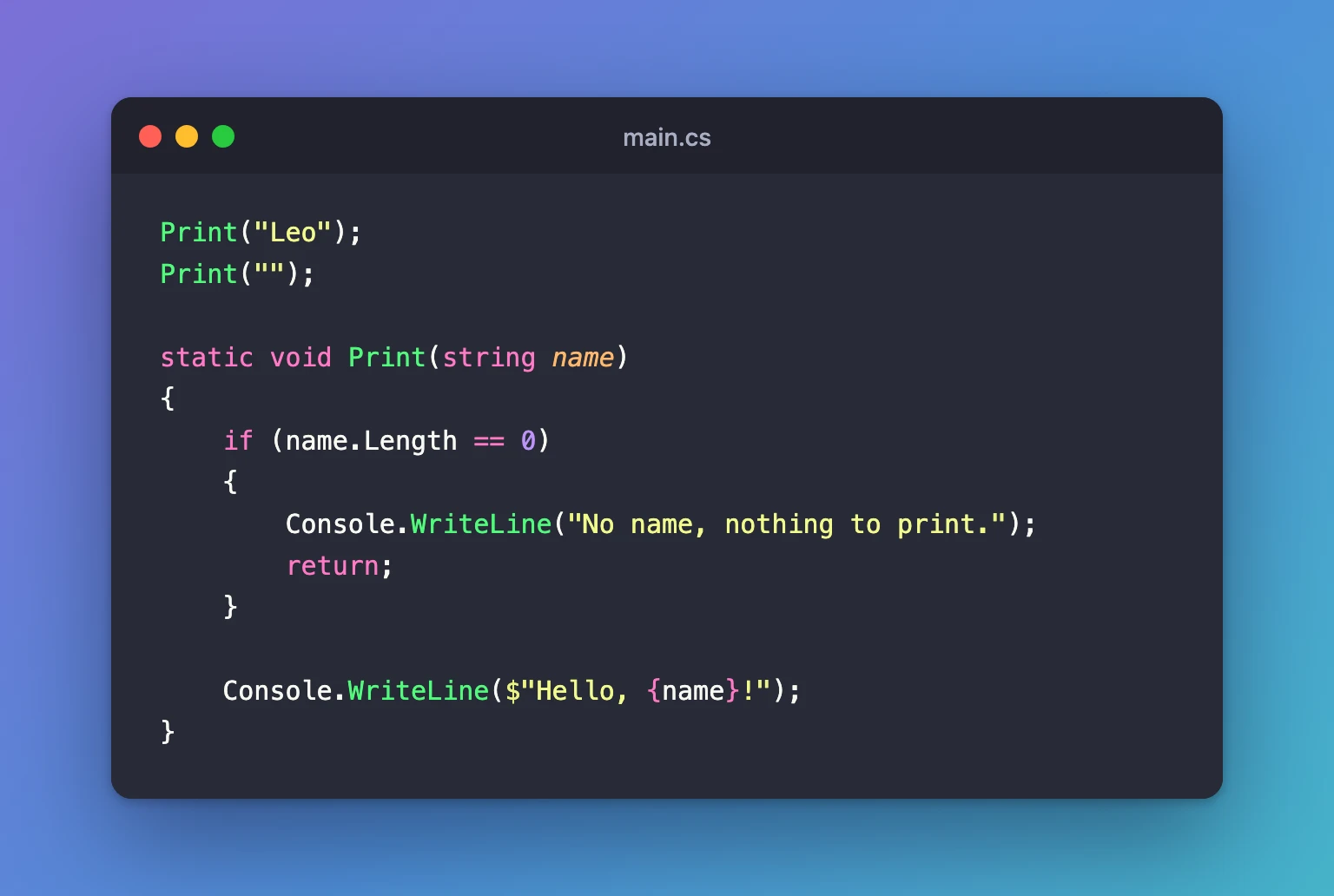
A Print method greets a name, and has nothing to greet when the name is empty. The program calls it with Leo and with an empty string.
Prerequisites
- The .NET 10 SDK or newer, which runs a single
.csfile withdotnet run. This guide uses .NET SDK 10.0.404.
Step 1: Write the Code
Create a file named main.cs in an empty folder:
Print("Leo");
Print("");

static void Print(string name)
{
    if (name.Length == 0)
    {
        Console.WriteLine("No name, nothing to print.");
        return;
    }

    Console.WriteLine($"Hello, {name}!");
}
The greeting sits at the method's top level, not inside an else: when execution reaches it, the empty case has already been handled.
Step 2: Run It
dotnet run main.cs
Hello, Leo!
No name, nothing to print.
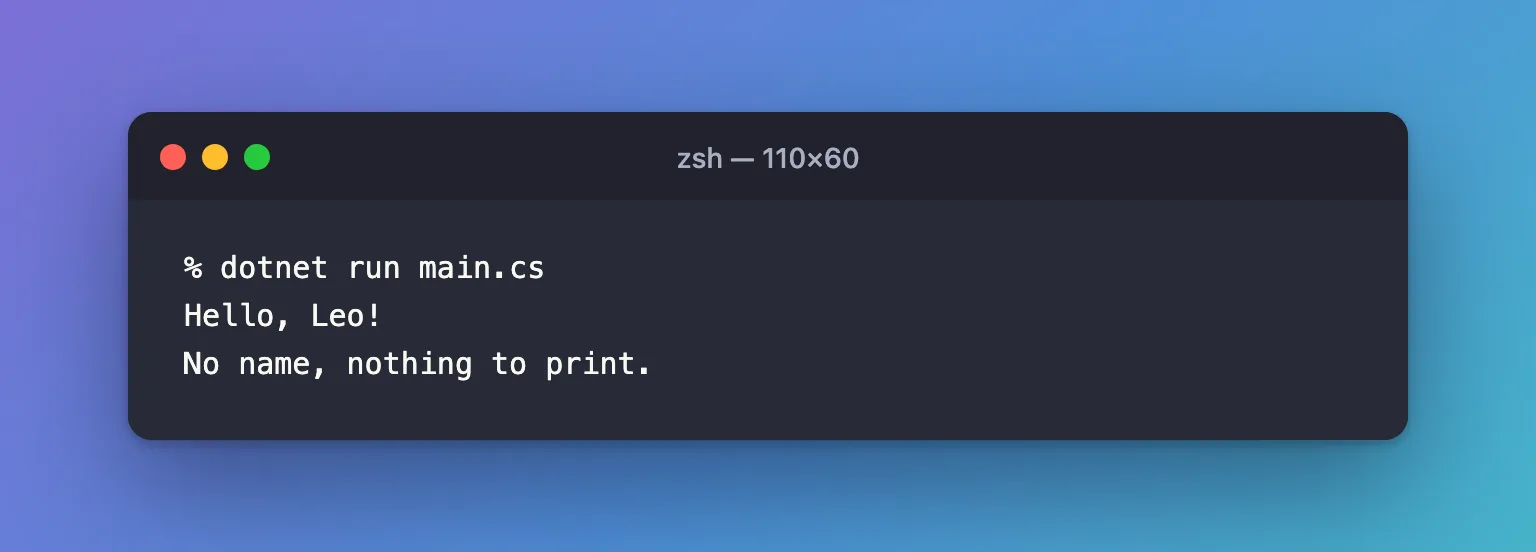
For Leo, the check was false and the greeting printed. For the empty string, the method printed its notice and return; ended it before the greeting. The command is the same in zsh, bash and PowerShell.
What Happens When a Path Has No return
In a method that returns a value, every path must end with return <value>;:
Console.WriteLine(Describe(5));

static string Describe(int n)
{
    if (n > 0)
    {
        return "positive";
    }
}
/Users/you/demo/main.cs(3,15): error CS0161: 'Describe(int)': not all code paths return a value

The build failed. Fix the build errors and run again.
When n isn't positive, the method would reach its end without a value. Add a final return, such as return "not positive";.
Common Mistakes
| Mistake | What happens | Do this instead |
|---|---|---|
| A value-returning method with a path that doesn't return | error CS0161: 'Describe(int)': not all code paths return a value | End every path with return <value>; |
Putting the main work in an else after an early return | More nesting for no reason | Leave the main work at the method's top level |
Using return inside a loop to skip one item | The whole method ends, not just that pass of the loop | Use continue to skip one item |
Troubleshooting
| Symptom | Likely cause | Fix |
|---|---|---|
CS0161 | A path through the method has no return with a value | Add a return at the end |
| Code after a loop never runs | A return inside the loop ended the method | Use break to leave only the loop |
FAQ
Do I need return at the end of a void method?
No. The reference: "If a function member doesn't contain the return statement, it terminates after its last statement executes." return; is for stopping before the end.
Can I have several early returns?
Yes. Each check that ends the method can have its own return, one after the other at the top. Readers see all the "nothing to do" cases first, and then the main work.
Conclusion
Check the cases where a method has nothing to do at its start and return; from them, so the main work runs at the top level without an else. In methods that return a value, every path needs return <value>;, or the build stops with CS0161.
Additional Resources
- The return statement, on Microsoft Learn.
