How to Return an Exit Code from a C# Program

Every program ends with an exit code: 0 when it succeeded, anything else when it didn't. Shells, scripts and CI jobs read that number to decide what happens next. In a C# program written with top-level statements, return 1; is all it takes to report a failure.
Syntax
return <code>;
| Part | What it does |
|---|---|
return | Ends the program, here at the top level of the file. |
<code> | The exit code: 0 for success, a non-zero number such as 1 for failure. |
Microsoft's Main() return values section: "When you return int or Task<int>, your program can send status information to other programs or scripts that run the executable. A return value of 0 usually means success, and a nonzero value means there's an error." When top-level statements contain return, the compiler generates a Main that returns int.
The Example
The example checks whether all orders are paid. They aren't, so it writes an error and returns 1.
Prerequisites
- The .NET 10 SDK or newer, which runs a single
.csfile withdotnet run. This guide uses .NET SDK 10.0.404.
Step 1: Write the Code
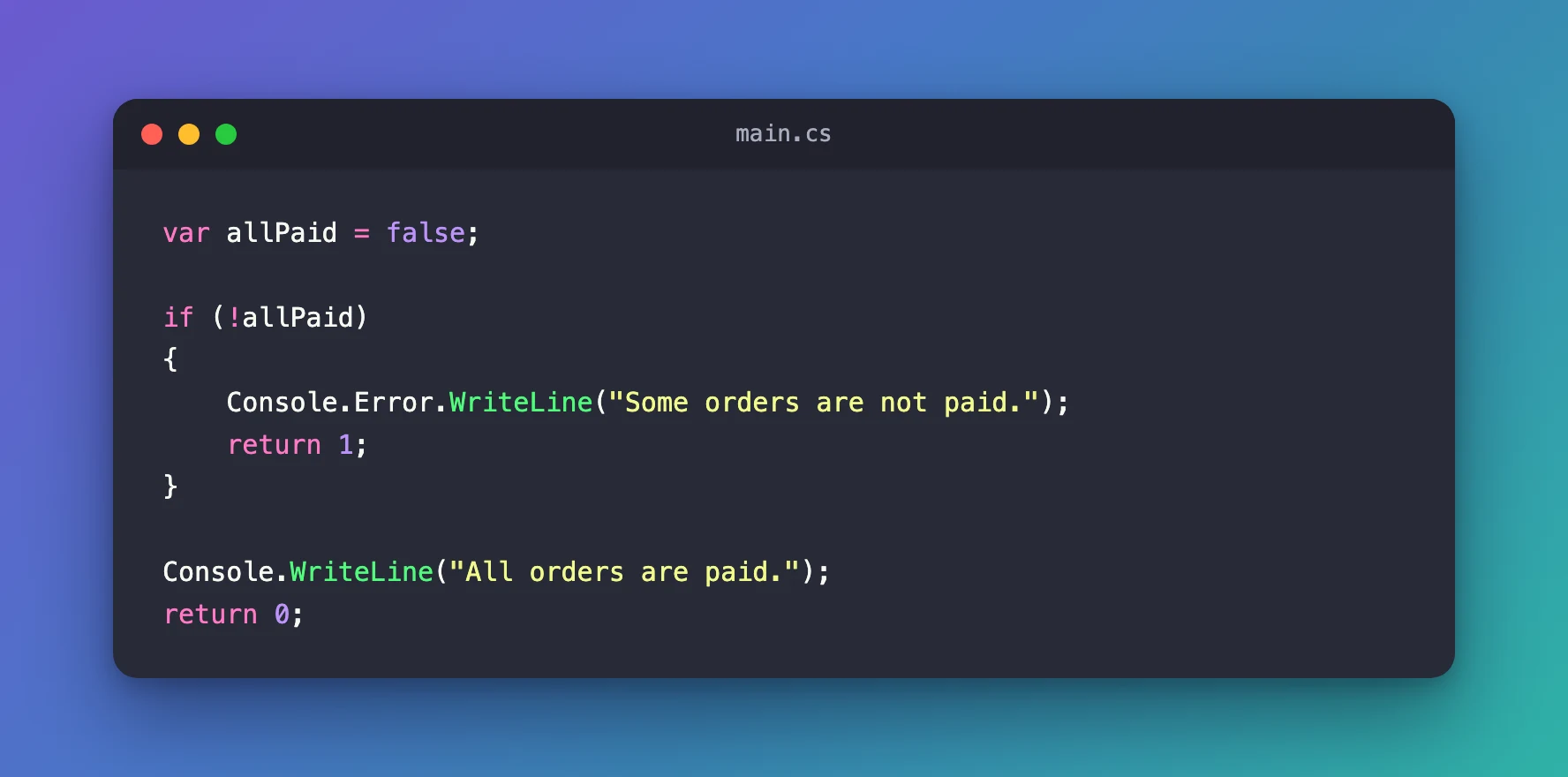
Create a file named main.cs in an empty folder:
var allPaid = false;

if (!allPaid)
{
    Console.Error.WriteLine("Some orders are not paid.");
    return 1;
}

Console.WriteLine("All orders are paid.");
return 0;
Once one return has a value, every path through the file must return one, which is why the file ends with return 0;.
Step 2: Run It and Read the Exit Code
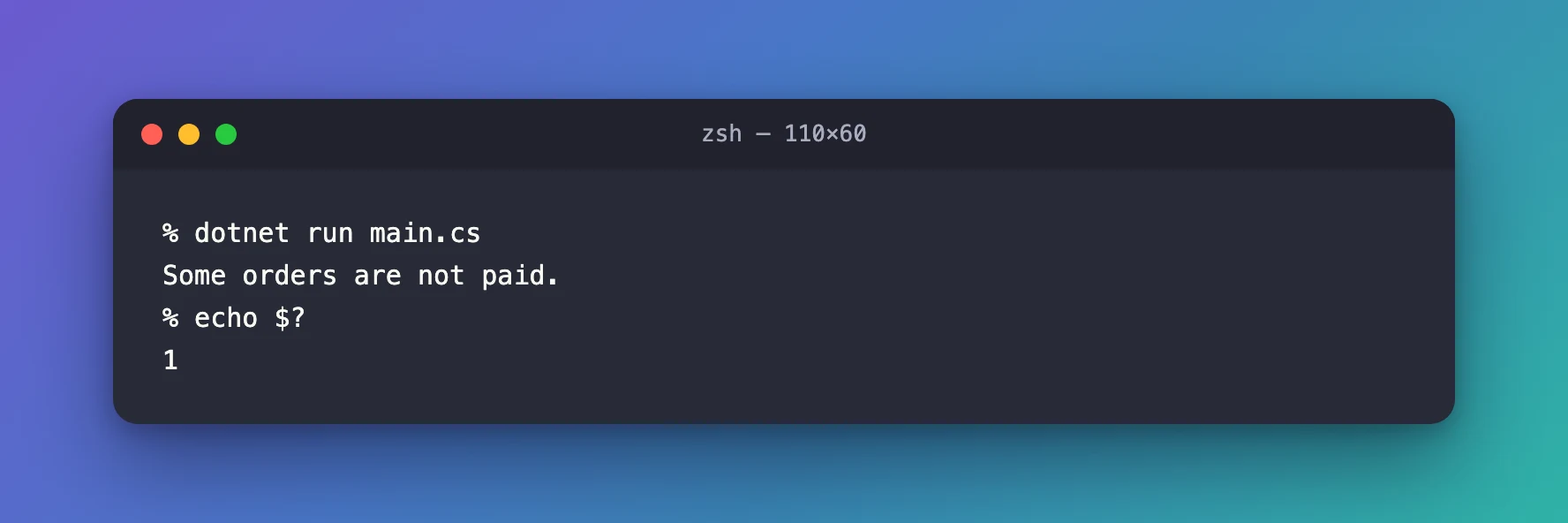
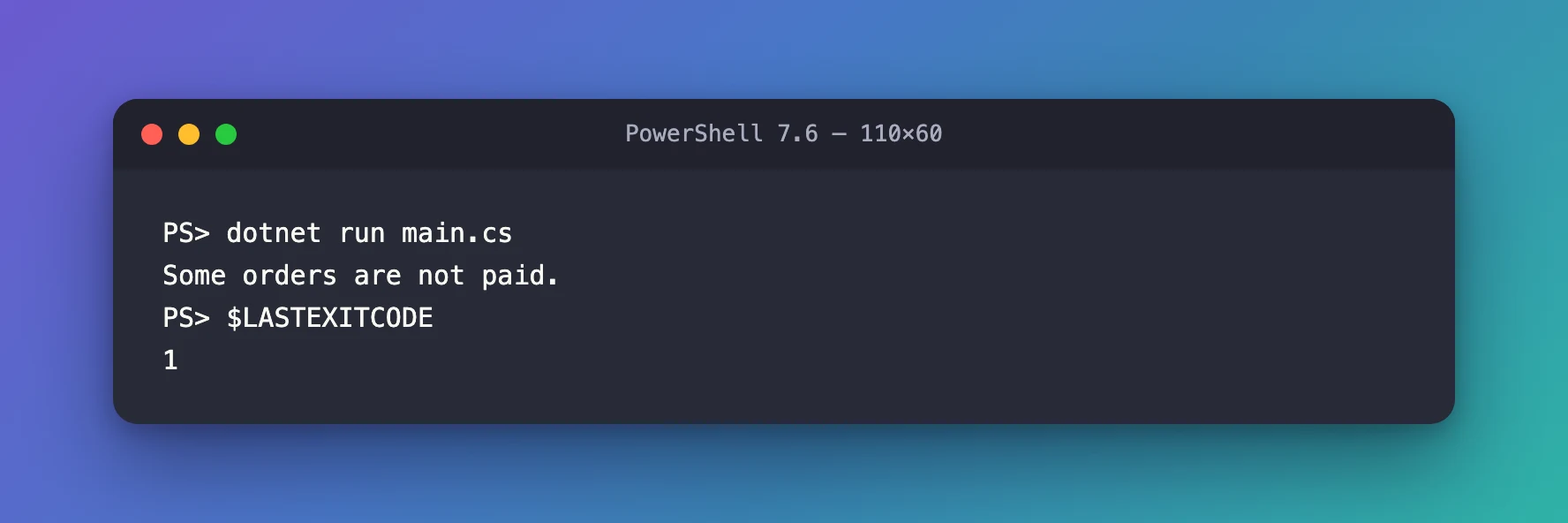
Run the program, then ask the shell for the exit code of the last command:
- macOS / Linux
- Windows (PowerShell)
dotnet run main.cs
echo $?
dotnet run main.cs
$LASTEXITCODE
Some orders are not paid.
1
dotnet run passed the program's exit code on, so the shell reported 1.
Two Other Ways
Environment.Exit(2);ends the program at once with code2, from anywhere, even deep inside a method.Environment.ExitCode = 3;sets the code and lets the program finish normally. A program without areturnvalue ended with code3in my check.
Prefer return at the top level: the exit is visible where the program ends.
Common Mistakes
| Mistake | What happens | Do this instead |
|---|---|---|
| Writing an error but ending normally | The exit code is 0, so a CI job carries on | Return 1 after the error |
| Returning a value on one path only | error CS0161: '<top-level-statements-entry-point>': not all code paths return a value | End the file with return 0; |
Reading $? after another command | It now holds that command's code | Read it right after running the program |
Troubleshooting
| Symptom | Likely cause | Fix |
|---|---|---|
echo $? prints 0 after an error message | The program never returned a non-zero code | Add return 1; on the failure path |
$LASTEXITCODE is empty | No program has run yet in this PowerShell window | Run the program first |
FAQ
What exit code does an unhandled exception give?
A non-zero one. On macOS with .NET 10, a program that crashed with an unhandled exception ended with code 134.
Can I return an exit code from an async program?
Yes. With both await and return in the top-level statements, the generated Main returns Task<int>, and the value you return becomes the exit code.
Conclusion
return 1; at the top level of a C# file ends the program with a failure code that the shell reads as $? in zsh or bash and $LASTEXITCODE in PowerShell. Environment.Exit and Environment.ExitCode cover the cases where return doesn't fit.
Additional Resources
- Main() return values, on Microsoft Learn.
- Top-level statements, on Microsoft Learn.
- Environment.ExitCode, on Microsoft Learn.
