How to Return a ValueTask from an async Method in C#

async ValueTask<int> instead of async Task<int> lets a method that usually has its answer at once, such as from a cache, return it without creating a Task object each time. You await it the same way.
Microsoft's reference: Provides a value type that wraps a Task<TResult> and a TResult, only one of which is used. And when to use it: A method may return an instance of this value type when it's likely that the result of its operation will be available synchronously, and when it's expected to be invoked so frequently that the cost of allocating a new Task<TResult> for each call will be prohibitive.
Syntax
public async ValueTask<TResult> <MethodAsync>(<parameters>)
{
    if (<the result is ready>)
    {
        return <result>;
    }

    await <something slow>;
    return <result>;
}

TResult <value> = await <MethodAsync>(<arguments>);
| Part | What it is |
|---|---|
async ValueTask<TResult> | The return type: used like Task<TResult>, but a struct |
return <result> before any await | The method finishes at once, and the ValueTask carries the result itself |
await <MethodAsync>(...) | The caller awaits it once, like a Task |
The Example
A console app called ValueTasks has a PriceCache class whose GetPriceAsync method looks a price up the first time and returns it from a dictionary after that.
Prerequisites
- The .NET 10 SDK.
dotnet --versionprints a version that starts with10.0.
Step 1: Create a Console App
dotnet new console -n ValueTasks
cd ValueTasks
The template "Console App" was created successfully.

Processing post-creation actions...
Restoring /Users/you/source/ValueTasks/ValueTasks.csproj:
  Determining projects to restore...
  Restored /Users/you/source/ValueTasks/ValueTasks.csproj (in 47 ms).
Restore succeeded.
dotnet new console -n ValueTasks creates a folder named ValueTasks with a project file and a Program.cs, and cd moves into it. Everything this example uses is part of .NET, so there's no package to add. Open the folder in VS Code, or ValueTasks.csproj in Visual Studio.
Step 2: Write the Code
Replace everything in Program.cs. First the two calls:
PriceCache prices = new();

Console.WriteLine(await prices.GetPriceAsync("apple"));
Console.WriteLine(await prices.GetPriceAsync("apple"));
Then the class:
class PriceCache
{
    private readonly Dictionary<string, int> _prices = new();

    // Most calls finish at once from the cache, without creating a Task.
    public async ValueTask<int> GetPriceAsync(string item)
    {
        if (_prices.TryGetValue(item, out int price))
        {
            Console.WriteLine("From the cache");
            return price;
        }

        Console.WriteLine("Looking it up...");
        await Task.Delay(100);
        _prices[item] = 42;
        return 42;
    }
}
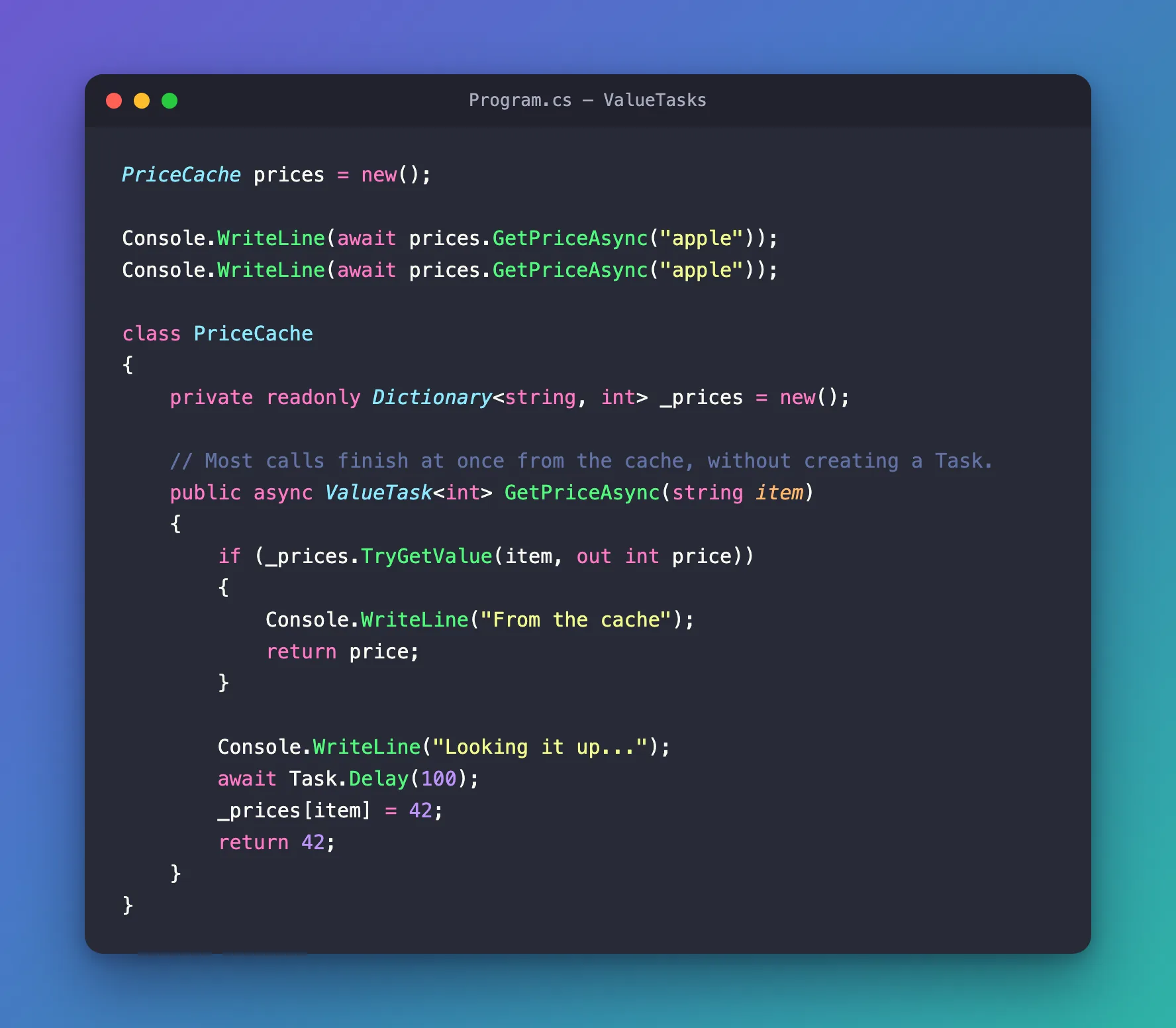
async ValueTask<int>is the only change from an ordinaryasync Task<int>method.return price;in the cache branch comes before anyawait, so that call finishes at once.await Task.Delay(100)stands in for a slow lookup, such as a call to a database.
Step 3: Run It
Run it in VS Code's terminal, or press Ctrl+F5 in Visual Studio:
dotnet run
Looking it up...
42
From the cache
42
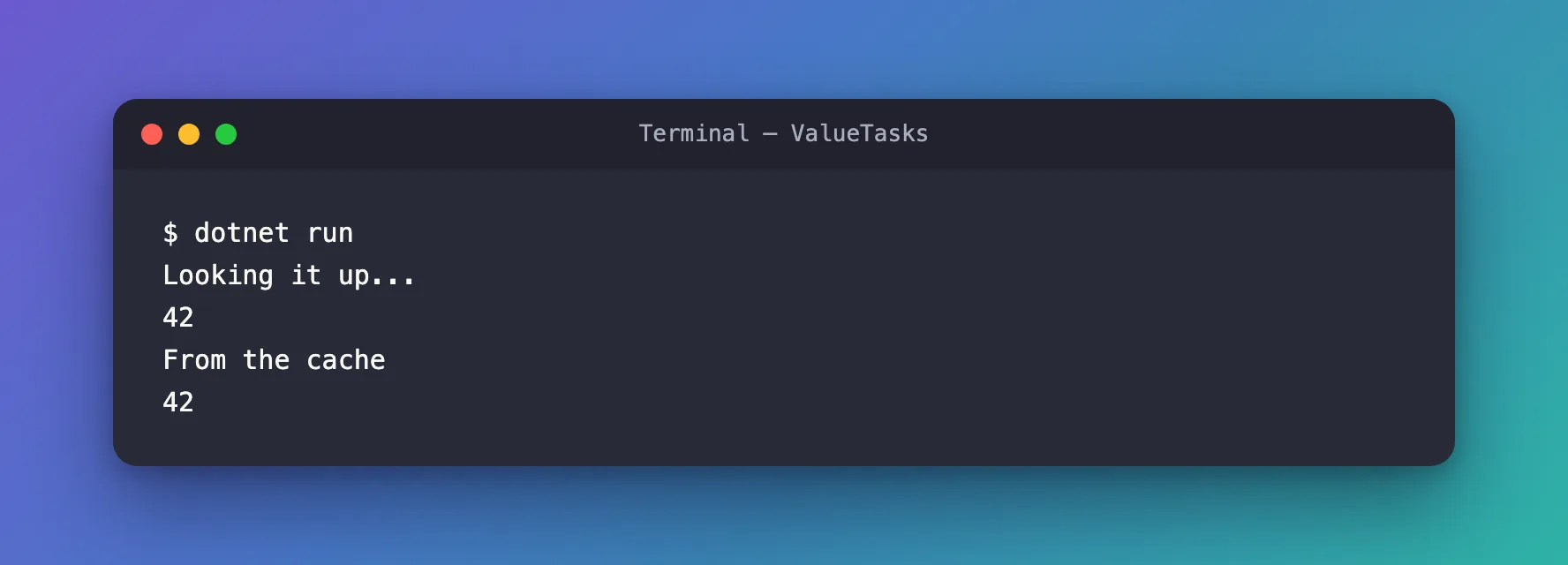
The first call waited for the lookup. The second found the price in the dictionary and returned without waiting.
The Complete File
PriceCache prices = new();

Console.WriteLine(await prices.GetPriceAsync("apple"));
Console.WriteLine(await prices.GetPriceAsync("apple"));

class PriceCache
{
    private readonly Dictionary<string, int> _prices = new();

    // Most calls finish at once from the cache, without creating a Task.
    public async ValueTask<int> GetPriceAsync(string item)
    {
        if (_prices.TryGetValue(item, out int price))
        {
            Console.WriteLine("From the cache");
            return price;
        }

        Console.WriteLine("Looking it up...");
        await Task.Delay(100);
        _prices[item] = 42;
        return 42;
    }
}
Common Mistakes
| Mistake | What happens | Do this instead |
|---|---|---|
Awaiting the same ValueTask twice | The reference: A ValueTask<TResult> instance may only be awaited once, and consumers may not read Result until the instance has completed. | Await it once, or turn it into a Task with AsTask(): awaiting that Task twice gave 42 both times |
Making ValueTask the default for every method | It only pays off when results are often ready at once. The reference: the default choice for any asynchronous method should be to return a Task or Task<TResult>. | Return Task unless measurements show that ValueTask is worth it |
FAQ
How do I return a ValueTask from a method without async?
Use ValueTask.FromResult: static ValueTask<int> GetCachedAsync() => ValueTask.FromResult(7); gave 7 when awaited. The reference: Creates a ValueTask<TResult> that's completed successfully with the specified result.
Conclusion
Return ValueTask<TResult> from an async method that usually has its result ready, and await each one only once. Everywhere else, and whenever you need to await a result twice, use Task, or AsTask().
Additional Resources
- The ValueTask struct with a result — its rules and trade-offs.
- ValueTask.FromResult — a ValueTask that has already finished.
- ValueTask.AsTask — a Task you can await more than once.
