How to Repeat Code a Set Number of Times with a for Loop in C#

for (int lap = 1; lap <= 3; lap++) runs its block 3 times: it starts lap at 1, checks lap <= 3 before each round and adds 1 after each one.
Microsoft's reference: The for statement executes a statement or a block of statements while a specified Boolean expression evaluates to true. Where a while loop spreads its counter over several lines, a for loop puts the start, the condition and the step together in its first line.
Syntax
for (<initializer>; <condition>; <iterator>)
{
    <statements>
}
| Part | What it is |
|---|---|
<initializer> | Runs once, before the first round. Usually declares the counter, such as int lap = 1 |
<condition> | A bool expression checked before each round. The loop stops as soon as it's false |
<iterator> | Runs after each round. Usually moves the counter, such as lap++ or seconds-- |
<statements> | The block that runs in each round |
The reference on the three sections: the initializer executes only once, before entering the loop, the condition determines if the next iteration in the loop should run, and the iterator defines what happens after each execution of the body of the loop.
The Example
A console app called ForLoop counts down from 3 to 1 and prints "Go!", then counts 3 laps up from 1.
Prerequisites
- The .NET 10 SDK.
dotnet --versionprints a version that starts with10.0.
Step 1: Create a Console App
dotnet new console -n ForLoop
cd ForLoop
The template "Console App" was created successfully.

Processing post-creation actions...
Restoring /Users/you/source/ForLoop/ForLoop.csproj:
  Determining projects to restore...
  Restored /Users/you/source/ForLoop/ForLoop.csproj (in 41 ms).
Restore succeeded.
dotnet new console -n ForLoop creates a folder named ForLoop with a project file and a Program.cs, and cd moves into it. Everything this example uses is part of .NET, so there's no package to add. Open the folder in VS Code, or ForLoop.csproj in Visual Studio.
Step 2: Write the Code
Replace everything in Program.cs. First the countdown:
// Count down: start at 3, keep going while seconds is 1 or more, take 1 away each time.
for (int seconds = 3; seconds >= 1; seconds--)
{
    Console.WriteLine($"{seconds}...");
}

Console.WriteLine("Go!");
int seconds = 3starts the counter at 3.seconds >= 1keeps the loop going while the counter is 1 or more.seconds--takes 1 away after each round.
Then the laps:
// Count up: start at 1, keep going while lap is 3 or less, add 1 each time.
for (int lap = 1; lap <= 3; lap++)
{
    Console.WriteLine($"Lap {lap} of 3");
}
lap++ adds 1 after each round, and lap <= 3 stops the loop after lap 3.
Step 3: Run It
Run it in VS Code's terminal, or press Ctrl+F5 in Visual Studio:
dotnet run
3...
2...
1...
Go!
Lap 1 of 3
Lap 2 of 3
Lap 3 of 3
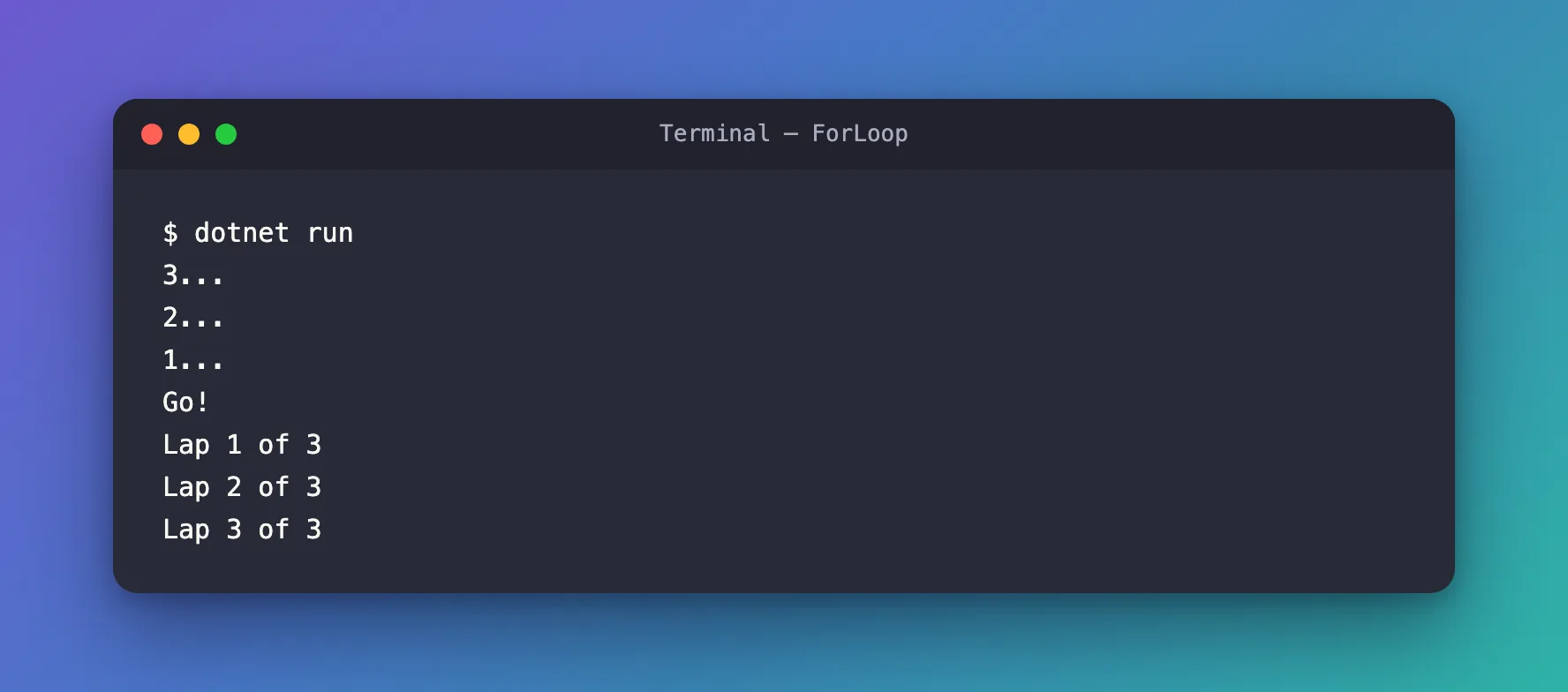
The countdown printed 3, 2 and 1. After the third round, seconds-- made the counter 0, so seconds >= 1 was false and the loop ended before printing 0. The lap loop then ran exactly 3 times.
The Complete File
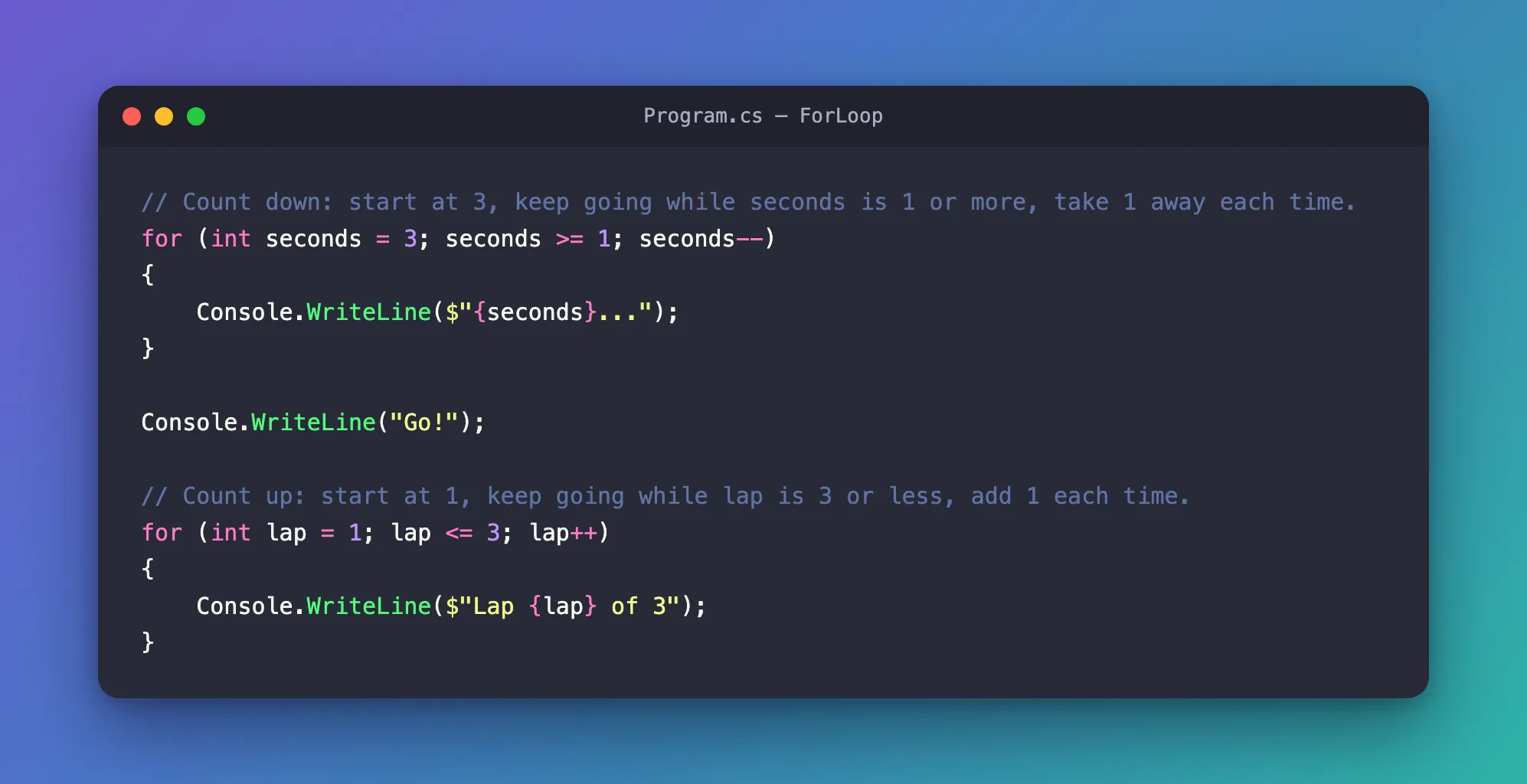
// Count down: start at 3, keep going while seconds is 1 or more, take 1 away each time.
for (int seconds = 3; seconds >= 1; seconds--)
{
    Console.WriteLine($"{seconds}...");
}

Console.WriteLine("Go!");

// Count up: start at 1, keep going while lap is 3 or less, add 1 each time.
for (int lap = 1; lap <= 3; lap++)
{
    Console.WriteLine($"Lap {lap} of 3");
}
Common Mistakes
| Mistake | What happens | Do this instead |
|---|---|---|
< where you meant <= | for (int lap = 1; lap < 3; lap++) printed only Lap 1 of 3 and Lap 2 of 3: when lap reached 3, lap < 3 was false | Start at 1 with <=, or start at 0 with < |
i <= days.Length with an array | It printed all 3 days, then threw IndexOutOfRangeException: Index was outside the bounds of the array. The arrays reference: Arrays are zero indexed: an array with n elements is indexed from 0 to n-1. | Use i < days.Length, which printed the 3 days and stopped |
| Using the counter after the loop | error CS0103: The name 'lap' does not exist in the current context. The reference: You can't access the declared variable from outside the for statement. | Declare it before the loop: with int lap; above for (lap = 1; lap <= 3; lap++), it printed 4 afterwards, one past the last lap |
| A step that moves away from the end | With seconds++ in a countdown, a check was still looping after a million rounds, with seconds at 1000002, when a break stopped it | Make the step move toward the end of the condition: seconds-- for seconds >= 1 |
FAQ
Can a for loop count in steps of 2?
Yes. Besides ++ and --, the reference lists assignment among what the iterator section can contain. for (int number = 0; number <= 10; number += 2) printed 0 2 4 6 8 10.
Can I leave parts out?
Yes. The reference: All the sections of the for statement are optional. for (;;) has none, so it runs until a break: a check stopped one after 3 rounds.
Should I use for or foreach?
Use foreach when you want every item of a collection: the reference says it enumerates the elements of a collection and executes its body for each element of the collection. Use for when you need the position or a count of its own. The IndexOutOfRangeException reference suggests the same: instead of iterating all the elements in the array by their index, you can use the foreach statement.
Conclusion
A for loop puts its counter's start, its condition and its step on one line. Check the condition against the last value you want, <= 3 to reach 3 and < Length for array positions, and make the step move toward the end.
Additional Resources
- Iteration statements: the for statement — the three sections and what each can hold.
- IndexOutOfRangeException — the error an index one past the end causes.
