How to Remove Spaces and Line Breaks from Both Ends of a String in Python with strip

Text from files and commands often comes with extra spaces or a line break at the end, which you can't see but which break comparisons. str.strip() removes them from both ends. This guide cleans up a commit hash as a command prints it, with real output from Python 3.15.2.
Syntax
<text>.strip()
| Part | What it means |
|---|---|
<text> | Any string |
.strip() | Returns a new string without the whitespace at the start and the end. The text in between stays as it is |
Python's reference: "Return a copy of the string with the leading and trailing characters removed. The chars argument is a string specifying the set of characters to be removed. If omitted or None, the chars argument defaults to removing whitespace."
Prerequisites
- uv and Python. This guide uses uv 0.13.10 with Python 3.15.2, in a project made with
uv init.
Step 1: Write the Script
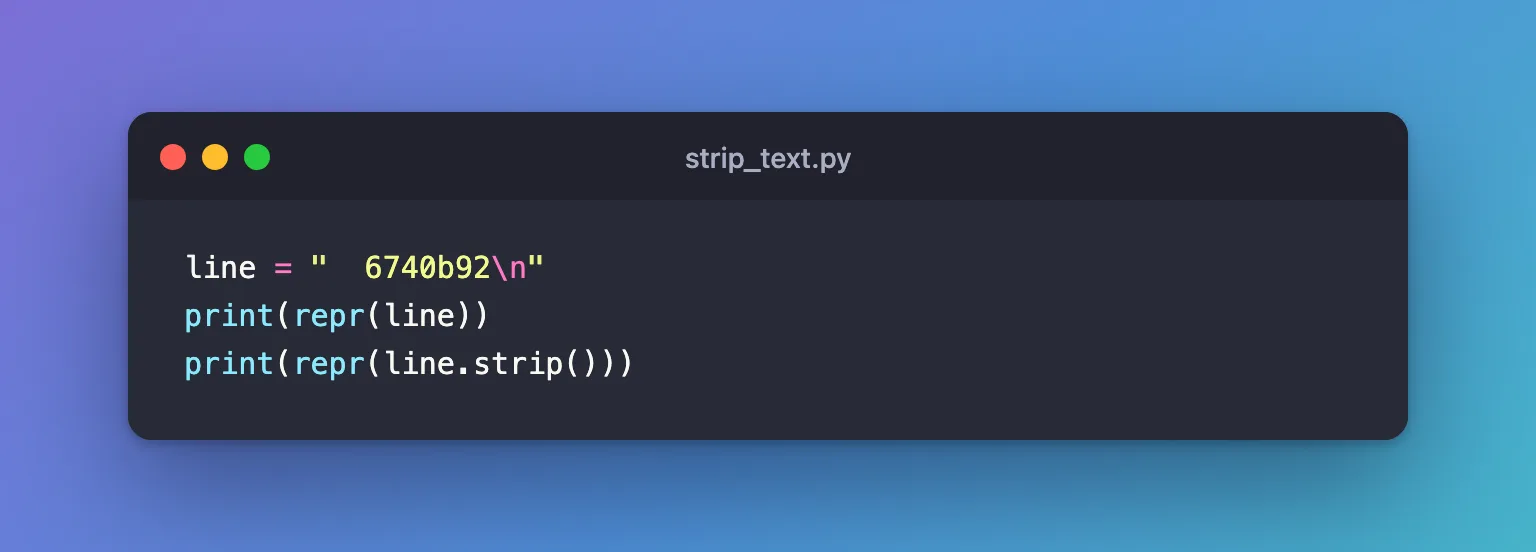
line is a commit hash with two spaces before it and a line break after it, the way text often arrives. repr prints a string with its quotes and with \n for the line break, so the invisible characters show:
line = "  6740b92\n"
print(repr(line))
print(repr(line.strip()))
Step 2: Run It
uv run python strip_text.py
'  6740b92\n'
'6740b92'
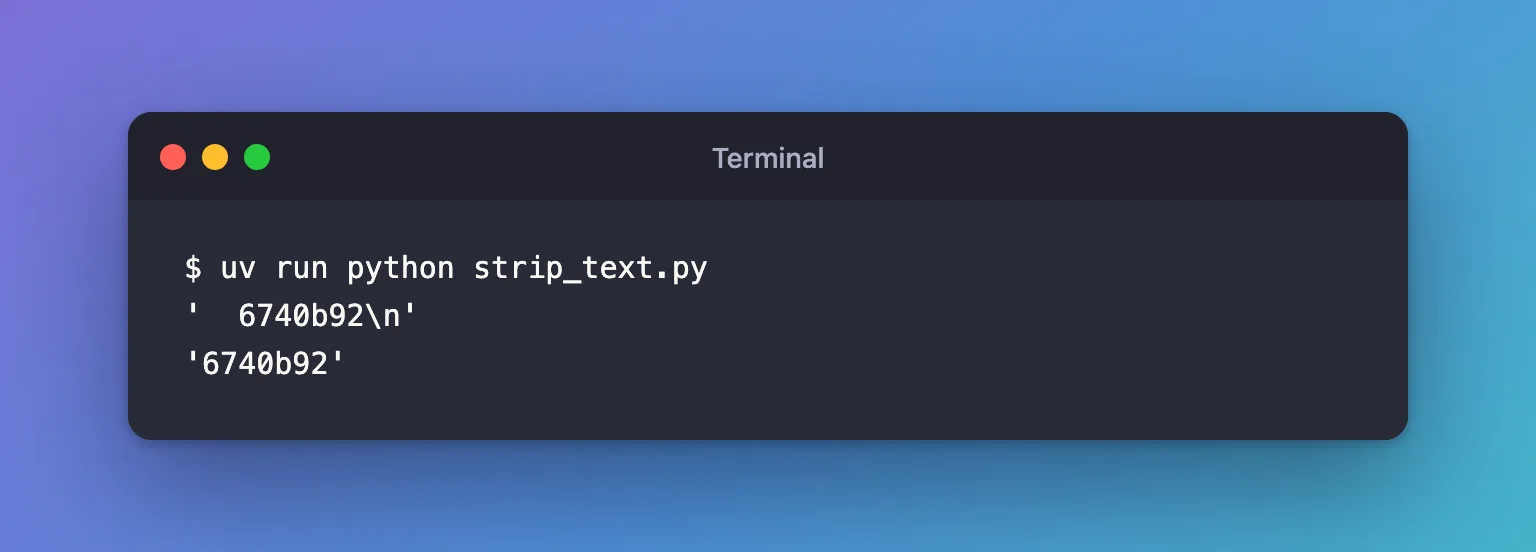
strip() removed the two spaces in front and the line break at the end.
Common Mistakes
| Mistake | What happens | Do this instead |
|---|---|---|
Calling line.strip() without keeping the result | Strings can't change, so line stays as it was: it still printed ' 6740b92\n' | Save it: line = line.strip() |
Troubleshooting
| Symptom | Likely cause | Fix |
|---|---|---|
Two strings print the same but == says they differ | One has whitespace at an end | Compare a.strip() == b.strip(), and print with repr to see it |
FAQ
How do I remove only one side?
lstrip() removes the start and rstrip() the end; strip() does both.
Can I remove other characters?
Yes: pass them as a string, such as strip("/"); with nothing passed, strip() removes whitespace.
Conclusion
" 6740b92\n".strip() returned '6740b92', without the leading spaces and the trailing line break. Save the result, because the original string doesn't change.
Additional Resources
- str.strip —
strip, and thecharsargument.
