How to Remove a Docker Image

Images stay on your computer until you remove them, and they add up. docker rmi deletes an image you no longer need: its name first, then its layers that no other image uses. This guide removes an nginx image and checks it's gone, with real output from Docker Desktop 4.100.1.
Syntax
docker rmi IMAGE
| Part | What it means |
|---|---|
IMAGE | The image's name and tag, such as nginx:alpine, or its ID |
docker rmi is short for docker image rm. Its reference: "Removes (and un-tags) one or more images from the host node. If an image has multiple tags, using this command with the tag as a parameter only removes the tag. If the tag is the only one for the image, both the image and the tag are removed." The same command works in PowerShell.
Prerequisites
- Docker: Docker Desktop on Mac or Windows, running.
- An image to remove, such as
nginx:alpine, with no container using it. Remove those first: How to Stop and Remove a Docker Container.
Step 1: Remove the Image
docker rmi nginx:alpine
Untagged: nginx:alpine
Untagged: nginx@sha256:7fc0fb4af7bf006aeb31aea88069976060f8f0a0a86b667126742cc17f4e31ae
Deleted: sha256:7f2d42982b61384c4808f31f7215d19db7ceed3056dc680b84be5790b0cb4c39
Deleted: sha256:a7246e8d4bdc990411663aaa3db487ce44cc97157f1a1f2fda49e24fa0a8a1e5
...
Deleted: sha256:d053941bd12affeec9c13e6e04c061518c8ba912e54423e338192ddea0bac01d
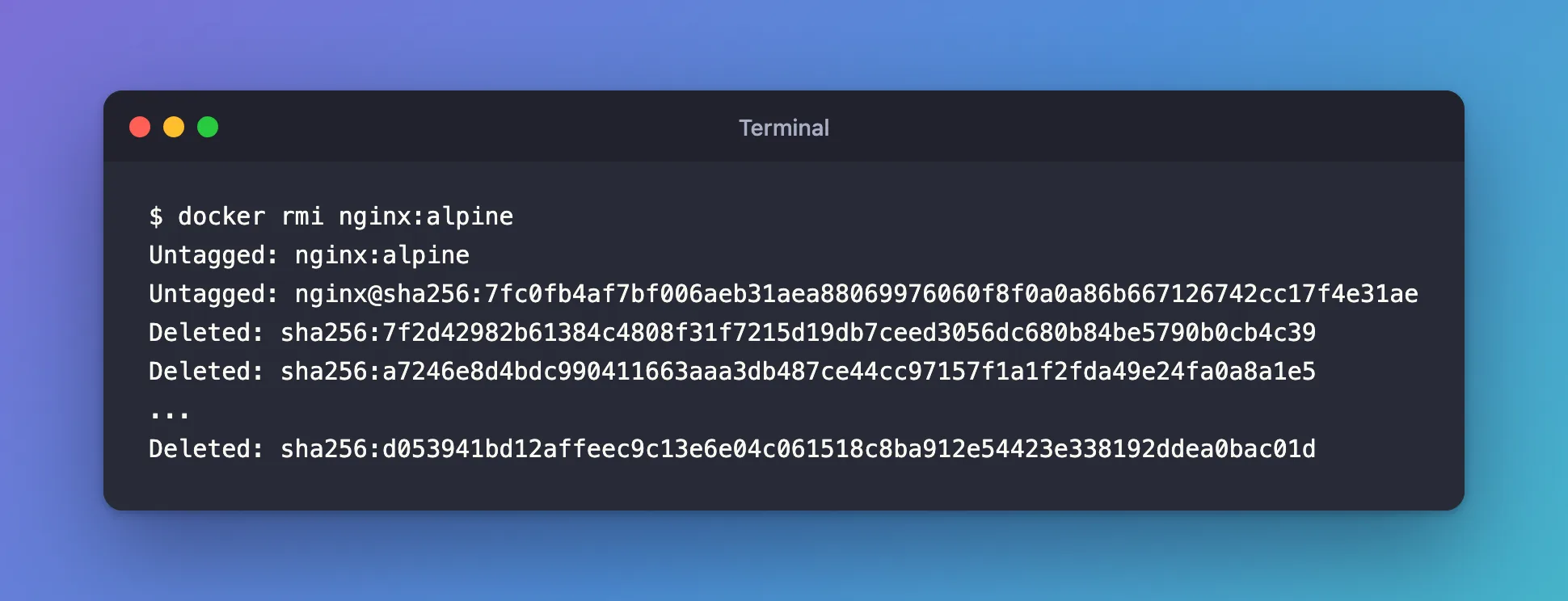
Untagged: the names went first, the tagnginx:alpineand the digest it was downloaded by.Deleted: then the image and its layers.
Step 2: Check It's Gone
docker images nginx
IMAGE ID DISK USAGE CONTENT SIZE EXTRA
Only the header: no nginx image is left. The 68.5 MB it used are free again.
Common Mistakes
| Mistake | What happens | Do this instead |
|---|---|---|
| Removing an image a container still uses | The reference: "You cannot remove an image of a running container unless you use the -f option" | Stop and remove the container first |
Expecting docker rmi to remove it from Docker Hub | It deletes your computer's copy only | Docker Hub keeps its copy; docker pull brings it back |
Troubleshooting
| Symptom | Likely cause | Fix |
|---|---|---|
Only Untagged lines, no Deleted | The image had another tag, so only this tag went | docker images shows the other tags |
Error response from daemon: No such image | The name or tag is wrong | Copy it from docker images |
FAQ
Can I remove several images at once?
Yes: list them all after docker rmi, as the reference says, "one or more images".
Will a later docker run still work?
Yes, if the image can be downloaded again: docker run pulls an image it doesn't find.
Conclusion
docker rmi nginx:alpine untagged the image and deleted its layers, and docker images nginx came back with only its header.
Additional Resources
- docker image rm — removing images, tags and the
-foption.
