How to Register a Default Service with TryAddSingleton in .NET C#

A library that registers its own services can quietly replace the app's: with AddSingleton, the last registration wins. TryAddSingleton registers a service only when nothing is registered for its type yet, so the library gets a sensible default and the app keeps the final say.
Syntax
services.TryAddSingleton<TService, TImplementation>();
| Part | What to put there |
|---|---|
services | The IServiceCollection you register services in, such as builder.Services in an ASP.NET Core app |
TService | The type the rest of the code asks for, usually an interface |
TImplementation | The class that implements it, used only if nothing is registered for TService yet |
The method lives in the Microsoft.Extensions.DependencyInjection.Extensions namespace, so the file needs using Microsoft.Extensions.DependencyInjection.Extensions;. The .NET API reference describes it in one sentence: it adds the service to the collection if the service type hasn't already been registered. The check is on TService only: any registration for that type, with any implementation, makes the call do nothing.
The same method has three other forms, with the same rule:
| Form | Registers |
|---|---|
services.TryAddSingleton<TService>() | TService as its own implementation |
services.TryAddSingleton<TService>(instance) | An object you've already created |
services.TryAddSingleton<TService>(provider => ...) | Whatever the factory returns, created the first time it's needed |
TryAddScoped and TryAddTransient do the same for the other two lifetimes.
The Example
The example is a tiny console app with two parts. A "library" offers a greeting feature: an IGreeter service, a DefaultGreeter that says Hello., and an AddGreeting() method that registers it. The "app" sometimes brings its own FriendlyGreeter, which says Hi there, friend! The app registers the services in four different orders, asks for an IGreeter each time and prints which greeter it got.
Prerequisites
- The .NET 10 SDK. Check with
dotnet --version; this guide used 10.0.404.
Step 1: Create the App
Create a console app and add the dependency injection package, Microsoft.Extensions.DependencyInjection. An ASP.NET Core app already has it, so this step is only needed in a console app:
dotnet new console -n GreetingDemo -o GreetingDemo
cd GreetingDemo
dotnet add package Microsoft.Extensions.DependencyInjection --version 10.0.15
The template "Console App" was created successfully.

Processing post-creation actions...
Restoring /Users/you/source/GreetingDemo/GreetingDemo.csproj:
Restore succeeded.
…
info : PackageReference for package 'Microsoft.Extensions.DependencyInjection' version '10.0.15' added to file '/Users/you/source/GreetingDemo/GreetingDemo.csproj'.
log  : Restored /Users/you/source/GreetingDemo/GreetingDemo.csproj (in 1.79 sec).
Step 2: Register the Library's Default with TryAddSingleton
Create GreetingLibrary.cs next to Program.cs. It plays the library: the service, its default implementation and the method that registers them.
using Microsoft.Extensions.DependencyInjection;
using Microsoft.Extensions.DependencyInjection.Extensions;

namespace GreetingDemo;

public interface IGreeter
{
    string Greet();
}

// The library's default greeter.
public sealed class DefaultGreeter : IGreeter
{
    public string Greet() => "Hello.";
}

public static class GreetingServiceCollectionExtensions
{
    // Registers what the greeting feature needs. TryAddSingleton adds the default
    // only when no IGreeter is registered yet.
    public static IServiceCollection AddGreeting(this IServiceCollection services)
    {
        services.TryAddSingleton<IGreeter, DefaultGreeter>();
        return services;
    }
}
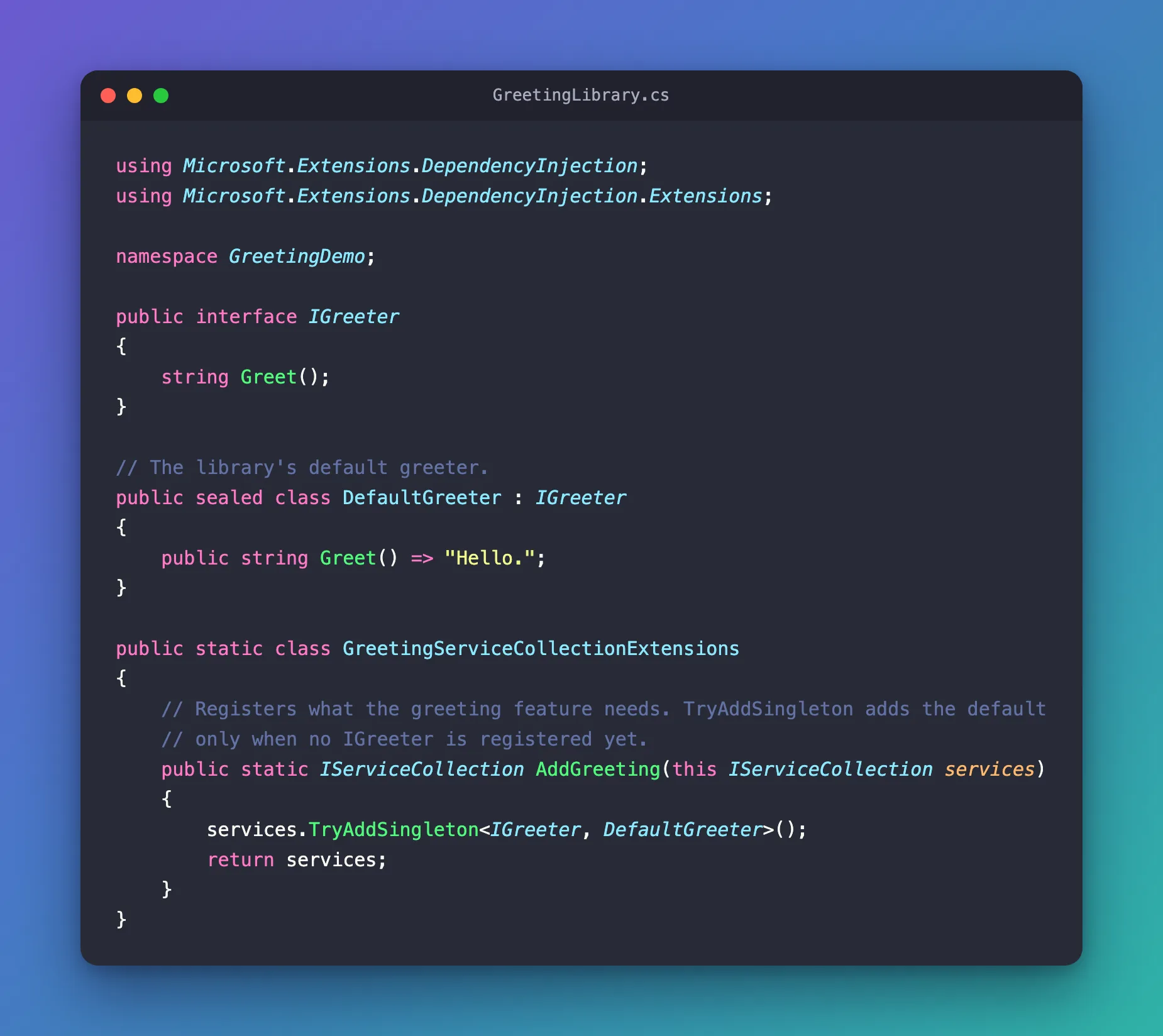
AddGreeting follows the .NET convention for features: Microsoft's documentation describes it as a single Add{GROUP_NAME} extension method to register all of the services required by a framework feature. It returns services so that calls can be chained, and its single registration uses TryAddSingleton.
Step 3: Try Four Registration Orders
Replace everything in Program.cs. Each Show call starts from an empty ServiceCollection, registers services in one order, then asks for an IGreeter and prints which greeter came back and how many IGreeter registrations the collection holds:
using GreetingDemo;
using Microsoft.Extensions.DependencyInjection;

Show("1. The library alone", services => services.AddGreeting());

Show("2. The app first, then the library", services =>
{
    services.AddSingleton<IGreeter, FriendlyGreeter>();
    services.AddGreeting();
});

// What would happen if the library used AddSingleton instead of TryAddSingleton.
Show("3. The app first, then AddSingleton", services =>
{
    services.AddSingleton<IGreeter, FriendlyGreeter>();
    services.AddSingleton<IGreeter, DefaultGreeter>();
});

Show("4. The library first, then the app", services =>
{
    services.AddGreeting();
    services.AddSingleton<IGreeter, FriendlyGreeter>();
});

// Registers the services, then asks for one IGreeter and prints which one came back.
static void Show(string title, Action<IServiceCollection> register)
{
    var services = new ServiceCollection();
    register(services);

    int registrations = services.Count(service => service.ServiceType == typeof(IGreeter));
    using ServiceProvider provider = services.BuildServiceProvider();
    IGreeter greeter = provider.GetRequiredService<IGreeter>();

    Console.WriteLine($"{title}: {greeter.Greet()} ({greeter.GetType().Name}, registrations: {registrations})");
}

// The app's own greeter.
sealed class FriendlyGreeter : IGreeter
{
    public string Greet() => "Hi there, friend!";
}
Case 3 stands for a library written with AddSingleton: the app registers its greeter, then the library registers its default the plain way.
Step 4: Run It
dotnet run
1. The library alone: Hello. (DefaultGreeter, registrations: 1)
2. The app first, then the library: Hi there, friend! (FriendlyGreeter, registrations: 1)
3. The app first, then AddSingleton: Hello. (DefaultGreeter, registrations: 2)
4. The library first, then the app: Hi there, friend! (FriendlyGreeter, registrations: 2)
Line by line:
- The library alone. Nothing was registered for
IGreeter, soTryAddSingletonadded the default. - The app first, then the library.
IGreeterwas already registered, soTryAddSingletondid nothing. The app's greeter is the only one, which is exactly what a library's default should do. - The app first, then
AddSingleton. Both registrations are kept, and the last one wins: the library's default replaced the app's greeter without any warning. This is the problemTryAddSingletonprevents. - The library first, then the app. The library added its default because the collection was still empty. The app's
AddSingletonthen added a second registration, and as the last one it wins.
Case 3 matches Microsoft's description of AddSingleton called twice for the same type: The second call to AddSingleton overrides the previous one when resolved as IMyDependency and adds to the previous one when multiple services are resolved via IEnumerable<IMyDependency>. Cases 2 and 4 show the other rule from the same documentation: Service registration is order-independent except when registering multiple implementations of the same type.
Which One Wins
| The app's registration | The library uses TryAddSingleton | The library uses AddSingleton |
|---|---|---|
| None | The library's default | The library's default |
| Before the library's | The app's, one registration | The library's, two registrations |
After the library's, with AddSingleton | The app's, two registrations | The app's, two registrations |
The only order in which a library can silently override the app is the one in the middle row, and TryAddSingleton removes it.
Common Mistakes
| Mistake | What happens | Do this instead |
|---|---|---|
Using AddSingleton for a library's defaults | The library's default replaces a service the app registered first (case 3) | Use TryAddSingleton in the library's Add… method |
Registering the app's own service with TryAddSingleton after the library's | The library's default is already there, so the app's call does nothing | Register the app's service before calling the library's Add… method, or with AddSingleton after it |
Expecting TryAddSingleton to compare implementations | It only checks the service type: any IGreeter registration makes it skip | Use TryAddEnumerable when several implementations of one type are meant to live side by side |
Troubleshooting
| Symptom | Likely cause | Fix |
|---|---|---|
error CS1061: 'IServiceCollection' does not contain a definition for 'TryAddSingleton' and no accessible extension method 'TryAddSingleton' accepting a first argument of type 'IServiceCollection' could be found (are you missing a using directive or an assembly reference?) | The file is missing using Microsoft.Extensions.DependencyInjection.Extensions; | Add the using line |
| The app's service is ignored | The library registered its default first, and the app used TryAddSingleton | Register the app's service first, or with AddSingleton after the library |
FAQ
What about keyed services?
The same package has TryAddKeyedSingleton, TryAddKeyedScoped and TryAddKeyedTransient, and they check the key too. With an IGreeter already registered under the key "first", TryAddKeyedSingleton still added one under "second", and skipped a second one under "first".
Is TryAddEnumerable the same thing?
No. TryAddEnumerable is for services that are meant to have several implementations, which the app reads as an IEnumerable<T>. Microsoft's documentation says it registers the service only if there isn't already an implementation of the same type: it skips an exact duplicate, not every registration of the service type.
Does the order of AddSingleton calls matter anywhere else?
Only when one service type has more than one registration. A single IGreeter gives the same result in any order; two of them make the last one the one you get.
Conclusion
services.TryAddSingleton<TService, TImplementation>() registers a default only when TService has no registration yet. Use it in a library's Add… method, and the app can replace the default by registering its own service first. The four orders in the example show the difference: with TryAddSingleton the app's earlier registration stays the only one, and with AddSingleton the library's default replaces it.
Additional Resources
- Service registration — the
Add{LIFETIME},TryAdd{LIFETIME}andTryAddEnumerablemethods, and registration order. - ServiceCollectionDescriptorExtensions.TryAddSingleton — every overload.
- Dependency injection in ASP.NET Core — registering groups of services with an extension method, and calling
AddSingletontwice for one type.
