How to Read the MySQL Error Number from an EF Core Exception

Could not save changes. Please configure your entity type accordingly. tells you nothing, and it isn't meant to be read on its own. The real error is one level down, with a number you can test in code. Where it sits depends on which method threw, so a small helper is worth having.
Prerequisites
- A .NET C# project using EF Core and
MySql.EntityFrameworkCore. I used EF Core 10.0.14,MySql.Data26.10.0 and MySQL 9.7.4.
Step 1: See What Comes Back
This helper walks an exception and everything inside it:
static object Describe(Exception exception)
{
    var chain = new List<object>();
    for (var current = exception; current is not null; current = current.InnerException)
    {
        chain.Add(new
        {
            type = current.GetType().Name,
            number = (current as MySqlException)?.Number,
            isTransient = (current as DbException)?.IsTransient,
            message = current.Message,
        });
    }
    return chain;
}
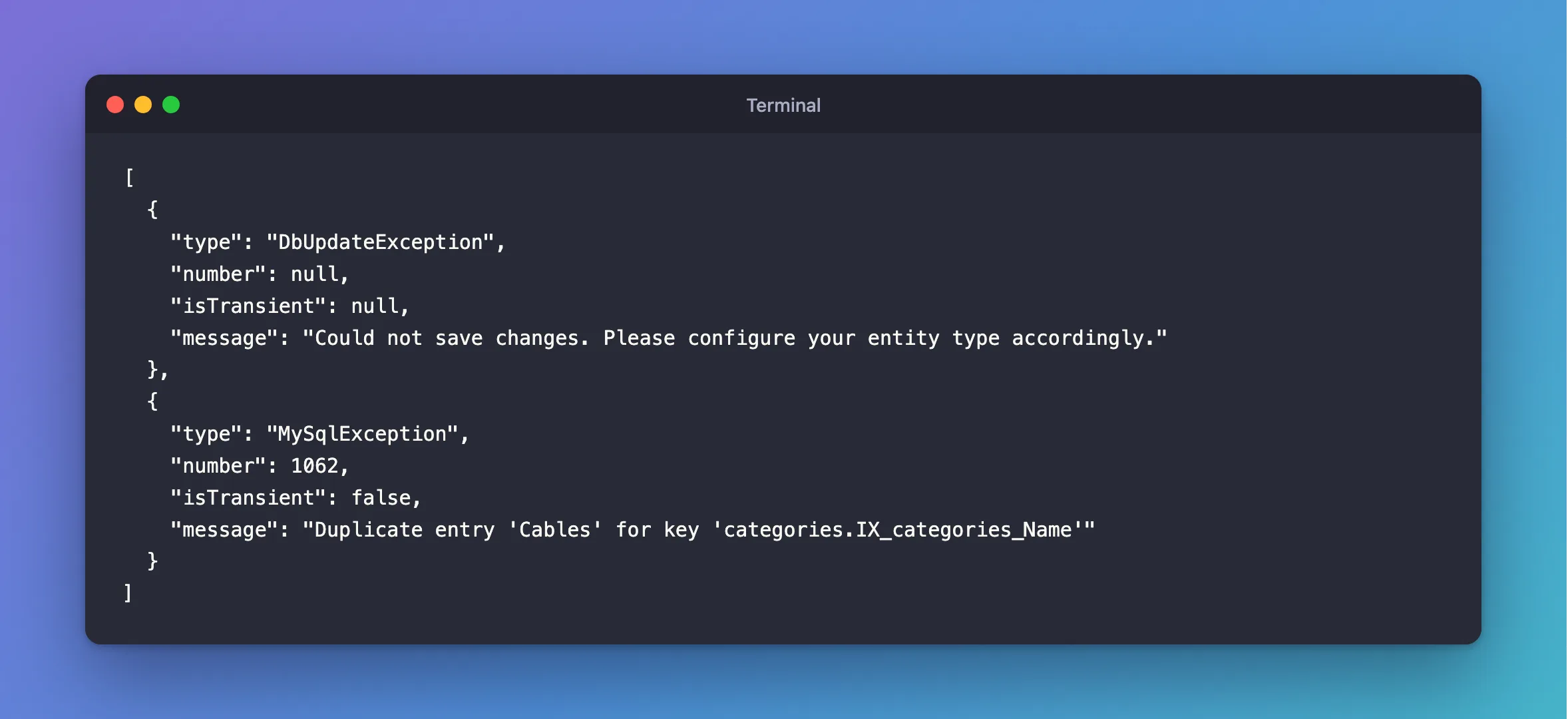
A duplicate through SaveChangesAsync:
[
  {
    "type": "DbUpdateException",
    "number": null,
    "isTransient": null,
    "message": "Could not save changes. Please configure your entity type accordingly."
  },
  {
    "type": "MySqlException",
    "number": 1062,
    "isTransient": false,
    "message": "Duplicate entry 'Cables' for key 'categories.IX_categories_Name'"
  }
]
A broken CHECK through ExecuteUpdateAsync:
[
  {
    "type": "MySqlException",
    "number": 3819,
    "isTransient": false,
    "message": "Check constraint 'CK_products_QuantityOnHand' is violated."
  }
]
So SaveChangesAsync wraps it in a DbUpdateException, and ExecuteUpdateAsync doesn't. When retries run out, it's inside a RetryLimitExceededException. isTransient is false for all of them, which is why Oracle's provider retries nothing by itself.
Step 2: Write the Helper
using Microsoft.EntityFrameworkCore;
using MySql.Data.MySqlClient;

namespace Dewiride.Inventory.Data;

/// <summary>
/// Says which MySQL error made SaveChanges fail. EF Core wraps the error from MySQL in a
/// DbUpdateException, so the MySqlException with the error number is its inner exception.
/// </summary>
public static class DbUpdateExceptionExtensions
{
    /// <summary>MySQL error 1062: a unique index already holds this value.</summary>
    public static bool IsDuplicateKey(this DbUpdateException exception) =>
        HasMySqlError(exception, MySqlErrorCode.DuplicateKeyEntry);

    /// <summary>MySQL error 1451: other rows still point at the row being deleted or changed.</summary>
    public static bool IsRowStillReferenced(this DbUpdateException exception) =>
        HasMySqlError(exception, MySqlErrorCode.RowIsReferenced2);

    /// <summary>MySQL error 1452: a foreign key points at a row that doesn't exist.</summary>
    public static bool IsMissingReferencedRow(this DbUpdateException exception) =>
        HasMySqlError(exception, MySqlErrorCode.NoReferencedRow2);

    /// <summary>
    /// The MySqlException behind any exception: EF Core wraps it in a DbUpdateException when
    /// saving, and in a RetryLimitExceededException when the retries run out.
    /// </summary>
    public static MySqlException? FindMySqlException(this Exception exception)
    {
        for (var current = exception; current is not null; current = current.InnerException)
        {
            if (current is MySqlException mySqlException)
            {
                return mySqlException;
            }
        }

        return null;
    }

    private static bool HasMySqlError(DbUpdateException exception, MySqlErrorCode errorCode) =>
        exception.InnerException is MySqlException mySqlException
        && mySqlException.Number == (int)errorCode;
}
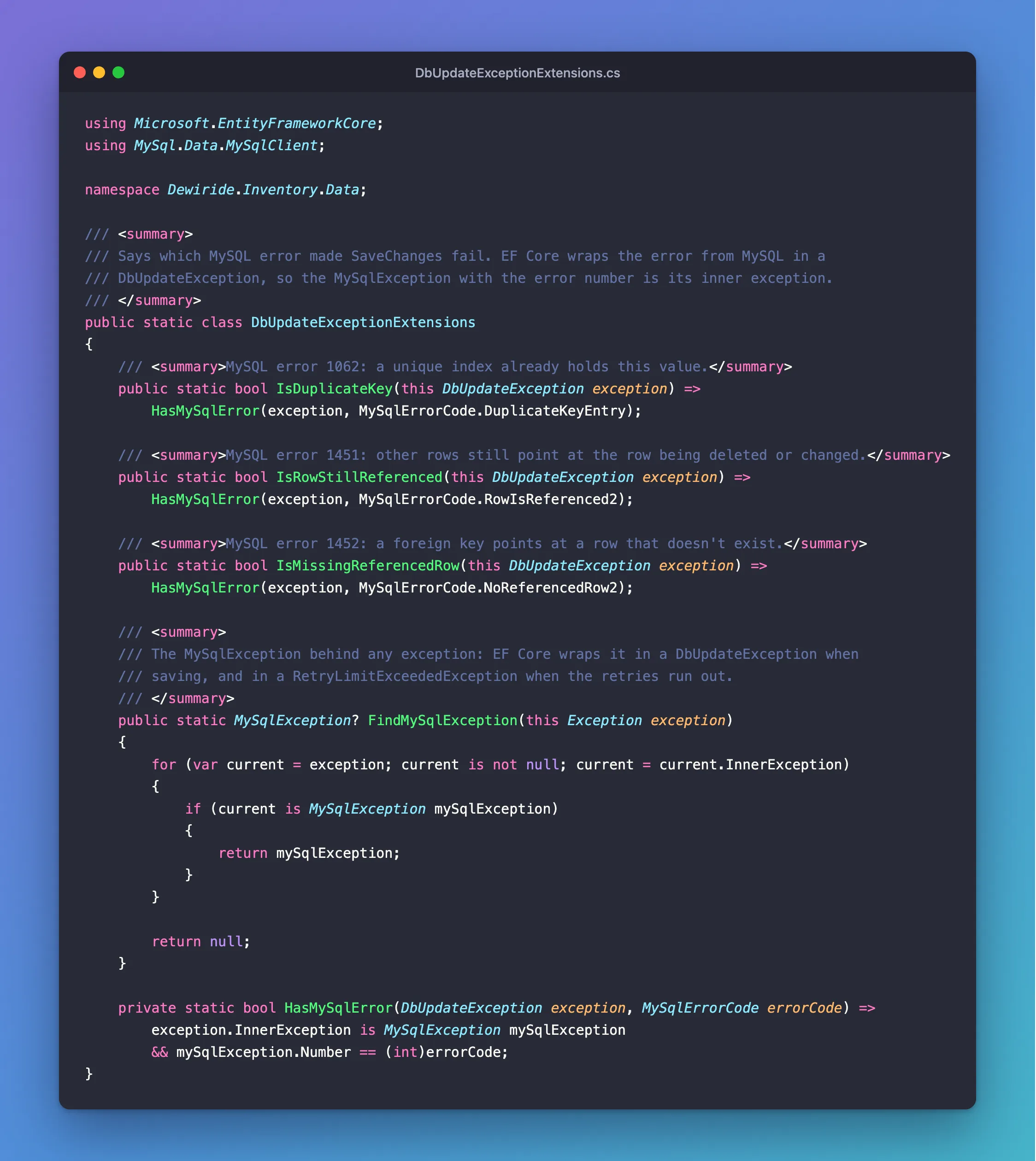
MySqlErrorCode has names for most numbers, so you needn't scatter 1062 through your code.
Step 3: Use It
In a catch, with a filter, so other errors pass through untouched:
catch (DbUpdateException exception) when (exception.IsDuplicateKey())
{
    // Another request with the same key committed first. Undo this attempt,
    // including the stock it took, and return the order that request placed.
    await transaction.RollbackAsync(ct);

    var placedFirst = await FindByIdempotencyKeyAsync(db, key, ct);

    return TypedResults.Ok(placedFirst!);
}
In an exception handler, for any exception:
private static bool IsTemporary(Exception exception) =>
    exception is RetryLimitExceededException
    || exception.FindMySqlException() is { Number: 0 or 1205 or 3024 };
Step 4: Know the Common Numbers
| Number | MySqlErrorCode | Meaning |
|---|---|---|
1062 | DuplicateKeyEntry | A unique index already has this value |
1451 | RowIsReferenced2 | Other rows point at this one |
1452 | NoReferencedRow2 | A foreign key points at nothing |
3819 | none | A CHECK failed |
1213 | LockDeadlock | A deadlock |
1205 | LockWaitTimeout | A lock wait timed out |
0 | none | The driver's own error |
Common Mistakes
| Mistake | What happens | Do this instead |
|---|---|---|
| Matching the message text | It can change between versions | Test the number |
Catching DbUpdateException alone | ExecuteUpdateAsync throws the raw one | Walk the chain |
Catching everything and answering 500 | Clients can't tell what to do | Answer each case |
Troubleshooting
| Symptom | Likely cause | Fix |
|---|---|---|
InnerException is another wrapper | There's more than one level | Use a loop |
SqlState is empty | The driver leaves it out here | Use Number |
Number is 0 | The driver's own error | Read the message |
Conclusion
MySQL's error number is on the MySqlException, wherever that sits in the chain. A loop over InnerException finds it every time, and then your code can act on the number and not on the words.
Additional Resources
- Server Error Message Reference — every number.
