How to Read Rows from a MySQL Table with SELECT

SELECT is how you read from MySQL. You name the columns and the table, then narrow it down with WHERE, sort it with ORDER BY, and cut it short with LIMIT. This guide runs each of those on a real table in MySQL 9.7, and shows what comes back.
Prerequisites
- MySQL, and a way to run SQL. The examples use MySQL 9.7.4 in Docker, and the
mysqlclient from How to Connect to MySQL in a Docker Container. - A table with rows. The examples read
categoriesandproducts, from an inventory database. Use your own table names.
Step 1: Read Every Row and Column
* means every column:
SELECT * FROM categories;
+----+---------------+----------------------------+
| Id | Name          | CreatedAtUtc               |
+----+---------------+----------------------------+
|  1 | Cables        | 2026-11-04 10:48:37.000261 |
|  2 | Wall chargers | 2026-11-04 10:48:38.457419 |
|  5 | Adapters      | 2026-11-04 10:48:45.591706 |
+----+---------------+----------------------------+
3 rows in set (0.000 sec)
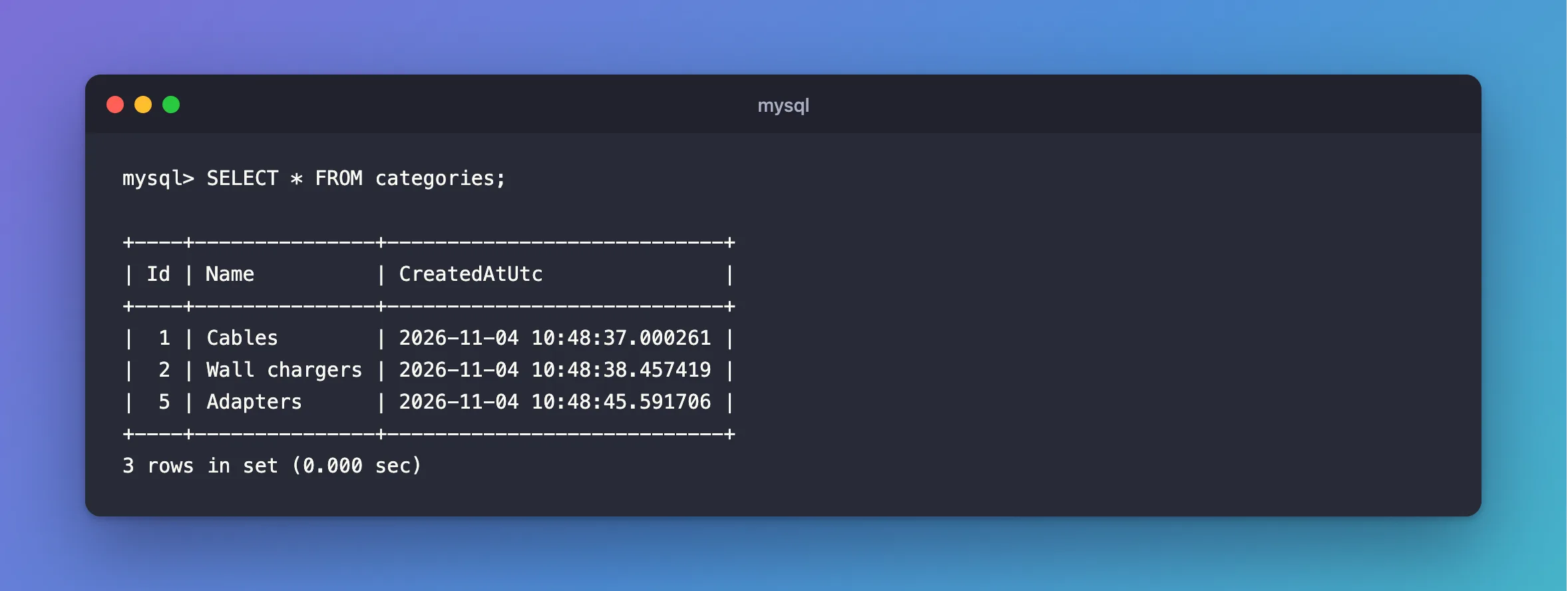
It's handy when you're exploring. In code, name the columns instead, so you read only what you use and a new column can't change your results.
Step 2: Choose Columns and Rows
List the columns, and add WHERE to choose the rows:
SELECT Id, Name FROM categories WHERE Id = 1;
+----+--------+
| Id | Name   |
+----+--------+
|  1 | Cables |
+----+--------+
1 row in set (0.000 sec)
MySQL's SELECT page says the WHERE clause "indicates the condition or conditions that rows must satisfy to be selected."
Step 3: Sort the Results
ORDER BY sorts, and DESC means largest first. This combines a condition and a sort:
SELECT Sku, Name, UnitPrice FROM products WHERE UnitPrice < 10 ORDER BY UnitPrice DESC;
+---------------+------------------------+-----------+
| Sku           | Name                   | UnitPrice |
+---------------+------------------------+-----------+
| CBL-USBC-1M   | USB-C cable, 1 m       |      7.50 |
| ADP-USBC-USBA | USB-C to USB-A adapter |      5.25 |
+---------------+------------------------+-----------+
2 rows in set (0.000 sec)
Without ORDER BY, MySQL doesn't promise any order. If order matters, ask for it.
Step 4: Take Only the First Few
LIMIT stops after that many rows. With a sort, this gives you the three most expensive products:
SELECT Sku, UnitPrice FROM products ORDER BY UnitPrice DESC LIMIT 3;
+--------------+-----------+
| Sku          | UnitPrice |
+--------------+-----------+
| CHG-USBC-65W |     39.50 |
| CHG-USBC-20W |     19.99 |
| CBL-LTNG-1M  |     14.00 |
+--------------+-----------+
3 rows in set (0.000 sec)
How to Page Results in MySQL takes this further.
When Nothing Matches
It isn't an error. MySQL says so, and returns no rows:
SELECT Sku FROM products WHERE Sku = 'NOPE';
Empty set (0.000 sec)
Common Mistakes
| Mistake | What happens | Do this instead |
|---|---|---|
SELECT * in application code | You read columns you don't use, and results change when a column is added | Name the columns |
LIMIT with no ORDER BY | Which rows you get isn't defined | Sort first |
| Double quotes around text in some SQL modes | They can mean a column name | Use single quotes for text |
| A table name in the wrong case on Linux | Table doesn't exist | Match its case |
FAQ
Is SQL case-sensitive?
Keywords aren't: select works too. Table names can be, depending on the operating system. Comparing text depends on the column's collation, as in How to Make a MySQL Text Comparison Case-Sensitive.
How do I show wide rows so they're readable?
End the statement with \G, as in How to Show MySQL Query Results Vertically.
Conclusion
SELECT columns FROM a table, with WHERE to choose rows, ORDER BY to sort them and LIMIT to cut them short. Name your columns in code, and sort whenever the order matters.
Additional Resources
- SELECT Statement — the full syntax.
