How to Read JSON into a C# Object with JsonSerializer.Deserialize

JsonSerializer.Deserialize<Ticket>(json, JsonSerializerOptions.Web) reads JSON text and gives you a Ticket with its properties filled in. Name the type, pass the text, and get an object back.
Microsoft's reference: Parses the text representing a single JSON value into an instance of the type specified by a generic type parameter. The type you name between the angle brackets is the type you get back.
Syntax
using System.Text.Json;

T? <result> = JsonSerializer.Deserialize<T>(<json>);
T? <result> = JsonSerializer.Deserialize<T>(<json>, <options>);
| Part | What it is |
|---|---|
T | The type to create, such as a class or a record |
<json> | The JSON text |
<options> | Optional JsonSerializerOptions, such as JsonSerializerOptions.Web |
T? | The result, which is null when the JSON is null |
The guide on names: By default, property name matching is case-sensitive. You can specify case-insensitivity. And: The web default is case-insensitive.
The Example
A console app called DeserializeJson reads a support ticket written in JSON with camelCase names, id, title, priority and createdBy, into a Ticket record.
Prerequisites
- The .NET 10 SDK.
dotnet --versionprints a version that starts with10.0.
Step 1: Create a Console App
dotnet new console -n DeserializeJson
cd DeserializeJson
The template "Console App" was created successfully.

Processing post-creation actions...
Restoring /Users/you/source/DeserializeJson/DeserializeJson.csproj:
  Determining projects to restore...
  Restored /Users/you/source/DeserializeJson/DeserializeJson.csproj (in 43 ms).
Restore succeeded.
dotnet new console -n DeserializeJson creates a folder named DeserializeJson with a project file and a Program.cs, and cd moves into it. Everything this example uses is part of .NET, so there's no package to add. Open the folder in VS Code, or DeserializeJson.csproj in Visual Studio.
Step 2: Write the Code
Replace everything in Program.cs. First the JSON:
using System.Text.Json;

string json = """
    {
      "id": 42,
      "title": "Printer is offline",
      "priority": "high",
      "createdBy": "asha"
    }
    """;
""" starts and ends a raw string literal, so the quotes inside the JSON need no escaping.
Then read it into a record:
// The web options match "id" to Id without caring about upper or lower case.
Ticket? ticket = JsonSerializer.Deserialize<Ticket>(json, JsonSerializerOptions.Web);

Console.WriteLine($"Ticket {ticket?.Id}: {ticket?.Title} ({ticket?.Priority})");

record Ticket(int Id, string Title, string Priority);
Deserialize<Ticket>names the type to create.JsonSerializerOptions.WebmatchesidtoId, and the other names too, whatever their case.record Tickethas noCreatedBy, socreatedByis skipped. The guide: Any JSON properties that aren't represented in your class are ignored by default.
Step 3: Run It
Run it in VS Code's terminal, or press Ctrl+F5 in Visual Studio:
dotnet run
Ticket 42: Printer is offline (high)

The number, the title and the priority came through, and createdBy, which Ticket doesn't have, was ignored without an error.
The Complete File
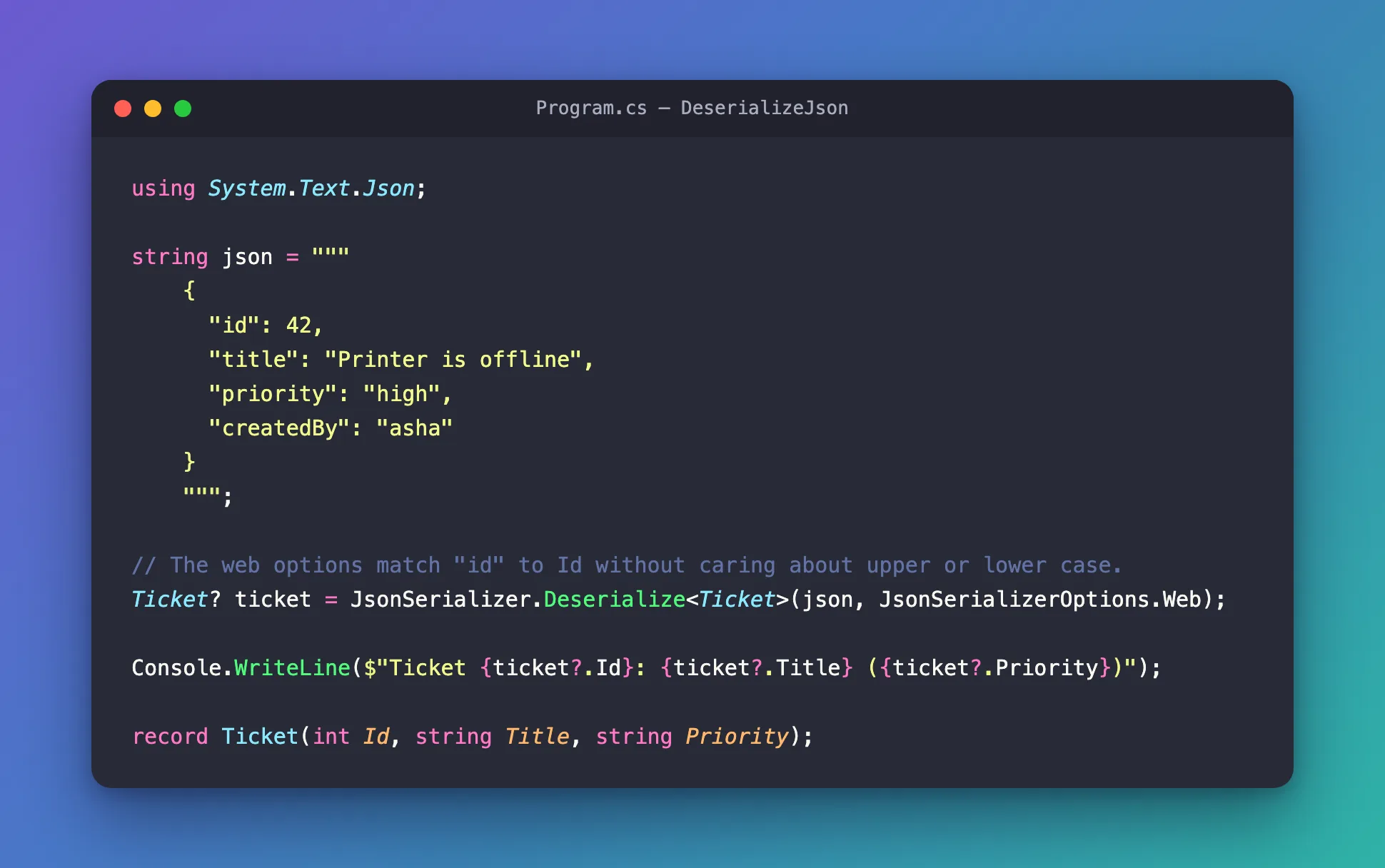
using System.Text.Json;

string json = """
    {
      "id": 42,
      "title": "Printer is offline",
      "priority": "high",
      "createdBy": "asha"
    }
    """;

// The web options match "id" to Id without caring about upper or lower case.
Ticket? ticket = JsonSerializer.Deserialize<Ticket>(json, JsonSerializerOptions.Web);

Console.WriteLine($"Ticket {ticket?.Id}: {ticket?.Title} ({ticket?.Priority})");

record Ticket(int Id, string Title, string Priority);
Common Mistakes
| Mistake | What happens | Do this instead |
|---|---|---|
| Leaving out the options for camelCase JSON | The default options match names case by case, so nothing matched: Id came out as 0 and Title empty | Pass JsonSerializerOptions.Web, or options with PropertyNameCaseInsensitive = true, which gave 42 and the title |
| A value of the wrong type | With the default options, a number in quotes, "Id":"42", threw JsonException: The JSON value could not be converted to Ticket. Path: $.Id, followed by the line and the position | Fix the JSON, or use JsonSerializerOptions.Web, which read "42" as 42. Its documentation: Quoted numbers (JSON strings for number properties) are allowed. |
FAQ
When does Deserialize return null?
When the JSON is the literal null: JsonSerializer.Deserialize<Ticket>("null", JsonSerializerOptions.Web) returned null. That's why the result's type is Ticket?.
Conclusion
JsonSerializer.Deserialize<T> turns JSON text into a T. Pass JsonSerializerOptions.Web for camelCase JSON, expect extra JSON properties to be skipped, and check the result for null.
Additional Resources
- JsonSerializer.Deserialize — every overload.
- How to read JSON as .NET objects — deserialization rules.
- Case-insensitive property matching — PropertyNameCaseInsensitive.
