How to Read and Build a Connection String with MySqlConnectionStringBuilder

MySqlConnectionStringBuilder turns a MySQL connection string into named properties, in both directions. It writes a valid string whatever your password holds, and it reads one back, with every default filled in. That's handy for logging settings without the password.
What You Need
The .NET 10 SDK. This is a one-file program, as in How to Run a Single C# File with dotnet run. In an app that uses Oracle's EF Core provider, MySql.Data is already there.
The Program
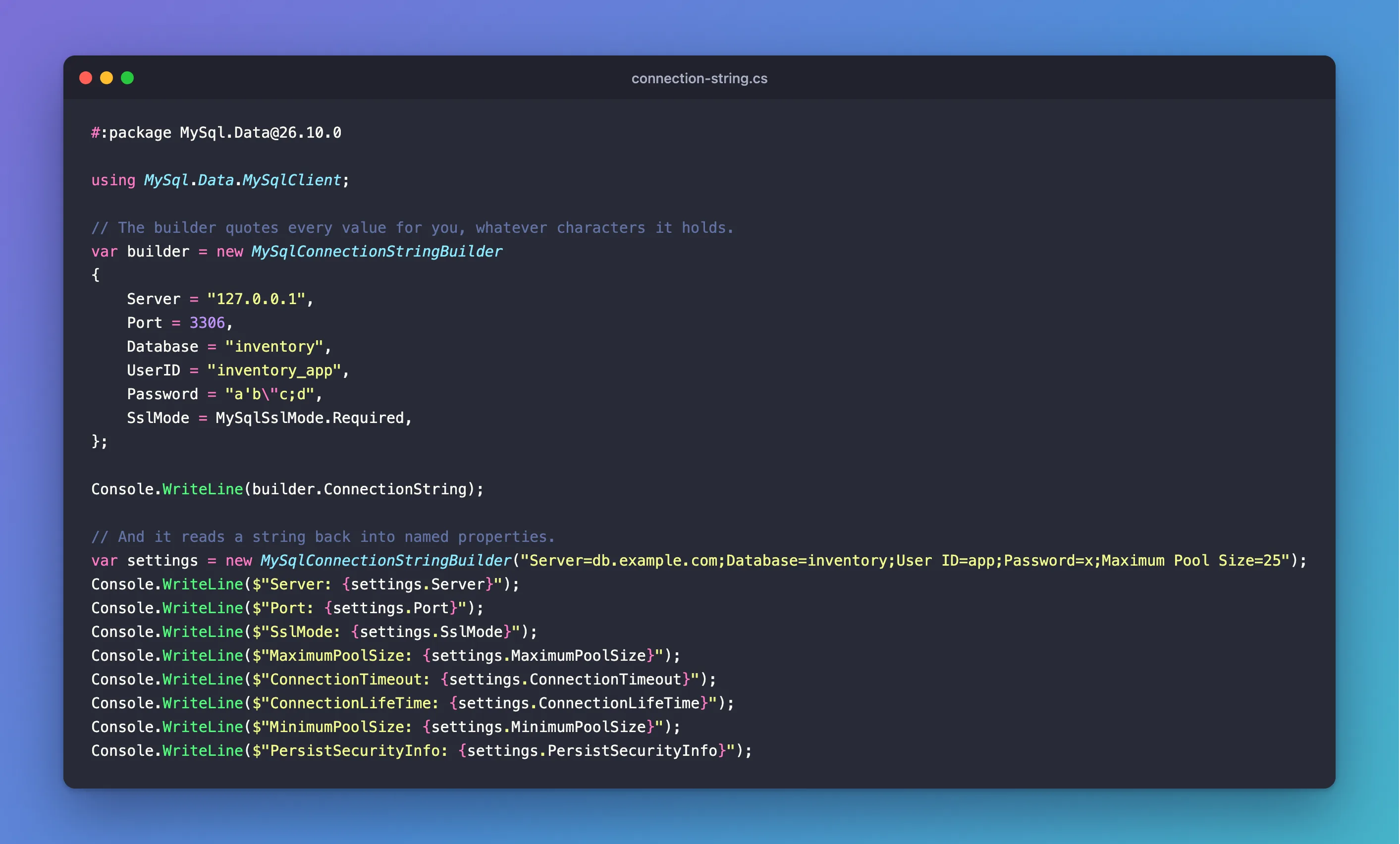
Save this as connection-string.cs:
#:package MySql.Data@26.10.0

using MySql.Data.MySqlClient;

// The builder quotes every value for you, whatever characters it holds.
var builder = new MySqlConnectionStringBuilder
{
    Server = "127.0.0.1",
    Port = 3306,
    Database = "inventory",
    UserID = "inventory_app",
    Password = "a'b\"c;d",
    SslMode = MySqlSslMode.Required,
};

Console.WriteLine(builder.ConnectionString);

// And it reads a string back into named properties.
var settings = new MySqlConnectionStringBuilder("Server=db.example.com;Database=inventory;User ID=app;Password=x;Maximum Pool Size=25");
Console.WriteLine($"Server: {settings.Server}");
Console.WriteLine($"Port: {settings.Port}");
Console.WriteLine($"SslMode: {settings.SslMode}");
Console.WriteLine($"MaximumPoolSize: {settings.MaximumPoolSize}");
Console.WriteLine($"ConnectionTimeout: {settings.ConnectionTimeout}");
Console.WriteLine($"ConnectionLifeTime: {settings.ConnectionLifeTime}");
Console.WriteLine($"MinimumPoolSize: {settings.MinimumPoolSize}");
Console.WriteLine($"PersistSecurityInfo: {settings.PersistSecurityInfo}");
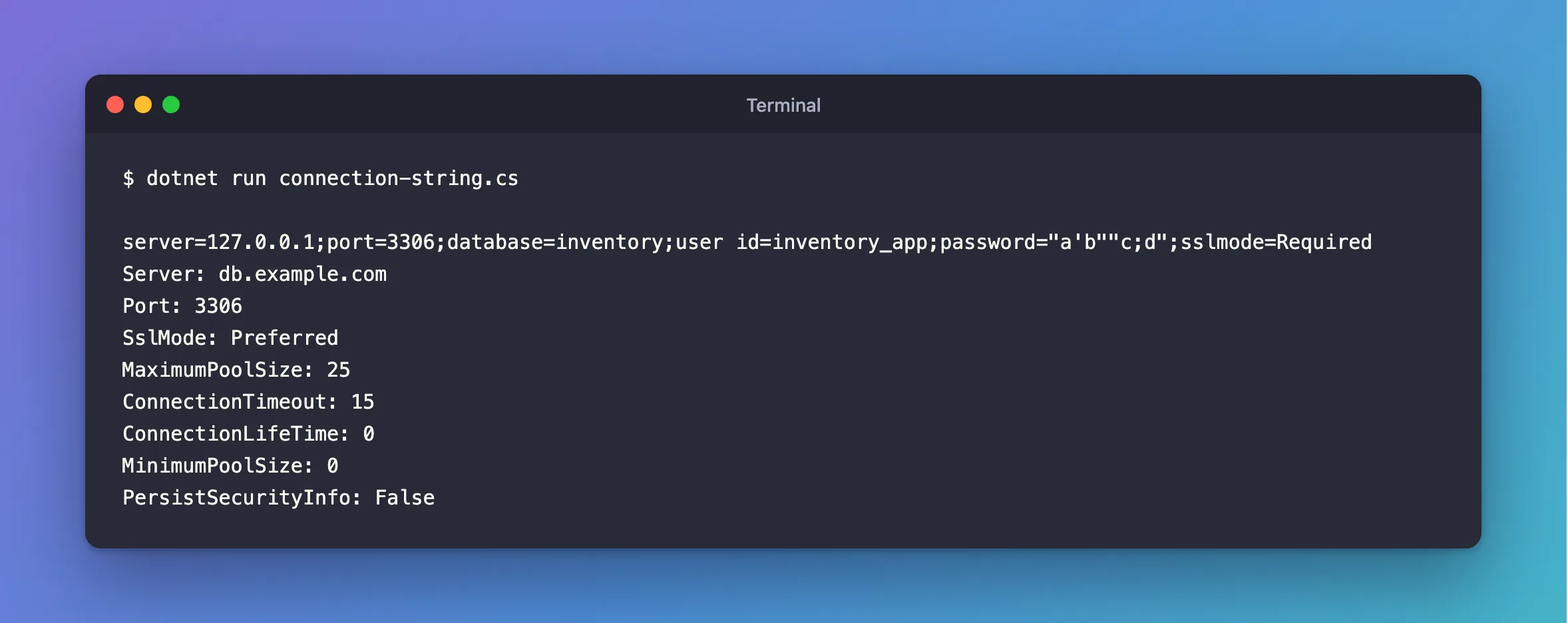
dotnet run connection-string.cs
server=127.0.0.1;port=3306;database=inventory;user id=inventory_app;password="a'b""c;d";sslmode=Required
Server: db.example.com
Port: 3306
SslMode: Preferred
MaximumPoolSize: 25
ConnectionTimeout: 15
ConnectionLifeTime: 0
MinimumPoolSize: 0
PersistSecurityInfo: False
Building
The first line of output is the string it wrote. The password a'b"c;d has all the awkward characters, and the builder quoted it correctly: password="a'b""c;d".
So if your app puts a connection string together from separate settings, use this. Don't build it with string interpolation, which breaks on the first unusual password.
Reading
The rest of the output comes from a string that only set a few things. Everything else came back as its default, so this also answers "what does this string really use?":
| Property | Value | Note |
|---|---|---|
Port | 3306 | Not in the string |
SslMode | Preferred | Not in the string, and it falls back to no encryption |
MaximumPoolSize | 25 | In the string |
ConnectionTimeout | 15 | The default, in seconds |
An app can use these properties too. For example, this reads the pool size to size a limit on requests:
var maximumPoolSize = (int)new MySqlConnectionStringBuilder(connectionString).MaximumPoolSize;
How to Limit Concurrent Requests in ASP.NET Core explains why you'd want that.
Logging Settings Safely
Read the settings you want by name, and you can't log the password by accident. How to Log the Database Settings When an ASP.NET Core App Starts shows this. Don't log .ConnectionString, because it includes the password.
Common Mistakes
| Mistake | What happens | Do this instead |
|---|---|---|
Logging builder.ConnectionString | The password's in your log | Log named settings |
Assuming an unset SslMode means encrypted | It's Preferred | Set it |
Passing a string with an unquoted ; in the password | The constructor throws, with part of the password in its message | Quote it |
Troubleshooting
| Symptom | Likely cause | Fix |
|---|---|---|
Option not supported (Parameter …) | An unknown name, or a ; in a value | The fix |
CS0246 for MySqlConnectionStringBuilder | The using is missing | Add using MySql.Data.MySqlClient; |
CS0266 on MaximumPoolSize | It's a uint | Cast it: (int) |
Conclusion
Use MySqlConnectionStringBuilder to write connection strings that can't break, and to read one to see what it really means.
Additional Resources
- Connector/NET API reference — the
MySqlConnectionStringBuilderclass. - Connector/NET Connection Options — what they mean.
