How to Read an Environment Variable in .NET C#

Settings that change between computers, such as a port, a database address or an API key, belong in environment variables. In .NET C#, Environment.GetEnvironmentVariable reads one by name and returns null when it isn't set.
Syntax
string? <value> = Environment.GetEnvironmentVariable("<NAME>");
| Part | What it does |
|---|---|
Environment.GetEnvironmentVariable | Reads a variable from the environment of the running program. |
"<NAME>" | The variable's name. On macOS and Linux, capitals must match. |
<value> | The value as a string, or null when the variable isn't set. |
The .NET API documentation: "Retrieves the value of an environment variable from the current process." It returns "The value of the environment variable specified by variable, or null if the environment variable is not found."
The Example
The example prints the value of a variable named GREETING, and whether it's null, first with the variable set and then without it.
Prerequisites
- The .NET 10 SDK or newer, which runs a single
.csfile withdotnet run. This guide uses .NET SDK 10.0.404.
Step 1: Write the Code
Create a file named main.cs in an empty folder:
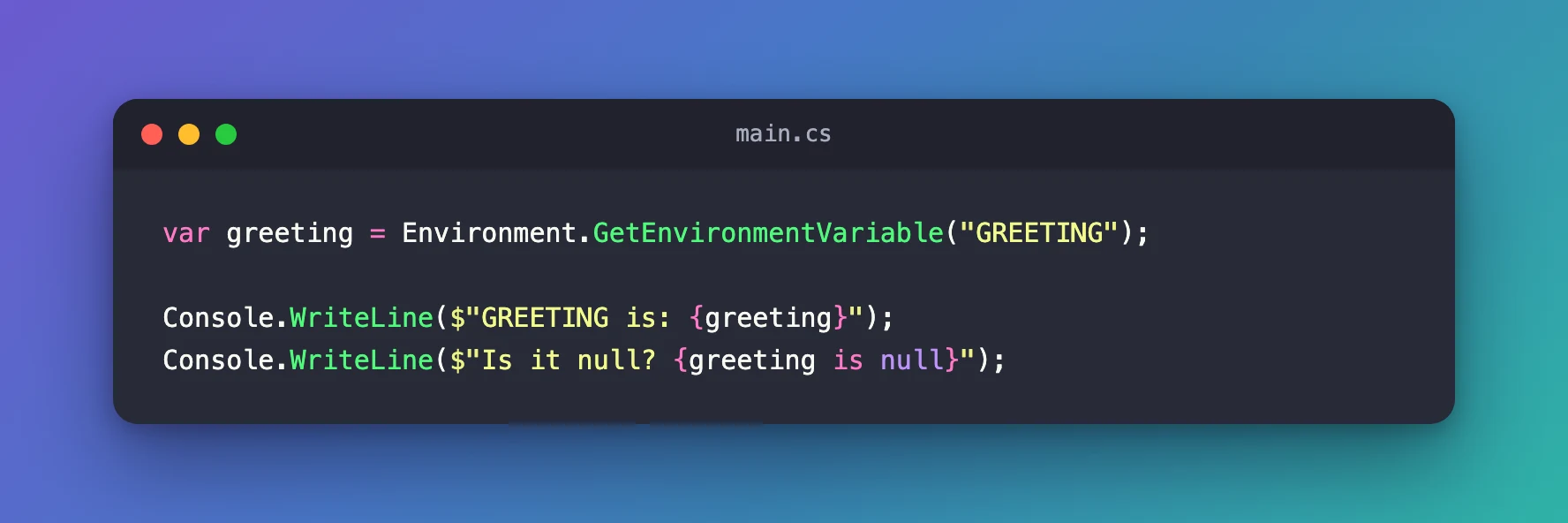
var greeting = Environment.GetEnvironmentVariable("GREETING");

Console.WriteLine($"GREETING is: {greeting}");
Console.WriteLine($"Is it null? {greeting is null}");
Step 2: Set the Variable and Run It
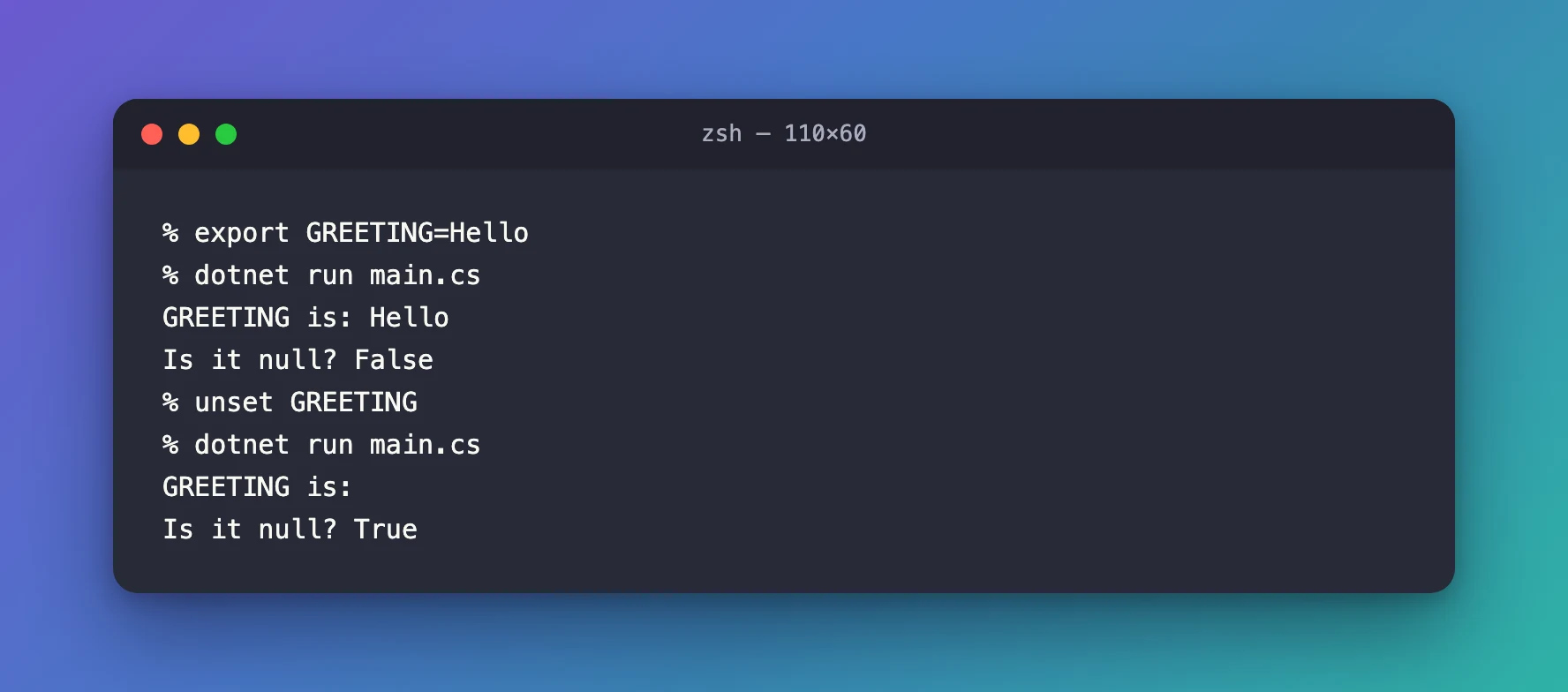
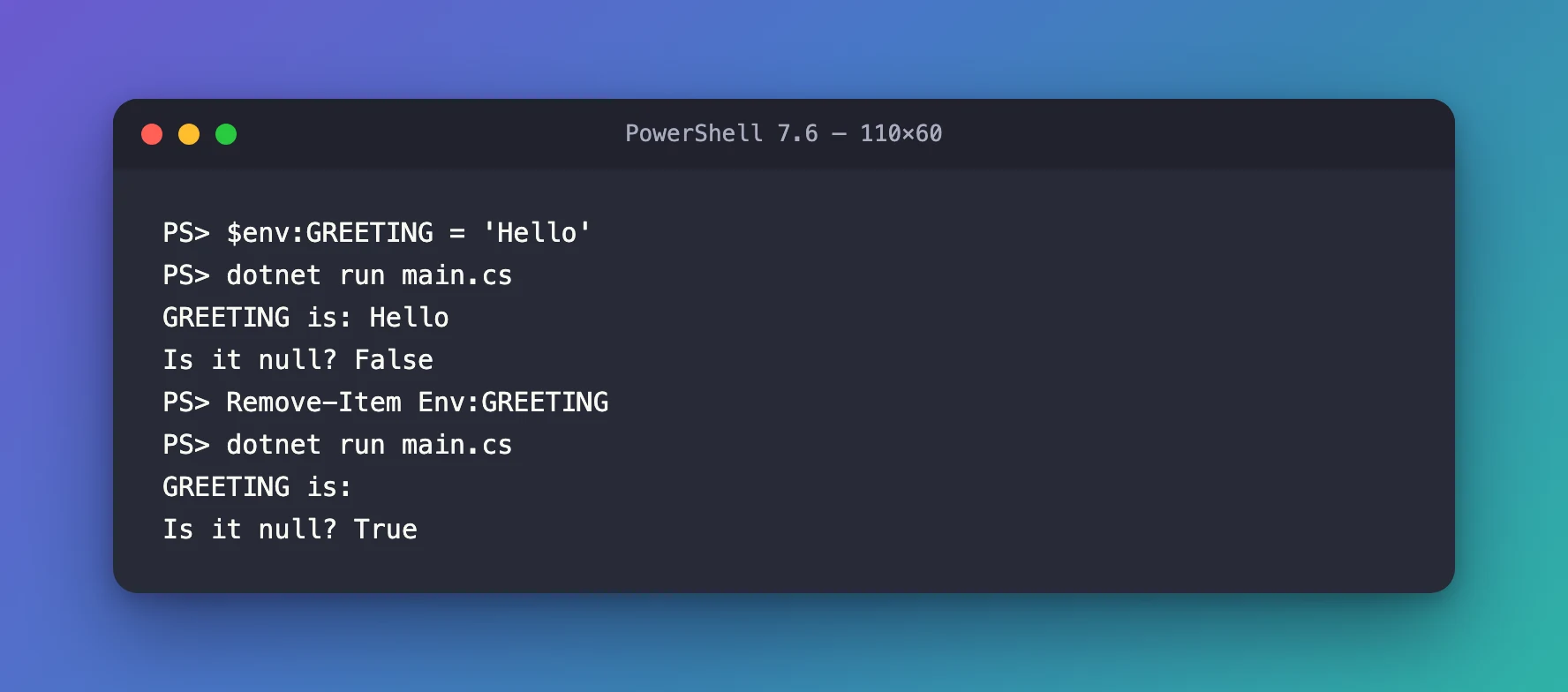
Set GREETING to Hello and run the program. Then remove the variable and run it again:
- macOS / Linux
- Windows (PowerShell)
export GREETING=Hello
dotnet run main.cs
unset GREETING
dotnet run main.cs
$env:GREETING = 'Hello'
dotnet run main.cs
Remove-Item Env:GREETING
dotnet run main.cs
GREETING is: Hello
Is it null? False
GREETING is:
Is it null? True
With the variable set, the method returned "Hello". Without it, it returned null, which string interpolation prints as nothing, so the second GREETING is: line is empty. Check for null before using a value the program needs.
Common Mistakes
| Mistake | What happens | Do this instead |
|---|---|---|
Using the value without checking for null | Code that calls a method on it fails with a NullReferenceException | Check is null, or supply a default |
| Changing the case of the name on macOS or Linux | null: GetEnvironmentVariable("home") didn't find HOME | Use the exact name |
| Setting the variable in one terminal and running the program in another | null: each terminal has its own variables | Set it in the terminal that runs the program |
Troubleshooting
| Symptom | Likely cause | Fix |
|---|---|---|
The value is always null | The variable isn't set in this terminal, or the name differs | Set it as in Step 2 and compare the name |
| A number from the environment won't add up | Every value is a string | Convert it, for example with int.Parse |
FAQ
Are variable names case-sensitive?
It depends on the system. The API documentation says: "Environment variable names are case-sensitive on Unix-like systems but aren't case-sensitive on Windows."
What about ASP.NET Core apps?
Their configuration system reads environment variables for you, alongside appsettings.json. Environment.GetEnvironmentVariable is the direct way for small programs and scripts.
Conclusion
Environment.GetEnvironmentVariable("NAME") returns a variable's value as a string, or null when it isn't set. Check for null, and match the name's case on macOS and Linux.
Additional Resources
- Environment.GetEnvironmentVariable, on Microsoft Learn.
