How to Read a Zip File Inside Another Zip File in Python

Some downloads are zips of zips: an outer archive that holds other archives, each with its own files. Python can read a file from the inner archive without extracting anything to disk: read the inner zip as bytes and open those bytes as an archive of their own. This guide builds a small zip of zips and reads a report out of it, with real output from Python 3.15.2.
Syntax
with zipfile.ZipFile(outer_path) as outer:
    inner_bytes = outer.read(inner_name)

with zipfile.ZipFile(io.BytesIO(inner_bytes)) as inner:
    data = inner.read(name)
| Part | What it means |
|---|---|
outer.read(inner_name) | The inner zip file's content, as bytes |
io.BytesIO(inner_bytes) | Wraps the bytes in an object that behaves like a file kept in memory |
zipfile.ZipFile(...) | Opens that in-memory file as an archive, like any zip on disk |
inner.read(name) | One file from the inner archive, as bytes |
zipfile.ZipFile accepts a path or a file object, and How to Read a File Inside a Zip Archive in Python covers namelist() and read() on their own.
Step 1: Make a Zip of Zips
The example is bundle.zip, which holds reports.zip, which holds report.txt. Create make_nested_zip.py:
import io
import zipfile

inner = io.BytesIO()
with zipfile.ZipFile(inner, "w") as archive:
    archive.writestr("report.txt", "All tests passed\n")

with zipfile.ZipFile("bundle.zip", "w") as archive:
    archive.writestr("reports.zip", inner.getvalue())
uv run python make_nested_zip.py
It prints nothing. The inner archive is built in memory, in an io.BytesIO, and stored in bundle.zip as a file named reports.zip.
Step 2: Read the File in the Inner Zip
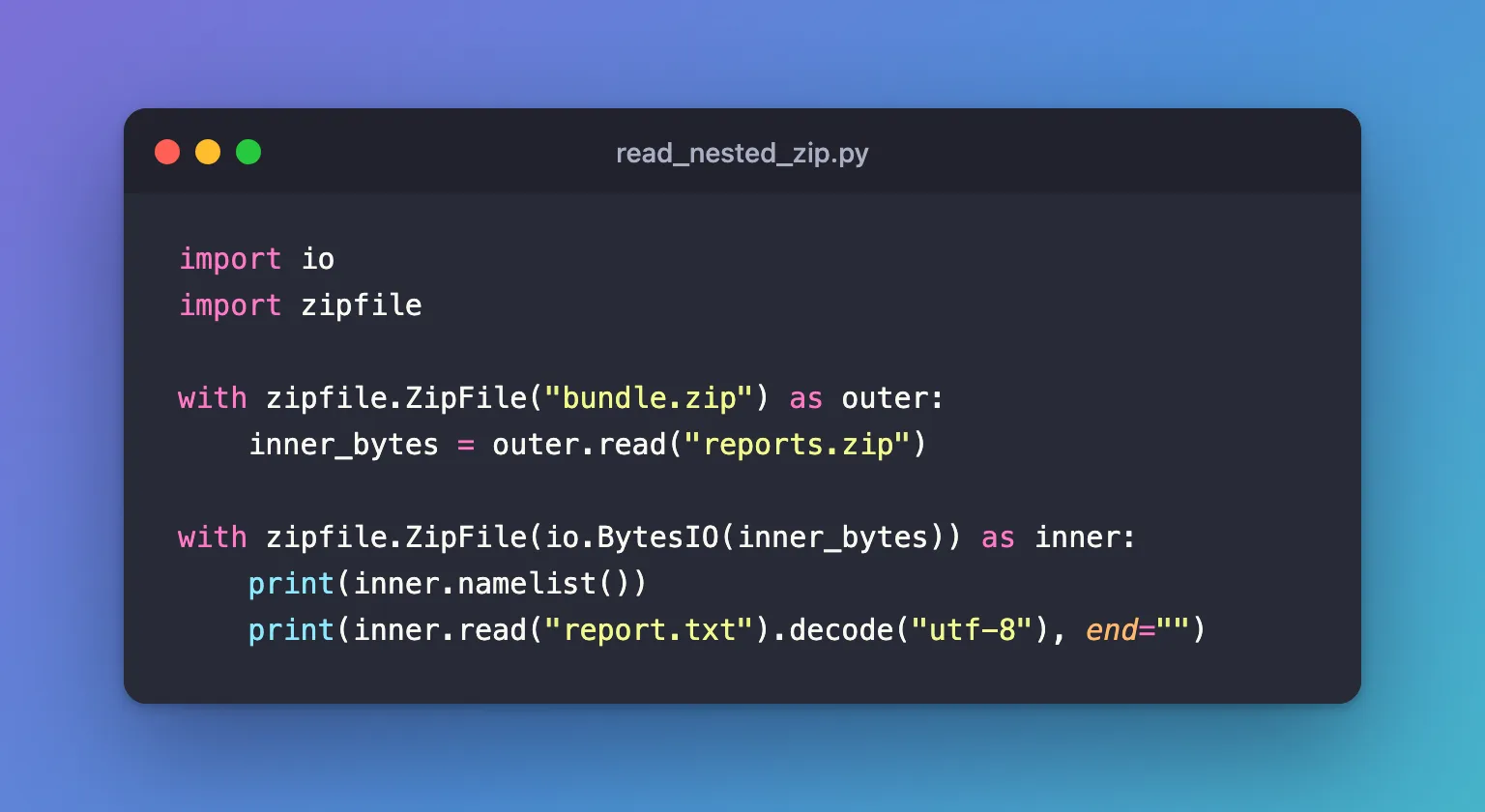
Create read_nested_zip.py:
import io
import zipfile

with zipfile.ZipFile("bundle.zip") as outer:
    inner_bytes = outer.read("reports.zip")

with zipfile.ZipFile(io.BytesIO(inner_bytes)) as inner:
    print(inner.namelist())
    print(inner.read("report.txt").decode("utf-8"), end="")
uv run python read_nested_zip.py
['report.txt']
All tests passed
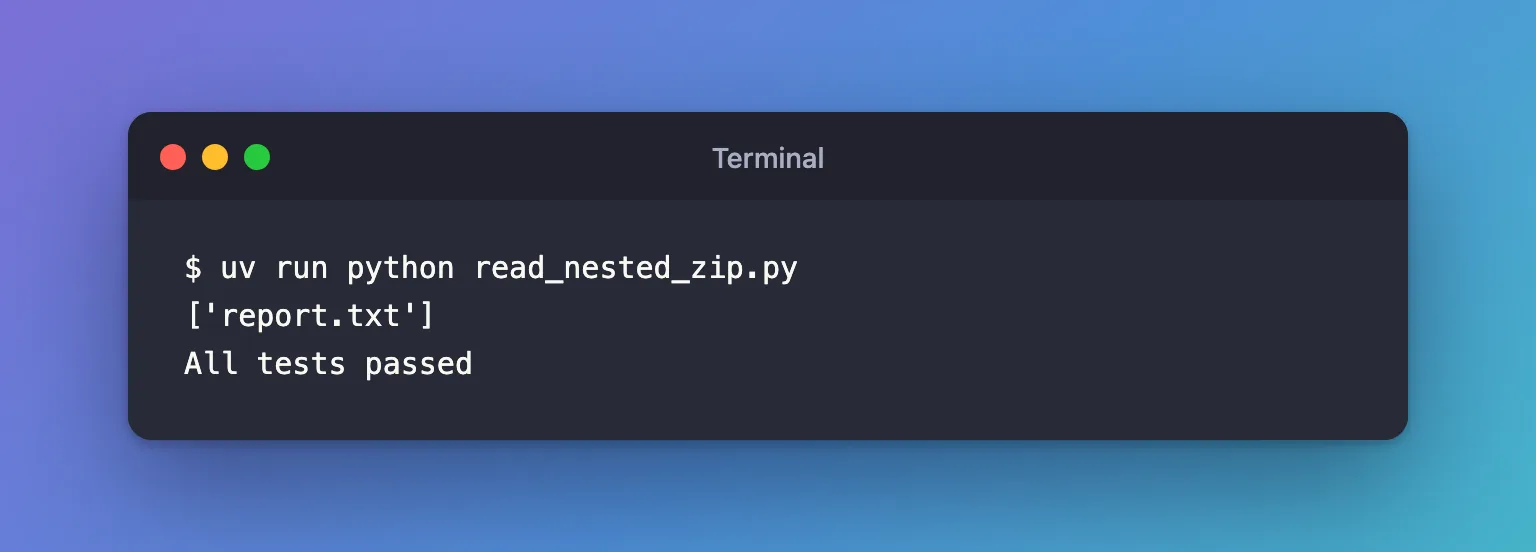
Nothing was extracted: the inner archive only ever existed in memory.
Common Mistakes
| Mistake | What happens | Do this instead |
|---|---|---|
Asking the outer archive for report.txt | KeyError: "There is no item named 'report.txt' in the archive": the outer archive only holds reports.zip | Open the inner archive first, then read from it |
Passing the bytes straight to zipfile.ZipFile(inner_bytes) | AttributeError: 'bytes' object has no attribute 'seek': it needs a path or a file object | Wrap them: zipfile.ZipFile(io.BytesIO(inner_bytes)) |
Troubleshooting
| Symptom | Likely cause | Fix |
|---|---|---|
KeyError: "There is no item named '...' in the archive" | The name is wrong, or the file is in the other archive | Print each archive's namelist() |
zipfile.BadZipFile: File is not a zip file | The inner file isn't a zip, or the outer download was cut short | Check the names, and download the outer archive again |
FAQ
Can I skip io.BytesIO?
Yes. outer.open("reports.zip") returns a file object that zipfile.ZipFile accepts directly, because it supports jumping to any position, which ZipFile needs. io.BytesIO reads the inner archive once and keeps it in memory, which keeps the code simple for small archives.
Does this work more than two levels deep?
Yes: each zipfile.ZipFile(io.BytesIO(...)) opens one more level, so repeat the two steps for every level.
Conclusion
outer.read("reports.zip") returned the inner archive as bytes, and zipfile.ZipFile(io.BytesIO(inner_bytes)) opened them like a file on disk, so report.txt could be read without extracting anything.
Additional Resources
- zipfile —
ZipFileand what it accepts. - io.BytesIO — in-memory binary files.
