How to Read a String from a JsonElement with GetString in C#

root.GetProperty("name").GetString() reads the JSON string "Asha" as the C# string Asha. For a JSON null, it gives you null, which is why its type is string?.
Microsoft's reference: Gets the value of the element as a String. It reads JSON strings and nothing else: This method does not create a string representation of values other than JSON strings.
Syntax
string? <text> = <element>.GetProperty("<name>").GetString();
| Part | What it is |
|---|---|
GetProperty("<name>") | The property's value, as a JsonElement |
GetString() | Its text, or null for a JSON null |
The Example
A console app called JsonGetString reads a person's name, a city that is null, and an age that is a number.
Prerequisites
- The .NET 10 SDK.
dotnet --versionprints a version that starts with10.0.
Step 1: Create a Console App
dotnet new console -n JsonGetString
cd JsonGetString
The template "Console App" was created successfully.

Processing post-creation actions...
Restoring /Users/you/source/JsonGetString/JsonGetString.csproj:
  Determining projects to restore...
  Restored /Users/you/source/JsonGetString/JsonGetString.csproj (in 45 ms).
Restore succeeded.
dotnet new console -n JsonGetString creates a folder named JsonGetString with a project file and a Program.cs, and cd moves into it. Everything this example uses is part of .NET, so there's no package to add. Open the folder in VS Code, or JsonGetString.csproj in Visual Studio.
Step 2: Write the Code
Replace everything in Program.cs. First parse the JSON:
using System.Text.Json;

string json = """{"name":"Asha","city":null,"age":31}""";
using JsonDocument document = JsonDocument.Parse(json);
JsonElement root = document.RootElement;
Then read the three values:
string? name = root.GetProperty("name").GetString();
string? city = root.GetProperty("city").GetString();
int age = root.GetProperty("age").GetInt32();
GetString()onnamegivesAsha, and oncity, a JSONnull, givesnull.GetInt32()reads the number. The reference: Gets the current JSON number as an Int32.
And print them:
Console.WriteLine($"Name: {name}");
Console.WriteLine($"City: {city ?? "(none)"}");
Console.WriteLine($"Age:  {age}");
city ?? "(none)" prints (none) when city is null.
Step 3: Run It
Run it in VS Code's terminal, or press Ctrl+F5 in Visual Studio:
dotnet run
Name: Asha
City: (none)
Age:  31
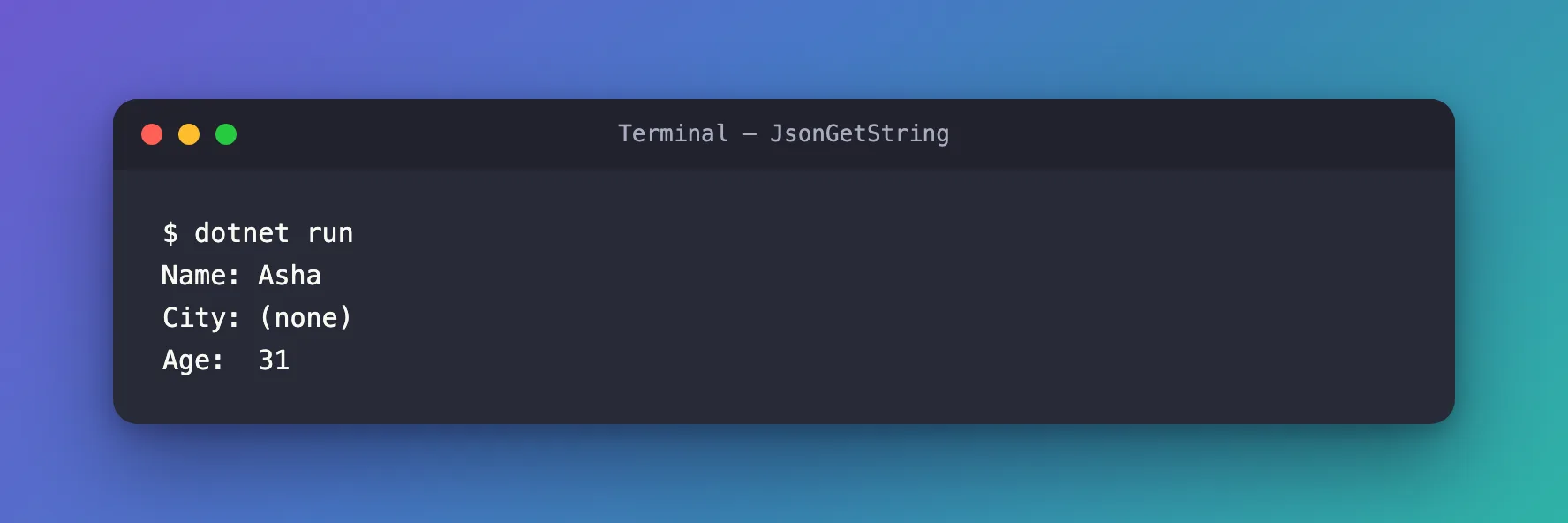
The JSON null came back as a C# null, without an exception, and the age came from GetInt32.
The Complete File
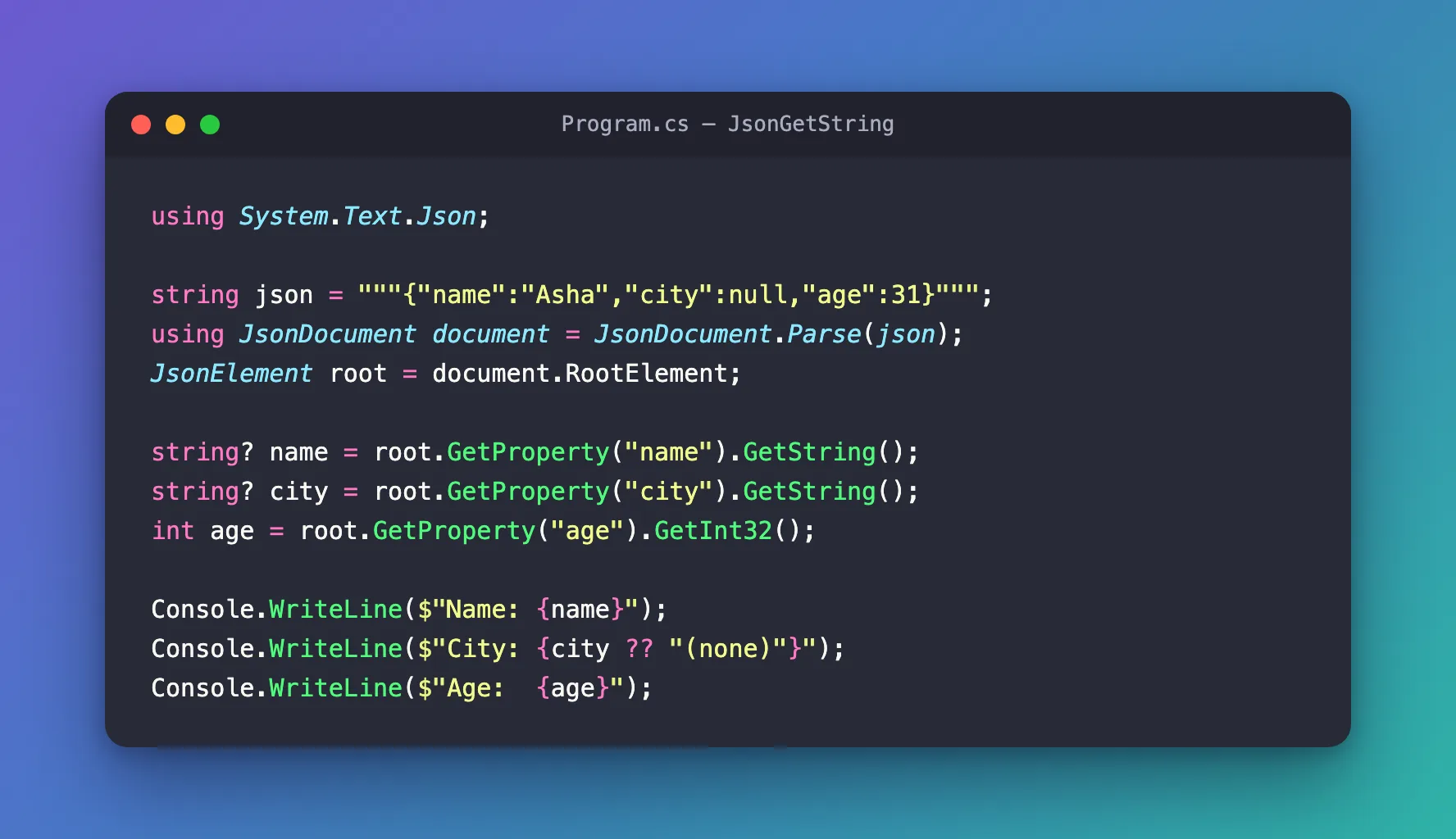
using System.Text.Json;

string json = """{"name":"Asha","city":null,"age":31}""";
using JsonDocument document = JsonDocument.Parse(json);
JsonElement root = document.RootElement;

string? name = root.GetProperty("name").GetString();
string? city = root.GetProperty("city").GetString();
int age = root.GetProperty("age").GetInt32();

Console.WriteLine($"Name: {name}");
Console.WriteLine($"City: {city ?? "(none)"}");
Console.WriteLine($"Age:  {age}");
Common Mistakes
| Mistake | What happens | Do this instead |
|---|---|---|
GetString() on a number | GetString() on age threw InvalidOperationException: The requested operation requires an element of type 'String', but the target element has type 'Number'. | Use the method for the value's kind, such as GetInt32(). For the JSON text of any value, GetRawText() gave 31 |
GetProperty for a property that may be missing | GetProperty("email") threw KeyNotFoundException: The given key was not present in the dictionary. | Use TryGetProperty, which returned False instead of throwing. The reference: Looks for a property named propertyName in the current object, returning a value that indicates whether or not such a property exists. |
FAQ
Does GetProperty care about upper and lower case?
Yes: GetProperty("Name") threw a KeyNotFoundException for a property called name, and GetProperty("name") found it. The reference: Property name matching is performed as an ordinal, case-sensitive comparison.
Conclusion
Use GetString() to read a JSON string, and expect null for a JSON null. Read other kinds of values with their own methods, such as GetInt32(), and use TryGetProperty when a property may be missing.
Additional Resources
- JsonElement.GetString — the method and its exceptions.
- JsonElement.TryGetProperty — finding a property that may be missing.
