How to Read a Response as Text in Python with requests

Not every answer is JSON: a plain-text file, a web page or an error message comes back as text. response.text gives you the body as a Python string, decoded with the encoding the server's headers suggest. This guide reads a small text file from a test server, with real output from Python 3.15.2 and requests 2.34.2.
Syntax
body = response.text
| Part | What it means |
|---|---|
response.text | The body as a string (str), decoded from the bytes the server sent |
response.encoding | The encoding requests used for that decoding |
response.content | The same body as raw bytes, not decoded |
The requests quickstart: "Requests makes educated guesses about the encoding of the response based on the HTTP headers. The text encoding guessed by Requests is used when you access r.text."
Prerequisites
- Python 3 with the requests package in your project, for example with
uv add requests. - An internet connection: the example reads httpbin.org's
robots.txt, a two-line text file.
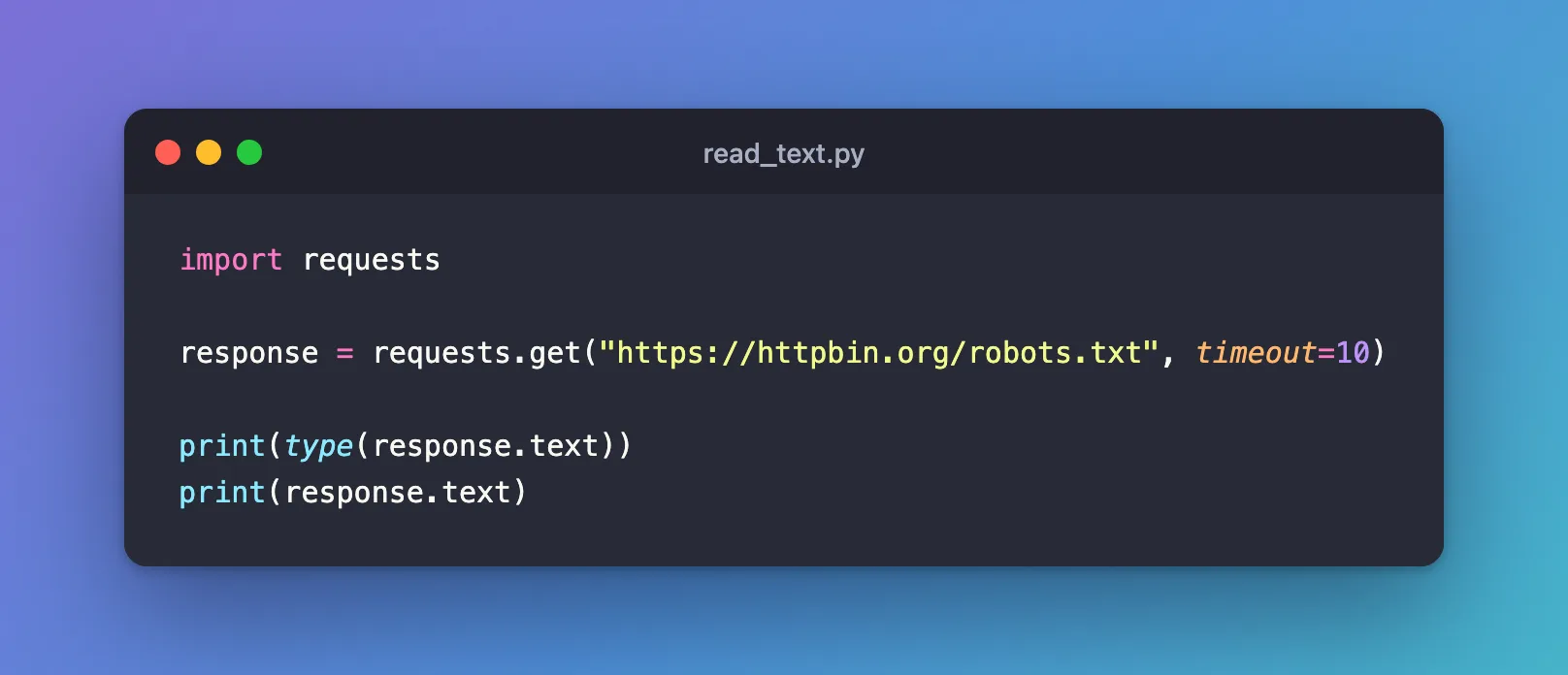
Step 1: Read the File
import requests

response = requests.get("https://httpbin.org/robots.txt", timeout=10)

print(type(response.text))
print(response.text)
Step 2: Run It
uv run python read_text.py
<class 'str'>
User-agent: *
Disallow: /deny
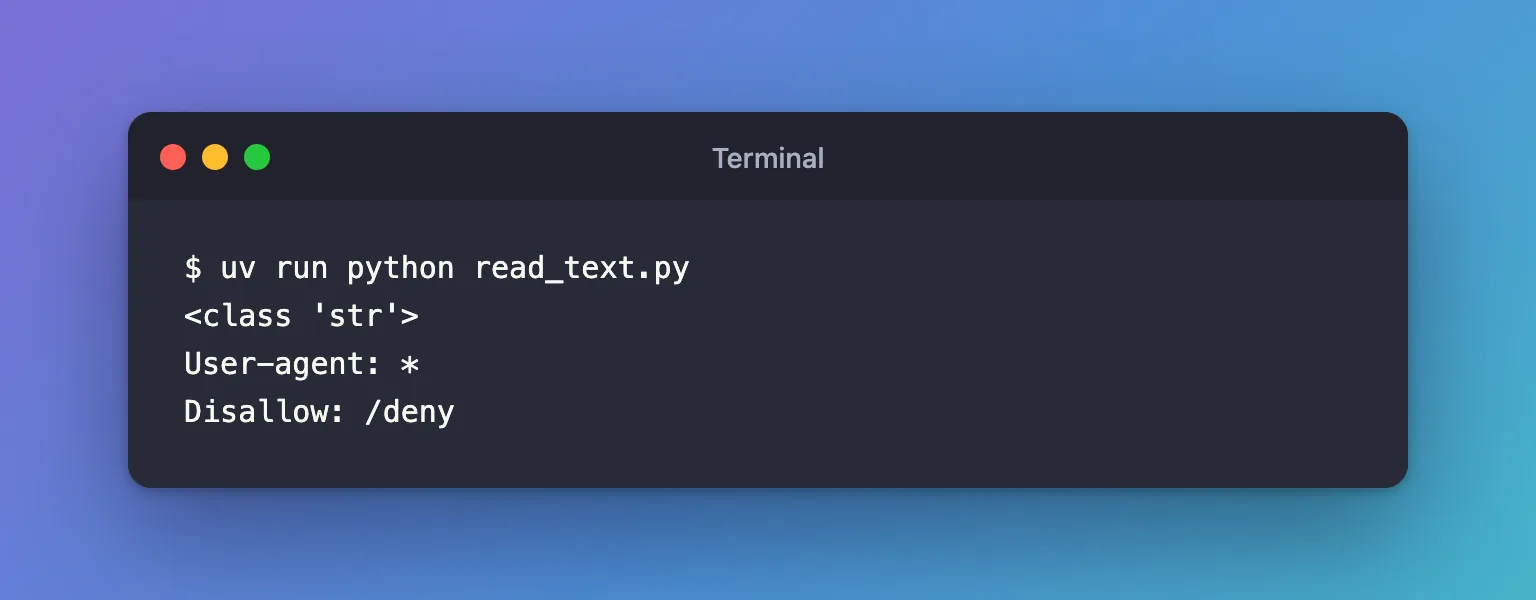
The body arrived as a str, with its line break, ready to print or search.
Common Mistakes
| Mistake | What happens | Do this instead |
|---|---|---|
response.content where text is needed | You get bytes, printed as b'User-agent: *\nDisallow: /deny\n' | response.text |
response.text for JSON you want to use | You get one string, not a dictionary | response.json() |
Troubleshooting
| Symptom | Likely cause | Fix |
|---|---|---|
| Accented letters come out wrong | requests guessed the wrong encoding: this server sent text/plain without a charset, and response.encoding was ISO-8859-1 | Set response.encoding = "utf-8" before reading response.text, when you know the text is UTF-8 |
FAQ
Where does the encoding come from?
From the Content-Type header. A charset there wins; without one, requests 2.34.2's get_encoding_from_headers returns ISO-8859-1 for any text type, which is what happened here with text/plain. The file is plain English, so the text was right either way.
Can I change the encoding?
Yes. The quickstart: "If you change the encoding, Requests will use the new value of r.encoding whenever you call r.text."
Conclusion
response.text returned httpbin.org's robots.txt as a str, line break included, decoded with ISO-8859-1 because the server named no charset. response.content holds the same body as bytes.
Additional Resources
- requests quickstart: Response Content —
text,encodingand the encoding guess. - requests API: Response —
text,contentandencoding.
