How to Read a Property Safely with the Question Mark Operator in Power Automate

Reading a property that isn't there makes a flow fail, unless you put a question mark in front of it. With ?['property'], a missing property gives you nothing and the flow carries on. This guide reads a property that exists and one that doesn't, with and without the question mark.
Syntax
<object>?['<property>']
<object>: anything that returns an object, such asoutputs('<actionName>'),body('<actionName>')ortriggerBody().<property>: the property's name, in single quotes.?: Microsoft's Workflow Definition Language reference calls it the null ignore operator: If the parent object that appears before the ? operator is null or is missing the referenced property, the entire expression returns null, rather than the workflow failing. When the property exists, you get its value.
Without the ?, <object>['<property>'] returns the same value when the property exists, and fails when it doesn't.
The Example
A flow, Read a Property Safely, has four Compose actions (How to Use the Compose Action in Power Automate) after Manually trigger a flow (How to Create an Instant Cloud Flow Inside a Solution in Power Automate):
| Action | Inputs | Reads |
|---|---|---|
| Person | { "name": "Ada" } | Nothing: it holds the object |
| Name | outputs('Person')?['name'] | A property that exists |
| Age with a question mark | outputs('Person')?['age'] | A property that's missing |
| Age without a question mark | outputs('Person')['age'] | The same missing property, without ? |
Step 1: Hold an Object
Add a Compose action, rename it Person, and type this JSON in Inputs:
{
  "name": "Ada"
}
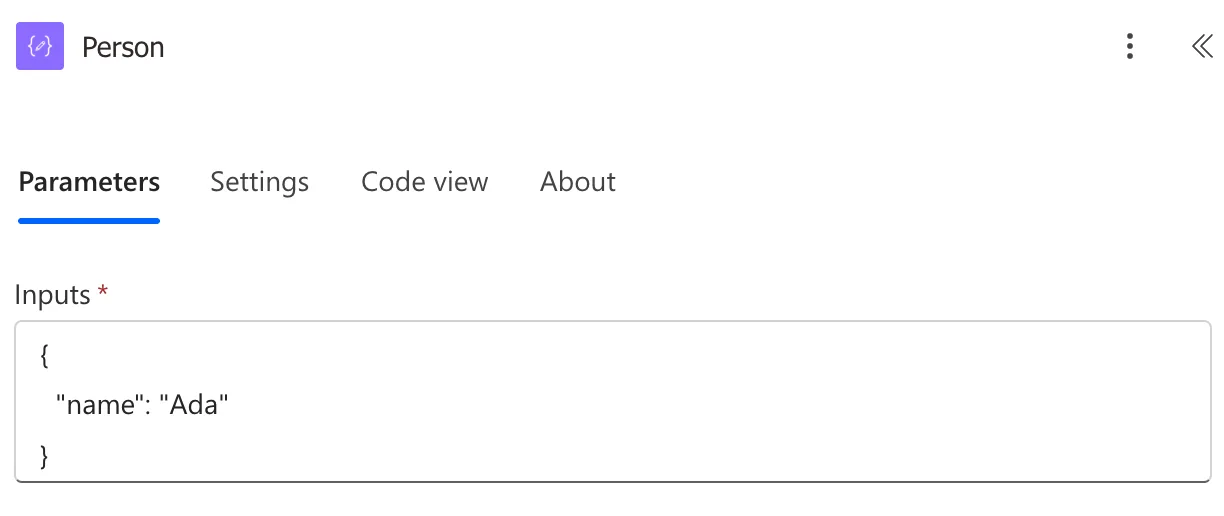
The object has one property, name. It has no age.
Step 2: Read the Properties
Add the three other Compose actions with these expressions in Inputs (How to Add an Expression in Power Automate):
outputs('Person')?['name']
outputs('Person')?['age']
outputs('Person')['age']
Step 3: Run the Flow
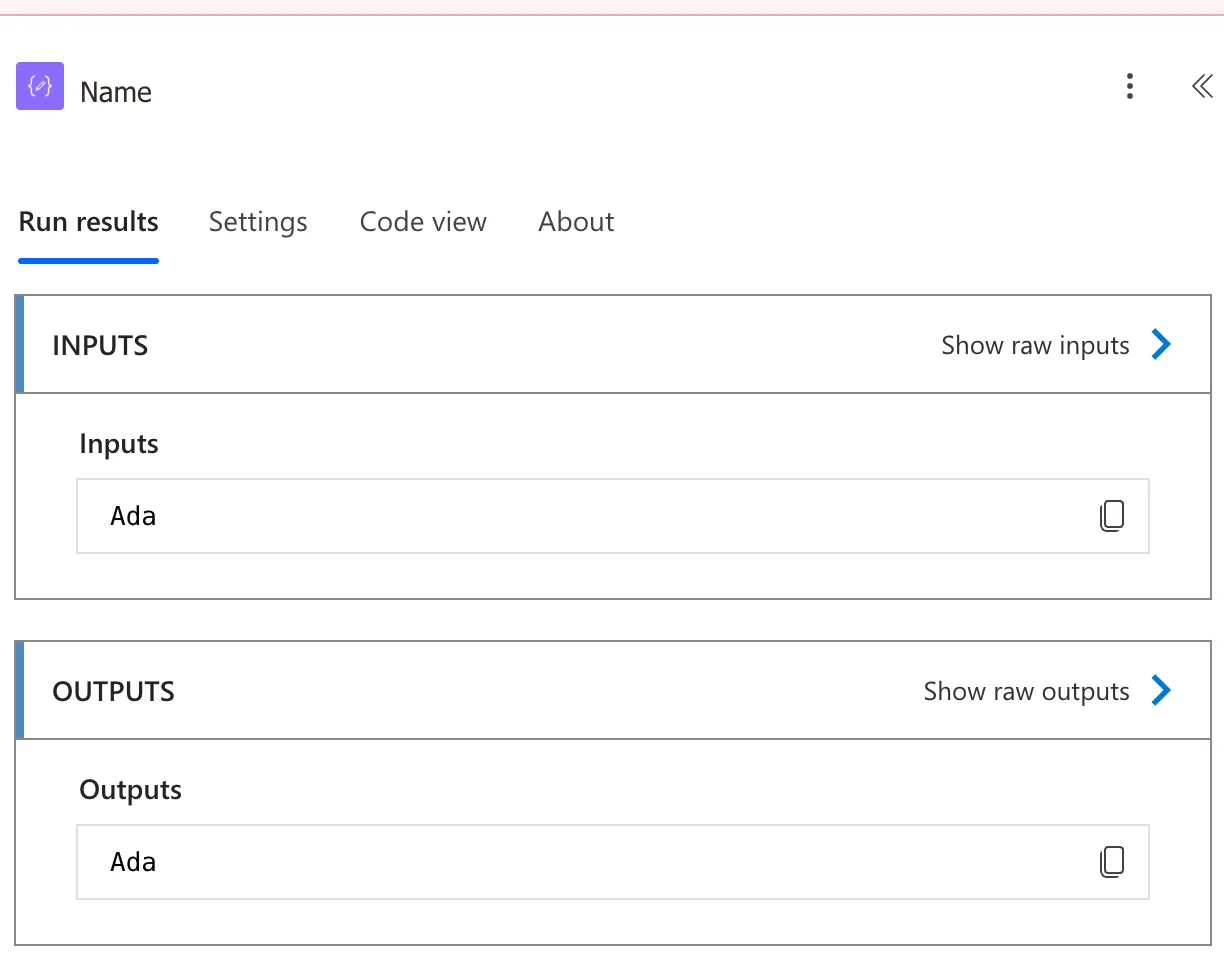
Save the flow and test it manually (How to Test a Cloud Flow Manually in Power Automate). Name returned Ada:
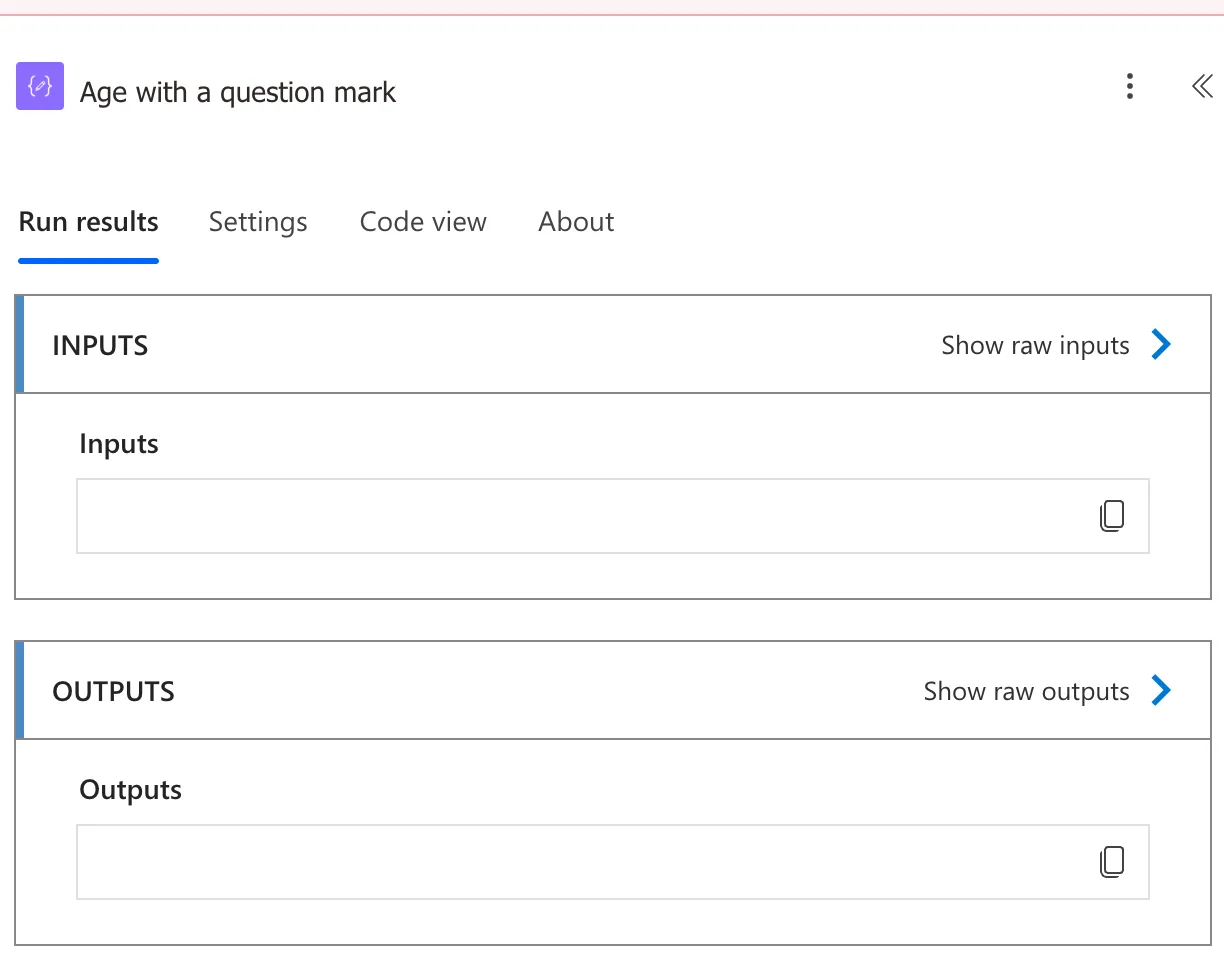
Age with a question mark found no age, returned nothing and succeeded:
Age without a question mark failed, and the run failed with it:
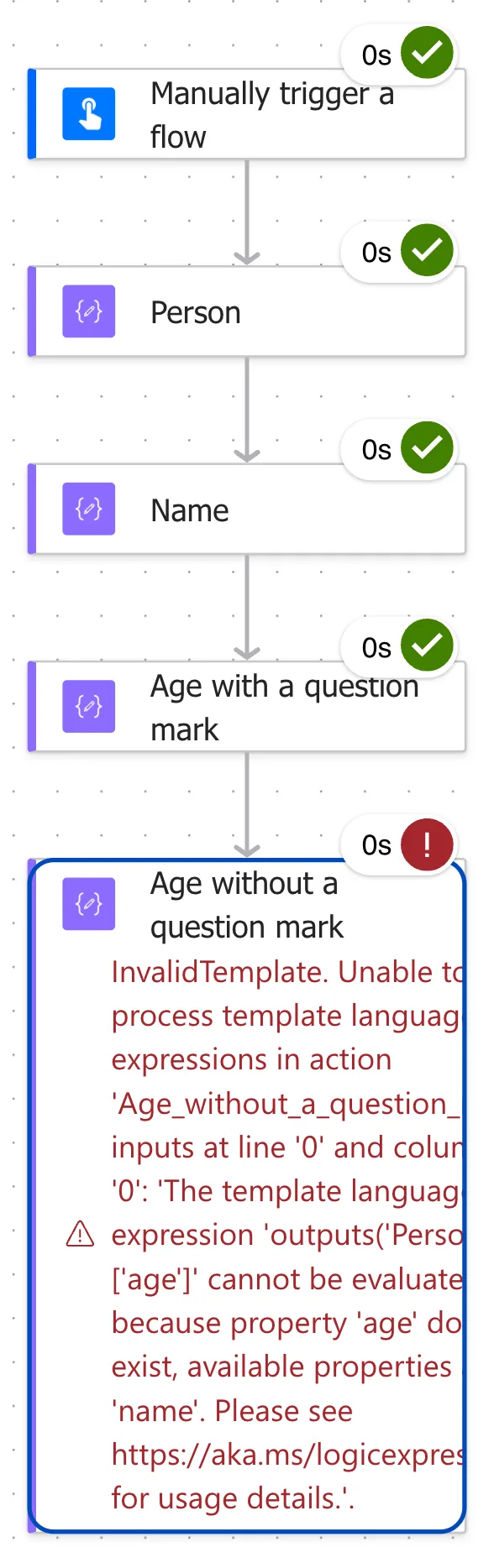
Its Run results start with InvalidTemplate:
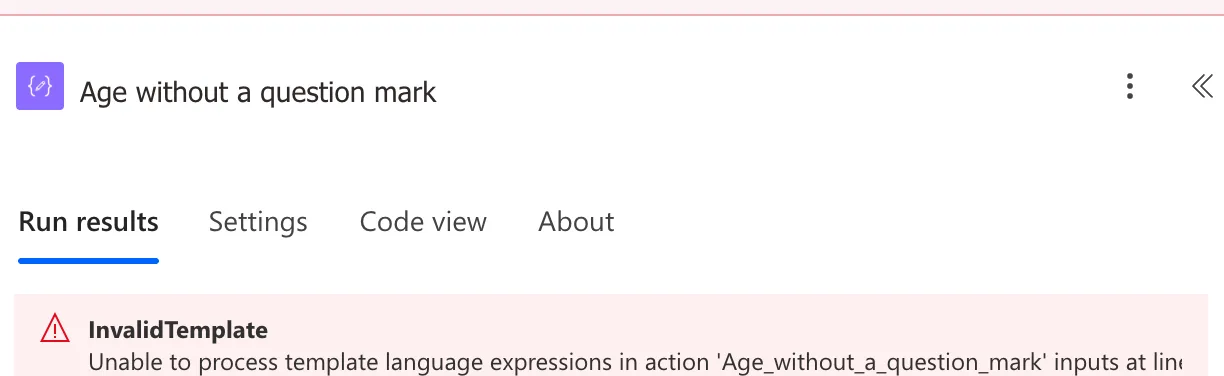
This is the whole message:
InvalidTemplate. Unable to process template language expressions in action 'Age_without_a_question_mark' inputs at line '0' and column '0': 'The template language expression 'outputs('Person')['age']' cannot be evaluated because property 'age' doesn't exist, available properties are 'name'. Please see https://aka.ms/logicexpressions for usage details.'.
The message names the missing property and lists the ones that exist, which helps when a name is misspelled.
Common Mistakes
| Mistake | What happens | Do this instead |
|---|---|---|
Leaving out the ? on a property that may be missing | The flow fails with InvalidTemplate | Write ?['<property>'] |
Using ? to hide a misspelled name | The result is always empty, with no error to tell you | Check the name against a run's output |
Troubleshooting
| Symptom | Likely cause | Fix |
|---|---|---|
| property '…' doesn't exist, available properties are '…' | The property is missing, or its name is spelled differently | Use a name from the list, or add ? |
| The result is always empty | The name doesn't match any property | Compare it with the object in a run |
The flow fails although ? is there | Another part of the expression fails | Read the whole error message |
FAQ
Should I always write the question mark?
When a property might be missing, yes. When a property must be there, leaving the ? out makes the flow stop at the point where something went wrong, which can be what you want.
Does the question mark work for arrays?
Yes. Microsoft's reference says it lets you safely access a property or array element.
Why does dynamic content write ?[ for me?
Tokens from dynamic content use the safe form too, which is why expressions built from them read ?['…'].
Conclusion
<object>?['<property>'] returns the property's value, or nothing when the property is missing. Without the ?, a missing property fails the flow with InvalidTemplate … property '…' doesn't exist. Here outputs('Person')?['age'] returned nothing, and outputs('Person')['age'] stopped the run.
Additional Resources
- Schema reference guide for the Workflow Definition Language: the
?operator. - Reference guide to workflow expression functions: every function.
