How to Read a Property of an Object in JavaScript

A JavaScript object holds values under names, its properties. You read one with a dot and the name, as in book.title, or with the name in square brackets, as in book['title'], which also works when the name is in a variable.
Syntax
<object>.<name>
<object>['<name>']
<object>[<variable>]
| Part | What it does |
|---|---|
<object>.<name> | Dot notation: the value of the property called <name>. |
<object>['<name>'] | Bracket notation: the same, with the name as a string. |
<object>[<variable>] | Bracket notation with a variable: the property whose name the variable holds. |
MDN's property accessors reference: "Property accessors provide access to an object's properties by using the dot notation or the bracket notation."
The Example
The example reads a book's title with a dot, its year with brackets, the title again through a variable that holds the name, and an author property the book doesn't have.
Prerequisites
- Node.js. This guide uses Node.js 26.13.1.
Step 1: Write the Code
Create a file named main.js:
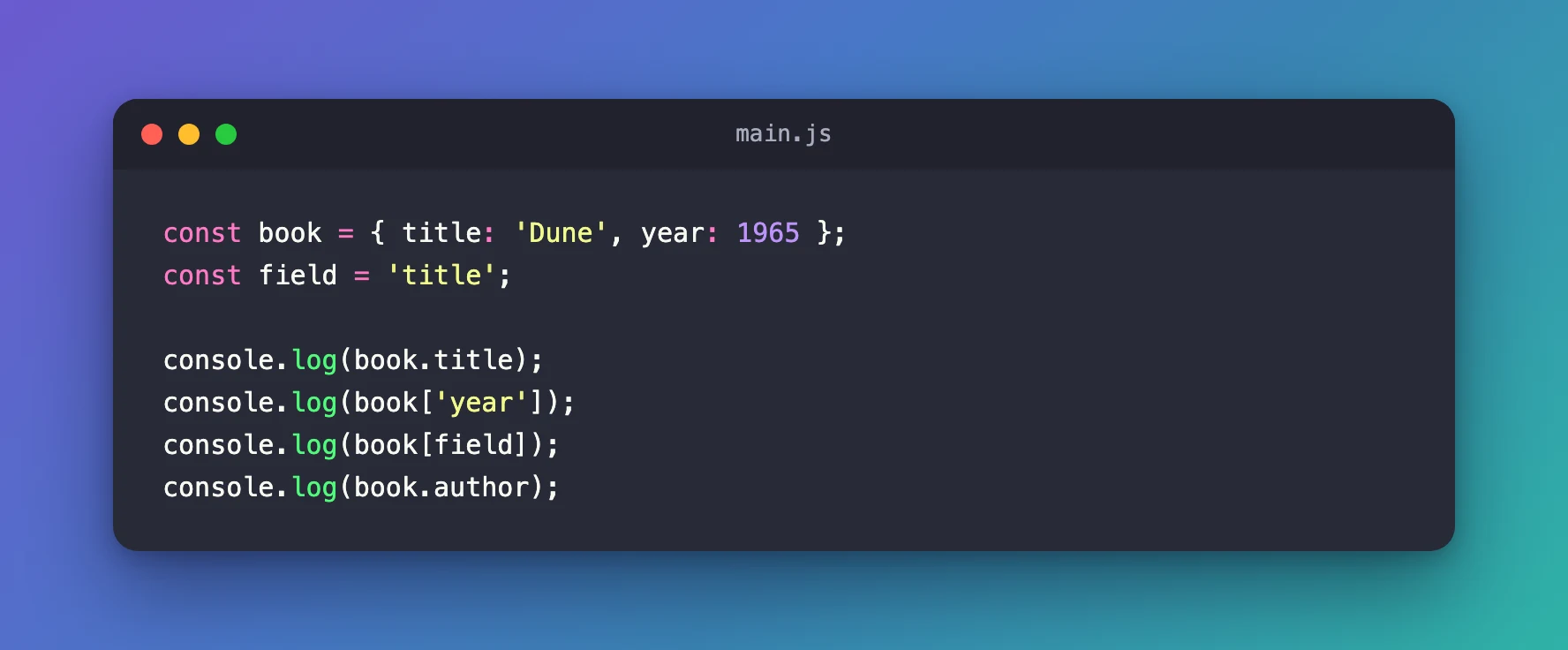
const book = { title: 'Dune', year: 1965 };
const field = 'title';

console.log(book.title);
console.log(book['year']);
console.log(book[field]);
console.log(book.author);
Step 2: Run It
node main.js
Dune
1965
Dune
undefined
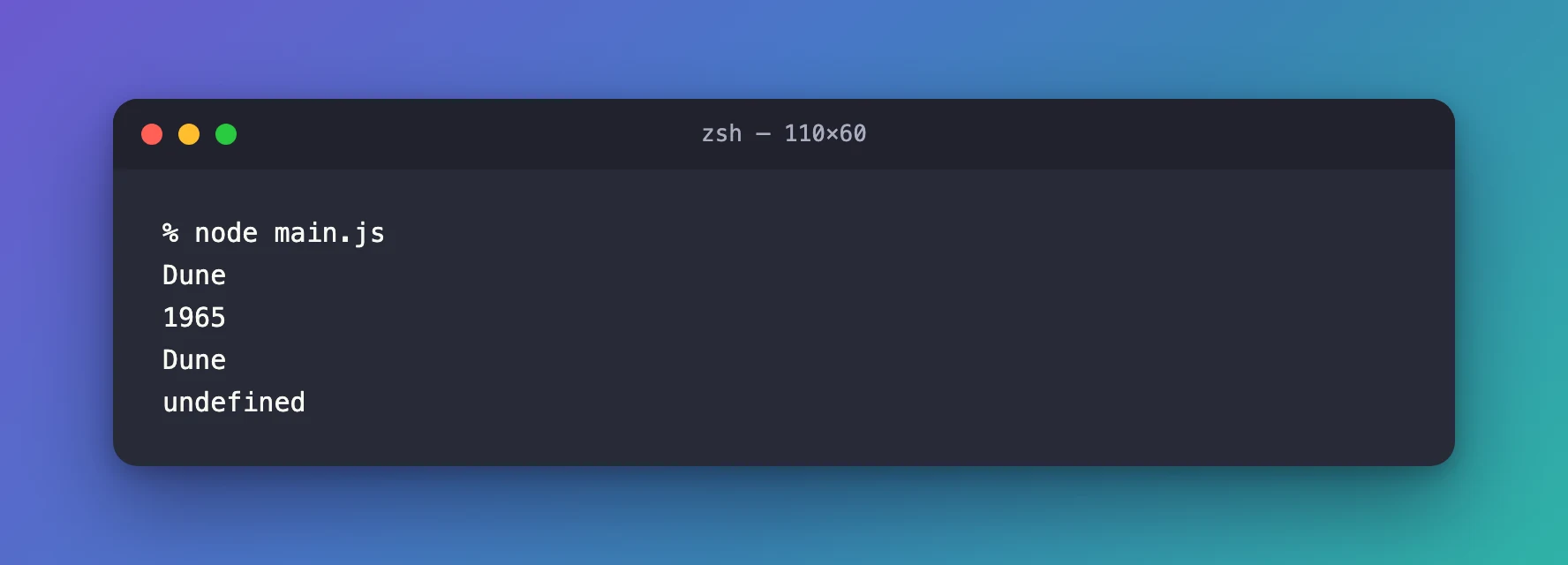
The command is the same in zsh, bash and PowerShell.
What Happened
book.titleandbook['year']read the two properties the object has.book[field]used the value offield, the string'title', as the name.book.authorasked for a property the object doesn't have. That isn't an error in JavaScript: the result isundefined.
Common Mistakes
| Mistake | What happens | Do this instead |
|---|---|---|
Reading a property of a missing property, as in book.author.name | TypeError: Cannot read properties of undefined (reading 'name') | Use optional chaining: book.author?.name gave undefined |
Using a dot with a name that has a hyphen, as in o.first-name | JavaScript reads it as o.first - name: ReferenceError: name is not defined | Use brackets: o['first-name'] |
Writing book.field when the name is in field | It looks for a property literally called field | Use book[field] |
Troubleshooting
| Symptom | Likely cause | Fix |
|---|---|---|
undefined | The object has no property with that name, or it's spelled differently | Check the name; they're case-sensitive |
TypeError: Cannot read properties of null (reading 'length') | The value before the dot is null | Check for null first, or use ?. |
FAQ
When should I use brackets instead of a dot?
When the name is in a variable, or isn't a valid identifier, for example when it has a hyphen or a space. Otherwise the dot is shorter.
Can I read a property of a property?
Yes, by chaining: user.address.city. Use ?. at each step that might be missing.
Conclusion
object.name and object['name'] read the same property; brackets also take a variable or a name with special characters. A missing property gives undefined, but reading anything from undefined or null throws, which ?. prevents.
Additional Resources
- Property accessors and optional chaining, in MDN's JavaScript reference.
