How to Read a Property of an Awaited Result in C#

(await GetBookAsync()).Title waits for a Task<Book> and reads the Title of the book it gives back. The parentheses matter: without them, C# looks for Title on the task, before await has run.
The await reference: When the asynchronous operation completes, the await operator returns the result of the operation, if any. The order of await and the dot comes from operator precedence: In an expression with multiple operators, the operators with higher precedence are evaluated before the operators with lower precedence. In the reference's table, member access x.y and method calls f(x) are in the top group, Primary, and await is in the group below it, Unary.
Syntax
(await <taskExpression>).<Property>
(await <taskExpression>).<Method>(<arguments>)
| Part | What it is |
|---|---|
<taskExpression> | Something that gives a task with a result, such as a call to a method that returns Task<Book> |
await | Waits for the task and gives its result, here a Book |
( ) | Make await finish before the dot. The reference: Use parentheses to change the order of evaluation imposed by operator precedence |
.<Property> or .<Method>(<arguments>) | A member of the result, such as .Title |
Without the parentheses, await GetBookAsync().Title means await (GetBookAsync().Title): the dot goes first, so C# looks for Title on the Task<Book>.
The Example
A console app called AwaitedProperty has a GetBookAsync method that waits a moment and returns a book. It reads the book's title three ways: in two steps, in one step with parentheses, and with a method called on the title.
Prerequisites
- The .NET 10 SDK.
dotnet --versionprints a version that starts with10.0.
Step 1: Create a Console App
dotnet new console -n AwaitedProperty
cd AwaitedProperty
The template "Console App" was created successfully.

Processing post-creation actions...
Restoring /Users/you/source/AwaitedProperty/AwaitedProperty.csproj:
  Determining projects to restore...
  Restored /Users/you/source/AwaitedProperty/AwaitedProperty.csproj (in 43 ms).
Restore succeeded.
dotnet new console -n AwaitedProperty creates a folder named AwaitedProperty with a project file and a Program.cs, and cd moves into it. Everything this example uses is part of .NET, so there's no package to add. Open the folder in VS Code, or AwaitedProperty.csproj in Visual Studio.
Step 2: Write the Code
Replace everything in Program.cs. First the three reads:
// Two steps: await gives the Book, then .Title reads its title.
Book book = await GetBookAsync();
Console.WriteLine($"Two steps: {book.Title}");

// One step: the parentheses make await run first, then .Title reads the result.
Console.WriteLine($"One step:  {(await GetBookAsync()).Title}");

// The same works for a method of the result.
Console.WriteLine($"Upper case: {(await GetBookAsync()).Title.ToUpperInvariant()}");
Book book = await GetBookAsync();awaits first and keeps the book in a variable, andbook.Titlereads it on the next line.(await GetBookAsync()).Titledoes the same in one expression, here inside an interpolated string: the parentheses finish theawait, then.Titlereads from theBook..Title.ToUpperInvariant()shows that a method call works after the parentheses too.
Each line calls GetBookAsync again, so that each form stands on its own.
Then the method and the record:
static async Task<Book> GetBookAsync()
{
    await Task.Delay(200); // stands in for slow work, such as a web request
    return new Book("Garden Notes", 120);
}

record Book(string Title, int Pages);
GetBookAsync returns a Task<Book>. Task.Delay(200) waits 200 milliseconds, standing in for slow work. record Book(string Title, int Pages); declares a small type with a Title and a Pages property.
Step 3: Run It
Run it in VS Code's terminal, or press Ctrl+F5 in Visual Studio:
dotnet run
Two steps: Garden Notes
One step:  Garden Notes
Upper case: GARDEN NOTES
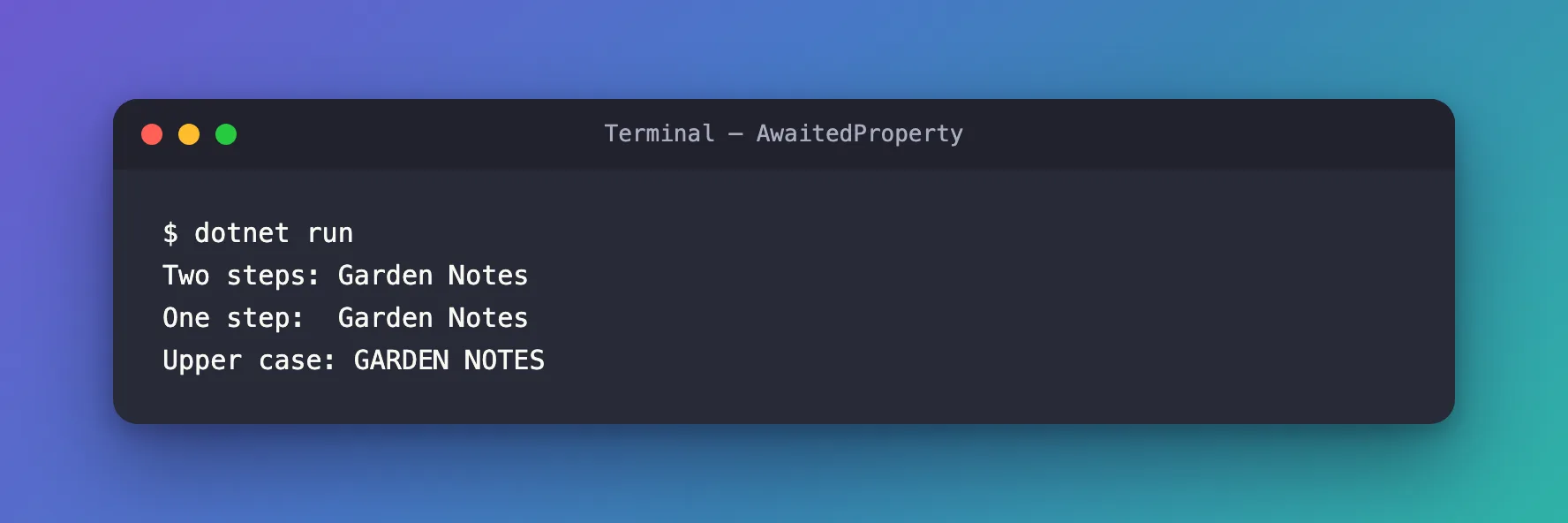
The one-step form printed the same Garden Notes as the two-step form, and the method called on the awaited title gave GARDEN NOTES.
The Complete File
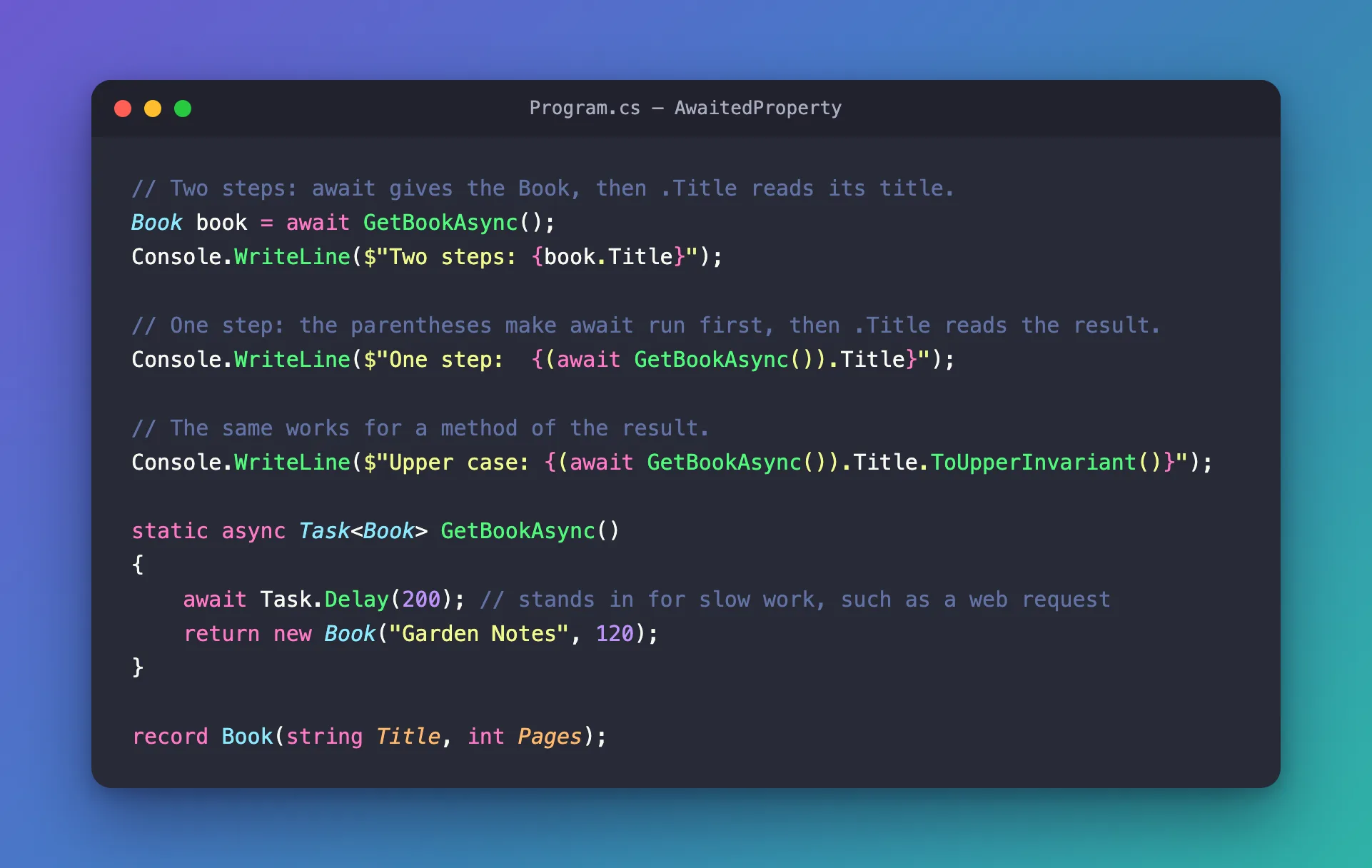
// Two steps: await gives the Book, then .Title reads its title.
Book book = await GetBookAsync();
Console.WriteLine($"Two steps: {book.Title}");

// One step: the parentheses make await run first, then .Title reads the result.
Console.WriteLine($"One step:  {(await GetBookAsync()).Title}");

// The same works for a method of the result.
Console.WriteLine($"Upper case: {(await GetBookAsync()).Title.ToUpperInvariant()}");

static async Task<Book> GetBookAsync()
{
    await Task.Delay(200); // stands in for slow work, such as a web request
    return new Book("Garden Notes", 120);
}

record Book(string Title, int Pages);
Common Mistakes
| Mistake | What happens | Do this instead |
|---|---|---|
| Leaving out the parentheses | await GetBookAsync().Title doesn't build: error CS1061: 'Task<Book>' does not contain a definition for 'Title' and no accessible extension method 'Title' accepting a first argument of type 'Task<Book>' could be found (are you missing a using directive or an assembly reference?) | Put the await and its call in parentheses: (await GetBookAsync()).Title |
| Awaiting the same call twice to read two properties | $"{(await GetBookAsync()).Title}, {(await GetBookAsync()).Pages} pages" ran the method twice: with a line that announces each lookup, the output had Looking up the book... two times before Garden Notes, 120 pages | Await once into a variable, then read both properties from it: Looking up the book... then came once |
FAQ
Why does await GetPagesAsync() + 1 need no parentheses?
Because + is lower than await in the precedence table: await is in the Unary group, and + is in Additive, further down. GetPagesAsync here returns a Task<int> with 120:
// await binds tighter than +, so this adds 1 to the awaited number.
Console.WriteLine(await GetPagesAsync() + 1);

static async Task<int> GetPagesAsync()
{
    await Task.Delay(200);
    return 120;
}
121
Parentheses are needed only for what binds tighter than await: the Primary group, such as the dot and method calls.
Conclusion
To read from the result of a task in one expression, write (await SomethingAsync()).Property: the parentheses make await finish first. When you need several properties, await once into a variable and read them all from it.
Additional Resources
- await operator — what await waits for and gives back.
- Operator precedence — the C# operators from the highest precedence to the lowest.
