How to Read a JSON Response in Python with requests

Most web APIs answer with JSON. response.json() turns that answer into ordinary Python data, usually a dictionary, so you can read a value by its key. This guide reads a sample answer and pulls one value out of it, with real output from Python 3.15.2 and requests 2.34.2, and shows the error you get when the answer isn't JSON.
Syntax
data = response.json()
| Part | What it means |
|---|---|
response | The answer from requests.get, requests.post and the others |
.json() | Reads the answer's body as JSON |
data | The result: a dictionary for a JSON object, a list for a JSON array |
The requests quickstart: "In case the JSON decoding fails, r.json() raises an exception", and "the success of the call to r.json() does not indicate the success of the response."
Prerequisites
- Python 3 with the requests package in your project, for example with
uv add requests. - An internet connection: httpbin.org's
/jsonanswers with a small sample document about a slide show.
Step 1: Read the Answer
import requests

response = requests.get("https://httpbin.org/json", timeout=10)
data = response.json()

print(type(data))
print(data["slideshow"]["title"])
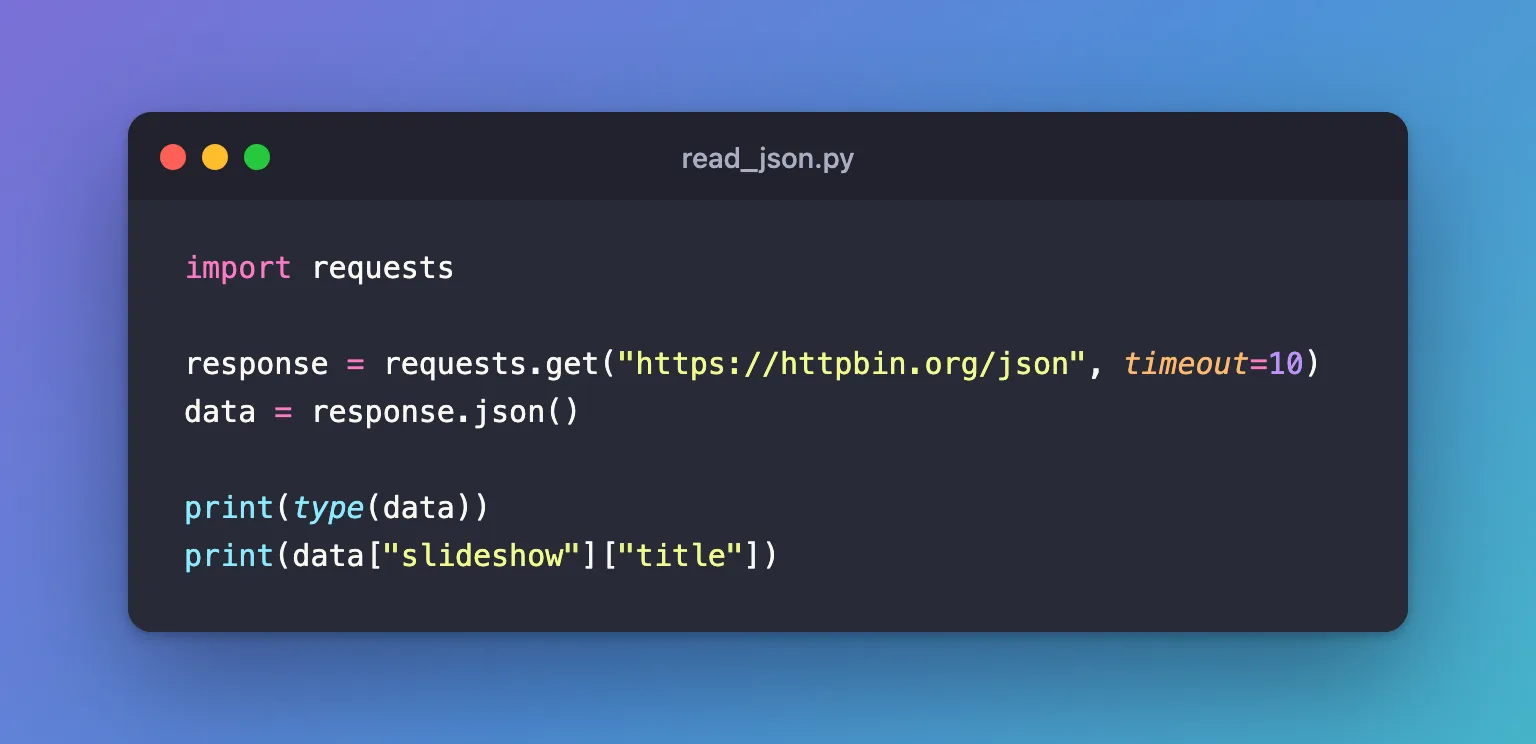
response.json(): reads the body and builds Python data from it.data["slideshow"]["title"]: the answer is an object whoseslideshowholds another object, so two keys lead to the title.
Step 2: Run It
uv run python read_json.py
<class 'dict'>
Sample Slide Show
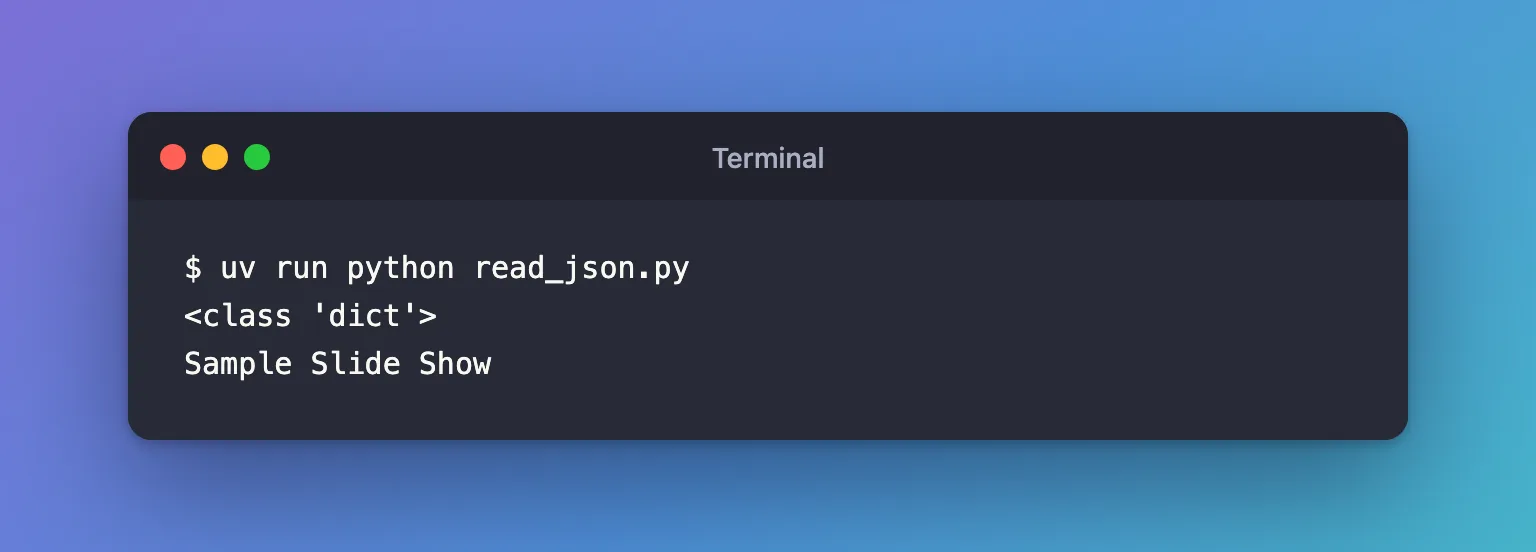
The answer became a dict, and the two keys reached Sample Slide Show.
Common Mistakes
| Mistake | What happens | Do this instead |
|---|---|---|
response.json without () | You get the method itself, not the data | response.json() |
| Reading the data without checking the status code | The quickstart: a failed response can carry JSON too, such as error details with a 500 | Check response.status_code first |
Troubleshooting
| Symptom | Likely cause | Fix |
|---|---|---|
requests.exceptions.JSONDecodeError: Expecting value: line 1 column 1 (char 0) | The answer isn't JSON: httpbin.org's /html answered 200 with text/html, and .json() raised this | Check response.headers["Content-Type"], or read response.text to see what came back |
KeyError on a key | The JSON has no such key, or it sits one level deeper | Print data to see its shape |
FAQ
Do I need the json module?
No. response.json() does the decoding, so import json isn't needed to read an answer.
What if the answer is a JSON array?
Then response.json() returns a list instead of a dictionary, and you read its items by position.
Conclusion
response.json() turned httpbin.org's answer into a dict, and data["slideshow"]["title"] read Sample Slide Show from it. An answer that isn't JSON raises JSONDecodeError instead.
Additional Resources
- requests quickstart: JSON Response Content —
.json()and its errors. - requests API: Response.json — the method's reference.
