How to Read a File Inside a Zip Archive in Python

You don't have to unzip an archive to use what's inside. Python's zipfile module opens the archive, lists its files and reads any of them straight into your program, so nothing extra lands on your disk. This guide makes a small archive of notes and reads one note back, with real output from Python 3.15.2.
Syntax
with zipfile.ZipFile(path) as archive:
    names = archive.namelist()
    data = archive.read(name)
| Part | What it means |
|---|---|
zipfile.ZipFile(path) | Opens the archive for reading. path is the zip file's name or path |
archive.namelist() | The paths of the files inside, as a list, folders included in each path |
archive.read(name) | The whole content of one file inside, as bytes. name is one of the paths namelist() returned |
with ... as archive | Closes the archive when the block ends |
Step 1: Make an Archive to Read
The example archive holds two note files in a notes folder. Create make_zip.py:
import zipfile

with zipfile.ZipFile("notes.zip", "w") as archive:
    archive.writestr("notes/monday.txt", "Buy milk\nCall the bank\n")
    archive.writestr("notes/tuesday.txt", "Pay rent\n")
uv run python make_zip.py
It prints nothing, and leaves notes.zip in the folder. Any zip archive works for the next step, including one you made in Finder or File Explorer.
Step 2: List and Read a File
Create read_zip.py:
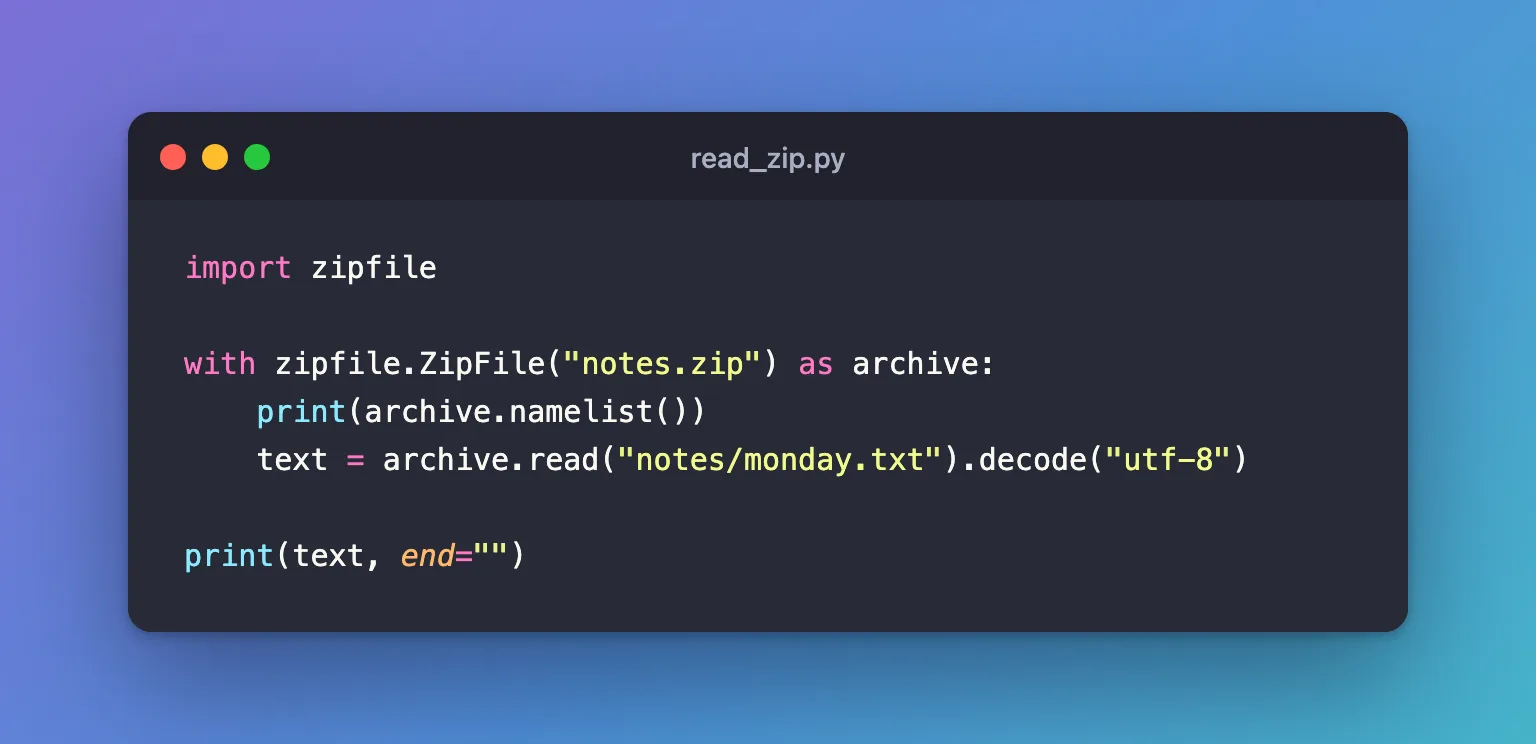
import zipfile

with zipfile.ZipFile("notes.zip") as archive:
    print(archive.namelist())
    text = archive.read("notes/monday.txt").decode("utf-8")

print(text, end="")
uv run python read_zip.py
['notes/monday.txt', 'notes/tuesday.txt']
Buy milk
Call the bank
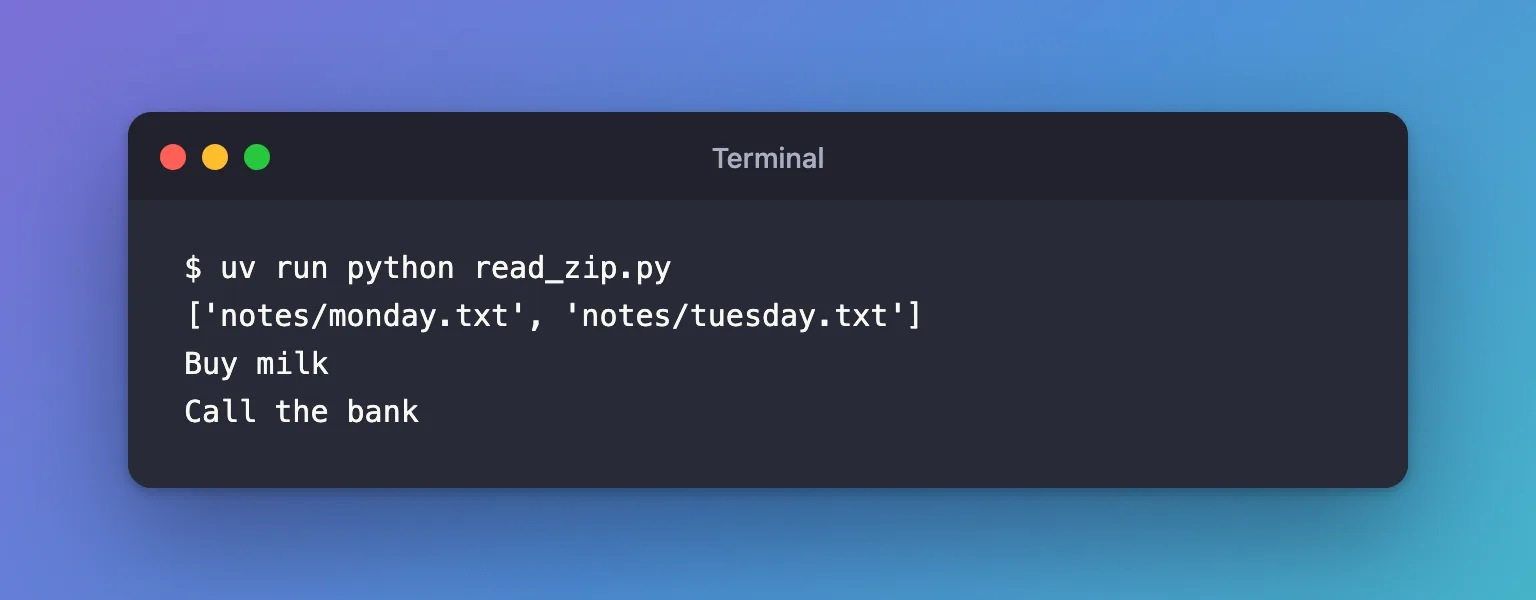
read() returns bytes, the file's raw content. .decode("utf-8") turns them into text; use the encoding the file was written in.
Step 3: Read a Big File a Line at a Time
read() loads the whole file into memory. For a large file, archive.open(name) gives you a file object to read bit by bit instead. It also returns bytes, so wrap it in io.TextIOWrapper to read text lines. Create read_zip_lines.py:
import io
import zipfile

with zipfile.ZipFile("notes.zip") as archive, archive.open("notes/monday.txt") as file:
    for line in io.TextIOWrapper(file, encoding="utf-8"):
        print("-", line.strip())
uv run python read_zip_lines.py
- Buy milk
- Call the bank
Libraries that read files accept this file object too: pandas.read_csv reads a CSV file straight out of an archive when you pass it what archive.open() returned.
Common Mistakes
| Mistake | What happens | Do this instead |
|---|---|---|
Using the file's name without its folder, "monday.txt" | KeyError, because inside the archive the name is notes/monday.txt | Use the exact path namelist() shows |
Printing the result of read() as it is | You see bytes, b'Buy milk\nCall the bank\n', not the text | .decode("utf-8") first |
| Extracting the whole archive to read one file | Files you don't need land on disk | read() or open() the one file |
Troubleshooting
| Symptom | Likely cause | Fix |
|---|---|---|
KeyError: "There is no item named 'notes/friday.txt' in the archive" | No file by that exact path in the archive | Print namelist() and copy the path from it |
zipfile.BadZipFile: File is not a zip file | The file isn't a zip archive, or its download was cut short | Check the file, and download it again if it's incomplete |
FAQ
What if the archive contains another zip file?
Read the inner zip as bytes and open those as an archive: How to Read a Zip File Inside Another Zip File in Python.
How do I unzip everything?
archive.extractall(folder) writes every file to folder. Python's documentation warns: "Never extract archives from untrusted sources without prior inspection", because a member's name can point outside the folder you chose.
Conclusion
zipfile.ZipFile("notes.zip") opened the archive, namelist() showed the paths inside, and read("notes/monday.txt").decode("utf-8") returned the note's text without unzipping anything. Use the full paths namelist() gives you, and open() instead of read() for large files.
Additional Resources
- zipfile —
ZipFile,namelist,read,openandextractall.
