How to Read a Field from JSON in Java with Jackson readTree

To read one or two fields from a piece of JSON in Java, you don't need to write a class for it. Jackson's ObjectMapper.readTree parses the JSON into a tree of JsonNode objects, and get("name").asText() reads a field as text.
Syntax
JsonNode <root> = new ObjectMapper().readTree(<json>);
String <text> = <root>.get("<field>").asText();
int <number> = <root>.get("<field>").asInt();
String <text> = <root>.path("<field>").asText("<default>");
| Part | What it does |
|---|---|
readTree(<json>) | Parses JSON text, bytes or a stream into a tree and returns its root. Throws IOException for invalid JSON. |
get("<field>") | The field's node, or null when the field is missing. |
asText(), asInt() | The node's value as a String or an int. |
path("<field>") | Like get, but returns an empty "missing" node instead of null, so you can chain safely. |
Jackson's documentation for JsonNode.get: "Method for accessing value of the specified field of an object node. If this node is not an object (or it does not have a value for specified field name), or if there is no field with such name, null is returned."
The Example
The example parses a small JSON object, reads name as text and age as a number, then reads an email field the JSON doesn't have, once with get and once with path and a default.
It uses Jackson 2, version 2.23.0. Jackson 3 is out too, with new package names; the section after the run shows the difference. Libraries such as jjwt, the Java JWT library, still build on Jackson 2.
Prerequisites
Step 1: Create the Project
Create a folder named demo with this pom.xml:
<?xml version="1.0" encoding="UTF-8"?>
<project xmlns="http://maven.apache.org/POM/4.0.0"
         xmlns:xsi="http://www.w3.org/2001/XMLSchema-instance"
         xsi:schemaLocation="http://maven.apache.org/POM/4.0.0 https://maven.apache.org/xsd/maven-4.0.0.xsd">
  <modelVersion>4.0.0</modelVersion>
  <groupId>com.example</groupId>
  <artifactId>demo</artifactId>
  <version>1.0.0</version>
  <properties>
    <maven.compiler.release>25</maven.compiler.release>
    <project.build.sourceEncoding>UTF-8</project.build.sourceEncoding>
  </properties>
  <dependencies>
    <dependency>
      <groupId>com.fasterxml.jackson.core</groupId>
      <artifactId>jackson-databind</artifactId>
      <version>2.23.0</version>
    </dependency>
  </dependencies>
  <build>
    <plugins>
      <plugin>
        <groupId>org.codehaus.mojo</groupId>
        <artifactId>exec-maven-plugin</artifactId>
        <version>3.7.0</version>
        <configuration>
          <mainClass>com.example.Main</mainClass>
        </configuration>
      </plugin>
    </plugins>
  </build>
</project>
jackson-databind is Jackson's main library, and exec-maven-plugin lets Maven run the program.
Step 2: Write the Code
Create src/main/java/com/example/Main.java inside demo:
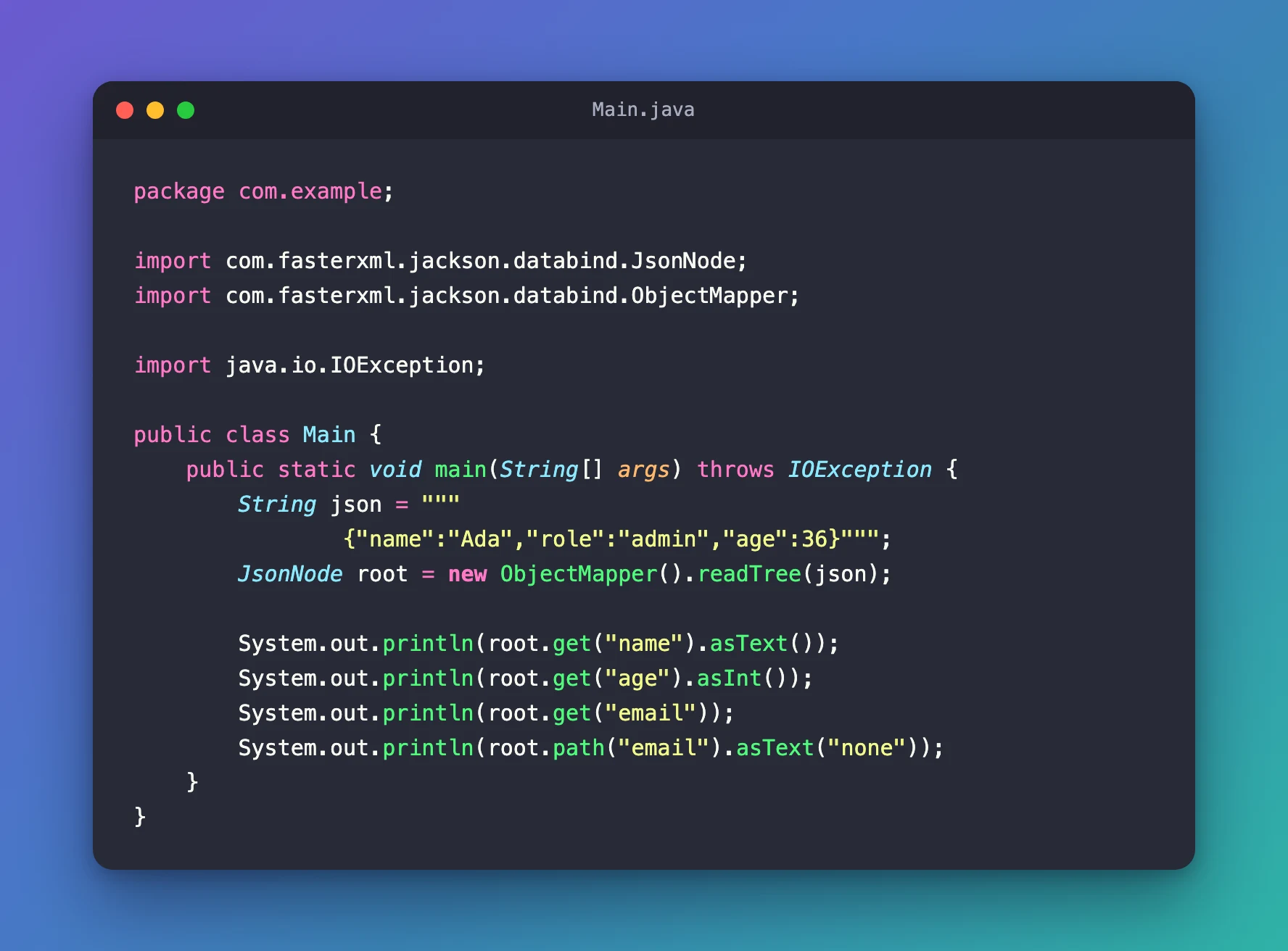
package com.example;

import com.fasterxml.jackson.databind.JsonNode;
import com.fasterxml.jackson.databind.ObjectMapper;

import java.io.IOException;

public class Main {
    public static void main(String[] args) throws IOException {
        String json = """
                {"name":"Ada","role":"admin","age":36}""";
        JsonNode root = new ObjectMapper().readTree(json);

        System.out.println(root.get("name").asText());
        System.out.println(root.get("age").asInt());
        System.out.println(root.get("email"));
        System.out.println(root.path("email").asText("none"));
    }
}
Step 3: Run It
cd demo
mvn -q compile exec:java
Ada
36
null
none
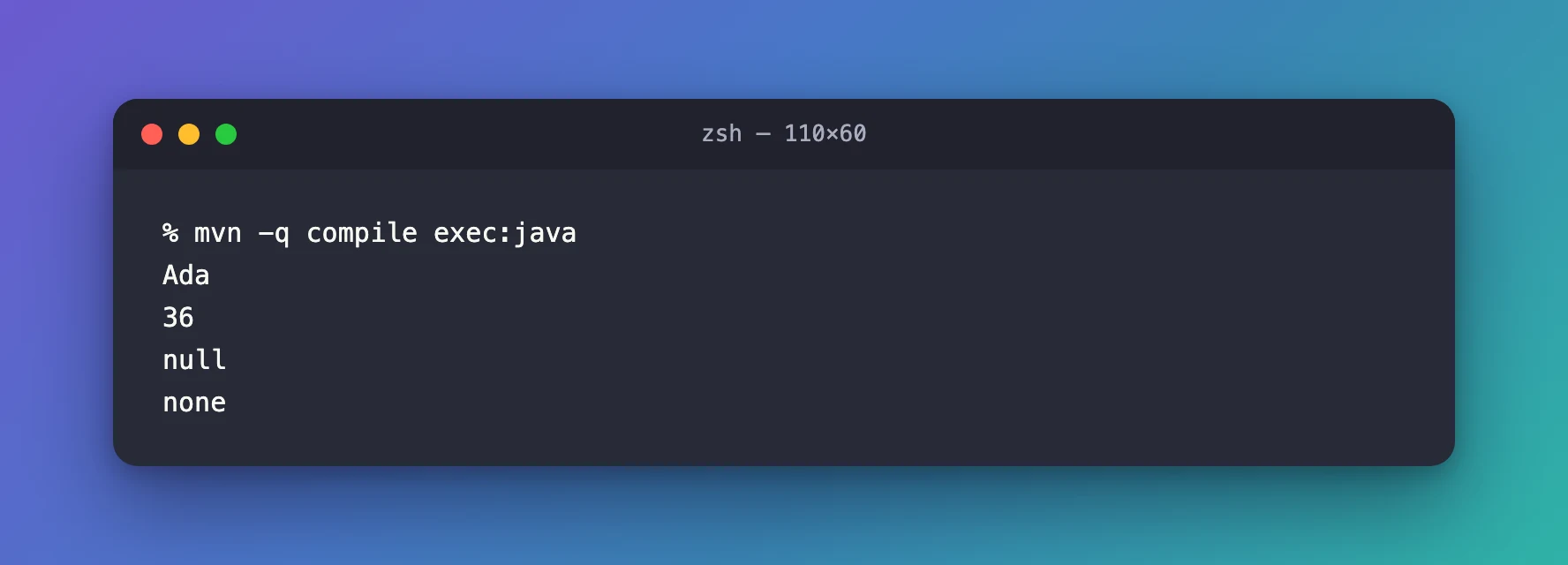
-q keeps Maven quiet, compile builds the code, and exec:java runs the class named in pom.xml.
What Happened
get("name").asText()returnedAda, andget("age").asInt()returned the number36.get("email")returnednull: the field isn't there. Calling.asText()on that would have thrown aNullPointerException.path("email")returned a missing node instead, andasText("none")gave its default.
Jackson 3
Jackson 3.3.0 is the newest Jackson. Its group and packages start with tools.jackson, and the text accessors were renamed. The same reads in Jackson 3, checked with tools.jackson.core:jackson-databind:3.3.0:
JsonNode root = new tools.jackson.databind.ObjectMapper().readTree(json);
System.out.println(root.get("name").asString());
Invalid JSON raises an unchecked exception in Jackson 3 (UnexpectedEndOfInputException for cut-off JSON), so throws IOException isn't needed there.
Common Mistakes
| Mistake | What happens | Do this instead |
|---|---|---|
Calling .asText() on a field that may be missing | get returns null, so you get a NullPointerException | Use path(...), or check for null |
Leaving out throws IOException or a catch | readTree throws a checked exception in Jackson 2, so the code doesn't compile | Declare or catch it |
| Mixing Jackson 2 and 3 imports | com.fasterxml.jackson and tools.jackson are different classes | Use one version's packages throughout |
Troubleshooting
| Symptom | Likely cause | Fix |
|---|---|---|
JsonEOFException: Unexpected end-of-input within/between Object entries | The JSON is cut off | Check the input |
null for a field you can see in the JSON | The name differs in case or spelling | Field names are case-sensitive |
FAQ
When should I map JSON to a class instead?
When you read most of the fields, or the same shape often: readValue(json, Person.class) gives you typed fields. readTree suits reading a field or two.
Does readTree accept bytes?
Yes. It has versions for a String, a byte[], an InputStream and more.
Conclusion
new ObjectMapper().readTree(json) turns JSON into a tree, get("field").asText() reads a field, and path("field").asText("default") does it safely when the field may be missing.
Additional Resources
- jackson-databind, on GitHub, with its README on the tree model.
