How to Read a CSV File into a pandas DataFrame with read_csv

A CSV file is a table saved as plain text, one row per line with commas between the values. pandas' read_csv loads it into a DataFrame, using the first line for the column names and choosing a type for each column. This guide reads a two-person file, with real output from pandas 3.1.1.
Syntax
<dataframe> = pd.read_csv("<file>.csv")
| Part | What it means |
|---|---|
"<file>.csv" | The path of the file, relative to the folder you run Python in |
| The result | A DataFrame. The file's first line becomes the column names |
The pandas reference: "Read a comma-separated values (csv) file into DataFrame."
Prerequisites
- pandas in your project, for example with
uv add pandas. This guide uses pandas 3.1.1 on Python 3.15.2.
Step 1: Create the File and the Script
Save this as people.csv:
name,age
Ada,36
Grace,45
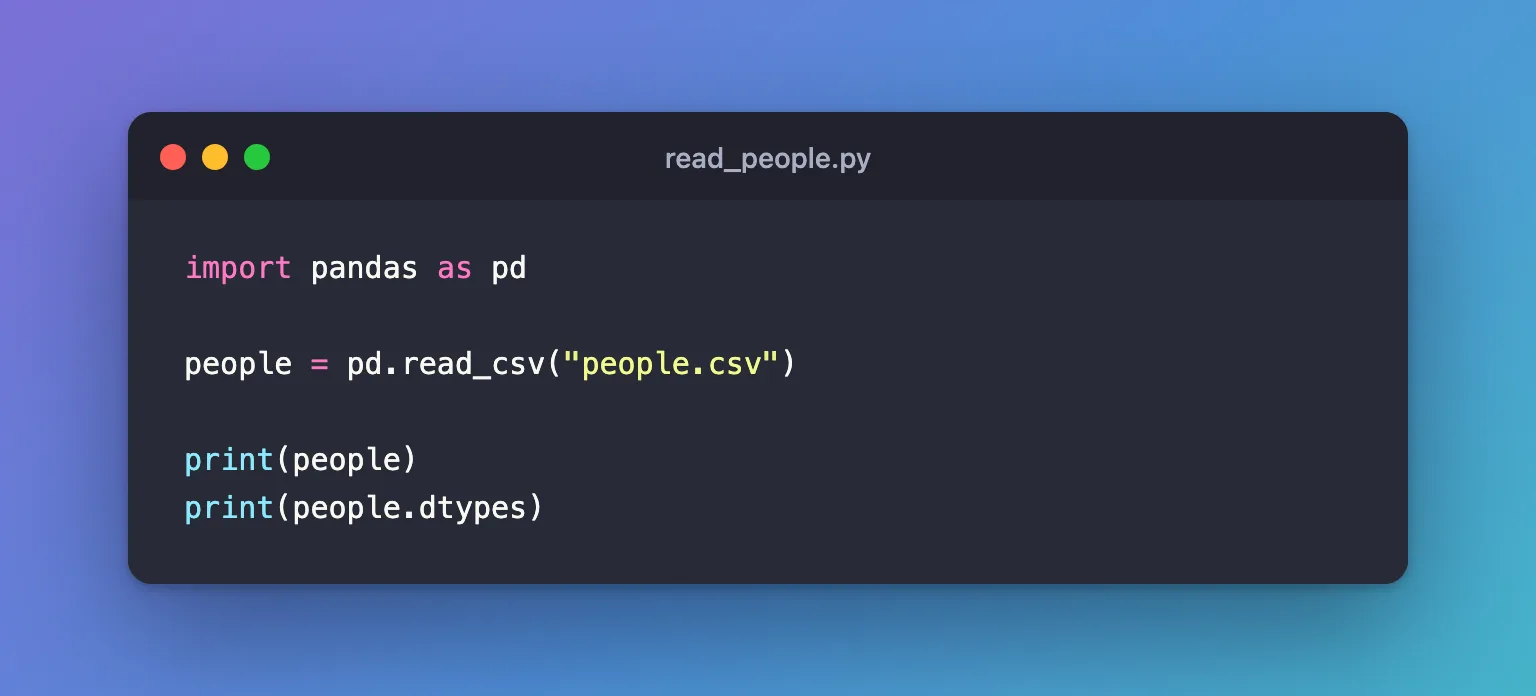
Then the script, in the same folder:
import pandas as pd

people = pd.read_csv("people.csv")

print(people)
print(people.dtypes)
Step 2: Run It
uv run python read_people.py
    name  age
0    Ada   36
1  Grace   45
name      str
age     int64
dtype: object
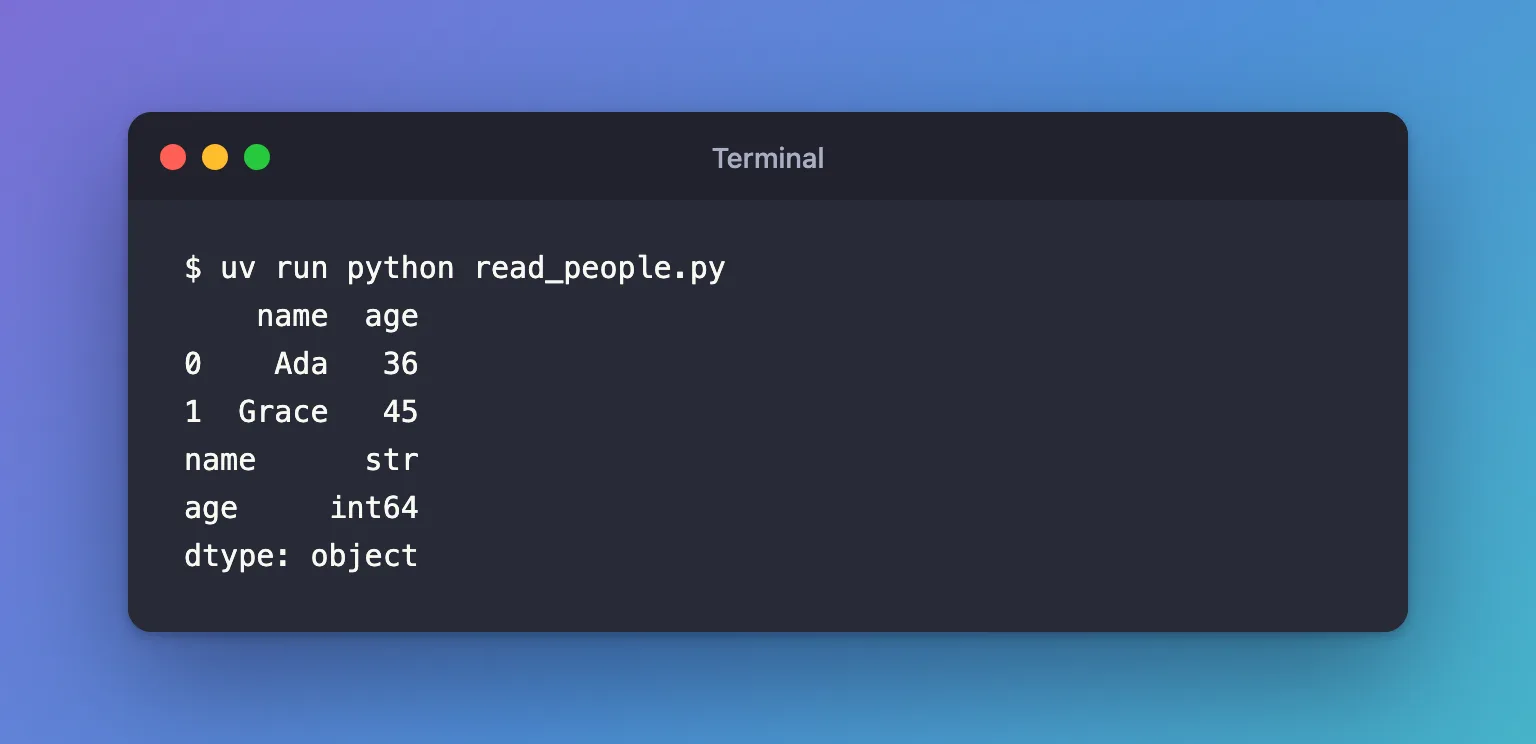
The first line became the columns name and age. pandas read the ages as whole numbers, int64, and the names as text, which pandas 3 shows as str.
Common Mistakes
| Mistake | What happens | Do this instead |
|---|---|---|
| A typo in the file name, or the wrong folder | FileNotFoundError: [Errno 2] No such file or directory: 'peple.csv' | Check the name, and run Python in the folder that holds the file |
| A file without a header line | The first row of data becomes the column names: for Ada,36 and Grace,45, the columns were Ada and 36, with one row left | Pass header=None and names=["name", "age"]: both rows were then read as data |
Troubleshooting
| Symptom | Likely cause | Fix |
|---|---|---|
FileNotFoundError though the file exists | Python runs in another folder than the file's | Use the full path, or cd to the file's folder first |
FAQ
How do I see the column types?
people.dtypes, as in the script: one line per column with its type.
Can it read other separators?
Yes, with sep: for example pd.read_csv("file.csv", sep=";") for semicolons.
Conclusion
pd.read_csv("people.csv") loaded the file into a DataFrame with the columns name and age, typed str and int64.
Additional Resources
- pandas.read_csv — every argument, including
sep,headeranddtype.
