How to Rate Limit an ASP.NET Core API by Client IP Address

A rate limit per client address stops one caller from using up what's meant for everyone. ASP.NET Core has this built in, as a fixed window for each address. It takes a few lines, plus a little more to tell the client when to come back.
What You Need
The .NET 10 SDK, and a small project: dotnet new web --no-https -n WebDemo. Nothing to install.
Step 1: Add the Limit
Replace Program.cs:
using System.Globalization;
using System.Threading.RateLimiting;

var builder = WebApplication.CreateBuilder(args);

builder.Services.AddRateLimiter(options =>
{
    options.GlobalLimiter = PartitionedRateLimiter.Create<HttpContext, string>(context =>
        RateLimitPartition.GetFixedWindowLimiter(
            context.Connection.RemoteIpAddress?.ToString() ?? "unknown",
            _ => new FixedWindowRateLimiterOptions
            {
                PermitLimit = 3,
                Window = TimeSpan.FromSeconds(30),
                QueueLimit = 0,
            }));

    options.OnRejected = (context, _) =>
    {
        var response = context.HttpContext.Response;
        response.StatusCode = StatusCodes.Status429TooManyRequests;

        if (context.Lease.TryGetMetadata(MetadataName.RetryAfter, out var retryAfter))
        {
            response.Headers.RetryAfter =
                ((long)Math.Ceiling(retryAfter.TotalSeconds)).ToString(CultureInfo.InvariantCulture);
        }

        return ValueTask.CompletedTask;
    };
});

var app = builder.Build();

app.UseRateLimiter();

app.MapGet("/hello", () => "Hello");
app.MapGet("/health", () => "Healthy").DisableRateLimiting();

app.Run();
What each part does:
RemoteIpAddressis the partition key, so each address gets a window of its own.PermitLimit = 3,Window = 30 secondsallow 3 requests per address, in each 30 seconds. Those numbers are for trying it out, so use real ones.QueueLimit = 0answers straight away, rather than making anyone wait.OnRejectedsets the response. The fixed window knows when it ends, and offers that asMetadataName.RetryAfter, which goes into the header.DisableRateLimiting()keeps the health check out.
Step 2: Try It
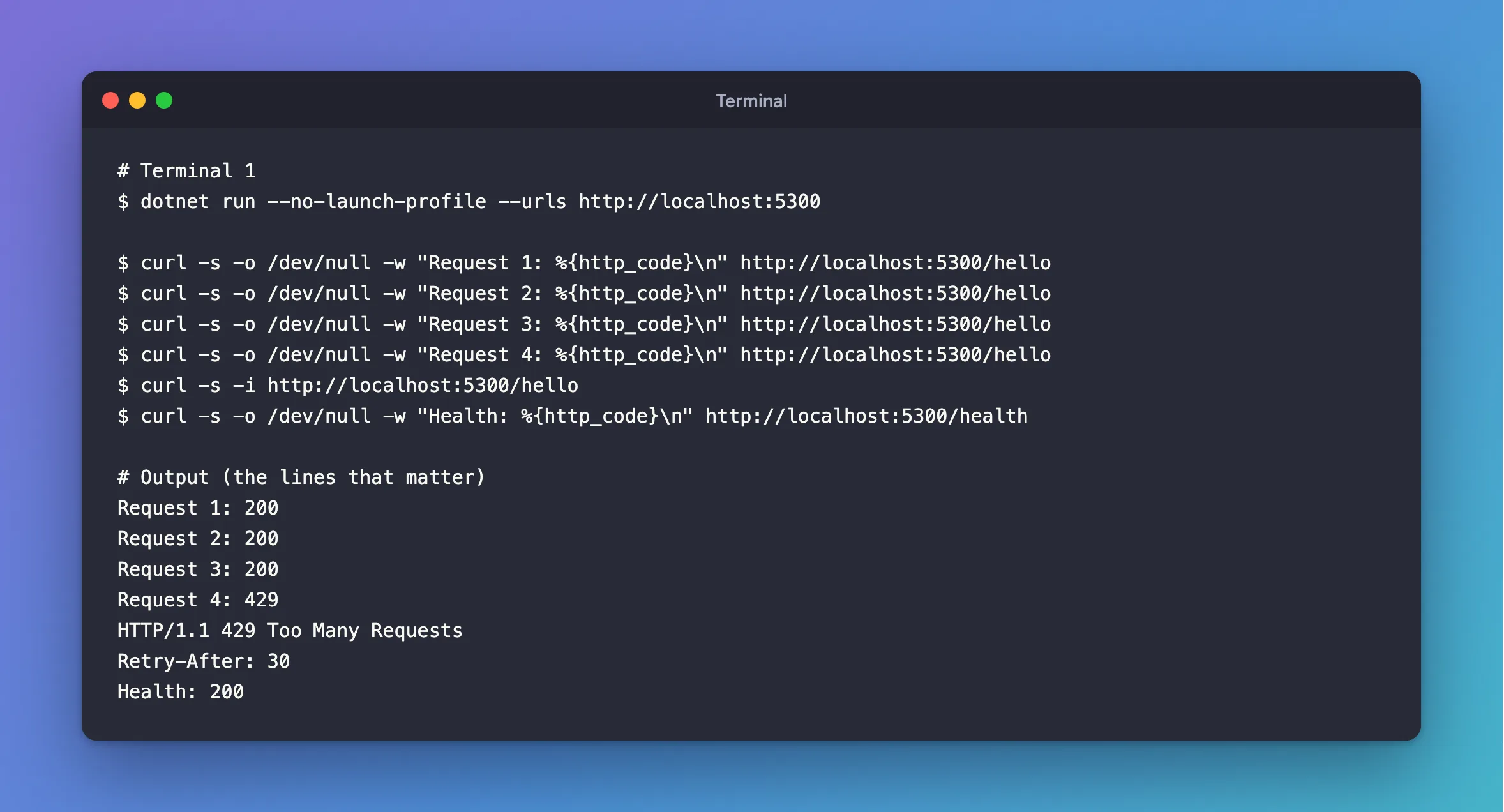
dotnet run --no-launch-profile --urls http://localhost:5300
In another terminal:
- macOS / Linux
- Windows (PowerShell)
curl -s -o /dev/null -w "Request 1: %{http_code}\n" http://localhost:5300/hello
curl -s -o /dev/null -w "Request 2: %{http_code}\n" http://localhost:5300/hello
curl -s -o /dev/null -w "Request 3: %{http_code}\n" http://localhost:5300/hello
curl -s -o /dev/null -w "Request 4: %{http_code}\n" http://localhost:5300/hello
curl -s -i http://localhost:5300/hello
curl -s -o /dev/null -w "Health: %{http_code}\n" http://localhost:5300/health
Add-Type -AssemblyName System.Net.Http
$client = [System.Net.Http.HttpClient]::new()
1..4 | ForEach-Object { "Request ${_}: " + [int]$client.GetAsync("http://localhost:5300/hello").Result.StatusCode }
$response = $client.GetAsync("http://localhost:5300/hello").Result
"Status: " + [int]$response.StatusCode + ", Retry-After: " + $response.Headers.RetryAfter
"Health: " + [int]$client.GetAsync("http://localhost:5300/health").Result.StatusCode
Request 1: 200
Request 2: 200
Request 3: 200
Request 4: 429
HTTP/1.1 429 Too Many Requests
Retry-After: 30
Health: 200
Step 3: Behind a Reverse Proxy, Fix the Address First
This is the trap. Behind a proxy or a load balancer, RemoteIpAddress is the proxy's address, so all your clients share one limit. Configure forwarded headers first, trusting only your own proxy, and put UseForwardedHeaders before UseRateLimiter.
And understand the limits of this. Microsoft's documentation warns: "If you create partitions by using client IP addresses, your app becomes vulnerable to Denial of Service attacks that use IP Source Address Spoofing." It also says a limiter isn't enough for a real DDoS. This keeps honest clients fair with each other, and that's all.
Step 4: Combine It with a Concurrency Limit
To have a limit per address and a limit on requests in flight, chain them. A request needs a pass from both:
options.GlobalLimiter = PartitionedRateLimiter.CreateChained(
    PartitionedRateLimiter.Create<HttpContext, string>(context =>
        context.Request.Path.StartsWithSegments("/health")
            ? RateLimitPartition.GetNoLimiter("health")
            : RateLimitPartition.GetFixedWindowLimiter(
                context.Connection.RemoteIpAddress?.ToString() ?? "unknown",
                _ => new FixedWindowRateLimiterOptions
                {
                    PermitLimit = 6000,
                    Window = TimeSpan.FromMinutes(1),
                    QueueLimit = 0,
                })),
    PartitionedRateLimiter.Create<HttpContext, string>(_ =>
        RateLimitPartition.GetConcurrencyLimiter("everyone", _ => new ConcurrencyLimiterOptions
        {
            PermitLimit = 100,
            QueueLimit = 500,
            QueueProcessingOrder = QueueProcessingOrder.OldestFirst,
        })));
In OnRejected, only the per-address limiter has RetryAfter, so you can tell them apart: 429 when it's there, and 503 when it isn't. In my test of that, going over the per-address limit got 429 with Retry-After: 60, and a full queue got 503. How to Limit Concurrent Requests in ASP.NET Core covers the second half.
Common Mistakes
| Mistake | What happens | Do this instead |
|---|---|---|
| Forgetting a proxy | Everyone shares one limit | Configure forwarded headers |
Trusting X-Forwarded-For from anyone | A client can pick its own address | Trust only your proxy |
Leaving OnRejected out | The status defaults to 503, with no hint of when to return | Set 429 and Retry-After |
| Limiting readiness probes per address | A shared proxy address can take your app out of rotation | Keep /health out |
Troubleshooting
| Symptom | Likely cause | Fix |
|---|---|---|
| Everyone is limited at once | They share an address: the proxy's | See Step 3 |
A 429 with no body | Nothing writes one | Add AddProblemDetails and UseStatusCodePages |
| The limit doesn't apply | UseRateLimiter is missing | Add it after routing |
| Several copies of the app allow more | Counters are per process | Use a shared gateway for a global limit |
Conclusion
GetFixedWindowLimiter with the client's address as its key gives each one a limit of its own. Set 429 and Retry-After in OnRejected, and sort out the real address first if there's a proxy in front.
Additional Resources
- Rate limiting middleware in ASP.NET Core — partitions, chaining and rejection.
- Configure ASP.NET Core to work with proxy servers — forwarded headers.
