How to Put Variables in a String with Template Literals in JavaScript

Building a message from variables with + gets messy fast: 'You ordered ' + quantity + ' ' + item + 's'. A template literal writes the whole message once and drops the values in where they belong.
Syntax
const <text> = `Plain text ${<expression>} more text`;
| Part | What it does |
|---|---|
` (backticks) | Start and end a template literal. Single or double quotes don't work. |
${<expression>} | A placeholder: JavaScript runs the expression and puts its result into the string. |
<expression> | A variable, a calculation or a function call. |
MDN's template literals reference: "Template literals are literals delimited with backtick (`) characters, allowing for multi-line strings, string interpolation with embedded expressions, and special constructs called tagged templates."
The Example
The example builds an order summary from an item name, a quantity and a price, and works out the total inside the string.
Prerequisites
- Node.js. This guide uses Node.js 26.13.1.
Step 1: Write the Code
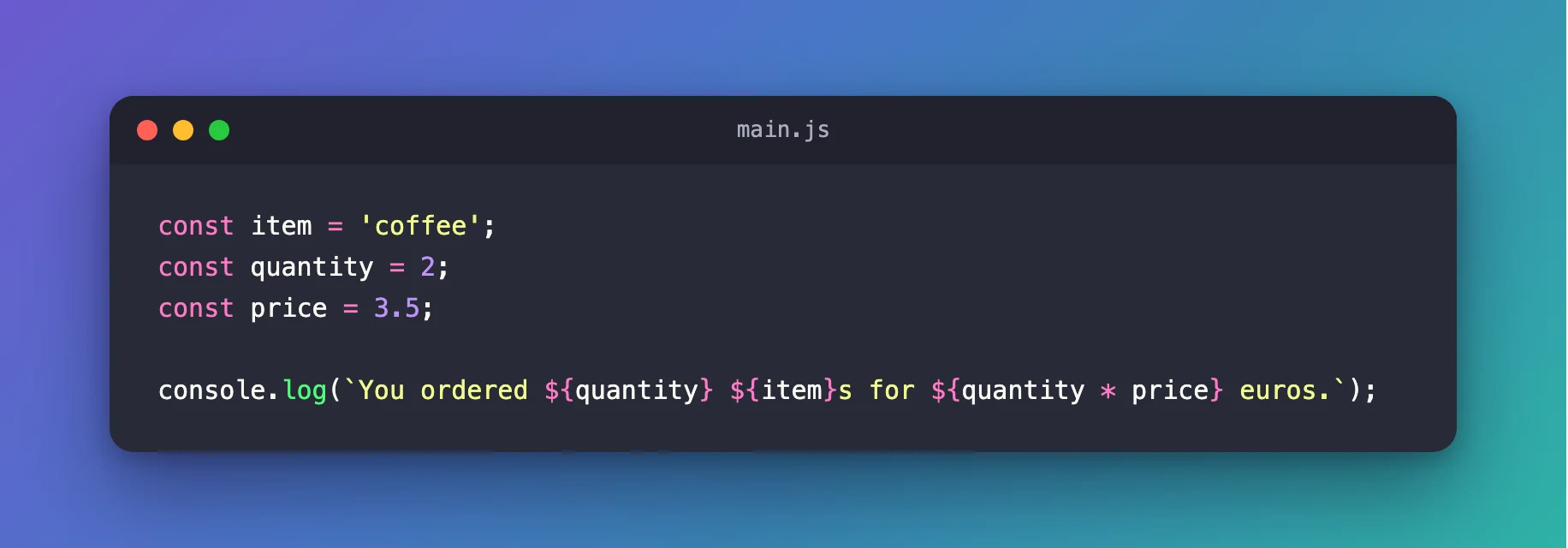
Create a file named main.js:
const item = 'coffee';
const quantity = 2;
const price = 3.5;

console.log(`You ordered ${quantity} ${item}s for ${quantity * price} euros.`);
${quantity}and${item}insert the variables' values.${item}sputs ansstraight after the value, makingcoffees.${quantity * price}runs the calculation first and inserts7.
Step 2: Run It
node main.js
You ordered 2 coffees for 7 euros.
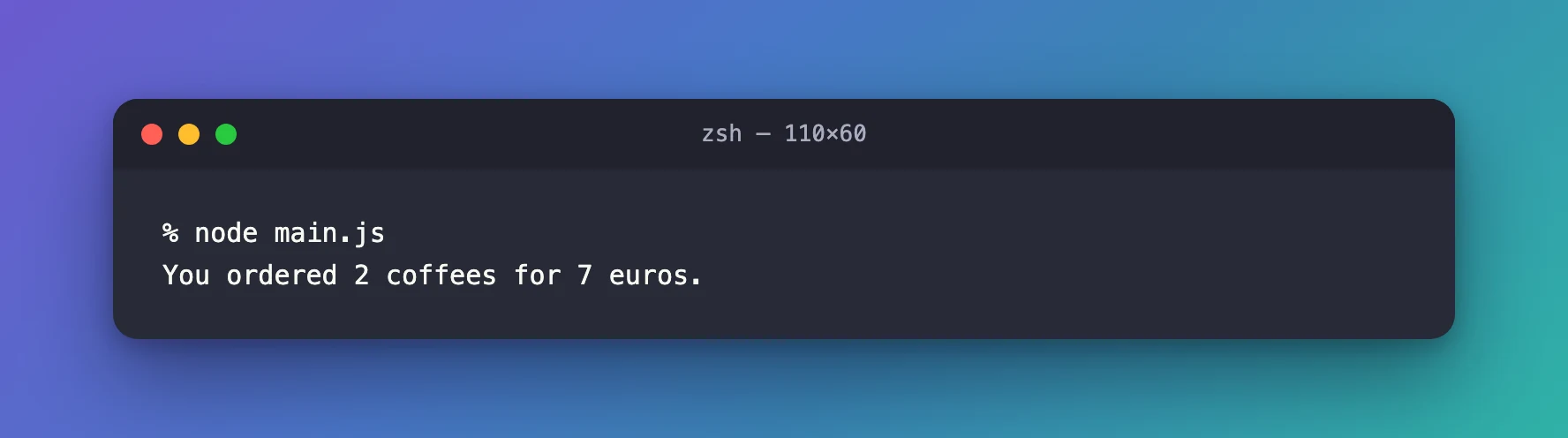
The command is the same in zsh, bash and PowerShell.
Text on Several Lines
A template literal keeps the line breaks you type, so a message over two lines needs no \n:
const name = 'Ada';
console.log(`Hello, ${name}!
Welcome back.`);
Hello, Ada!
Welcome back.
Common Mistakes
| Mistake | What happens | Do this instead |
|---|---|---|
| Using single or double quotes | The placeholder is printed as it is: You ordered ${q} coffees | Use backticks |
Leaving out the $ | {quantity} is printed as plain text | Write ${quantity} |
| Indenting the second line of a multi-line literal | The spaces become part of the string | Start continuation lines at the left edge, or join lines with \n |
Troubleshooting
| Symptom | Likely cause | Fix |
|---|---|---|
${...} shows up in the output | The string is in quotes, not backticks | Switch to backticks |
undefined appears in the text | A placeholder names a variable with no value | Check the variable before building the string |
FAQ
Can I call a function inside the placeholder?
Yes. Any expression works, such as ${name.toUpperCase()}.
How do I write a backtick inside a template literal?
Escape it with a backslash: `a \` b` gives a ` b.
Conclusion
Backticks make a template literal, and each ${...} inside drops in the result of an expression. It reads like the final text and also keeps line breaks.
Additional Resources
- Template literals, on MDN.
