How to Put Variables in a String in PHP

In a double-quoted PHP string, variables are replaced by their values: "You ordered $quantity items". Curly braces mark exactly where a variable ends, which you need for array values and for text written right after a variable. Single-quoted strings never replace anything.
Syntax
"Text $<variable> text"
"Text {$<variable>}s, {$<array>['<key>']} and {$<object>-><property>}"
| Part | What it does |
|---|---|
"..." | A double-quoted string: variables inside are replaced. |
$<variable> | The basic syntax: a variable on its own. |
{$...} | Curly braces: for array values, properties, and text that follows directly. |
'...' | A single-quoted string: printed exactly as written. |
The PHP manual on strings: "When a string is specified in double quotes or with heredoc, variables can be substituted within it."
The Example
The example builds an order message with a plain variable, a variable followed by an s, an array value, and a single-quoted string for comparison.
Prerequisites
- PHP for the command line. This guide uses PHP 8.6.0.
Step 1: Write the Code
Create a file named main.php:
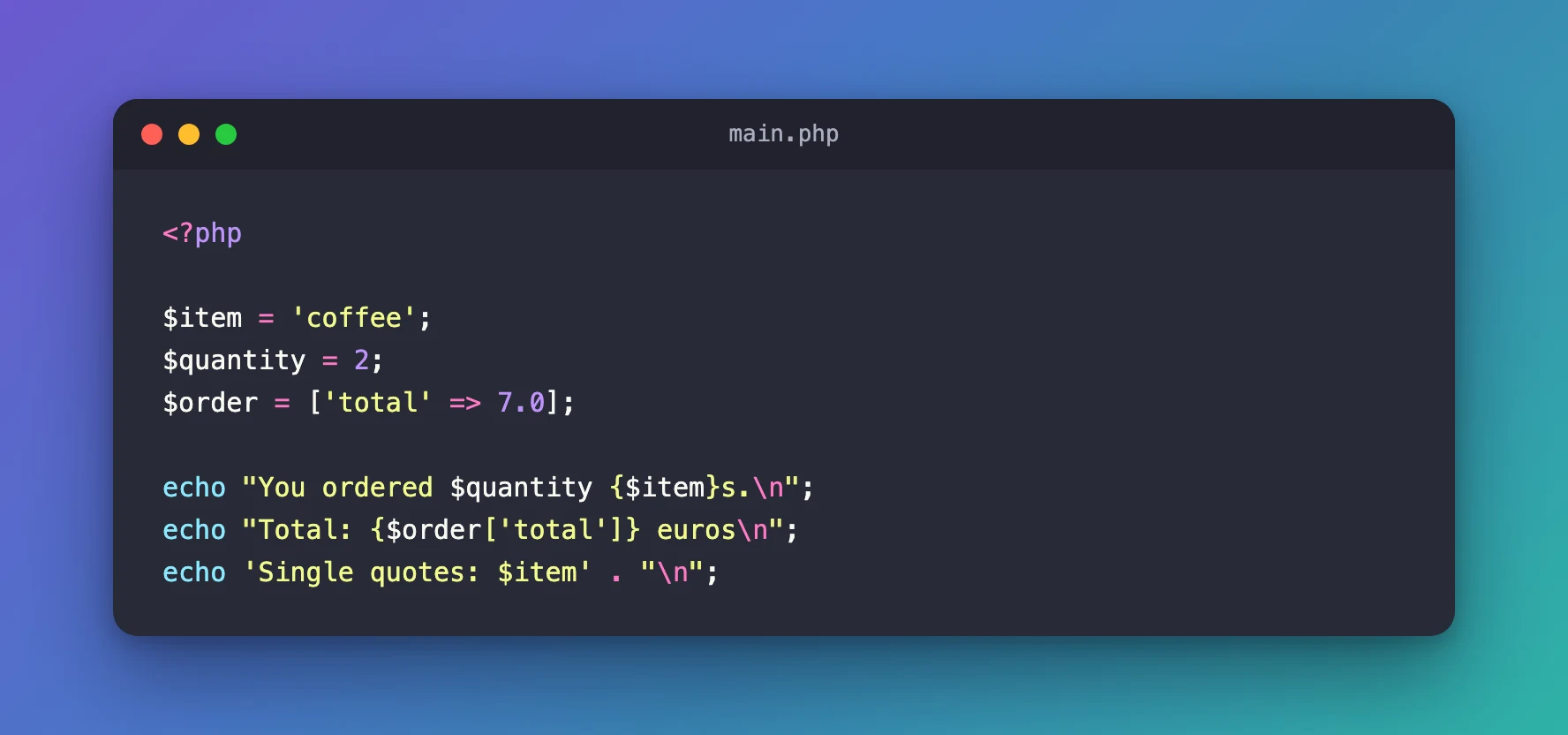
<?php

$item = 'coffee';
$quantity = 2;
$order = ['total' => 7.0];

echo "You ordered $quantity {$item}s.\n";
echo "Total: {$order['total']} euros\n";
echo 'Single quotes: $item' . "\n";
{$item}sputs thesstraight after the value;$itemswould look for a variable called$items.{$order['total']}inserts an array value with a quoted key.- In single quotes,
$itemstays as written;.joins it to a"\n"for the new line.
Step 2: Run It
php main.php
You ordered 2 coffees.
Total: 7 euros
Single quotes: $item
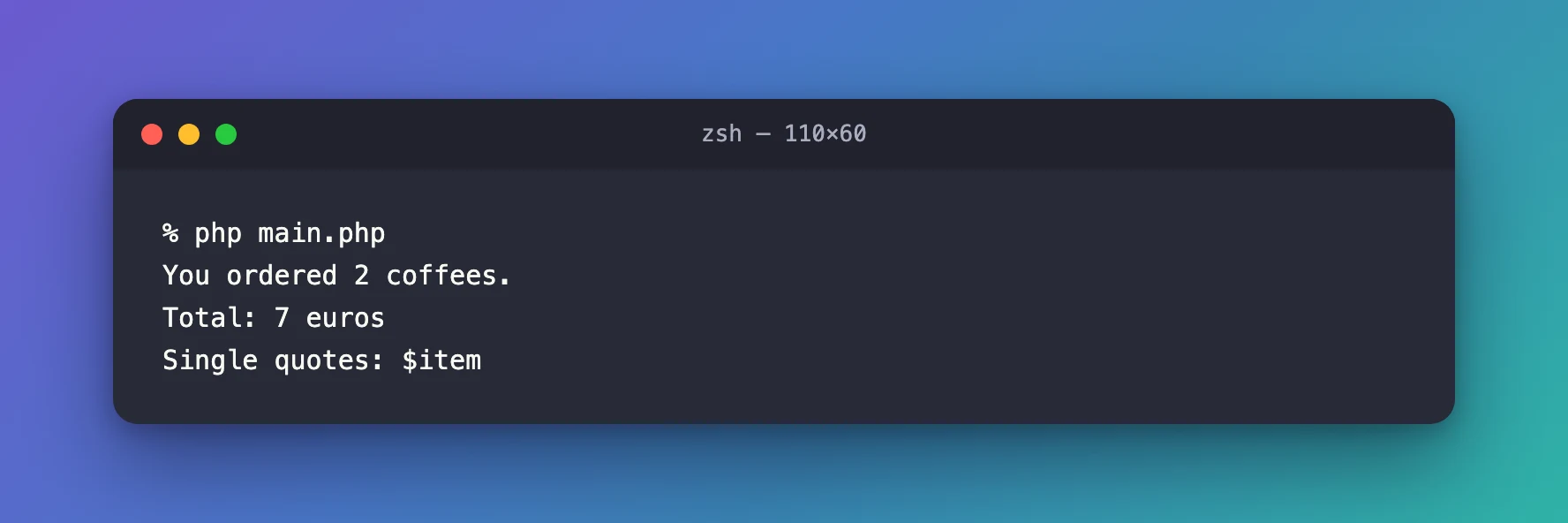
The float 7.0 was printed as 7. The command is the same in zsh, bash and PowerShell.
Common Mistakes
| Mistake | What happens | Do this instead |
|---|---|---|
A quoted array key without braces, as in "$order['total']" | Parse error: syntax error, unexpected string content "", expecting "-" or identifier or variable or number | Use braces: "{$order['total']}" |
Writing "$items" for $item plus an s | PHP looks for $items, which doesn't exist | Write "{$item}s" |
| Using single quotes and expecting replacement | $item is printed as it is | Use double quotes |
Troubleshooting
| Symptom | Likely cause | Fix |
|---|---|---|
$name appears literally in the output | The string is in single quotes | Switch to double quotes |
Warning: Undefined variable $items | Text after a variable was read as part of its name | Wrap the variable in braces |
FAQ
Can I use an unquoted key in the simple syntax?
Yes: "$order[total]" printed Total: 7 in my check. The braces form, with a quoted key, is clearer and works everywhere.
What about method calls?
Only in the braces form: "{$user->name()}" works, plain $user->name() doesn't.
Conclusion
Double-quoted strings replace variables; curly braces mark where a variable ends and allow array values and properties. Single-quoted strings print everything exactly as written.
Additional Resources
- Variable parsing in strings, in the PHP manual.
