How to Put Quotes Inside a String in JavaScript

A JavaScript string can start and end with single quotes, double quotes or backticks. To put one kind of quote inside a string, wrap the string in another kind, or put a backslash before the quote.
Syntax
'<text with "double quotes">'
"<text with 'single quotes'>"
"<text with \"escaped\" double quotes>"
`<text with 'both' "kinds">`
| Part | What it does |
|---|---|
'...' | A string in single quotes. Double quotes inside it are ordinary characters. |
"..." | A string in double quotes. Single quotes inside it are ordinary characters. |
\" or \' | A backslash makes the next quote part of the text instead of the end of the string. |
`...` | A template literal. Both kinds of quote are ordinary characters inside it. |
MDN's String reference: "String literals can be specified using single or double quotes, which are treated identically, or using the backtick character `. This last form specifies a template literal: with this form you can interpolate expressions."
The Example
The example writes a short piece of JSON, which is full of double quotes, inside single quotes. It escapes the double quotes of a second string with backslashes, and writes a third with a template literal that holds both kinds of quote.
Prerequisites
- Node.js. This guide uses Node.js 26.13.1.
Step 1: Write the Code
Create a file named main.js:
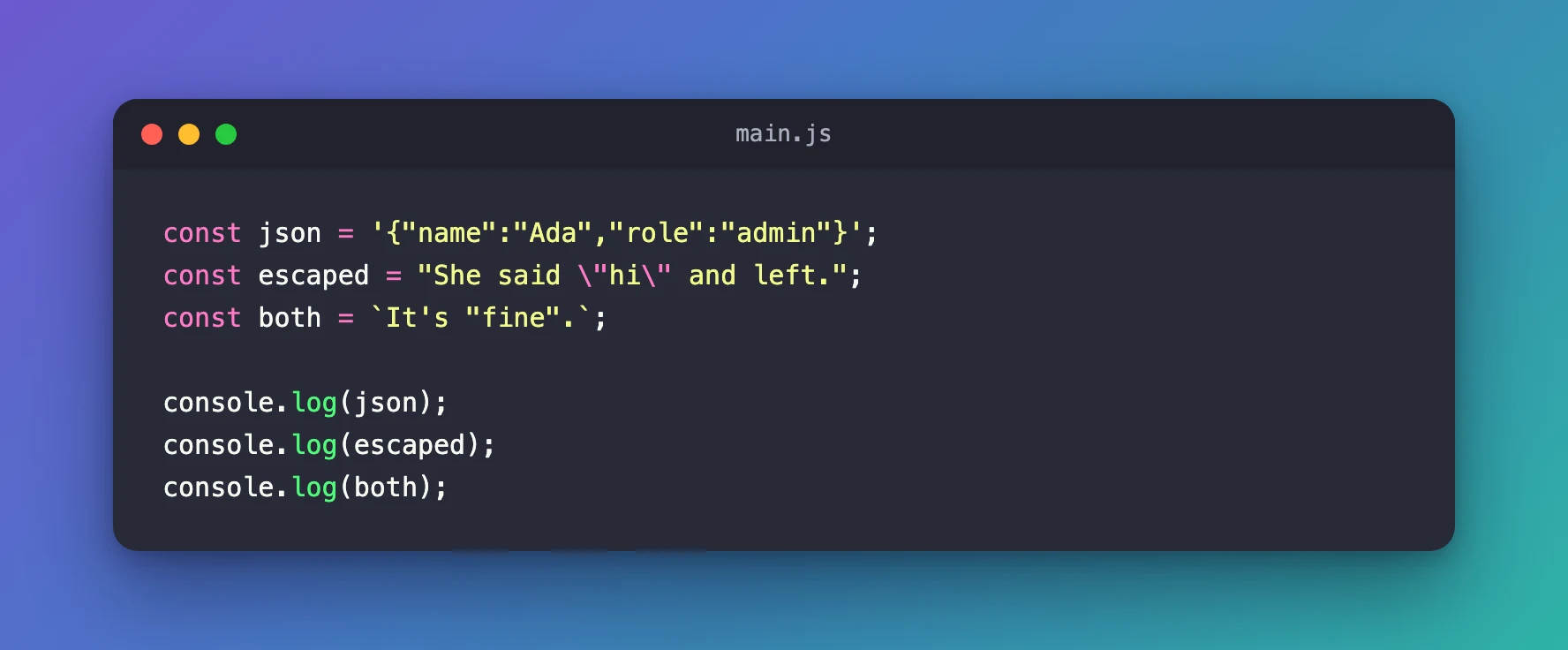
const json = '{"name":"Ada","role":"admin"}';
const escaped = "She said \"hi\" and left.";
const both = `It's "fine".`;

console.log(json);
console.log(escaped);
console.log(both);
Step 2: Run It
node main.js
{"name":"Ada","role":"admin"}
She said "hi" and left.
It's "fine".
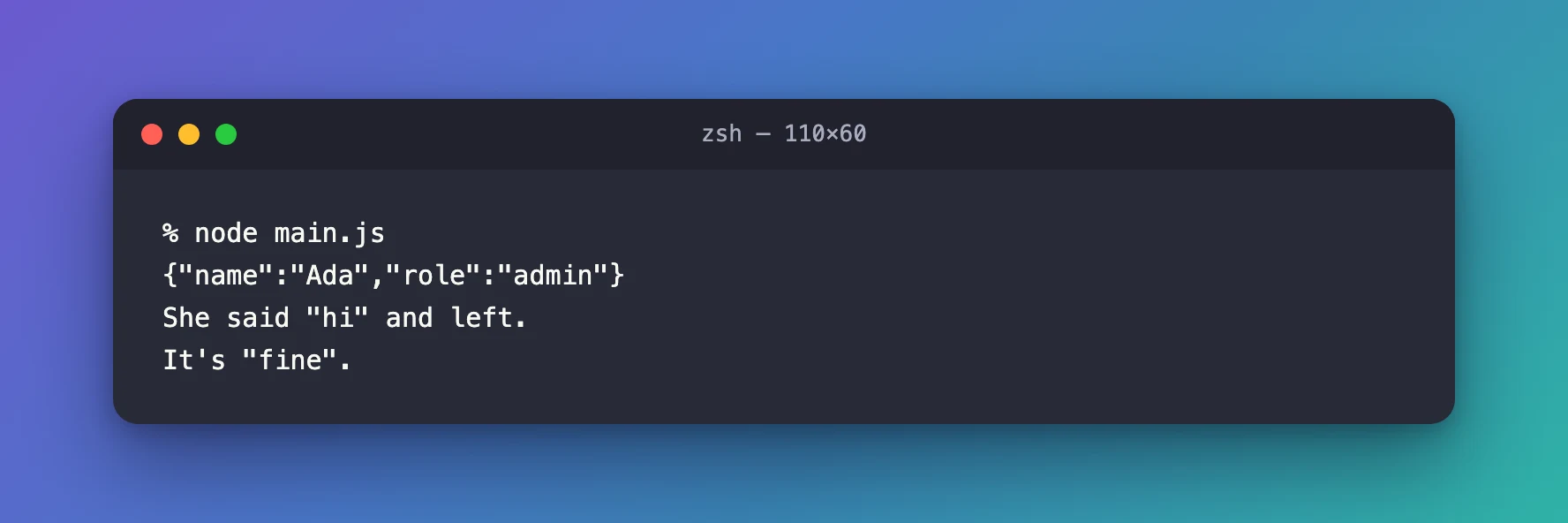
The command is the same in zsh, bash and PowerShell.
All three printed their quotes as ordinary text. The backslashes in the second string don't appear in the output: they only told JavaScript that those quotes belong to the text.
Common Mistakes
| Mistake | What happens | Do this instead |
|---|---|---|
| Putting a double quote inside a double-quoted string | The string ends early: SyntaxError: Unexpected identifier 'hi' | Wrap the string in single quotes, or write \" |
An apostrophe inside a single-quoted string, as in 'It's' | The string ends at the apostrophe | Use double quotes or a template literal, or write \' |
| Escaping a quote that doesn't need it | Nothing breaks, but the code is harder to read | Pick the outer quotes that need no escaping |
Troubleshooting
| Symptom | Likely cause | Fix |
|---|---|---|
SyntaxError: Unexpected identifier pointing inside a string | A quote of the same kind as the outer ones ended the string | Change the outer quotes or escape the inner one |
| A backslash shows up in the output | It was doubled, \\, which means a real backslash | Use a single backslash before the quote |
FAQ
Should I use single or double quotes?
Either. MDN says they're "treated identically". Pick one for your project and switch only when the text contains that quote.
Is a template literal slower or different?
For plain text it gives the same string. It also lets you insert values with ${...}, which the other two don't.
Conclusion
To get double quotes into a JavaScript string, wrap it in single quotes or a template literal, or escape each quote with a backslash. The same goes the other way for apostrophes.
Additional Resources
- String and the escape sequences section of Lexical grammar, in MDN's JavaScript reference.
