How to Put a Timeout on an ASP.NET Core Health Check

ASP.NET Core health checks have no time limit by default. My /health/ready took 64 seconds to report an unreachable MySQL server, far longer than a load balancer will wait. Setting a limit takes one parameter, or a few lines if you use AddDbContextCheck.
What You Need
The .NET 10 SDK, and a small project: dotnet new web --no-https -n WebDemo.
Way 1: AddCheck Has a Parameter
Replace Program.cs. SlowCheck stands in for a check on a server that doesn't answer:
using Microsoft.Extensions.Diagnostics.HealthChecks;

var builder = WebApplication.CreateBuilder(args);

builder.Services.AddHealthChecks()
    .AddCheck<SlowCheck>("slow", timeout: TimeSpan.FromSeconds(2));

var app = builder.Build();

app.MapHealthChecks("/health");

app.Run();

// Stands in for a check on a server that doesn't answer.
sealed class SlowCheck : IHealthCheck
{
    public async Task<HealthCheckResult> CheckHealthAsync(
        HealthCheckContext context,
        CancellationToken cancellationToken = default)
    {
        await Task.Delay(TimeSpan.FromSeconds(30), cancellationToken);
        return HealthCheckResult.Healthy();
    }
}
The important line is timeout: TimeSpan.FromSeconds(2). It only works if the check passes on its cancellationToken, as this one does.
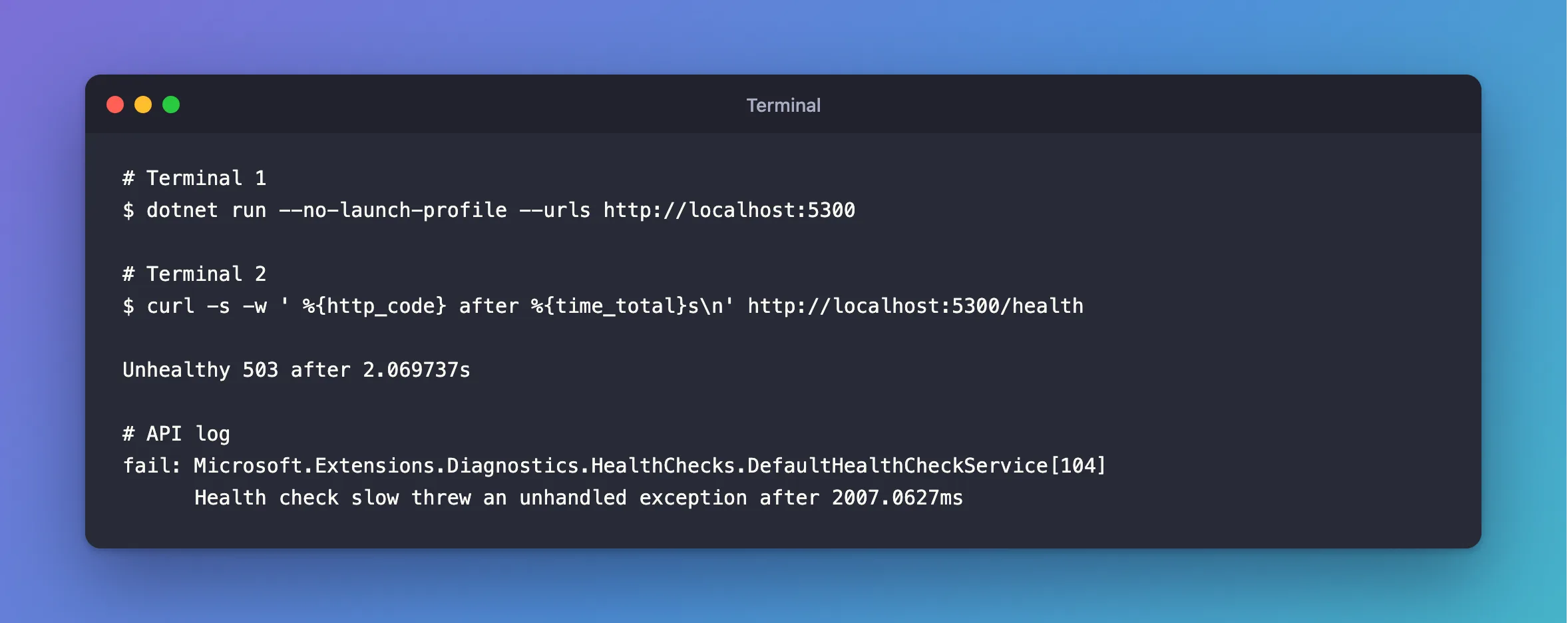
dotnet run --no-launch-profile --urls http://localhost:5300
curl -s -w ' %{http_code} after %{time_total}s\n' http://localhost:5300/health
Unhealthy 503 after 2.069737s
Unhealthy after 2 seconds, and not 30. The log records it:
fail: Microsoft.Extensions.Diagnostics.HealthChecks.DefaultHealthCheckService[104]
      Health check slow threw an unhandled exception after 2007.0627ms
Way 2: AddDbContextCheck Needs One More Step
AddDbContextCheck has no timeout parameter. It does create a registration, and that has a Timeout property. So set it afterwards:
using Microsoft.Extensions.Diagnostics.HealthChecks;

builder.Services.AddHealthChecks()
    .AddDbContextCheck<InventoryDbContext>(name: "mysql", tags: ["ready"]);

// Report a server that doesn't answer within seconds, not after every retry has timed out.
builder.Services.Configure<HealthCheckServiceOptions>(options =>
{
    foreach (var registration in options.Registrations)
    {
        registration.Timeout = TimeSpan.FromSeconds(5);
    }
});
Here's a .NET API pointed at an address that doesn't answer, with /health/ready on that timeout, and a normal endpoint, with 4 attempts at 15 seconds each:
== Connect Timeout=15 (the default)
GET /health/ready: 503 after 5.096208s
GET /api/v1/categories: 503 after 64.495866s
Before this timeout, the readiness request took 64.8 seconds as well. The log says what happened:
fail: Microsoft.Extensions.Diagnostics.HealthChecks.DefaultHealthCheckService[103]
      Health check mysql with status Unhealthy completed after 5036.081ms with message 'A task was canceled.'
MySQL being stopped, rather than unreachable, fails faster still, at about 4 seconds, because the port refuses straight away.
Choosing a Number
- It should be shorter than the timeout of whatever calls it. A Kubernetes probe's
timeoutSecondsdefaults to 1, so check yours. - It should be longer than the check takes on a bad day. My readiness check takes under 100 ms when all's well, so 5 seconds is generous.
One Warning for MySql.Data
This timeout cancels a token, on a timer. With MySql.Data, if a TLS handshake is running at that moment, that ends the process. It's the same risk Connect Timeout already has, and it fires at whichever is shorter. A handshake takes milliseconds, so it takes a network stall to reach it. Run your app under something that restarts it.
Common Mistakes
| Mistake | What happens | Do this instead |
|---|---|---|
A check that ignores its cancellationToken | The timeout can't stop it | Pass it on |
Configuring before AddHealthChecks | Your code sees an empty list, so there's no timeout: my 8-second check answered Healthy after 8 seconds | Configure after |
| Adding a timeout to liveness | It runs no checks, so there's nothing to time | Leave it |
Troubleshooting
| Symptom | Likely cause | Fix |
|---|---|---|
with message 'A task was canceled.' | That's the timeout | Now find out why it's slow |
with message '(null)' | The check failed quickly, and kept its reason | The fix |
| It still takes the full time | The check doesn't use its token | Pass it on |
Conclusion
Health checks don't time out on their own. Use AddCheck's timeout parameter, or set Timeout on the registrations through HealthCheckServiceOptions, and keep it below what your load balancer will wait.
Additional Resources
- Health checks in ASP.NET Core — registrations and options.
- HealthCheckRegistration.Timeout — the property.
