How to Put a JSON Object Inside Another JSON Object

A value in a JSON object can be another object, so related details stay together: a book's author can be an object with a first and a last name. The inner object follows the same rules as the outer one, and every curly bracket that opens must close.
Syntax
{
  "<name>": {
    "<inner name>": <value>,
    "<inner name>": <value>
  }
}
"<name>": { … }: a pair whose value is a whole object, in its own curly brackets."<inner name>": <value>: the inner object's pairs, written like any object's.- The brackets: each
{needs its own}. The inner object closes before the outer one.
The JSON standard, RFC 8259, allows it because an object is a value: A JSON value MUST be an object, array, number, or string, or one of the following three literal names: false null true, and an object's pairs hold values.
The Example
A file called book.json describes the novel Emma: its title, and its author as an object with first and last. jq, a command-line JSON tool, checks that it's valid.
Prerequisites
- jq, to check the file. Run
jq --versionto see which one you have; this guide uses jq 1.8.2 (Download jq).
Step 1: Write the Objects
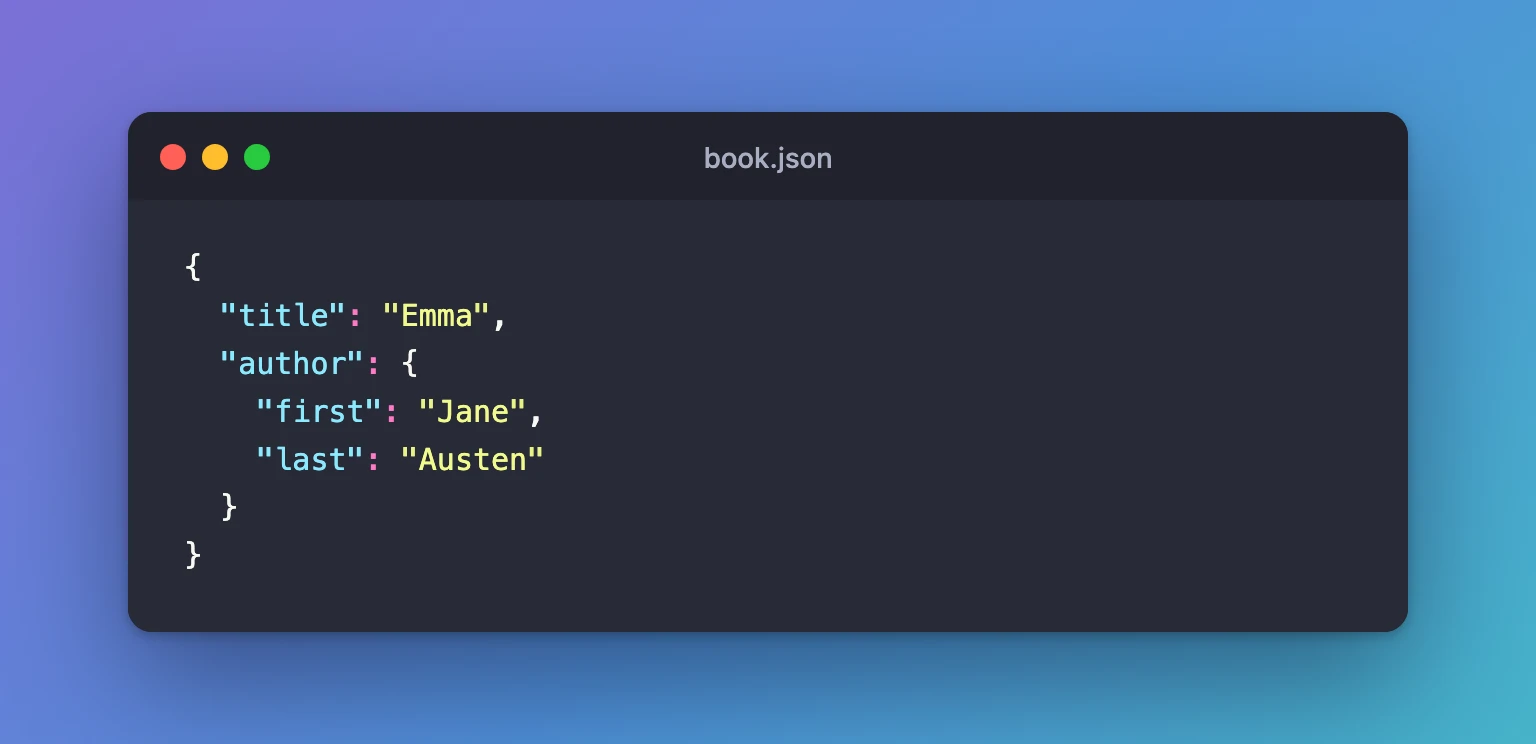
Create a file called book.json with this text:
{
  "title": "Emma",
  "author": {
    "first": "Jane",
    "last": "Austen"
  }
}
The outer object has two pairs, title and author. The comma after "Emma" separates them. Inside author, the comma after "Jane" separates the inner pairs.
Step 2: Check It with jq
In a terminal, in the folder with the file, run:
jq . book.json
jq's manual explains the .: the . program's main use is to validate and pretty-print the inputs. The file was valid, so jq printed both objects back, the inner one indented under author:
{
  "title": "Emma",
  "author": {
    "first": "Jane",
    "last": "Austen"
  }
}
Common Mistakes
I left out one of the two closing brackets at the end of a copy of book.json and ran jq . on it. jq 1.8.2 said:
jq: parse error: Unfinished JSON term at EOF at line 7, column 0
EOF is the end of the file: jq reached it while an object was still open.
I tried the other two mistakes the same way. These are jq's messages for all three:
| Mistake | What jq said | Do this instead |
|---|---|---|
One } too few | Unfinished JSON term at EOF at line 7, column 0 | Close the inner object, then the outer one |
| A comma after the inner object's last pair | Expected another key-value pair at line 6, column 3 | No comma before a closing bracket |
| The inner object without its name | Objects must consist of key:value pairs at line 6, column 1 | Write "author": { … } |
Troubleshooting
| Symptom | Likely cause | Fix |
|---|---|---|
| Unfinished JSON term at EOF | A closing bracket is missing | Count the { and }: they must match |
| Expected separator between values | A missing comma between the outer pairs | Add the comma before the next name |
| The inner pairs print at the outer level | They were written outside the inner brackets | Move them inside { } |
FAQ
How deep can objects go?
The standard sets no limit on nesting, but it lets software set one: An implementation may set limits on the maximum depth of nesting. A few levels are easy to read.
Can the inner object be empty?
Yes. "author": {} is an object with no pairs, which is still valid.
Can an object hold an array too?
Yes. An array is a value like any other: jq . accepted "tags": ["classic", "novel"] as a pair in the same kind of object.
Conclusion
To put a JSON object inside another, use it as a value: "author": { "first": "Jane", "last": "Austen" }. The inner pairs follow the same rules, and each { needs its }. jq . book.json printed the nested object back, and a missing bracket gave Unfinished JSON term at EOF.
Additional Resources
- RFC 8259: The JavaScript Object Notation (JSON) Data Interchange Format: the JSON standard.
- Introducing JSON: the format's diagrams, on its original site.
- jq manual: what
.and jq's other filters do.
