How to Put a Java Class in a Package

Packages group related Java classes and give them unique full names, such as com.example.Main. A class joins a package with one package line at the top of its file, and its file sits in folders that match the package's name.
Syntax
package <name>.<name>;

public class <ClassName> {
    ...
}
| Part | What it does |
|---|---|
package com.example; | Puts every class in the file into the package com.example. It must be the file's first statement. |
| Folder | The file lives in com/example/, one folder per part of the name. |
| Full name | The class's name everywhere else is com.example.Main. |
The Java Language Specification, section 7.4: "A package declaration appears within an ordinary compilation unit to indicate the package to which the compilation unit belongs."
The Example
The example puts a Main class in the package com.example, compiles it into an out folder and runs it by its full name.
Prerequisites
- A JDK, the Java Development Kit, which includes
javac, the compiler. This guide uses OpenJDK 25.0.5.1.
Step 1: Write the Class in Its Folder
Create the folders com/example, and in them a file named Main.java:
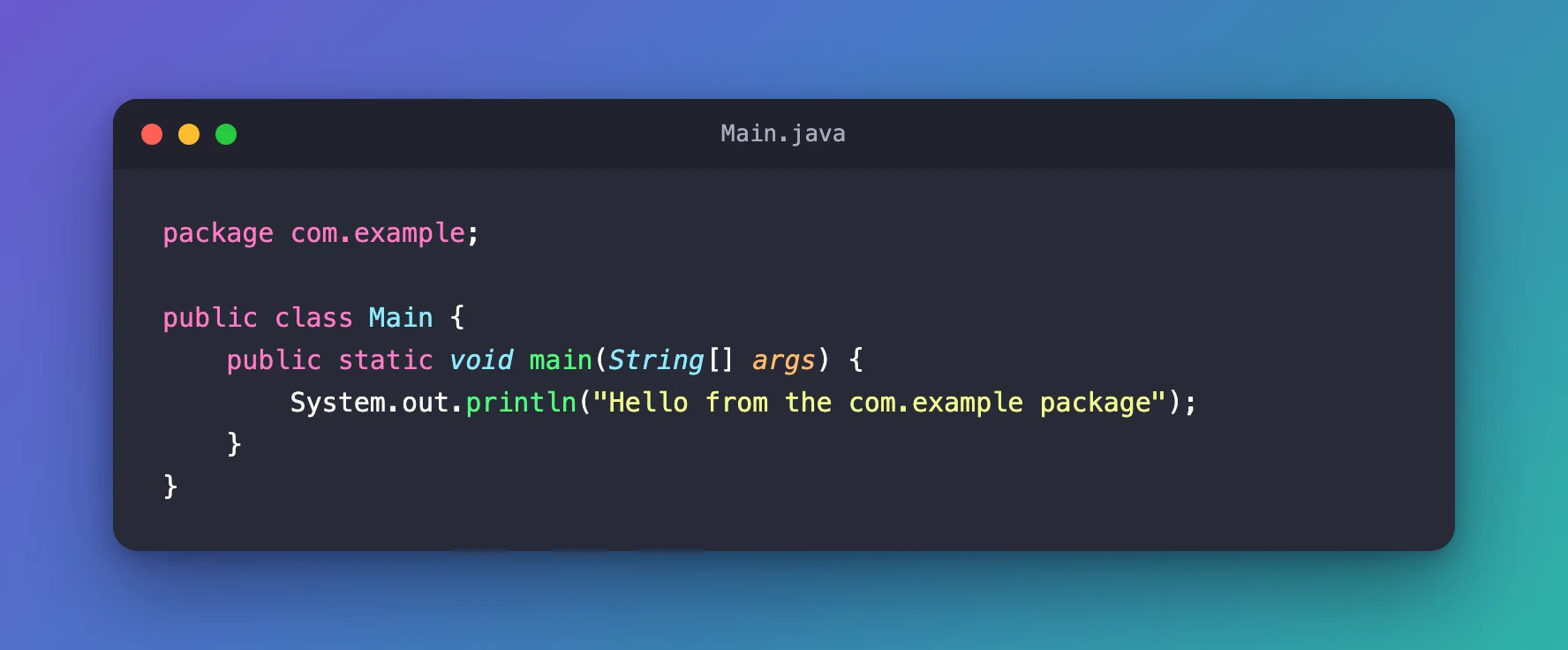
package com.example;

public class Main {
    public static void main(String[] args) {
        System.out.println("Hello from the com.example package");
    }
}
Step 2: Compile and Run It
javac -d out com/example/Main.java
ls out/com/example
java -cp out com.example.Main
Main.class
Hello from the com.example package
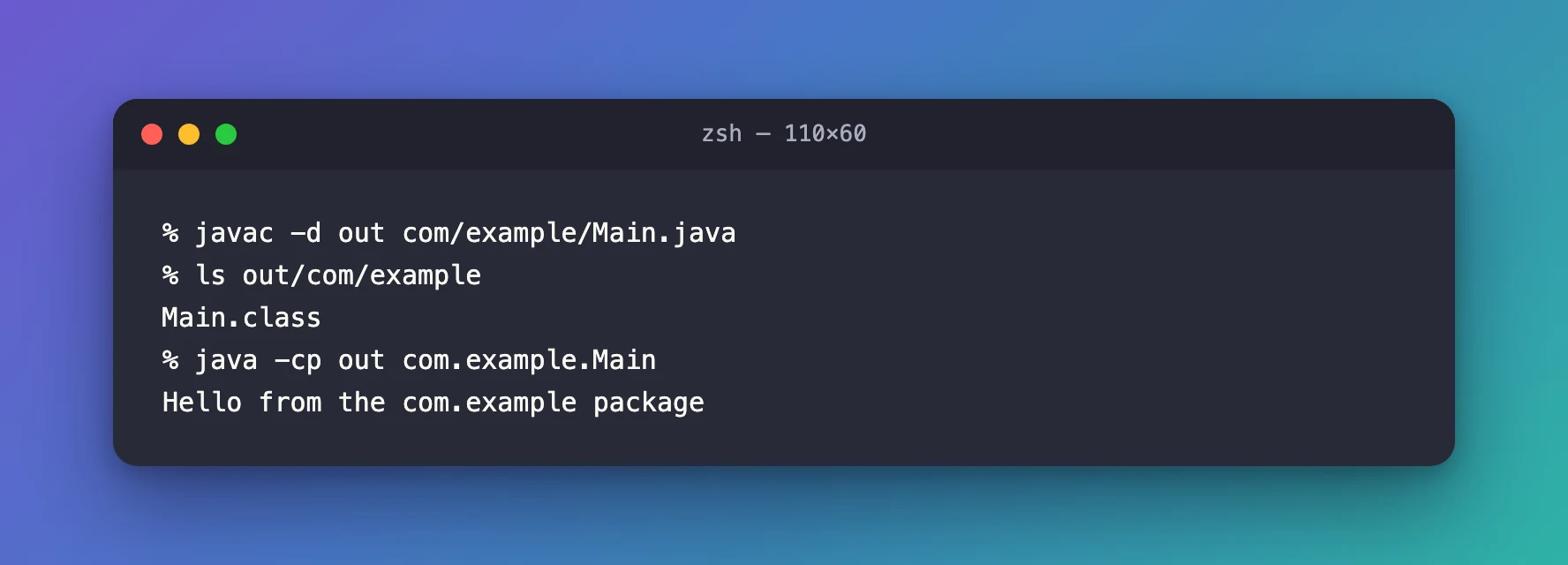
javac -d outcompiled the file and putMain.classintoout/com/example, matching the package.java -cp out com.example.Maintold Java to look for classes inoutand to run the class by its full name.
The javac and java commands are the same in zsh, bash and PowerShell; in PowerShell, ls lists the folder too, in its own format.
Common Mistakes
| Mistake | What happens | Do this instead |
|---|---|---|
Running the class by its short name, as in java -cp out Main | Error: Could not find or load main class Main followed by Caused by: java.lang.ClassNotFoundException: Main | Use the full name, com.example.Main |
Putting the package line below an import | error: class, interface, annotation type, enum, record, method or field expected at the package line | Make package the first statement |
| Using capital letters or hyphens in package names | Hyphens aren't allowed, and capitals break the convention | Use lowercase words separated by dots |
Troubleshooting
| Symptom | Likely cause | Fix |
|---|---|---|
Could not find or load main class | Wrong class name or wrong -cp folder | Use the full name and point -cp at the folder that contains com |
| The class compiled into the wrong folder | javac ran without -d | Compile with -d out |
FAQ
Can I still run it with java Main.java?
Yes. In single-file mode, java com/example/Main.java compiled and ran it, package line and all, and printed the same greeting.
How do I choose a package name?
By convention, start with a domain you own written backwards, such as com.example, followed by the project's name.
Conclusion
package com.example; at the top of a file puts its class in that package, the file lives in com/example/, and other code refers to it as com.example.Main. Compile with javac -d and run with java -cp and the full name.
Additional Resources
- JLS 7.4: Package Declarations, in the Java Language Specification.
- The javac command, in the JDK 25 tool documentation.
