How to Print Variables in Rust with println!

println! prints a line of text to the terminal. Put a variable's name in braces inside the text, such as {name}, and Rust prints the variable's value in its place.
Syntax
println!("<text> {<variable>} <text>");
println!("<text> {} <text>", <expression>);
println!("<text> {<variable>:<spec>} <text>");
| Part | What it does |
|---|---|
{<variable>} | Prints a variable that's in scope, by name. |
{} | Prints the next argument after the text, which can be any expression, such as price * 2.0. |
:<spec> | Optional. How to format the value: .2 for two decimal places, ? for the debug format, >6 to right-align in six characters. |
The standard library's documentation for std::fmt: "If a named parameter does not appear in the argument list, format! will reference a variable with that name in the current scope." The println! documentation says it "uses the same syntax as format!, but writes to the standard output instead."
The Example
The example prints a sentence with two variables in it, a price doubled to two decimal places, and a list.
Prerequisites
- Rust, installed with rustup, which comes with Cargo. This guide uses Rust 1.100.0.
Step 1: Create a Project
cargo new demo
cd demo
    Creating binary (application) `demo` package
note: see more `Cargo.toml` keys and their definitions at https://doc.rust-lang.org/cargo/reference/manifest.html
cargo new demo creates a folder named demo with a Cargo.toml file, which describes the project, and src/main.rs, which holds the code. cd demo moves into it.
Step 2: Write the Code
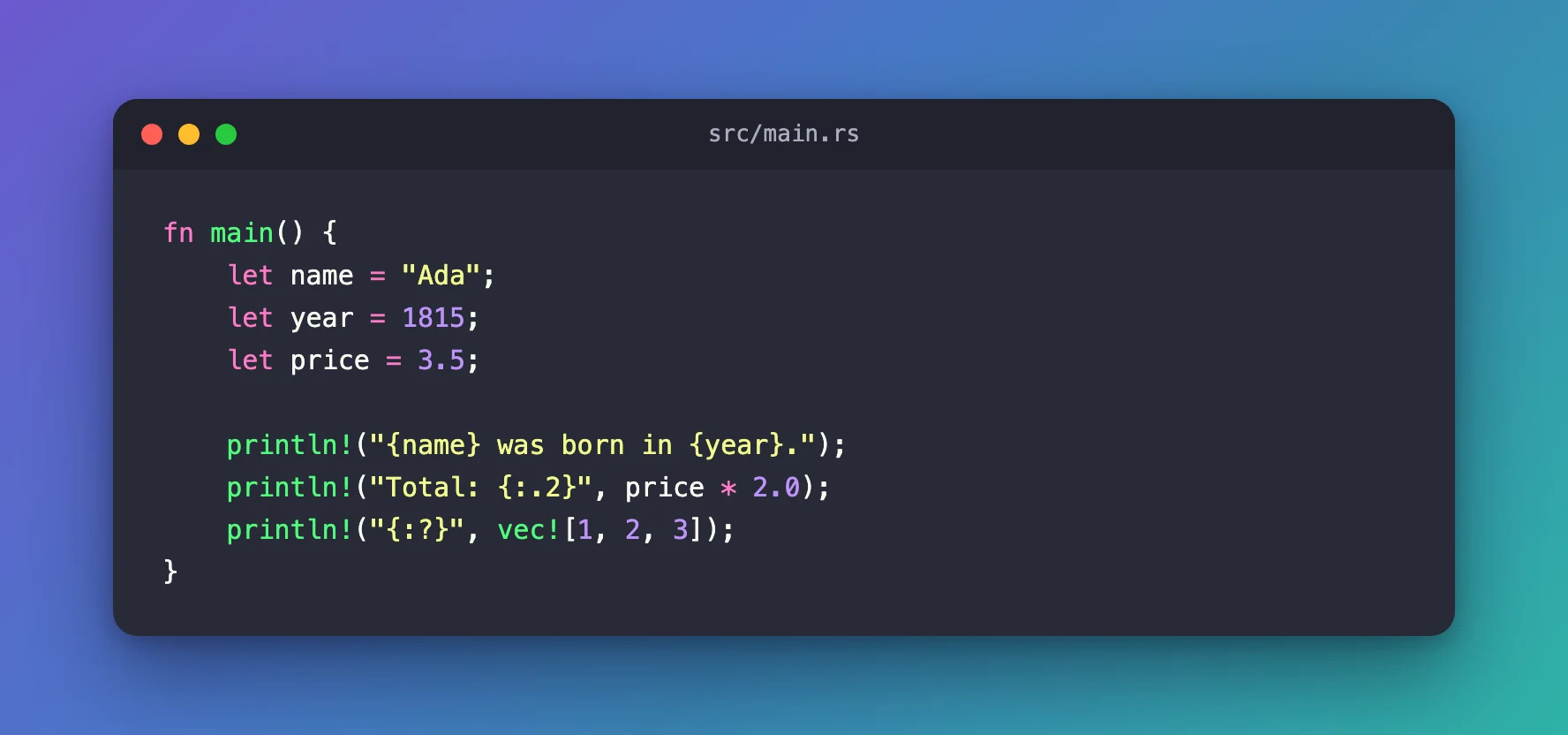
Replace the contents of src/main.rs with:
fn main() {
    let name = "Ada";
    let year = 1815;
    let price = 3.5;

    println!("{name} was born in {year}.");
    println!("Total: {:.2}", price * 2.0);
    println!("{:?}", vec![1, 2, 3]);
}
The first println! names its variables inside the braces. The second has a calculation, so it uses an empty {:.2} place and passes price * 2.0 after the text. The third prints a list, which has only a debug format, {:?}.
Step 3: Run It
cargo run -q
Ada was born in 1815.
Total: 7.00
[1, 2, 3]
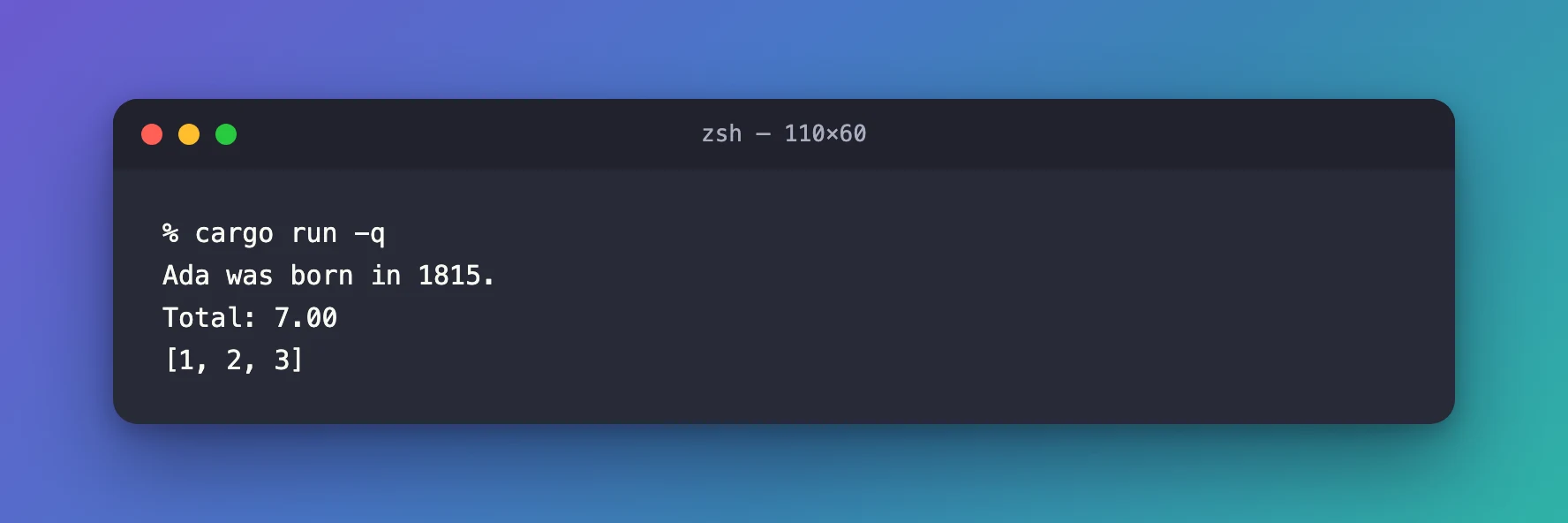
cargo run compiles the program and runs it, and -q hides Cargo's own status lines. .2 printed 7 as 7.00.
Format Specs with Named Variables
A spec works after a variable's name too. With price = 3.5 and name = "Ada", this line:
println!("{price:.2} [{name:>6}] {name:?}");
printed:
3.50 [ Ada] "Ada"
>6 padded Ada to six characters, aligned right, and ? printed it in quotes. To print a brace itself, double it: println!("{{name}}") prints {name}.
Common Mistakes
| Mistake | What happens | Do this instead |
|---|---|---|
A calculation inside the braces, {price * 2.0} | error: invalid format string: expected `}`, found `*` | Use {} and pass price * 2.0 after the text |
A field inside the braces, {book.title} | error: invalid format string: field access isn't supported | Use {} and pass book.title, or copy it into a variable first |
Fewer arguments than {} places | error: 2 positional arguments in format string, but there is 1 argument | Pass one value for every {} |
Printing a list with {} | error[E0277]: `Vec<{integer}>` doesn't implement `std::fmt::Display` | Use {:?} |
Troubleshooting
| Symptom | Likely cause | Fix |
|---|---|---|
invalid format string | Something other than a plain name inside the braces | Move it after the text and use {} |
doesn't implement `std::fmt::Display` | The type has no user-facing format | Print it with {:?} |
invalid format string: expected `}`, found `b` for text such as "a { b" | A single { starts a place | Write {{ and }}, as the compiler's note says |
FAQ
What's the difference between println! and print!?
println! adds a newline at the end; print! doesn't. Its documentation says that on every platform the newline "is the LINE FEED character (\n/U+000A) alone".
How do I build a String instead of printing?
format! takes the same arguments and returns a String, as in let line = format!("{name} was born in {year}.");.
Conclusion
Put a variable's name in braces, {name}, to print it, and use {} with an argument after the text for anything more complex. Add a spec after a colon, such as {:.2} or {:?}, to control how the value looks.
