How to Print to Standard Error in Go

A Go program has two output streams: standard output, where fmt.Println writes, and standard error, os.Stderr, for problems. Write a warning with fmt.Fprintln(os.Stderr, ...) and it still reaches the screen when the results go into a file.
Syntax
fmt.Fprintln(os.Stderr, <values>)
| Part | What it does |
|---|---|
fmt.Fprintln | Prints like fmt.Println, but to the writer you give it. |
os.Stderr | The standard error stream. |
<values> | What to print, separated by spaces, followed by a new line. |
The fmt documentation: "Fprintln formats using the default formats for its operands and writes to w. Spaces are always added between operands and a newline is appended."
The Example
The example prints a result to standard output and a warning to standard error, then sends the output to a file to show which line goes where.
Prerequisites
- Go.
go runcompiles and runs a single file. This guide uses Go 1.27.4.
Step 1: Write the Code
Create a file named main.go:
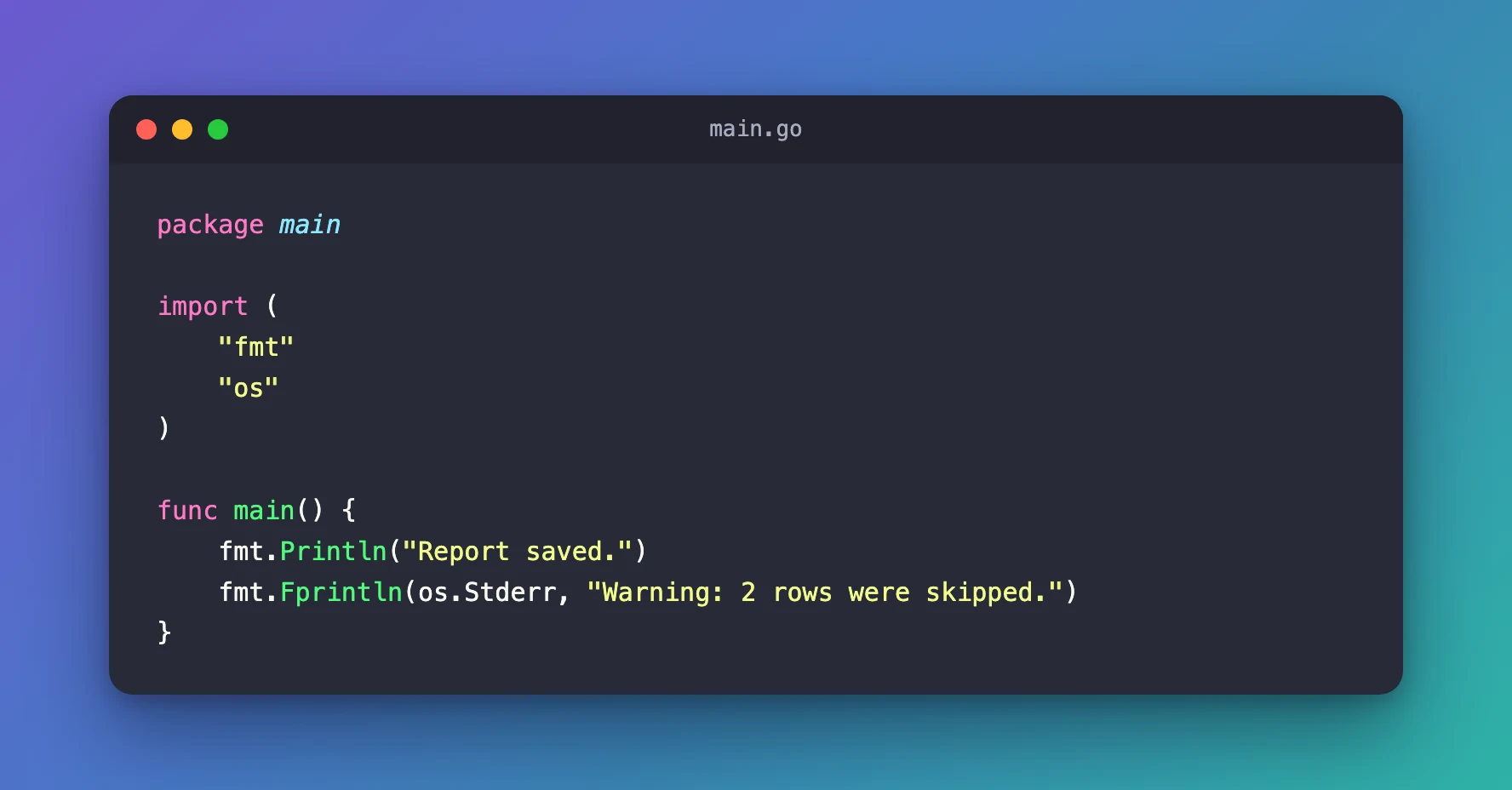
package main

import (
	"fmt"
	"os"
)

func main() {
	fmt.Println("Report saved.")
	fmt.Fprintln(os.Stderr, "Warning: 2 rows were skipped.")
}
Step 2: Run It, Then Redirect the Output
Run it, then send standard output to a file with > and look inside the file:
go run main.go
go run main.go > report.txt
cat report.txt
Report saved.
Warning: 2 rows were skipped.
Warning: 2 rows were skipped.
Report saved.
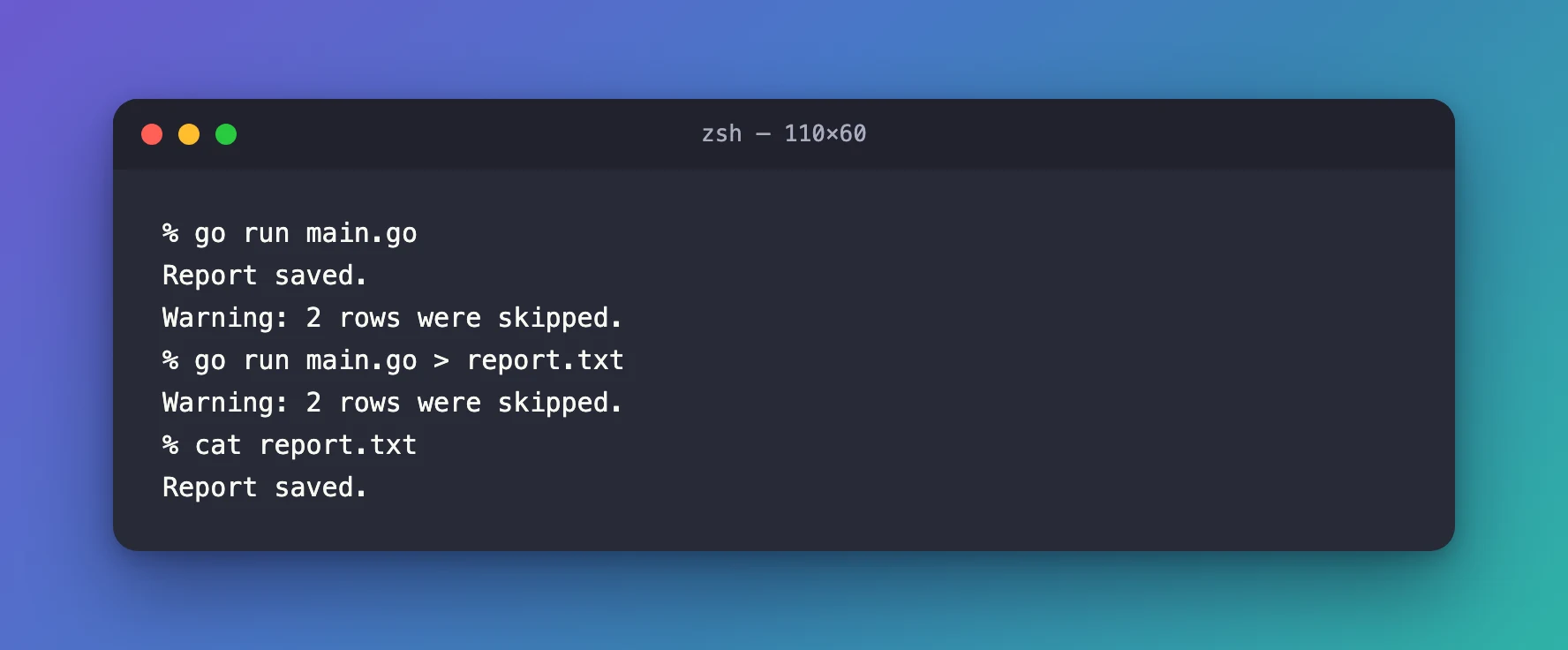
The first run shows both lines. In the second, > sent standard output into report.txt, so only the warning stayed on screen; cat then shows the report line inside the file. In PowerShell 7.6 the same commands behave the same way: > redirects only standard output, and on Windows cat is an alias of Get-Content.
Common Mistakes
| Mistake | What happens | Do this instead |
|---|---|---|
Printing warnings with fmt.Println | They end up in the redirected file, mixed with the results | Print them to os.Stderr |
Printing results to os.Stderr | They don't reach the file or the next program in a pipe | Keep results on standard output |
| Expecting the message to stop the program | It only prints; the code carries on | Return or call os.Exit when the program can't continue |
Troubleshooting
| Symptom | Likely cause | Fix |
|---|---|---|
| Error messages are missing from a log file | Only standard output was redirected | Add 2> errors.txt to save standard error too |
| A warning appears inside saved data | It was printed with fmt.Println | Switch it to fmt.Fprintln(os.Stderr, ...) |
FAQ
Is there a package for this?
Yes: the log package writes to standard error by default and adds a date and time to each line.
How do I save standard error to a file?
Redirect it with 2>, as in go run main.go 2> errors.txt. It works the same in zsh, bash and PowerShell.
Conclusion
fmt.Println writes results to standard output and fmt.Fprintln(os.Stderr, ...) writes problems to standard error. Redirect the results and the warnings still show up on screen.
Additional Resources
- fmt.Fprintln, in the Go standard library documentation.
- os.Stderr, in the Go standard library documentation.
