How to Print Text in the Terminal with echo

echo prints the text you give it, followed by a new line. It's how scripts show messages, and the quickest way to see what the shell does to your text. This guide prints a greeting, with real output from zsh 5.9 and bash 3.2.
Syntax
echo [-n] <text>
| Part | What it means |
|---|---|
<text> | What to print. Separate words are printed with one space between them |
[-n] | Optional. Leaves out the new line at the end |
The bash manual: "Output the args, separated by spaces, terminated with a newline." The zsh manual: "Write each arg on the standard output, with a space separating each one. If the -n flag is not present, print a newline at the end."
Prerequisites
- zsh or bash. This guide uses zsh 5.9, the default shell on macOS, and checks every command in bash 3.2 too.
Step 1: Print a Line
echo "Hello, world"
Hello, world
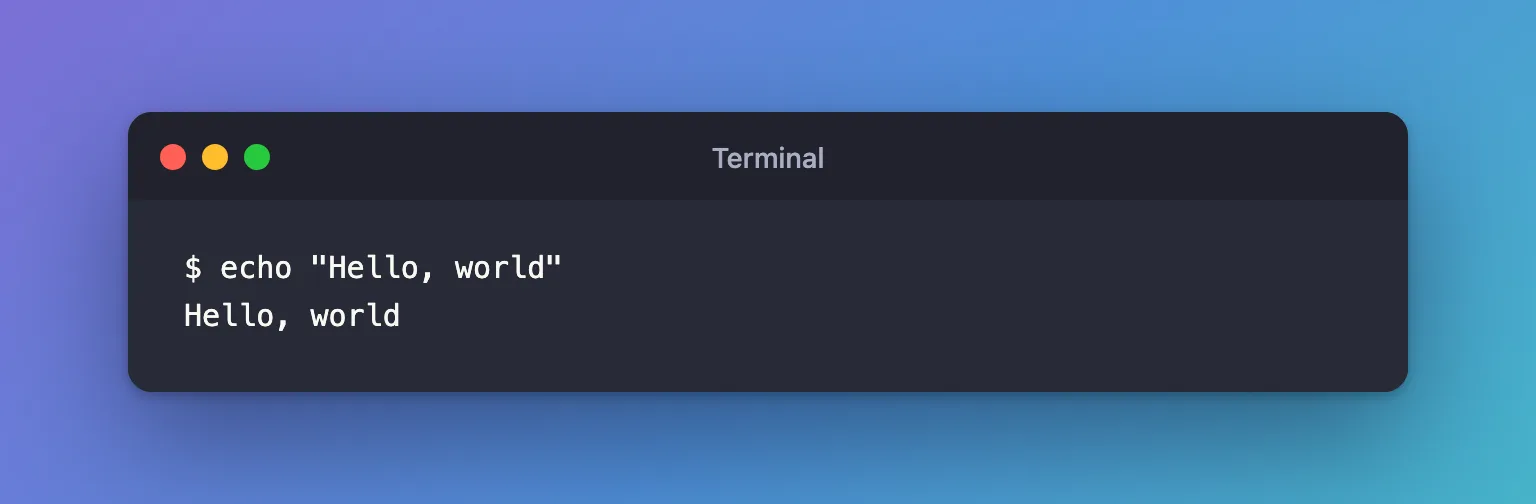
echo printed the text and moved to a new line. bash printed the same.
Common Mistakes
| Mistake | What happens | Do this instead |
|---|---|---|
Extra spaces without quotes: echo Hello, world | The shell splits the words, and echo joins them with one space: Hello, world | Quote the text: echo "Hello, world" kept all five spaces |
Expecting \n to work the same in every shell | zsh printed echo "first\nsecond" on two lines; bash printed first\nsecond | In bash, add -e: echo -e "first\nsecond" printed two lines |
Troubleshooting
| Symptom | Likely cause | Fix |
|---|---|---|
A % appears after the text in zsh | The text didn't end with a new line, as with echo -n | Nothing is wrong: the % isn't part of the output |
FAQ
Why does zsh show a % after echo -n?
echo -n "No new line" printed No new line% in zsh. The % is zsh marking a line that didn't end with a new line. Its manual, for the PROMPT_SP option: "When a partial line is preserved, by default you will see an inverse+bold character at the end of the partial line: a ‘%’ for a normal user or a ‘#’ for root."
Which echo do bash and zsh run?
Their own. In zsh, type echo printed echo is a shell builtin, a command built into the shell, which is why the two shells can treat \n differently.
Conclusion
echo "Hello, world" printed the text followed by a new line in both shells. Quote text that has extra spaces, and in bash add -e when you want \n to start a new line.
Additional Resources
- Bash Builtin Commands —
echoand its options in the bash manual. - zsh: Shell Builtin Commands —
echoin zsh.
