How to Print Output with console.log in Node.js

console.log is how a Node.js program talks to you in the terminal: it prints whatever you give it, on its own line. Strings, numbers, arrays and objects all work, and you can pass several at once.
Syntax
console.log(<value>, <value>, ...);
| Part | What it does |
|---|---|
console.log | Prints to standard output, followed by a new line. |
<value> | What to print. Several values are printed on one line, separated by spaces. |
The Node.js console documentation: "Prints to stdout with newline. Multiple arguments can be passed, with the first used as the primary message and all additional used as substitution values similar to printf(3)."
The Example
The example prints three things: a sentence, a label with a number, and an object that holds an array.
Prerequisites
- Node.js. This guide uses Node.js 26.13.1.
Step 1: Write the Code
Create a file named main.js:
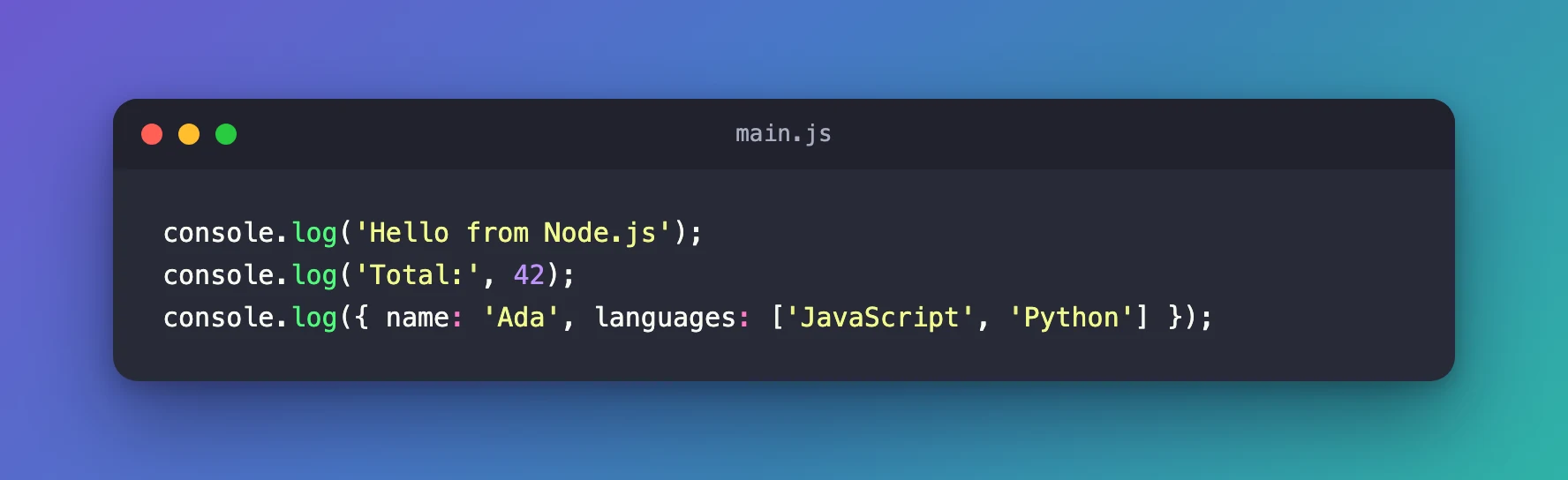
console.log('Hello from Node.js');
console.log('Total:', 42);
console.log({ name: 'Ada', languages: ['JavaScript', 'Python'] });
Step 2: Run It
node main.js
Hello from Node.js
Total: 42
{ name: 'Ada', languages: [ 'JavaScript', 'Python' ] }
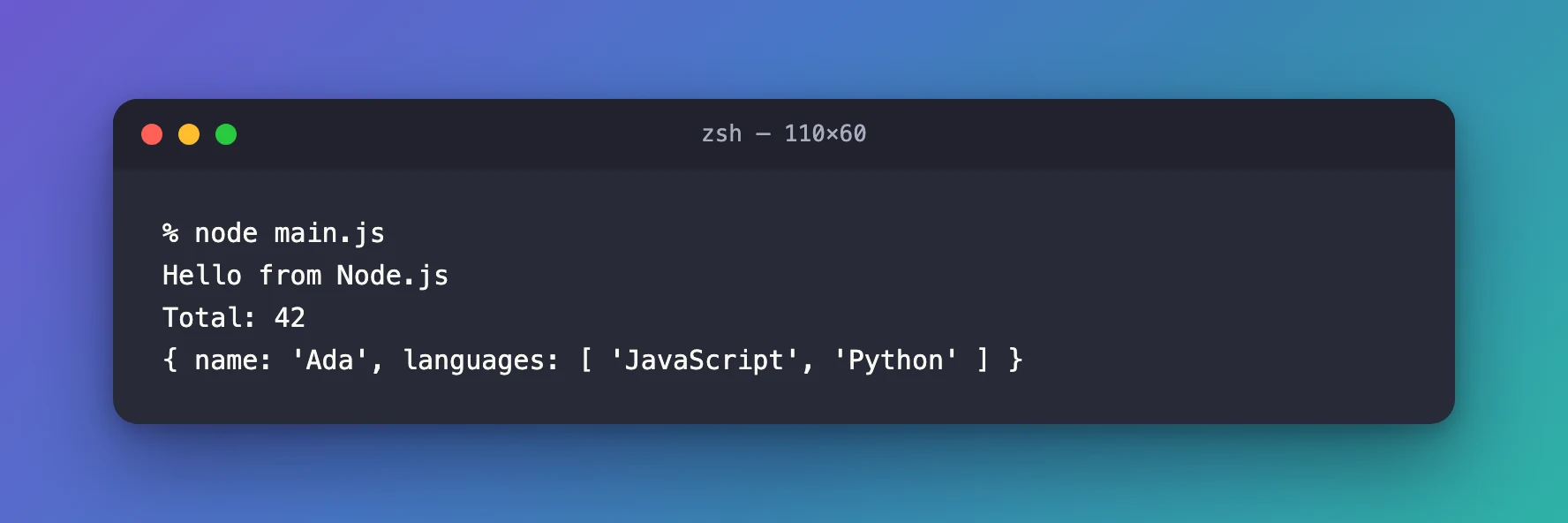
- The second line shows two values joined by a space.
- The object came out formatted, with its strings in quotes, so you can see what's in it.
The command is the same in zsh, bash and PowerShell.
Placeholders
When the first value is a string with placeholders, the values after it fill them in order: %s for a string and %d for a number.
console.log('%s is %d years old', 'Ada', 36); // Ada is 36 years old
Common Mistakes
| Mistake | What happens | Do this instead |
|---|---|---|
| Printing an object nested more than two levels deep | The deepest part shows as [Object]: { a: { b: { c: [Object] } } } | Use console.dir(value, { depth: null }) |
Printing errors and warnings with console.log | They go to standard output, mixed with the results | Use console.error for problems |
Joining an object into a string with + | You get [object Object] | Pass the object as its own argument |
Troubleshooting
| Symptom | Likely cause | Fix |
|---|---|---|
[Object] or [Array] in the output | The value is deeper than Node.js prints by default | console.dir(value, { depth: null }) prints all of it |
[object Object] in a sentence | The object was turned into a string | Print it separately or with JSON.stringify(value) |
FAQ
What does console.log return?
undefined. It only prints, so there's nothing to keep.
Where does the output go when I redirect it?
console.log writes to standard output, so node main.js > out.txt puts its lines in the file.
Conclusion
console.log prints any value on its own line, joins several values with spaces, formats objects so you can read them and fills %s and %d placeholders.
Additional Resources
- console.log(), in the Node.js documentation.
- console.dir(), in the Node.js documentation.
