How to Print Output in Java with System.out.println

System.out.println is how a Java program writes a line to the terminal. Its sibling System.out.print writes without ending the line, so the next output continues where it stopped.
Syntax
System.out.println(<value>);
System.out.print(<value>);
System.out.println();
| Part | What it does |
|---|---|
System.out | The standard output stream. |
.println(<value>) | Prints the value as text, then ends the line. |
.print(<value>) | Prints the value without ending the line. |
.println() | Ends the line, which prints an empty line when nothing came before it. |
The JDK 25 documentation for println: "Prints a String and then terminates the line. This method behaves as though it invokes print(String) and then println()."
The Example
The example prints a sentence, a number, one line built from two calls, an empty line and a last line.
Prerequisites
- A JDK, the Java Development Kit.
java Main.javaruns a single file without compiling it first. This guide uses OpenJDK 25.0.5.1.
Step 1: Write the Code
Create a file named Main.java:
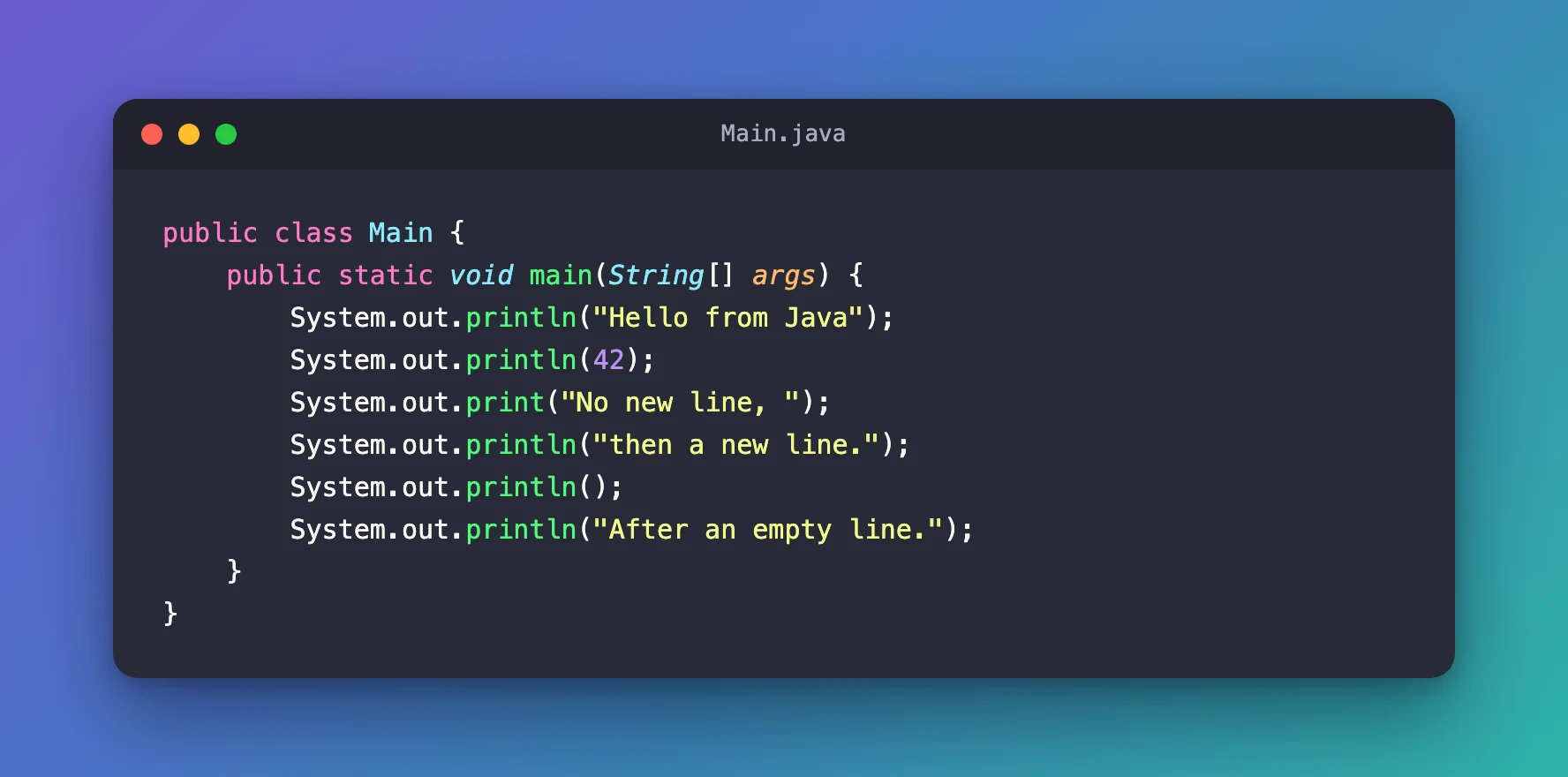
public class Main {
    public static void main(String[] args) {
        System.out.println("Hello from Java");
        System.out.println(42);
        System.out.print("No new line, ");
        System.out.println("then a new line.");
        System.out.println();
        System.out.println("After an empty line.");
    }
}
Step 2: Run It
java Main.java
Hello from Java
42
No new line, then a new line.

After an empty line.
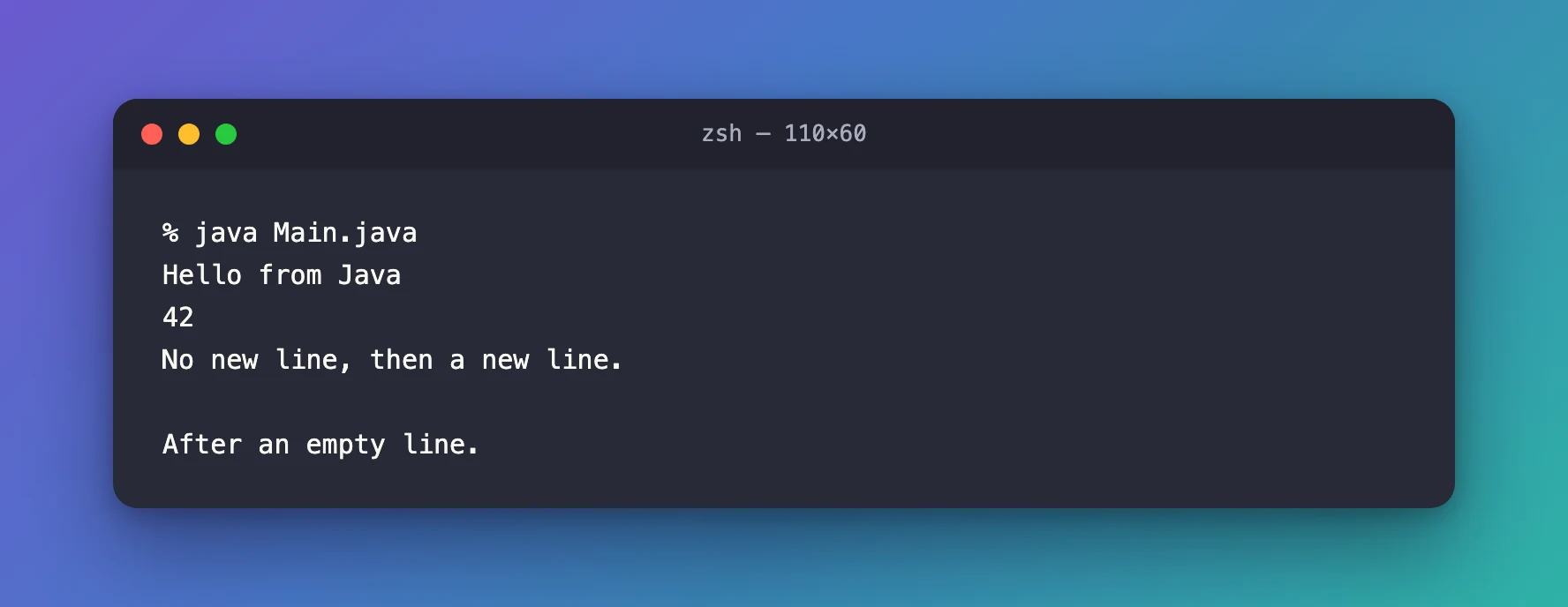
println(42)printed the number as text.printleft the line open, so the nextprintlnfinished it.println()on its own produced the empty line.
The command is the same in zsh, bash and PowerShell.
Common Mistakes
| Mistake | What happens | Do this instead |
|---|---|---|
Using print for every line | Everything runs together on one line | Use println, or end with println() |
Printing a null string | It prints the word null | Check the value first if null shouldn't appear |
Printing errors with System.out | They end up with the results when output is redirected | Use System.err.println for problems |
Troubleshooting
| Symptom | Likely cause | Fix |
|---|---|---|
| Two outputs share a line | The first used print | Switch it to println |
null appears in the output | A variable holds null | Find where it should have been set |
FAQ
Is there a shorter way to print in Java 25?
Yes. Java 25 added IO.println(...), which prints a line without System.out. It's handy in small programs.
Does println work with objects?
Yes. It prints the object's toString() text, which many classes, such as LocalDate, define to be readable.
Conclusion
System.out.println prints a value and ends the line, System.out.print leaves the line open, and System.out.println() ends a line on its own.
Additional Resources
- PrintStream.println, in the JDK 25 API documentation.
- System.out, in the JDK 25 API documentation.
