How to Pick Rows by Position in pandas with iloc
· 3 min read

Sometimes you want "the first row" or "rows two and three", by where they sit in the table rather than by their labels. pandas' iloc selects rows by position, counting from 0 like a Python list. This guide picks rows from a small fruit table three ways, with real output from pandas 3.1.1.
Syntax
Syntax
<dataframe>.iloc[<position>]           # one row
<dataframe>.iloc[<start>:<stop>]       # rows start up to, not including, stop
<dataframe>.iloc[[<position>, ...]]    # the rows at these positions
| Part | What it means |
|---|---|
<position> | A whole number: 0 is the first row, -1 the last |
<start>:<stop> | A range of positions; <stop> itself is left out, as in a list slice |
[<position>, ...] | A list of positions, in the order you want them |
The pandas reference: "Purely integer-location based indexing for selection by position."
Prerequisites
- pandas in your project, for example with
uv add pandas. This guide uses pandas 3.1.1 on Python 3.15.2.
Step 1: Write the Script
pick_rows.py
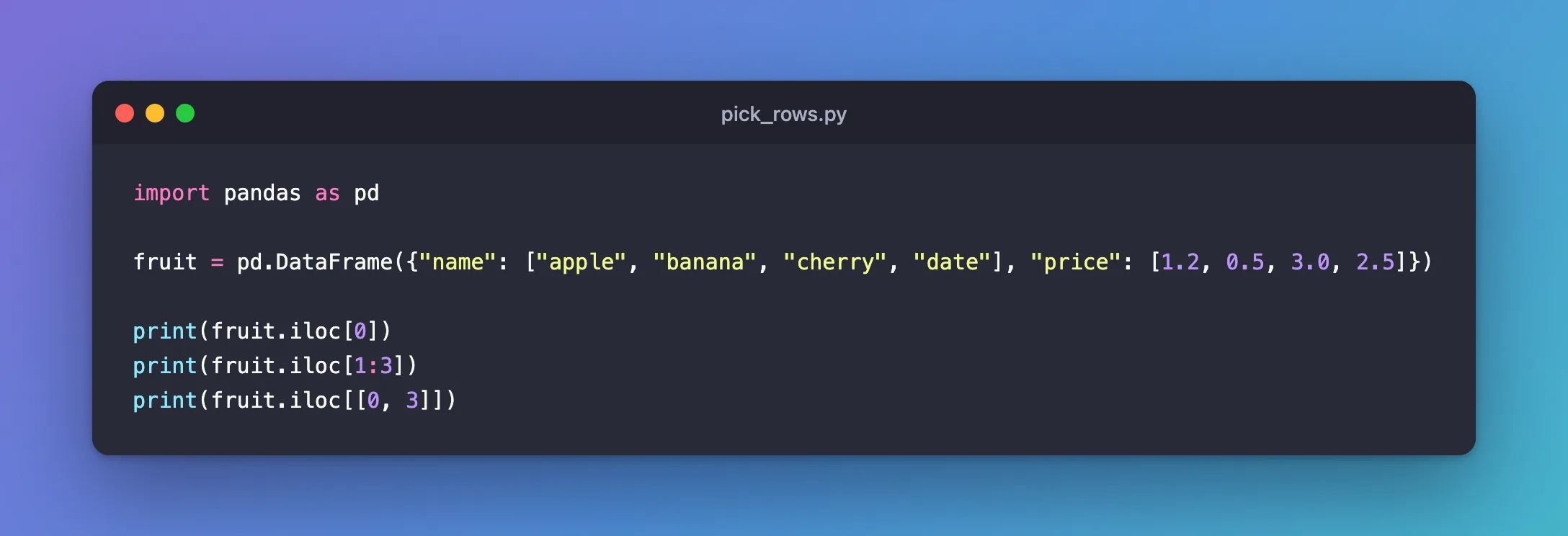
import pandas as pd

fruit = pd.DataFrame({"name": ["apple", "banana", "cherry", "date"], "price": [1.2, 0.5, 3.0, 2.5]})

print(fruit.iloc[0])
print(fruit.iloc[1:3])
print(fruit.iloc[[0, 3]])
Step 2: Run It
Terminal
uv run python pick_rows.py
Output
name     apple
price      1.2
Name: 0, dtype: object
     name  price
1  banana    0.5
2  cherry    3.0
    name  price
0  apple    1.2
3   date    2.5
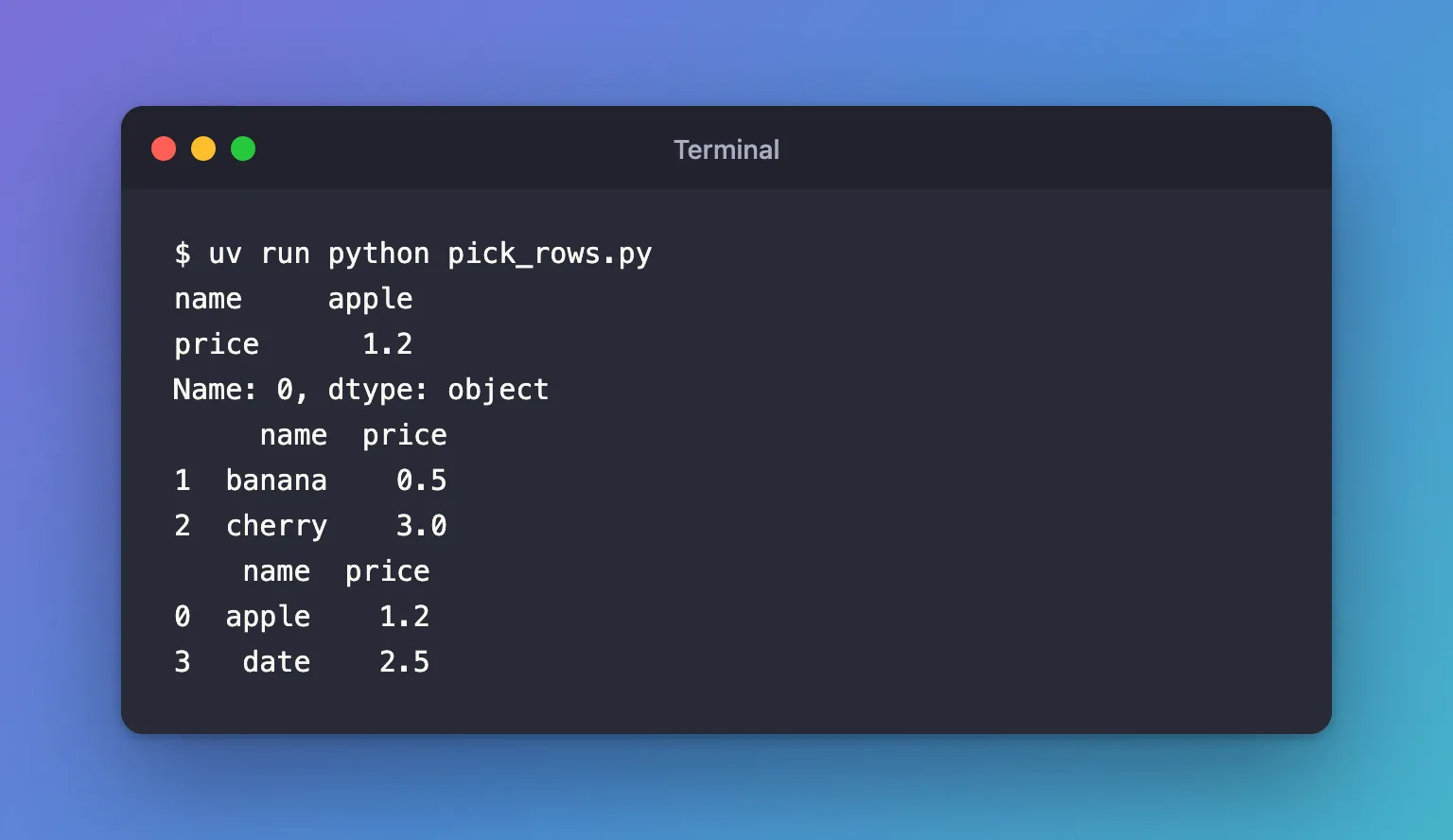
iloc[0]returned one row as a Series, one line per column.iloc[1:3]returned positions 1 and 2, stopping before 3.iloc[[0, 3]]returned the first and the last rows as a DataFrame.
Common Mistakes
| Mistake | What happens | Do this instead |
|---|---|---|
Mixing up iloc and loc | loc uses the row labels, not positions. With labels 10, 20, 30, iloc[0] and loc[10] gave the same row | Use iloc for positions and loc for labels |
| A position past the end | fruit.iloc[5] on two rows raised IndexError: single positional indexer is out-of-bounds | Check len(fruit) first |
Troubleshooting
| Symptom | Likely cause | Fix |
|---|---|---|
| One row comes back as a column-like list instead of a table | A single position returns a Series | Use a list of one position: iloc[[0]] returned a DataFrame with the apple row |
FAQ
Can iloc pick columns too?
Yes, after a comma: fruit.iloc[0, 1] gave 1.2, the first row's second column.
Does a slice include the stop position?
No. iloc[1:3] gave positions 1 and 2, like slicing a Python list.
Conclusion
iloc[0] returned the first row, iloc[1:3] the second and third, and iloc[[0, 3]] the first and the last: rows chosen by where they are, not by their labels.
Additional Resources
- DataFrame.iloc — every form
ilocaccepts. - Indexing and selecting data —
ilocandlocside by side.
