How to Pause a Shell Script with sleep

A script sometimes has to wait: between retries, while a server starts, or to space out requests. sleep pauses for as many seconds as you give it. This guide pauses for two seconds between two clock readings, with real output from macOS's sleep in zsh 5.9.
Syntax
sleep <seconds>
| Part | What it means |
|---|---|
<seconds> | How long to pause. Fractions such as 0.5 work, and a unit such as m for minutes can follow the number |
The macOS manual page, man sleep: "The sleep command suspends execution for a minimum of number seconds (the default, or unit s), minutes (unit m), hours (unit h), or days (unit d)."
Prerequisites
- A macOS or Linux terminal. This guide uses macOS's
sleepin zsh 5.9, and checks it in bash 3.2 too.
Step 1: Pause Between Two Clock Readings
date +%T prints the time of day as hours, minutes and seconds. Copy the three lines and paste them into your terminal together, so they run one after another without your typing in between:
date +%T
sleep 2
date +%T
13:04:19
13:04:21
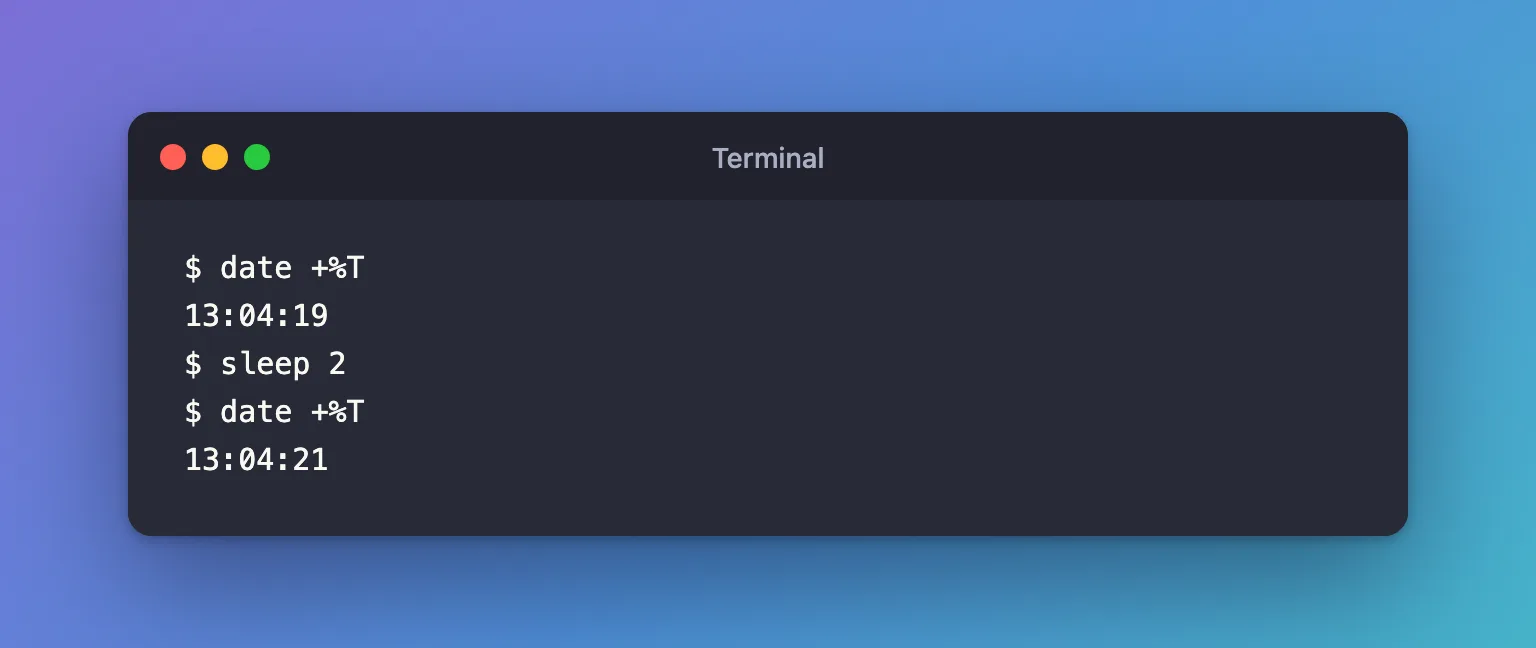
The second reading is two seconds after the first: sleep 2 held back the next command for two seconds and printed nothing itself. Your times will differ; the gap is what matters. bash gave the same two-second gap.
Common Mistakes
| Mistake | What happens | Do this instead |
|---|---|---|
| Expecting an exact pause | The manual promises "a minimum of" the time: sleep 0.5 measured 0.509 seconds | Don't rely on sleep for precise timing |
| Typing the commands one at a time | The time you take to type adds to the gap: typed with a few seconds between lines, the readings were 7 seconds apart instead of 2 | Paste them together, or put them in a script |
Troubleshooting
| Symptom | Likely cause | Fix |
|---|---|---|
| The terminal seems frozen | A long sleep is running | Press Ctrl+C: it ended a sleep 30 at once |
FAQ
Can I pause for less than a second?
Yes. The manual says an interval can be written "in any form allowed by strtod(3)", which includes decimals. Measured with zsh's time, sleep 0.5 took 0.509 seconds.
Can I pause for minutes?
Yes, with a unit after the number. sleep 1m paused for one minute: zsh's time measured 1:00.01 total.
Conclusion
sleep 2 between two date +%T commands put a two-second gap between the readings. Give sleep a number of seconds, a fraction such as 0.5, or a number with a unit such as 1m.
Additional Resources
- sleep invocation —
sleepin GNU Coreutils. - date invocation —
dateand its formats, such as%T.
