How to Pause a Python Program with time.sleep

Sometimes a program should wait: before trying a request again, between checks, or to slow a loop down. time.sleep pauses for the number of seconds you give it, and fractions work too. This guide pauses for one and a half seconds and measures the wait, with real output from Python 3.15.2.
Syntax
import time

time.sleep(<seconds>)
| Part | What it means |
|---|---|
<seconds> | How long to pause, in seconds. A decimal such as 1.5 or 0.2 works |
The time reference: "Suspend execution of the calling thread for the given number of seconds. The argument may be a non-integer to indicate a more precise sleep time."
Prerequisites
- uv and Python 3. This guide uses uv 0.13.10 with Python 3.15.2, in a project made with
uv init.
Step 1: Write the Script
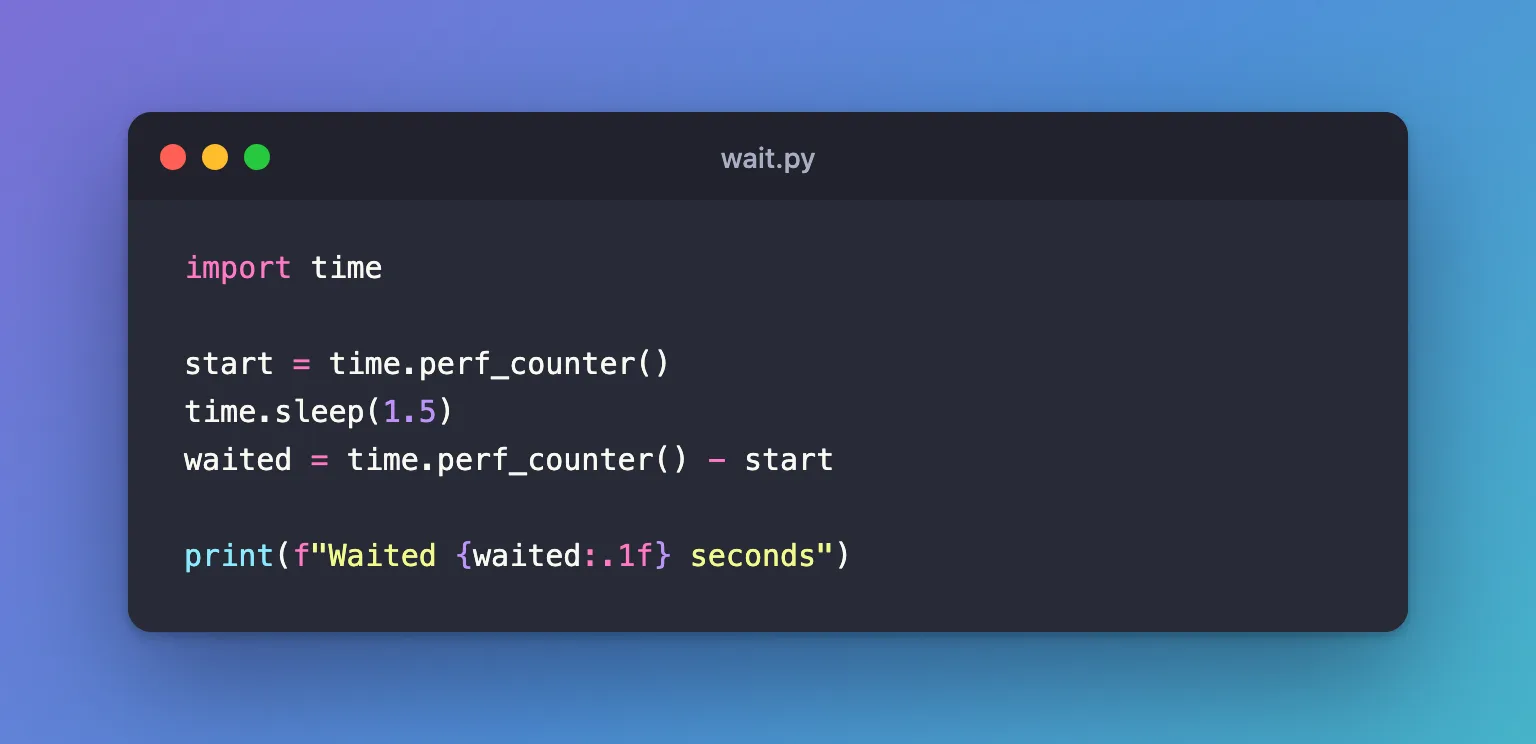
time.perf_counter() reads a clock made for measuring durations, before and after the pause.
import time

start = time.perf_counter()
time.sleep(1.5)
waited = time.perf_counter() - start

print(f"Waited {waited:.1f} seconds")
Step 2: Run It
uv run python wait.py
Waited 1.5 seconds
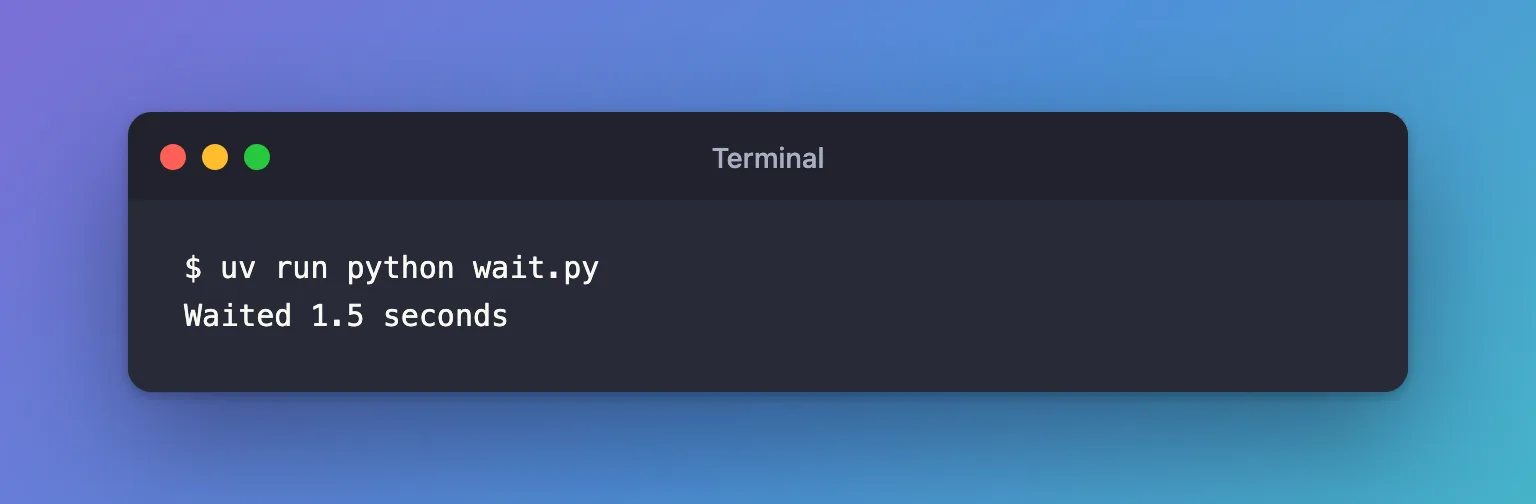
The program paused for one and a half seconds before it printed.
Common Mistakes
| Mistake | What happens | Do this instead |
|---|---|---|
| Passing milliseconds | time.sleep(1500) pauses for 1,500 seconds, 25 minutes | Divide by 1,000: time.sleep(1.5) |
| A negative time | ValueError: sleep length must be non-negative | Keep the time at 0 or more |
Troubleshooting
| Symptom | Likely cause | Fix |
|---|---|---|
| The program seems frozen | A long sleep, or one inside a loop | Print a message before each pause so you can see the program is waiting |
FAQ
Can I stop a long sleep?
Yes. Press Ctrl+C: in a 30-second sleep, Python stopped at once with a traceback ending in KeyboardInterrupt.
Why perf_counter and not time.time?
The reference describes perf_counter as "a clock with the highest available resolution to measure a short duration". time.time follows the system clock, which "can return a lower value than a previous call if the system clock has been set back between the two calls".
Conclusion
time.sleep(1.5) paused the program, and perf_counter measured Waited 1.5 seconds. Pass seconds, fractions included, and never a negative number.
Additional Resources
- time.sleep — the function and how precise it is.
- time.perf_counter — the clock for measuring durations.
