How to Pause a PowerShell Script with Start-Sleep

A script sometimes has to wait: before retrying a request, between checks of a service, or to give something time to start. Start-Sleep pauses PowerShell for as long as you say. This guide pauses for one and a half seconds and measures it, with real output from PowerShell 7.6.10.
Syntax
Start-Sleep -Seconds <number>
Start-Sleep -Milliseconds <number>
| Part | What it means |
|---|---|
-Seconds <number> | How long to pause, in seconds. Fractions such as 1.5 work |
-Milliseconds <number> | How long to pause, in thousandths of a second |
The reference: "The Start-Sleep cmdlet suspends the activity in a script or session for the specified period of time. You can use it for many tasks, such as waiting for an operation to complete or pausing before repeating an operation."
Prerequisites
- PowerShell 7. This guide uses PowerShell 7.6.10.
Step 1: Pause and Measure
A .NET Stopwatch measures the time between starting it and reading it:
$timer = [System.Diagnostics.Stopwatch]::StartNew()
Start-Sleep -Seconds 1.5
"Waited {0:N1} seconds" -f $timer.Elapsed.TotalSeconds
Waited 1.5 seconds
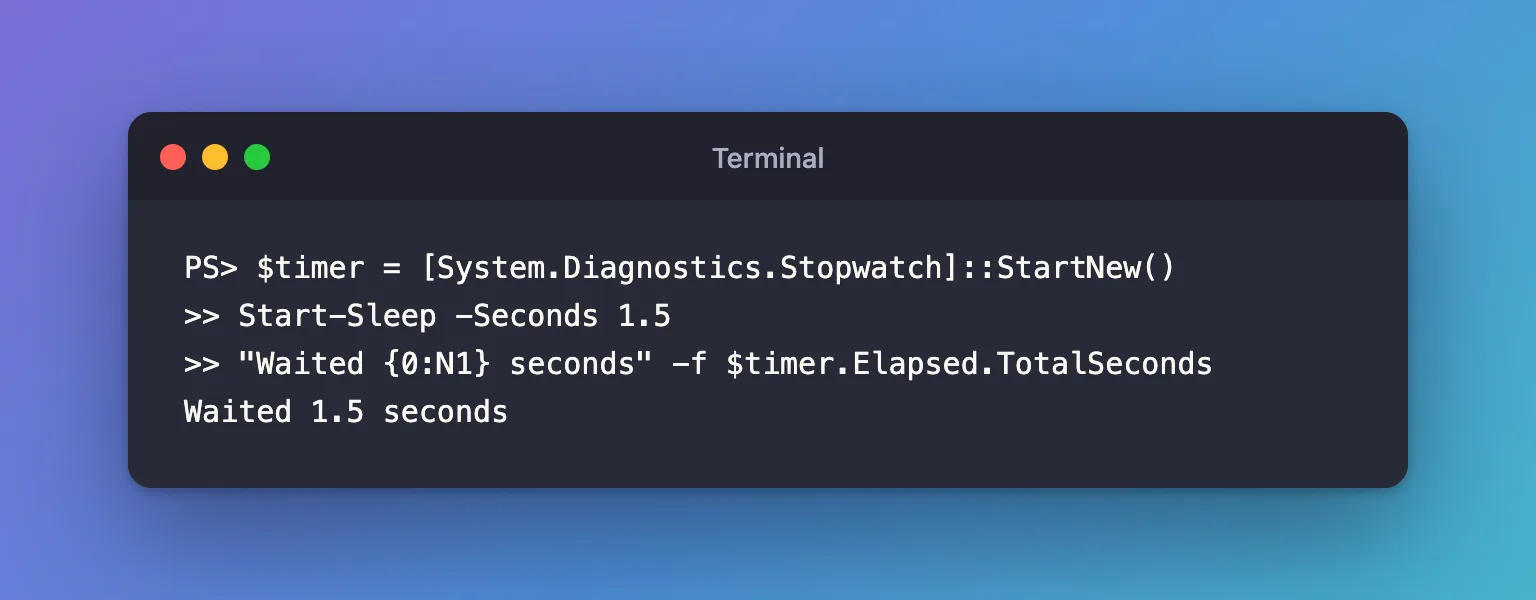
PowerShell paused for one and a half seconds before the last line ran. {0:N1} formats the number with one decimal.
Common Mistakes
| Mistake | What happens | Do this instead |
|---|---|---|
Passing milliseconds to -Seconds | Start-Sleep -Seconds 500 waits more than eight minutes | Use -Milliseconds 500 |
| Expecting an exact pause | The pause is at least as long as asked: -Milliseconds 300 measured 344 milliseconds | Don't use it for precise timing |
Troubleshooting
| Symptom | Likely cause | Fix |
|---|---|---|
| The script seems frozen | A long Start-Sleep, maybe inside a loop | Print a message before each pause; press Ctrl+C to stop |
FAQ
Can I shorten the parameter name?
Yes. The reference, for -Seconds: "You can omit the parameter name or you can abbreviate it as s." Start-Sleep 1 and Start-Sleep -s 1 both measured 1.0 seconds.
Can I wait less than a second?
Yes. -Seconds takes fractions below one too: Start-Sleep -Seconds 0.5 measured 0.6 seconds, a little more than asked, as every pause is. For thousandths of a second, use -Milliseconds.
Conclusion
Start-Sleep -Seconds 1.5 paused PowerShell, and the stopwatch measured Waited 1.5 seconds. Use -Milliseconds for short pauses.
Additional Resources
- Start-Sleep — the cmdlet and its parameters.
