How to Pass a Variable by Reference with ref in C#

Normally a method gets a copy of the value you pass, so changing it inside the method changes nothing outside. With ref, the method gets your variable itself, and its changes stay.
Microsoft's reference: To pass arguments by reference instead of by value, use one of the following modifiers in a parameter declaration, and for ref: Initialize the argument before calling the method. The method can assign a new value to the parameter, but it isn't required to.
Syntax
static void <Method>(ref <type> <parameter>)
{
    <statements that change parameter>
}

<Method>(ref <variable>);
| Part | What it is |
|---|---|
ref <type> <parameter> | In the method: the parameter is the caller's variable, not a copy |
ref <variable> | At the call: passes the variable itself. It must already have a value |
The reference: To use a ref parameter, both the method definition and the calling method must explicitly use the ref keyword.
The Example
A console app called RefParameters adds a 5-point bonus to a score twice: once through a normal parameter and once through a ref parameter.
Prerequisites
- The .NET 10 SDK.
dotnet --versionprints a version that starts with10.0.
Step 1: Create a Console App
dotnet new console -n RefParameters
cd RefParameters
The template "Console App" was created successfully.

Processing post-creation actions...
Restoring /Users/you/source/RefParameters/RefParameters.csproj:
  Determining projects to restore...
  Restored /Users/you/source/RefParameters/RefParameters.csproj (in 48 ms).
Restore succeeded.
dotnet new console -n RefParameters creates a folder named RefParameters with a project file and a Program.cs, and cd moves into it. Everything this example uses is part of .NET, so there's no package to add. Open the folder in VS Code, or RefParameters.csproj in Visual Studio.
Step 2: Write the Code
Replace everything in Program.cs. First the calls:
int score = 10;

AddBonus(score);
Console.WriteLine($"Without ref: {score}");

AddBonusByRef(ref score);
Console.WriteLine($"With ref:    {score}");
Then the two methods:
// Gets a copy of the value: the caller's variable doesn't change.
static void AddBonus(int points) => points += 5;

// Gets the caller's variable itself.
static void AddBonusByRef(ref int points) => points += 5;
Both methods add 5 to points. The only difference is ref.
Step 3: Run It
Run it in VS Code's terminal, or press Ctrl+F5 in Visual Studio:
dotnet run
Without ref: 10
With ref:    15

AddBonus added 5 to its own copy, so score stayed 10. AddBonusByRef added 5 to score itself, which became 15.
The Complete File
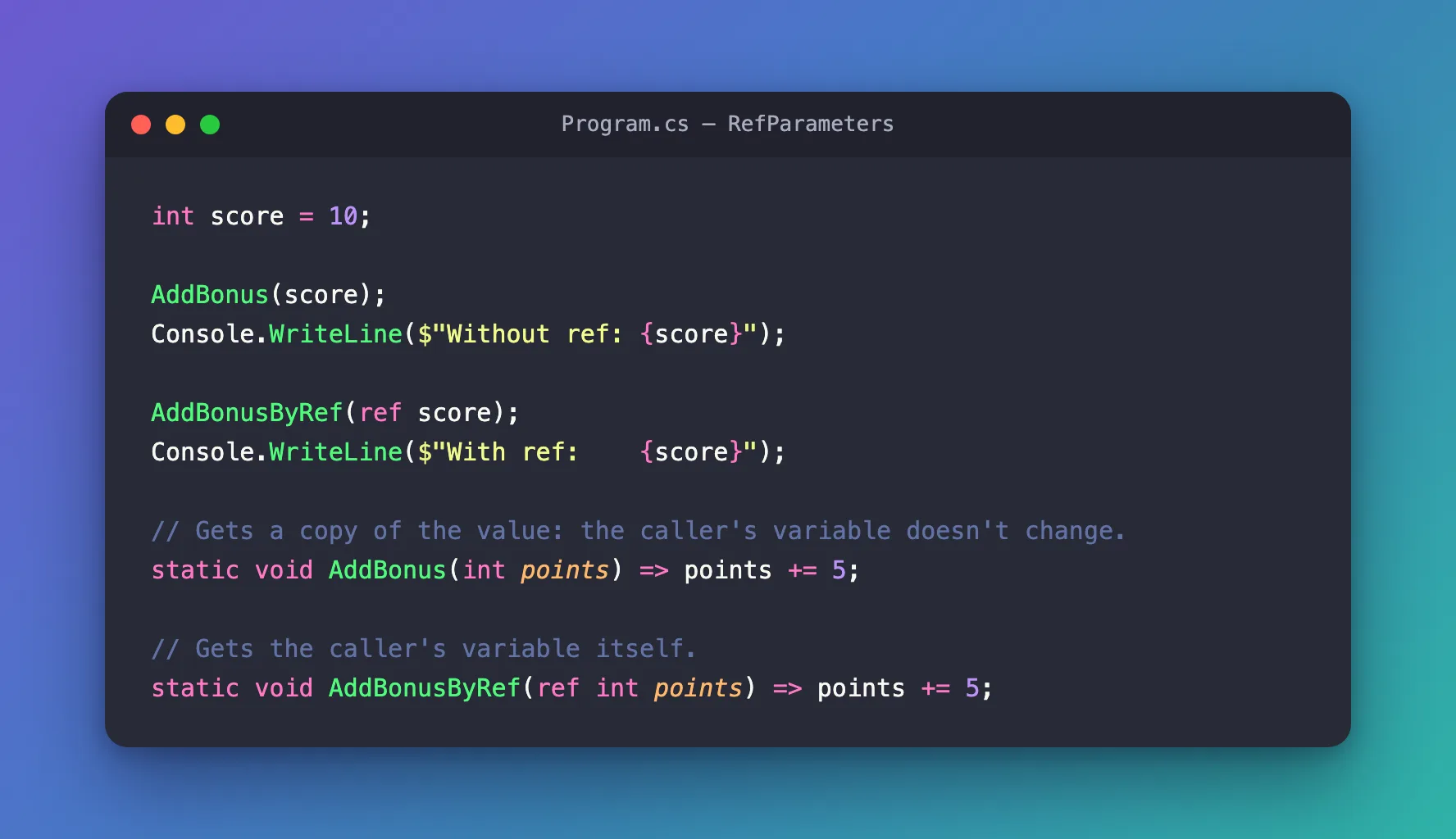
int score = 10;

AddBonus(score);
Console.WriteLine($"Without ref: {score}");

AddBonusByRef(ref score);
Console.WriteLine($"With ref:    {score}");

// Gets a copy of the value: the caller's variable doesn't change.
static void AddBonus(int points) => points += 5;

// Gets the caller's variable itself.
static void AddBonusByRef(ref int points) => points += 5;
Common Mistakes
| Mistake | What happens | Do this instead |
|---|---|---|
Leaving out ref at the call | error CS1620: Argument 1 must be passed with the 'ref' keyword | Write ref in the call too |
| Passing a variable that has no value yet | int total; and then AddBonusByRef(ref total); doesn't build: error CS0165: Use of unassigned local variable 'total' | Give the variable a value first. The reference: You must initialize an argument before you pass it to a ref parameter. |
FAQ
Can I pass a property with ref?
No: AddBonusByRef(ref player.Score) failed with error CS0206: A non ref-returning property or indexer may not be used as an out or ref value. Copy the property into a variable, pass the variable, and copy it back: that gave a score of 5.
Conclusion
Add ref to a parameter, and to the call, when a method has to change the caller's variable. The variable needs a value first, and a property has to go through a variable.
Additional Resources
- Method parameters — ref and the other parameter modifiers.
