How to Pass a Method as a Parameter with Func in C#

Transform(prices, Double) passes the Double method itself, not its result. The parameter that receives it is a Func<int, int>: any method that takes an int and returns an int.
Microsoft's reference for the one-parameter Func: Encapsulates a method that has one parameter and returns a value of the type specified by the TResult parameter. And: You can use this delegate to represent a method that can be passed as a parameter without explicitly declaring a custom delegate.
Syntax
Func<T, TResult> <name> = <MethodName>;
TResult <result> = <name>(<argument>);

static void <Method>(Func<T, TResult> <parameter>)
{
    <statements that call parameter>
}

<Method>(<MethodName>);
| Part | What it is |
|---|---|
T | The type of the parameter the method takes |
TResult | The type it returns, always the last type in the list |
<MethodName> | A method of that shape, written without parentheses, so that it's passed rather than called |
<name>(<argument>) | Calls whichever method the Func holds |
The Example
A console app called FuncDelegates has a Transform method that changes every price in an array with whatever method it's given, and calls it with two different methods.
Prerequisites
- The .NET 10 SDK.
dotnet --versionprints a version that starts with10.0.
Step 1: Create a Console App
dotnet new console -n FuncDelegates
cd FuncDelegates
The template "Console App" was created successfully.

Processing post-creation actions...
Restoring /Users/you/source/FuncDelegates/FuncDelegates.csproj:
  Determining projects to restore...
  Restored /Users/you/source/FuncDelegates/FuncDelegates.csproj (in 51 ms).
Restore succeeded.
dotnet new console -n FuncDelegates creates a folder named FuncDelegates with a project file and a Program.cs, and cd moves into it. Everything this example uses is part of .NET, so there's no package to add. Open the folder in VS Code, or FuncDelegates.csproj in Visual Studio.
Step 2: Write the Code
Replace everything in Program.cs. First the two calls:
int[] prices = [12, 40, 7, 25];

Console.WriteLine(string.Join(", ", Transform(prices, Double)));
Console.WriteLine(string.Join(", ", Transform(prices, AddTax)));
Double and AddTax have no parentheses here: they're passed as methods, not called.
Then the method that takes a method:
static int[] Transform(int[] values, Func<int, int> change)
{
    int[] result = new int[values.Length];
    for (int i = 0; i < values.Length; i++)
    {
        result[i] = change(values[i]);
    }
    return result;
}
change(values[i]) calls whichever method was passed in.
And the two methods it can be given:
static int Double(int value) => value * 2;

static int AddTax(int value) => value + value / 10;
value / 10 divides whole numbers, which drops the remainder: 10 percent of 7 comes out as 0.
Step 3: Run It
Run it in VS Code's terminal, or press Ctrl+F5 in Visual Studio:
dotnet run
24, 80, 14, 50
13, 44, 7, 27
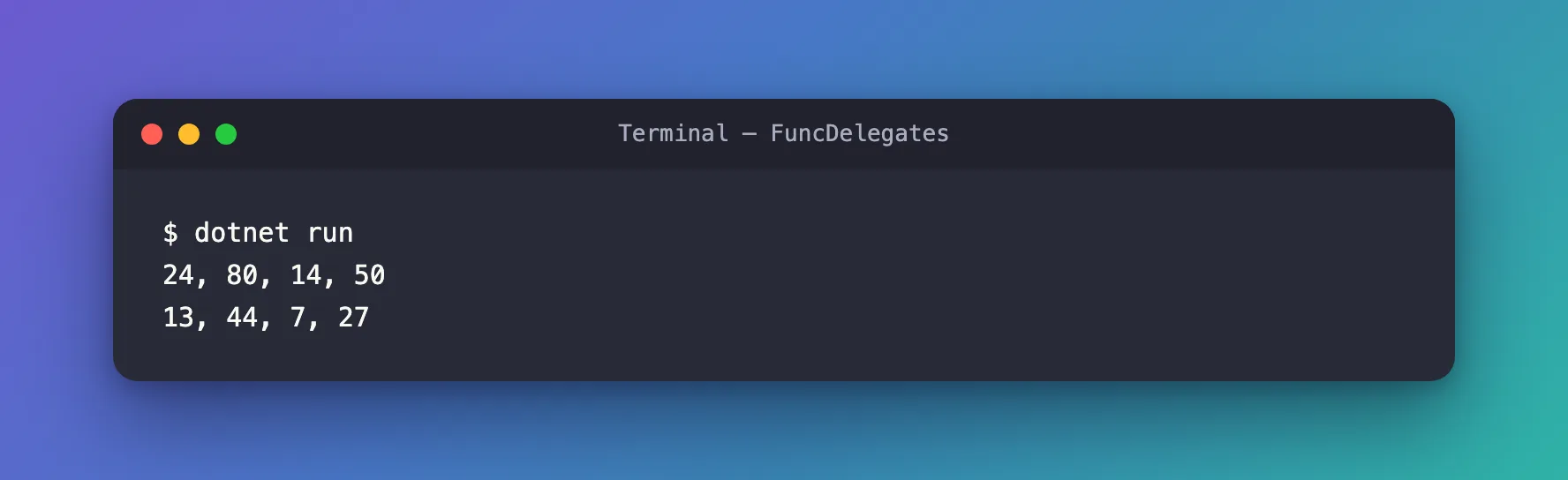
The same Transform method gave two different results, because it ran the method it was given on each price.
The Complete File
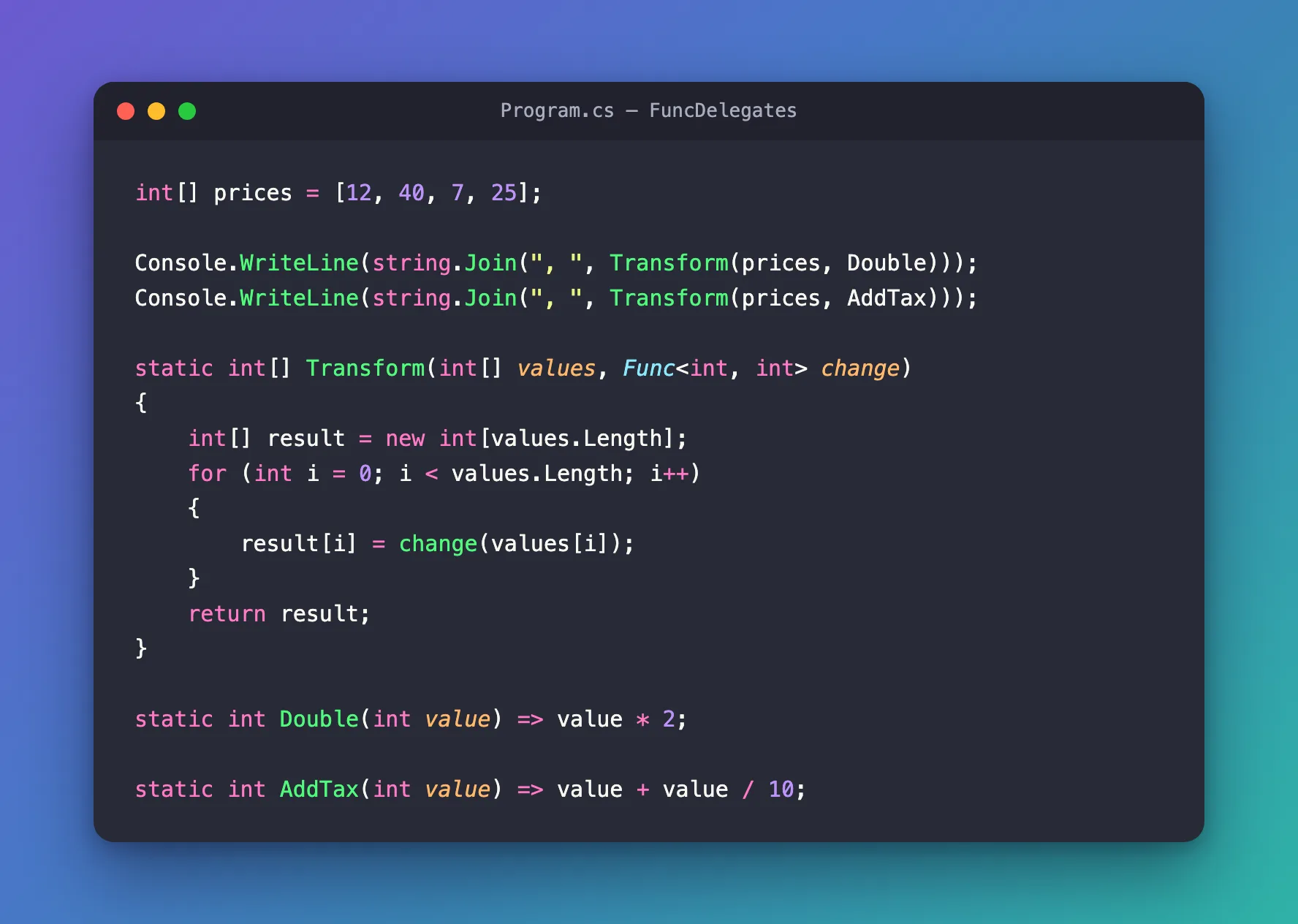
int[] prices = [12, 40, 7, 25];

Console.WriteLine(string.Join(", ", Transform(prices, Double)));
Console.WriteLine(string.Join(", ", Transform(prices, AddTax)));

static int[] Transform(int[] values, Func<int, int> change)
{
    int[] result = new int[values.Length];
    for (int i = 0; i < values.Length; i++)
    {
        result[i] = change(values[i]);
    }
    return result;
}

static int Double(int value) => value * 2;

static int AddTax(int value) => value + value / 10;
Common Mistakes
| Mistake | What happens | Do this instead |
|---|---|---|
| Calling the method instead of passing it | Transform(prices, Double(5)) passes the number 10 and doesn't build: error CS1503: Argument 2: cannot convert from 'int' to 'System.Func<int, int>' | Pass the name without parentheses |
| A method with a different return type | A Label method that returns a string doesn't fit: error CS0407: 'string Label(int)' has the wrong return type | Return the type that the Func expects, the last one in its list |
FAQ
What if the method returns nothing?
Use Action instead of Func. Microsoft's reference for the one-parameter Action: Encapsulates a method that has a single parameter and does not return a value. Action<string> print = Console.WriteLine; and then print("...") printed the text.
Can a Func take two parameters?
Yes: in Func<int, int, int>, the first two types are the parameters and the last is the result. Func<int, int, int> add = Add; gave 5 for add(2, 3). The reference: Encapsulates a method that has two parameters and returns a value of the type specified by the TResult parameter.
Conclusion
Give a method a Func parameter when the caller should decide part of what it does, and pass a method's name without parentheses. The last type of a Func is what the method returns; for methods that return nothing, use Action.
Additional Resources
- The Func delegate with one parameter — its shape and use.
- The Action delegate with one parameter — for methods that return nothing.
- Delegates — delegates in general.
