How to Parse a JSON String into a JsonNode in C#

When JSON arrives as text, from a file, a request or a string in your code, JsonNode.Parse turns it into nodes you can read and change, without writing a class first. In C#, you then reach into it by property name and array position.
Syntax
using System.Text.Json.Nodes;

JsonNode? <node> = JsonNode.Parse(<json>);

<node>["<property>"]
<node>["<array>"]![<index>]
| Part | What it does |
|---|---|
JsonNode.Parse(<json>) | Reads the JSON text and returns its top node: a JsonObject for {...}, a JsonArray for [...], a value otherwise |
JsonNode? | The result can be null: the JSON text null parses to it |
<node>["<property>"] | Reads a property of an object, by name |
<node>["<array>"]![<index>] | Reads an array item by position, from 0. ! tells C# the property isn't null |
Microsoft's JsonNode.Parse reference: "Parses text representing a single JSON value." It returns "A JsonNode representation of the JSON value, or null if the input represents the null JSON value."
The Example
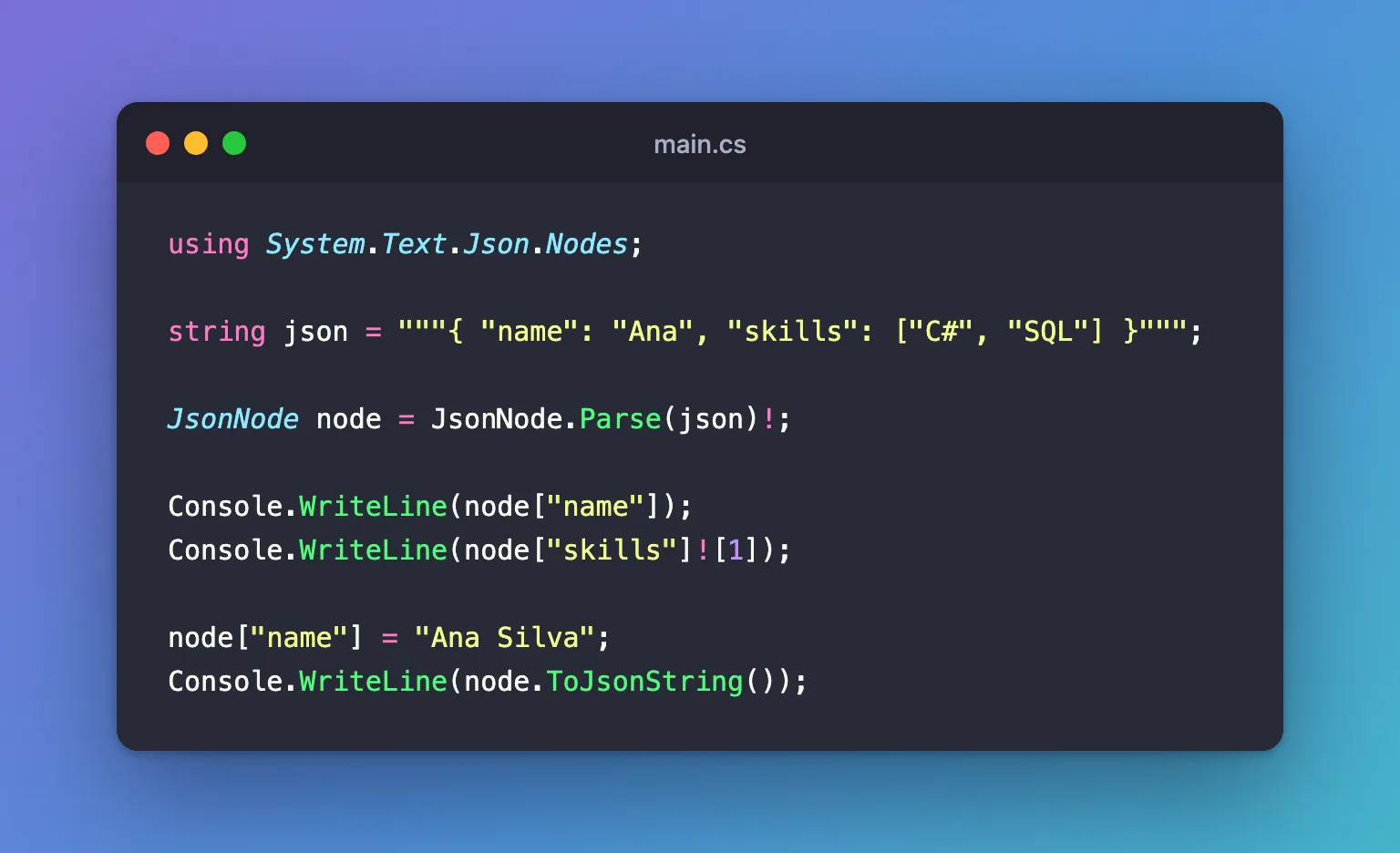
A person's profile arrives as JSON text: a name and a list of skills. The program parses it, reads the name and the second skill, changes the name, and prints the JSON again.
Prerequisites
- The .NET 10 SDK or newer, which runs a single
.csfile withdotnet run. This guide uses .NET SDK 10.0.404.
Step 1: Write the Code
Create a file named main.cs in an empty folder:
using System.Text.Json.Nodes;

string json = """{ "name": "Ana", "skills": ["C#", "SQL"] }""";

JsonNode node = JsonNode.Parse(json)!;

Console.WriteLine(node["name"]);
Console.WriteLine(node["skills"]![1]);

node["name"] = "Ana Silva";
Console.WriteLine(node.ToJsonString());
"""..."""is a raw string literal, so the quotes inside the JSON need no backslashes.!afterParse(json)tells C# that this result isn'tnull. This JSON is an object, so it can't be.
Step 2: Run It
dotnet run main.cs
Ana
SQL
{"name":"Ana Silva","skills":["C#","SQL"]}
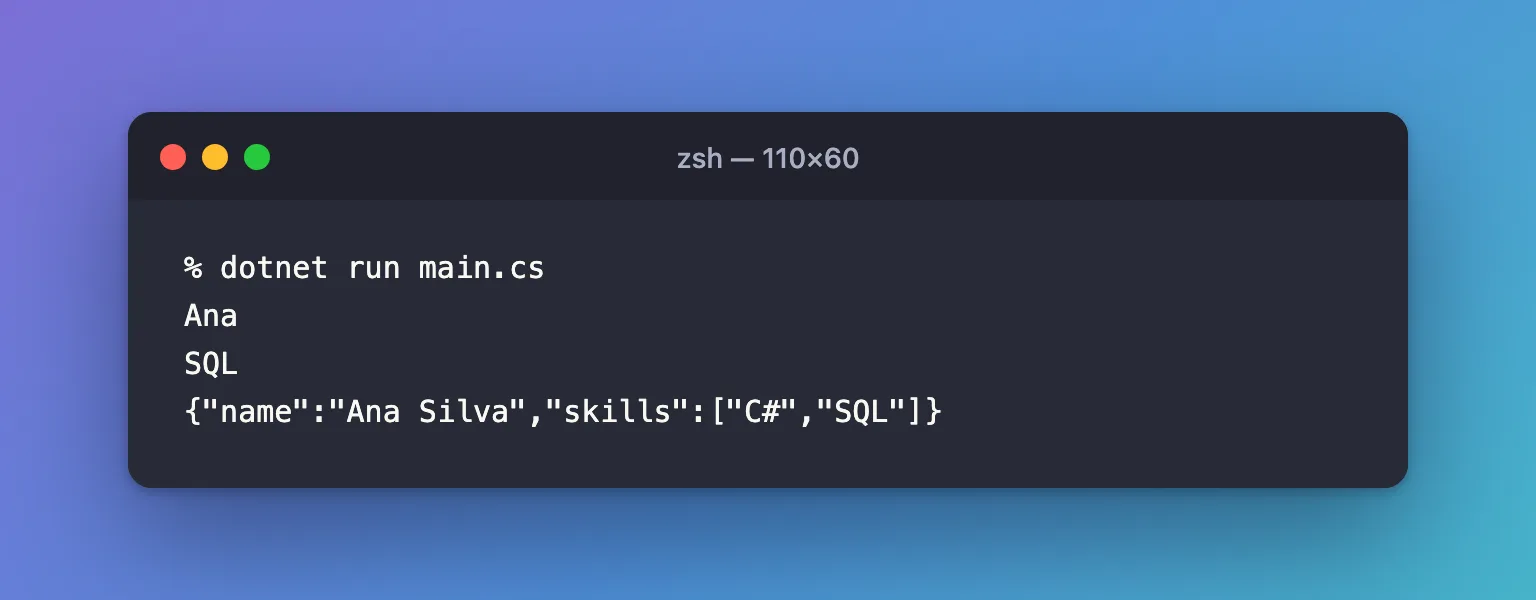
node["name"]read the name,Ana.node["skills"]![1]read the second skill,SQL: positions start at 0.- Setting
node["name"]changed the parsed JSON itself, andToJsonString()printed the result.
The command is the same in zsh, bash and PowerShell.
Invalid JSON Throws
JSON needs double quotes around every property name and string. Text that only looks like JSON stops the program:
using System.Text.Json.Nodes;

JsonNode? node = JsonNode.Parse("{ name: 'Ana' }");
Unhandled exception. System.Text.Json.JsonReaderException: 'n' is an invalid start of a property name. Expected a '"'. LineNumber: 0 | BytePositionInLine: 2.
   at System.Text.Json.ThrowHelper.ThrowJsonReaderException(Utf8JsonReader& json, ExceptionResource resource, Byte nextByte, ReadOnlySpan`1 bytes)
   at System.Text.Json.Utf8JsonReader.ReadSingleSegment()
   at System.Text.Json.Utf8JsonReader.Read()
   at System.Text.Json.JsonDocument.Parse(ReadOnlySpan`1 utf8JsonSpan, JsonReaderOptions readerOptions, MetadataDb& database, StackRowStack& stack)
   at System.Text.Json.JsonDocument.ParseUnrented(ReadOnlyMemory`1 utf8Json, JsonReaderOptions readerOptions, JsonTokenType tokenType, Boolean allowDuplicateProperties)
   at System.Text.Json.JsonDocument.ParseValue(ReadOnlySpan`1 json, JsonDocumentOptions options)
   at System.Text.Json.Nodes.JsonNode.Parse(String json, Nullable`1 nodeOptions, JsonDocumentOptions documentOptions)
   at Program.<Main>$(String[] args) in /Users/you/demo/main.cs:line 3
The message says where it stopped: BytePositionInLine: 2 is the n of name, which has no quotes. For text from outside your program, catch JsonException, which JsonReaderException comes from, and report the problem: a catch (JsonException ex) around the same call caught it, and ex.Message held the same text as above.
When Parse Returns null
The JSON text null is valid JSON, and it parses to null rather than to a node:
using System.Text.Json.Nodes;

JsonNode? node = JsonNode.Parse("null");
Console.WriteLine(node is null);
True
That's why Parse returns JsonNode?. Check for null before you read from a node whose JSON you don't control.
Common Mistakes
| Mistake | What happens | Do this instead |
|---|---|---|
Single quotes or names without quotes, as in { name: 'Ana' } | JsonReaderException: 'n' is an invalid start of a property name. Expected a '"'. | Use double quotes everywhere |
Assuming the result is never null | The JSON null gives null | Check for null when the text comes from outside |
| Counting array positions from 1 | ["skills"]![1] is the second item | Start from 0 |
Troubleshooting
| Symptom | Likely cause | Fix |
|---|---|---|
JsonReaderException ... LineNumber: 0 | BytePositionInLine: 2 | The JSON is invalid at that position | Look at that character in the text |
A property reads as null | The name or its case doesn't match | Check the exact name in the JSON |
FAQ
What type is the node Parse returns?
It depends on the JSON. { "name": "Ana" } gave a JsonObject, ["C#", "SQL"] a JsonArray, and 42 a value whose kind is Number.
Should I parse into a JsonNode or a class?
JsonNode when you only need a few properties, or the shape changes. A class with JsonSerializer.Deserialize when the JSON always has the same shape and you use most of it.
Conclusion
JsonNode.Parse(json) turns JSON text into nodes you read with node["name"] and node["list"]![0], and change in place. Invalid JSON throws a JsonReaderException that says where, and the text null gives null.
Additional Resources
- JsonNode.Parse method, on Microsoft Learn.
- How to use a JSON document object model in System.Text.Json, on Microsoft Learn.
